Produkt overview
The MEILAN M4 is an advanced wireless bicycle computer designed to enhance your cycling experience. It utilizes dual Bluetooth 4.0 and ANT+ wireless transmission technology to connect seamlessly with included speed and cadence sensors. This device provides comprehensive data tracking, including riding speed, cadence, distance, time, calories burned, and temperature, enabling cyclists to effectively manage their training and performance.

Image: The MEILAN M4 bicycle computer displayed with its accompanying accessories, including the main unit, speed sensor, cadence sensor, and various mounting brackets.
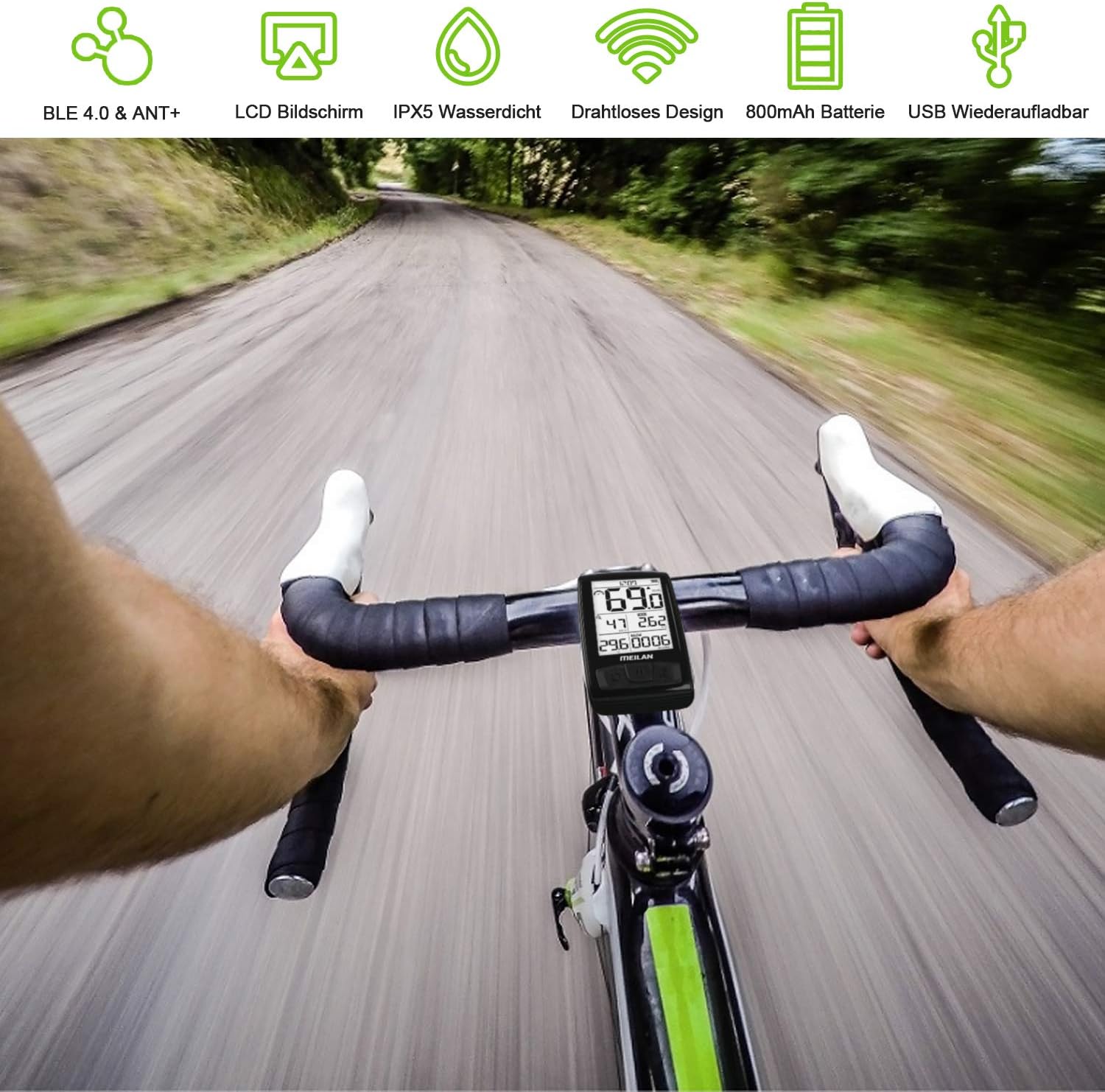
Image: A cyclist's perspective showing the MEILAN M4 bicycle computer mounted on the handlebars during a ride, demonstrating its real-world use.
Opsætning og installation
The MEILAN M4 bicycle computer is designed for straightforward installation on most bicycle types, including common bikes, mountain bikes, and road bikes (not suitable for full-wheel bikes). It comes with two types of mounts for flexible placement on your handlebars or stem.
Montering af computeren:
- Styrmontering: Secure the handlebar mount to your bicycle's handlebar using the provided straps or screws. Ensure it is firmly attached and positioned for optimal viewing.
- Spindelmontering: Alternatively, attach the stem mount to your bicycle's stem. This option provides a more centralized viewing stilling.
- Once the mount is secure, slide the MEILAN M4 computer onto the mount until it clicks into place.
Sensor installation:
The package includes both a speed sensor and a cadence sensor. These sensors connect wirelessly to the M4 computer using Bluetooth 4.0 or ANT+ technology.
- Hastighedssensor: Attach the speed sensor to the wheel hub or fork of your bicycle, ensuring it aligns with the spoke magnet (if applicable) or is positioned to detect wheel rotation.
- Cadence Sensor: Attach the cadence sensor to the crank arm of your bicycle. Ensure it is securely fastened and positioned to detect pedal rotations.
- Refer to the sensor-specific instructions for detailed placement and calibration.
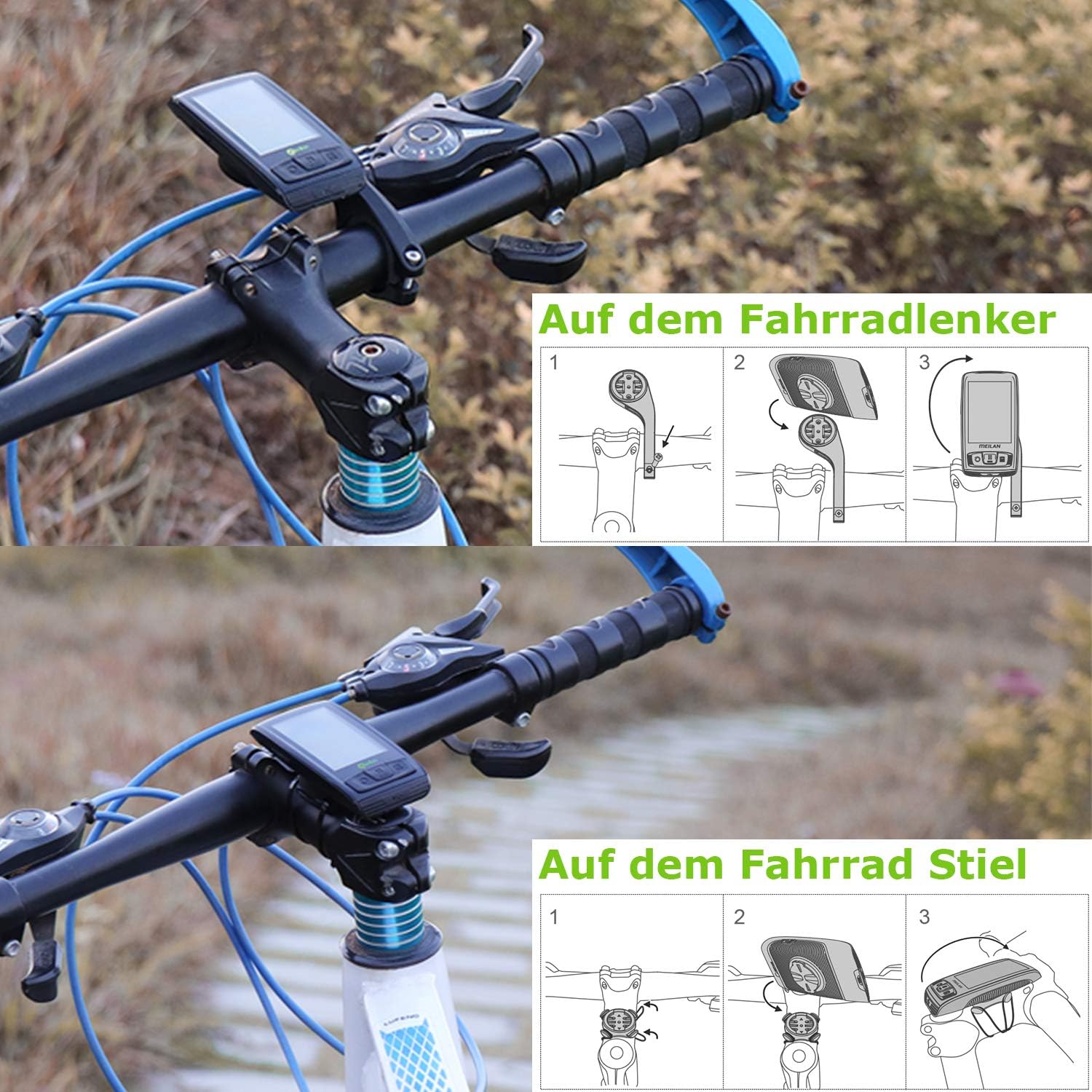
Image: Visual guide demonstrating the installation process for both handlebar and stem mounts for the MEILAN M4 bicycle computer.
Betjeningsvejledning
The MEILAN M4 features a clear 2.5-inch HD LCD screen designed for easy readability, even in bright sunlight. The display brightness can be adjusted to three levels to suit various lighting conditions.
Vis oplysninger:
The screen provides real-time data essential for your ride:
- Aktuel hastighed: Displays your instantaneous riding speed.
- Kadence (omdr./min.): Shows your pedaling revolutions per minute.
- Distance (ODO/TRIP): Tracks total odometer distance and current trip distance.
- Køretid: Records the duration of your ride.
- Kalorier: Estimates calories burned during your activity.
- Temperatur: Viser den omgivende temperatur.
- Batteriindikator: Displays the current battery level of the computer.
- Tid: Nuværende tidsvisning.

Billede: En detaljeret view of the MEILAN M4 screen, illustrating the various data points such as speed, cadence, distance, and time, along with a cyclist in the background.

Image: An illustration highlighting key screen features of the MEILAN M4, including its 3-level adjustable backlight, 2.5-inch glare-free display, and high-quality anti-scratch mirror, ensuring clear visibility in all conditions.
Knap funktioner:
The MEILAN M4 typically features three buttons for navigation and control:
- Venstre knap: Often used for navigating menus or confirming selections.
- Midterste knap: Typically used to start/stop recording, or to switch between display modes.
- Højre knap: Used for adjusting settings, changing display pages, or accessing specific functions.
For detailed button operations and specific mode changes, please refer to the on-screen prompts or the MEILAN application.
Connecting to the MEILAN App:
The MEILAN M4 can be connected to the official MEILAN application on your smartphone for enhanced data management and analysis. Download the MEILAN app from your device's app store and follow the in-app instructions to pair your M4 computer.
Opretholdelse
Proper maintenance ensures the longevity and optimal performance of your MEILAN M4 bicycle computer.
Batteriopladning:
The MEILAN M4 is equipped with an 800mAh rechargeable battery, providing over 80 hours of continuous use on a full charge. To charge the device:
- Connect the provided USB charging cable to the charging port on the M4 computer.
- Plug the other end of the USB cable into a standard USB power adapter (e.g., computer USB port, wall charger).
- The charging indicator on the device will show its status. Disconnect once fully charged.
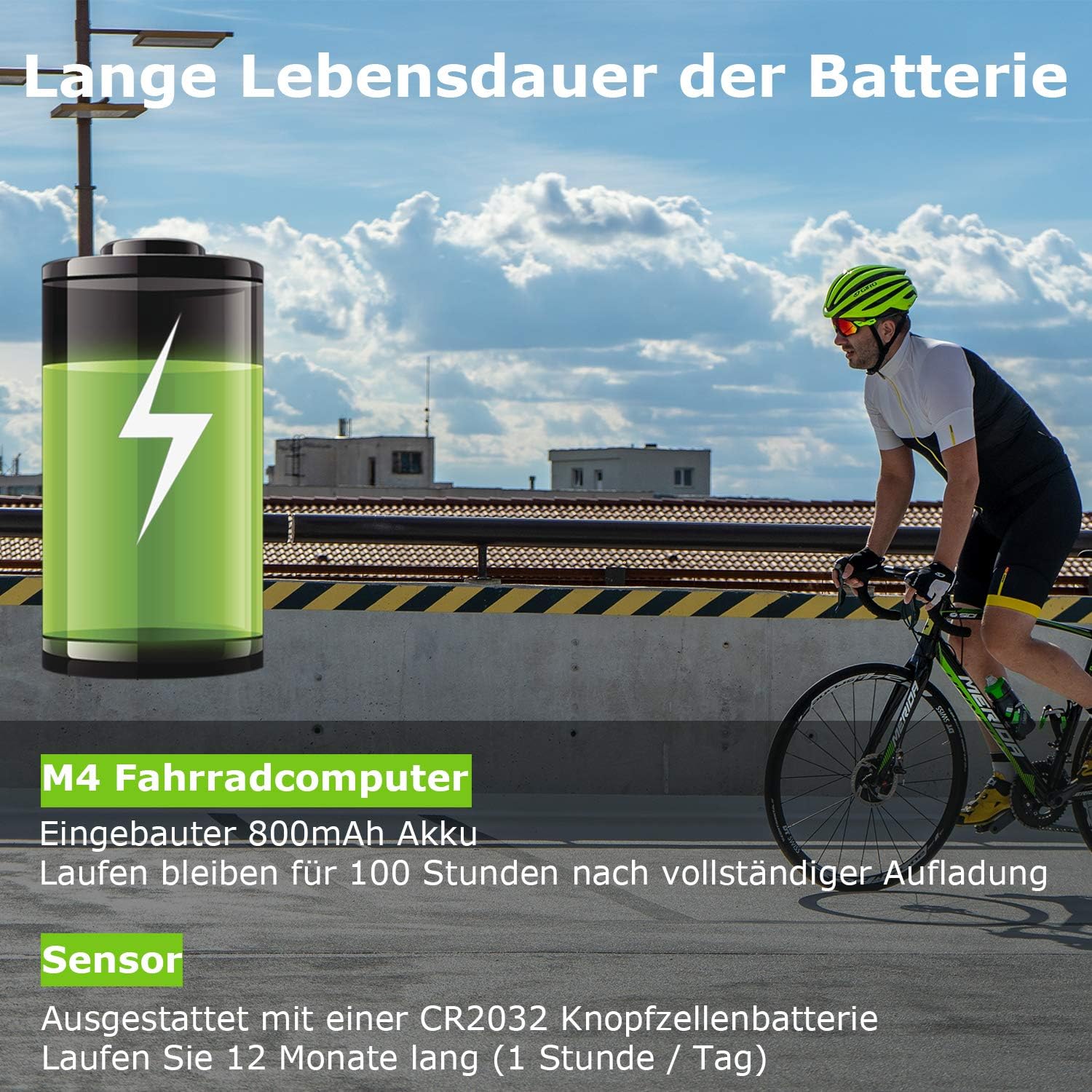
Image: An illustration highlighting the long battery life of the MEILAN M4 bicycle computer, indicating over 80 hours of continuous operation on a single charge, and the CR2032 battery for sensors.
Vandtæthed:
The M4 features an IPX5 waterproof design, effectively protecting it from rain and snow during cycling. While it is resistant to splashes and light rain, it is not designed for submersion. Avoid prolonged exposure to heavy rain or direct water jets.
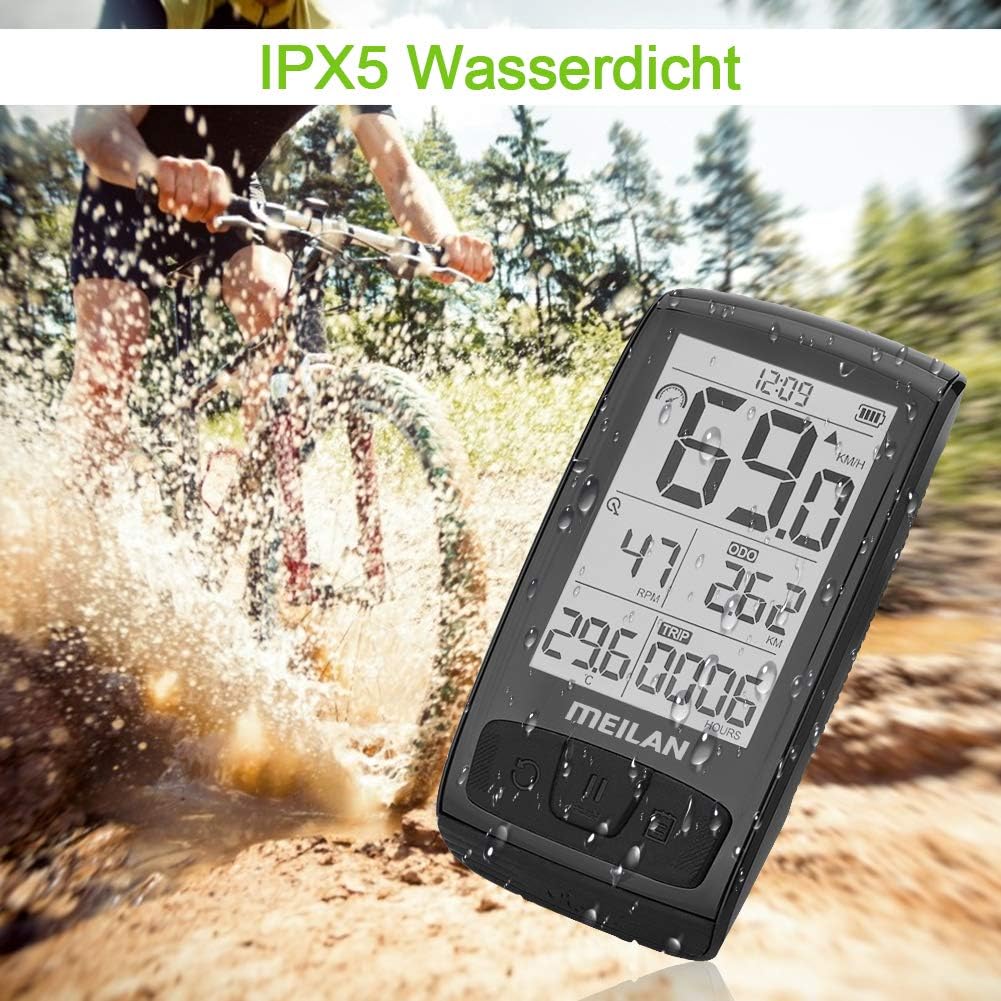
Image: The MEILAN M4 bicycle computer shown in a wet, muddy environment, illustrating its IPX5 waterproof capability, suitable for riding in rain or splashes.
Rensning:
Tør enheden af med en blød, damp cloth. Do not use abrasive cleaners or solvents that could damage the screen or casing.
Fejlfinding
If you encounter issues with your MEILAN M4 bicycle computer, consider the following common solutions:
- Ingen skærm/strøm: Ensure the device is fully charged. Press and hold the power button to turn it on.
- Sensoren forbinder ikke:
- Check if the sensors' batteries (CR2032) are installed correctly and have sufficient charge.
- Ensure the sensors are properly mounted and within range of the M4 computer.
- Try re-pairing the sensors with the M4 computer through its settings menu.
- Upræcise læsninger:
- Verify that the sensors are securely mounted and not obstructed.
- Tjek for interferens fra andre elektroniske enheder.
- Ensure tire circumference settings (if applicable) are correctly entered in the device.
- Screen Glare/Readability: Adjust the screen brightness settings to one of the three available levels.
If the problem persists, please contact MEILAN customer support for further assistance.
Specifikationer
| Feature | Detalje |
|---|---|
| Model | M4 |
| Mærke | MEILAN |
| Forbindelse | Bluetooth 4.0, ANT+ |
| Skærmstørrelse | 2.5 tommer |
| Display Type | LCD |
| Vandtæt vurdering | IPX5 |
| Batteritype | Rechargeable Lithium-polymer (800mAh) |
| Battery Life (Computer) | >80 hours (continuous use) |
| Sensor batteri | CR2032 (inkluderet) |
| Inkluderede komponenter | M4 Bicycle Computer, Speed Sensor, Cadence Sensor, Mounts |
| Monteringstype | Handlebar/Stem mount |
| Farve | Sort |
Garanti og support
MEILAN products are manufactured with high standards of quality. We offer the following support for your M4 bicycle computer:
- Three-Month Replacement: In case of manufacturing defects within three months of purchase.
- Et års garanti: A one-year warranty covers defects in materials and workmanship from the date of purchase.
- Livsvarig kundeservice: Our dedicated customer service team is available to provide assistance for any issues encountered during the product's lifespan.
For any inquiries, technical support, or warranty claims, please do not hesitate to contact us via email. Our team is committed to providing the best possible solution.

Image: An infographic detailing MEILAN's customer support commitments, including quick response times, exchange/return policy, warranty period, and lifetime customer service.


