1. Introduktion
This manual provides detailed instructions for the installation, operation, and maintenance of your Imou IPC-G22P 2MP WiFi IP Bullet Camera. This device is designed for reliable surveillance, offering 2-megapixel live monitoring, efficient H.265 video compression, and robust IP67 weather resistance for various environmental conditions.

Image 1.1: The Imou IPC-G22P Bullet Camera, showcasing its weather-resistant design suitable for outdoor use.

Image 1.2: The Imou IPC-G22P camera is suitable for diverse installation environments, including residential and commercial outdoor settings.
2. Sikkerhedsoplysninger
Læs og følg alle sikkerhedsinstruktioner omhyggeligt for at forhindre skader på enheden eller personskade. Gem denne manual til senere brug.
- Strømforsyning: Use only the power adapter provided with the camera. Ensure the power source meets the camera's voltage krav.
- Installation: Install the camera securely on a stable surface. Avoid placing it in areas with extreme temperatures, high humidity, or direct exposure to corrosive substances.
- Vandeksponering: While the camera is IP67 rated for weather resistance, avoid submerging it in water or exposing it to high-pressure water jets.
- Rensning: Afbryd strømmen før rengøring. Brug en blød, tør klud. Brug ikke flydende rengøringsmidler eller aerosolrengøringsmidler.
- Service: Forsøg ikke selv at skille kameraet ad eller reparere det. Overlad al service til kvalificeret personale.
3. Opsætning
3.1 Fysisk installation
Mount the camera in your desired location using the provided mounting hardware. Ensure the camera has a clear field of view and is within range of your Wi-Fi network or close to an Ethernet port for wired connection.
3.2 Strømtilslutning
Connect the power adapter to the camera's power input and then plug it into a standard electrical outlet. The camera will power on automatically.
3.3 Netværksforbindelse
The Imou IPC-G22P supports both Wi-Fi and wired LAN connectivity, offering flexibility for installation.

Image 3.1: The camera supports both wireless (2.4GHz Wi-Fi) and wired (LAN) network connections for flexible installation and stable data transmission.
- Wi-Fi-forbindelse: For wireless setup, ensure your Wi-Fi network is 2.4GHz. The camera features an upgraded 4.5dBi antenna for stronger and more stable signal reception.
- LAN-forbindelse: For a more stable and reliable connection, connect an Ethernet cable from your router to the camera's LAN port.
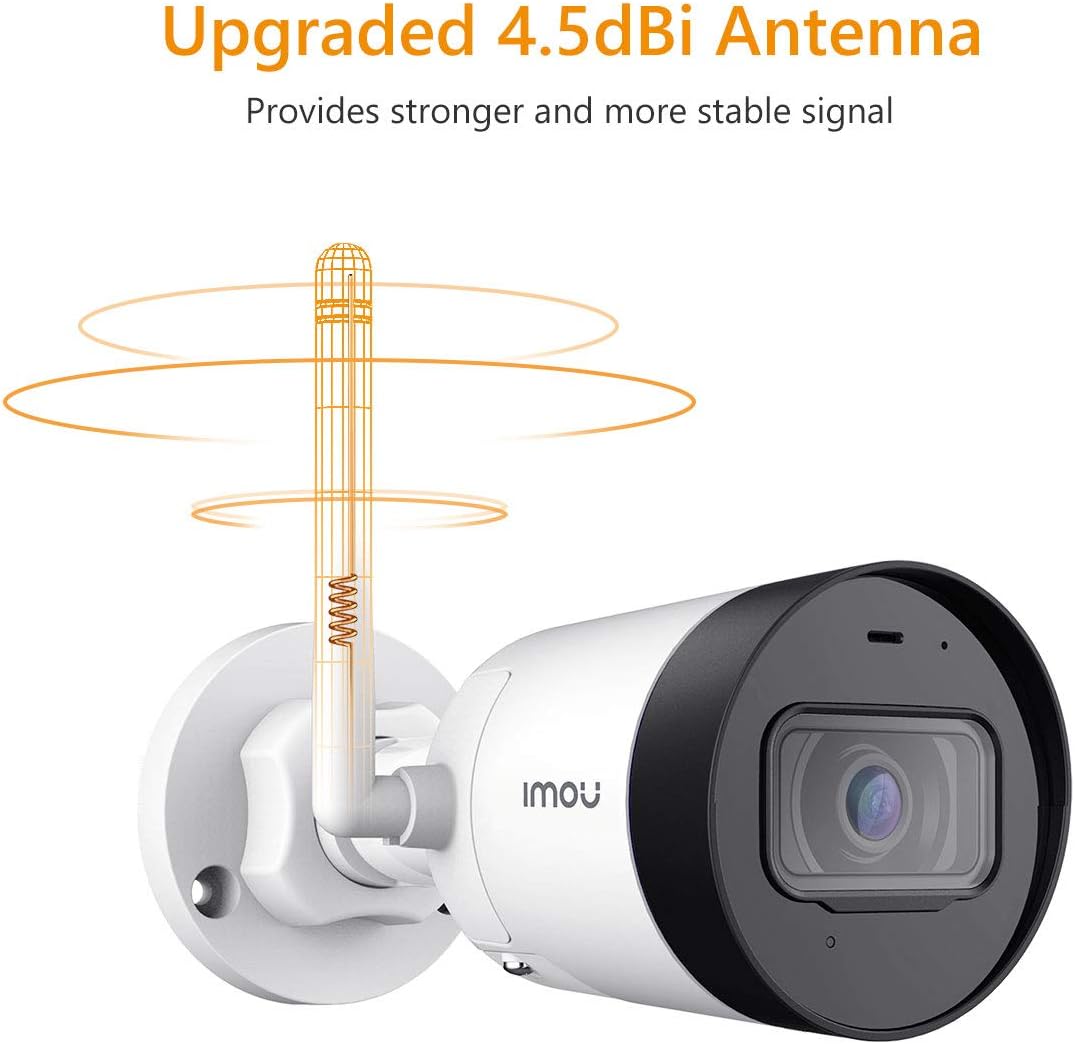
Image 3.2: The camera's 4.5dBi antenna enhances Wi-Fi signal strength and stability.
3.4 Appinstallation og enhedsparring
- Download Imou liv app fra din smartphones appbutik (tilgængelig til Android og iOS).
- Opret en konto eller log ind, hvis du allerede har en.
- Følg instruktionerne i appen for at tilføje dit nye kamera. Dette involverer typisk at scanne en QR-kode på kameraet eller manuelt indtaste dets serienummer.
- Complete the network configuration within the app.
4. Betjeningsvejledning
4.1 Live View og optagelse
Once connected, you can access the live video feed from your camera via the Imou Life app. The camera provides 2-megapixel resolution and utilizes H.265 compression to optimize bandwidth and storage usage while maintaining video quality.
4.2 Bevægelsesdetektion og advarsler
The camera is equipped with motion detection capabilities. When movement is detected, the camera can send instant alerts to your smartphone, allowing you to monitor activity in real-time.

Image 4.1: The Imou camera provides instant alerts to your smartphone upon detecting movement, enhancing security monitoring.
4.3 Lydovervågning
The built-in microphone allows you to listen to audio from the camera's vicinity through the Imou Life app.

Image 4.2: The camera includes a built-in microphone for audio monitoring of the surveillance area.
4.4 Nattesyn
The camera features integrated night vision functionality, providing clear video monitoring even in low-light or complete darkness conditions.
4.5 Lagerstyring
The Imou IPC-G22P offers multiple options for video storage:
- Micro SD-kort: Supports local storage on a Micro SD card, up to 128GB.
- Imou Cloud: Cloud storage service for secure, remote access to your recordings.
- NVR (Network Video Recorder): Kompatibel med NVR-systemer til kontinuerlig optagelse og centraliseret styring.

Image 4.3: The camera provides flexible storage solutions including Micro SD card, Imou Cloud, and NVR compatibility.
5. Vedligeholdelse
5.1 Rengøring
To maintain optimal performance, periodically clean the camera lens and housing. Use a soft, lint-free cloth. For stubborn dirt, slightly dampRengør kluden med vand. Undgå slibende rengøringsmidler eller opløsningsmidler.
5.2 firmwareopdateringer
Regularly check for and install firmware updates via the Imou Life app. Firmware updates often include performance improvements, new features, and security enhancements.
5.3 Vejrbestandighed
The Imou IPC-G22P is IP67 certified, meaning it is protected against dust ingress and can withstand immersion in water up to 1 meter for 30 minutes. This rating ensures reliable operation in various outdoor weather conditions, including rain and snow.
6. Fejlfinding
- Ingen strøm:
Ensure the power adapter is securely connected to both the camera and a working electrical outlet. Verify the outlet is supplying power. - No Network Connection / Frequent Disconnections:
Check your Wi-Fi signal strength at the camera's location. If using Wi-Fi, ensure the camera is within range of your 2.4GHz router. If using LAN, verify the Ethernet cable is properly connected and functional. Restart your router and the camera. - Imou Life App Issues (Slow Loading, Playback Delays):
Ensure your smartphone has a stable internet connection. Close and reopen the app. Clear the app's cache or reinstall it if issues persist. Network congestion can also affect app performance. - Problemer med billedkvalitet:
Rengør kameralinsen. Sørg for, at der ikke er nogen forhindringer i kameraets synsfelt. view. Check network bandwidth, as low bandwidth can affect streaming quality. - Camera Heats Up During Use:
It is normal for electronic devices to generate some heat during operation. If the camera becomes excessively hot to the touch or exhibits abnormal behavior, disconnect power and contact support. - Fast linse Viewvinkel:
The Imou IPC-G22P features a fixed lens. The viewing angle cannot be adjusted remotely. Ensure the camera is physically mounted at the desired angle during installation.
7. Specifikationer
| Feature | Specifikation |
|---|---|
| Modelnavn | Imou IPC G22PIMOU (Bullet Lite) |
| Producentnummer | IPC-G22P |
| Opløsning | 2 megapixel |
| Forbindelsesteknologi | Wireless (Wi-Fi), Wired (LAN) |
| Wi-Fi-frekvens | 2.4 GHz |
| Indendørs/Udendørs brug | Outdoor (IP67 certified) |
| Særlige funktioner | Night Vision, Motion Detection, Built-in Microphone |
| Kompatible enheder | Smartphone, tablet |
| Strømkilde | Elektrisk med ledning |
| Produktdimensioner | 8.5 x 7 x 16.5 cm |
| Varens vægt | 260 g |
| Batterier påkrævet | 1 AA batteries (for remote, not camera operation) |
| Fabrikant | Imou |
8. Garanti og support
For garantioplysninger og teknisk support henvises til den officielle Imou-side. webwebstedet eller kontakt din lokale forhandler. Gem din købskvittering som købsbevis.
For further assistance, you may visit the Imou support page or contact their customer service directly.


