Indledning
The Timex TW500 is a versatile alarm clock radio designed for modern living. It features wireless charging for compatible devices, a USB charging port, dual digital alarms, an FM radio with presets, a dimmable display, and a sleep timer. This manual provides detailed instructions for setting up and operating your device.
Produkt overview

Front View: The Timex TW500 alarm clock radio features a large, clear green LED display showing the time, along with indicators for PM, alarm status, and charging. Control buttons are located on the top panel.

Mulighed for dobbelt opladning: This image illustrates the dual charging feature of the TW500, with a smartphone wirelessly charging on the top surface and another smartphone connected to the USB-A charging port located on the back of the unit.
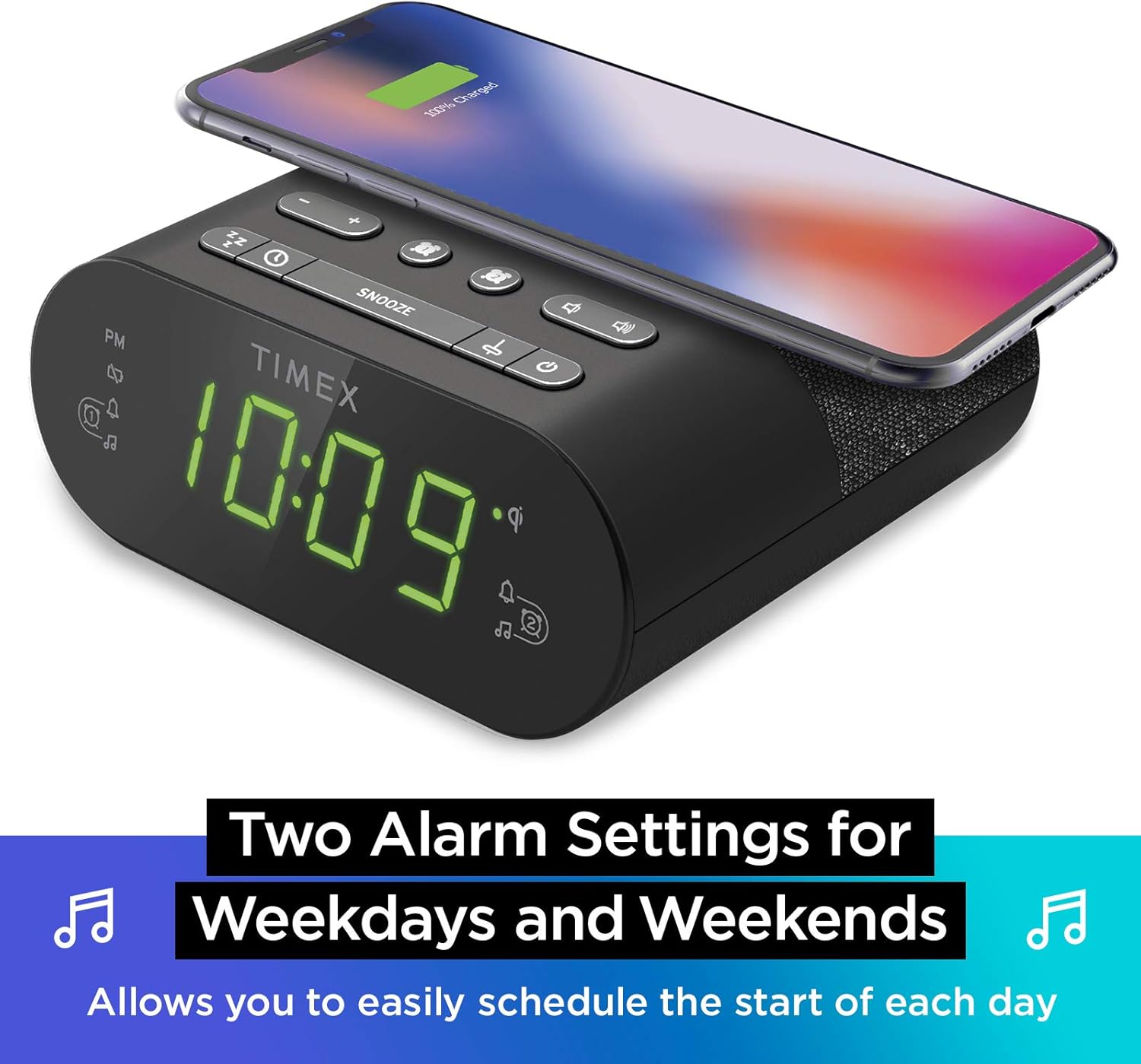
Dobbelt alarmindstillinger: The TW500 supports two independent alarm settings, allowing users to schedule separate wake times for different days or for two individuals.
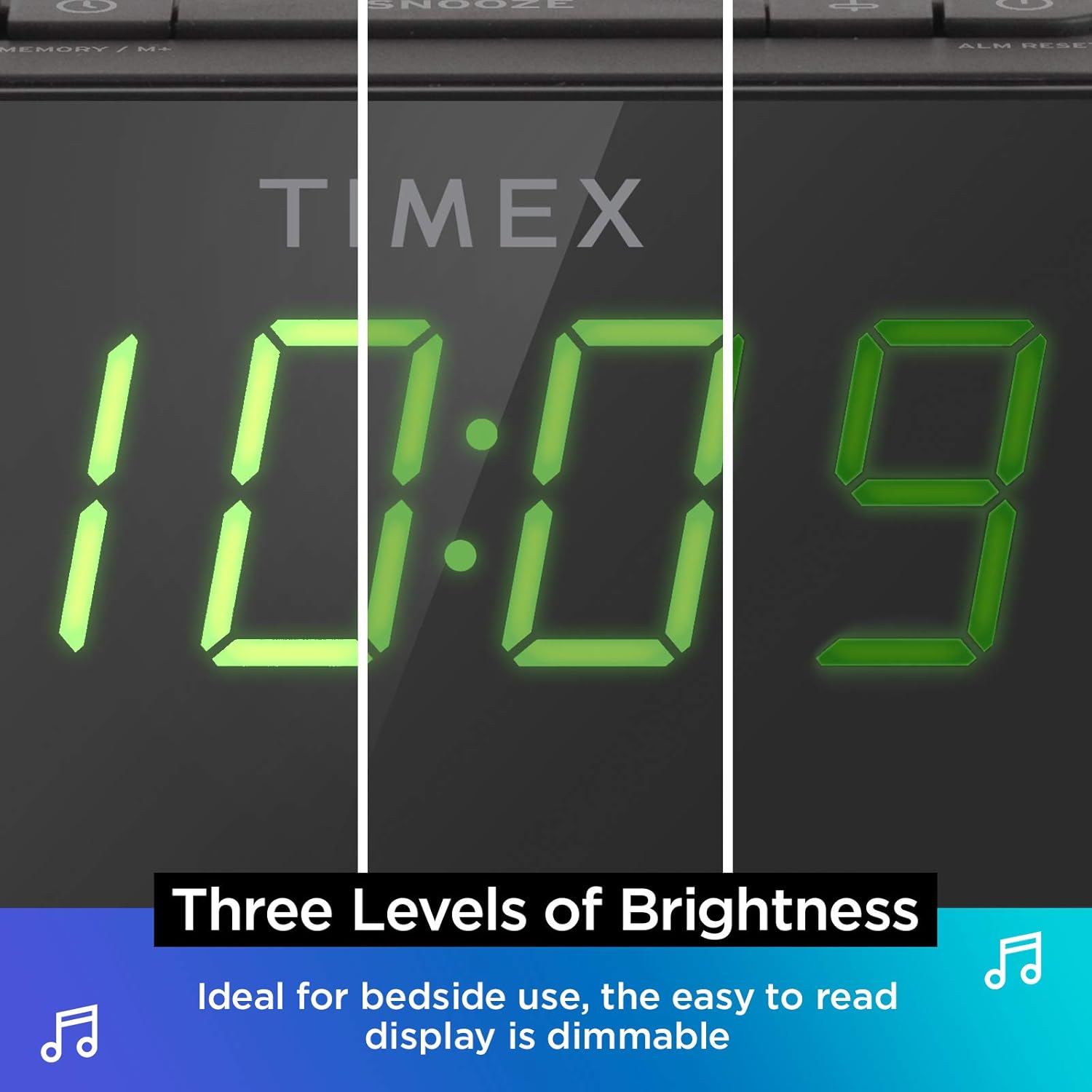
Dæmpbar skærm: The digital display offers multiple brightness levels, ensuring comfortable viewing in various lighting conditions, from bright daylight to a dark bedroom.
Opsætning
1. Strømtilslutning
Connect the supplied AC power adapter to the DC jack on the back of the unit and plug the other end into a working wall outlet. The unit will power on and the display will light up.
2. Installation af batteribackup
Til kontinuerlig tidsmåling under strømafbrydelsetages, install one CR-2032 battery (included) into the battery compartment on the bottom of the unit. Ensure correct polarity (+/-) as indicated.
3. Antenneopsætning
Extend the FM wire antenna on the back of the unit fully for optimal FM radio reception. Adjust its position as needed to improve signal quality.
Betjeningsvejledning
Indstilling af tid
- Tryk og hold på TIDSINDSTILLING knappen på toppanelet, indtil tidsdisplayet blinker.
- Tryk på - or + knapperne til at justere timetallet. Vær opmærksom på PM-indikatoren.
- Tryk på TIDSINDSTILLING button again to confirm the hour and move to minutes setting.
- Tryk på - or + knapper for at justere minutterne.
- Tryk på TIDSINDSTILLING button one last time to save the time and exit time setting mode.
Indstilling af alarmer (Alarm 1 og Alarm 2)
The TW500 features two independent alarms. The process is identical for both.
- Tryk og hold på ALARM EN or ALARM TO knappen, indtil alarmtidspunktet blinker.
- Tryk på - or + knapperne til at justere alarmens time. Observer PM-indikatoren.
- Tryk på den respektive ALARM EN or ALARM TO button again to confirm the hour and move to minutes setting.
- Tryk på - or + knapper til at justere alarmens minutter.
- Tryk på den respektive ALARM EN or ALARM TO button again to select the alarm source (FM radio or Tone). The corresponding icon will light up.
- Tryk på den respektive ALARM EN or ALARM TO button one last time to save the alarm setting. The alarm indicator will remain lit.
To turn an alarm off, repeatedly press the corresponding ALARM EN or ALARM TO button until the alarm indicator light turns off.
Betjening af FM-radio
- Tryk på ON/OFF knappen for at tænde for radioen.
- Tryk på - or + buttons to tune to your desired FM station. Press and hold to auto-scan for the next available station.
- Tryk på VOLUME - or LYDSTYRKE + knapper for at justere lydstyrken.
- Indstilling af forudindstillinger: Tryk og hold på MEMORY/M+ button. The preset number will flash. Use the - or + knapperne for at vælge et forudindstillet nummer (1-10). Tryk på MEMORY/M+ igen for at gemme.
- Genkaldelse af forudindstillinger: Tryk kort på FM FORUDINDSTILLINGER knappen for at bladre gennem gemte stationer.
- Tryk på ON/OFF knappen for at slukke radioen.
Trådløs opladning
The top surface of the TW500 features a Qi-compatible wireless charging pad.
- Place your Qi-enabled smartphone or other compatible device directly onto the wireless charging pad.
- Ensure the device is centered on the charging pad for optimal connection. A charging indicator on your device or the TW500 (if applicable) will confirm charging has begun.
- Fjern din enhed, når den er fuldt opladet.
USB opladning
A 5W USB-A charging port is located on the back of the unit.
- Connect your device's USB charging cable to the USB port on the TW500.
- Tilslut den anden ende af kablet til din enhed. Opladningen starter automatisk.
Display lysdæmper
Displayets lysstyrke kan justeres, så den passer til dine præferencer.
- Tryk på DIMMER knappen gentagne gange for at skifte mellem forskellige lysstyrkeniveauer (Høj, Mellem, Lav, Fra).
Sleep Timer
Sleep-timeren giver dig mulighed for at falde i søvn til radioen, som automatisk slukker efter et bestemt tidsrum.
- Mens radioen spiller, skal du trykke på SOVE button repeatedly to cycle through sleep timer options (e.g., 10, 20, 30, 60, 90 minutes, Off).
- Radioen vil spille i den valgte varighed og derefter slukke automatisk.
Snooze funktion
Når en alarm lyder, skal du trykke på den store SLUM button on the top of the unit to temporarily silence the alarm for 9 minutes. The alarm will sound again after the snooze period.
Opretholdelse
- Rensning: Brug en blød, tør klud til at rengøre enhedens yderside. Brug ikke flydende rengøringsmidler eller slibende materialer.
- Udskiftning af batteri: Replace the CR-2032 backup battery annually or if the time display is incorrect after a power outage.
- Opbevaring: Hvis enheden opbevares i en længere periode, skal den afbrydes til strømmen og backupbatteriet fjernes.
Fejlfinding
| Problem | Mulig årsag | Løsning |
|---|---|---|
| Enheden tænder ikke. | Strømadapteren er ikke tilsluttet, eller stikkontakten virker ikke. | Ensure AC adapter is securely plugged into the unit and a live wall outlet. Test the outlet with another device. |
| Alarmen lyder ikke. | Alarm not set, alarm volume too low, or alarm turned off. | Verify alarm time and source are set correctly. Increase radio volume if alarm source is FM. Ensure alarm indicator is lit. |
| Dårlig FM-radiomodtagelse. | Antennen er ikke strakt ud, eller signalet er dårligt i området. | Fully extend the FM wire antenna and reposition it for better reception. Try moving the unit to a different location. |
| Trådløs opladning virker ikke. | Device not Qi-compatible, not centered, or foreign object on pad. | Ensure your device supports Qi wireless charging. Re-position the device centrally on the pad. Remove any metal objects or thick cases. |
| USB-opladning virker ikke. | Cable faulty or device not compatible. | Try a different USB cable. Ensure the device is compatible with standard USB charging. |
Specifikationer
- Model: TW500
- Dimensioner: 5.48 cm (B) x 2.17 cm (D) x 5.20 cm (H)
- Vægt: 0.7 pund (ca. 0.32 kg)
- Strømindgang: AC-strømadapter (inkluderet)
- Batteri-sikkerhedskopi: 1 x CR-2032 batteri (medfølger)
- Trådløs opladning: Qi-kompatibel
- USB opladningsport: 5W USB A
- Radio: FM with 10 presets
- Vise: 0.9" Green LED, Dimmable
- Alarmer: Dual Digital Alarms (Wake to Radio or Tone)
Officiel produktvideo
Denne video giver et visuelt overblikview of the Timex TW500, highlighting its key features such as wireless charging, USB charging, FM radio, dual alarms, and dimmable display. It demonstrates the product's compact design and functionality.
Garanti og support
This Timex product comes with a limited warranty. For detailed warranty information, product support, or to register your product, please refer to the warranty card included in your product packaging or visit the official Timex website. If you are not 100% satisfied with your new Timex alarm clock radio and its performance, please contact the seller for assistance.
Fabrikant: Timex
UPC: 758859207179


