Indledning
The Trust Primo Touch Bluetooth True Wireless Earphones offer a truly wireless audio experience with intuitive touch controls. Designed for freedom and convenience, these earphones provide up to 10 hours of playtime on the go, thanks to their compact charging case.
- Truly wireless earphones for ultimate freedom (10 meter range).
- Stylish and on-trend design.
- Comfort fit ear shell pods that keep you alert for nearby sounds.
Produkt overview

The Trust Primo Touch True Wireless Earbuds are shown in their open charging case, with both earbuds upright and ready for use or charging.

A detailed close-up of the Trust Primo Touch True Wireless Earbuds, showcasing their sleek design and the subtle Trust branding.

A user enjoying music outdoors with the Trust Primo Touch Earbuds, demonstrating the freedom of movement provided by the wireless design.
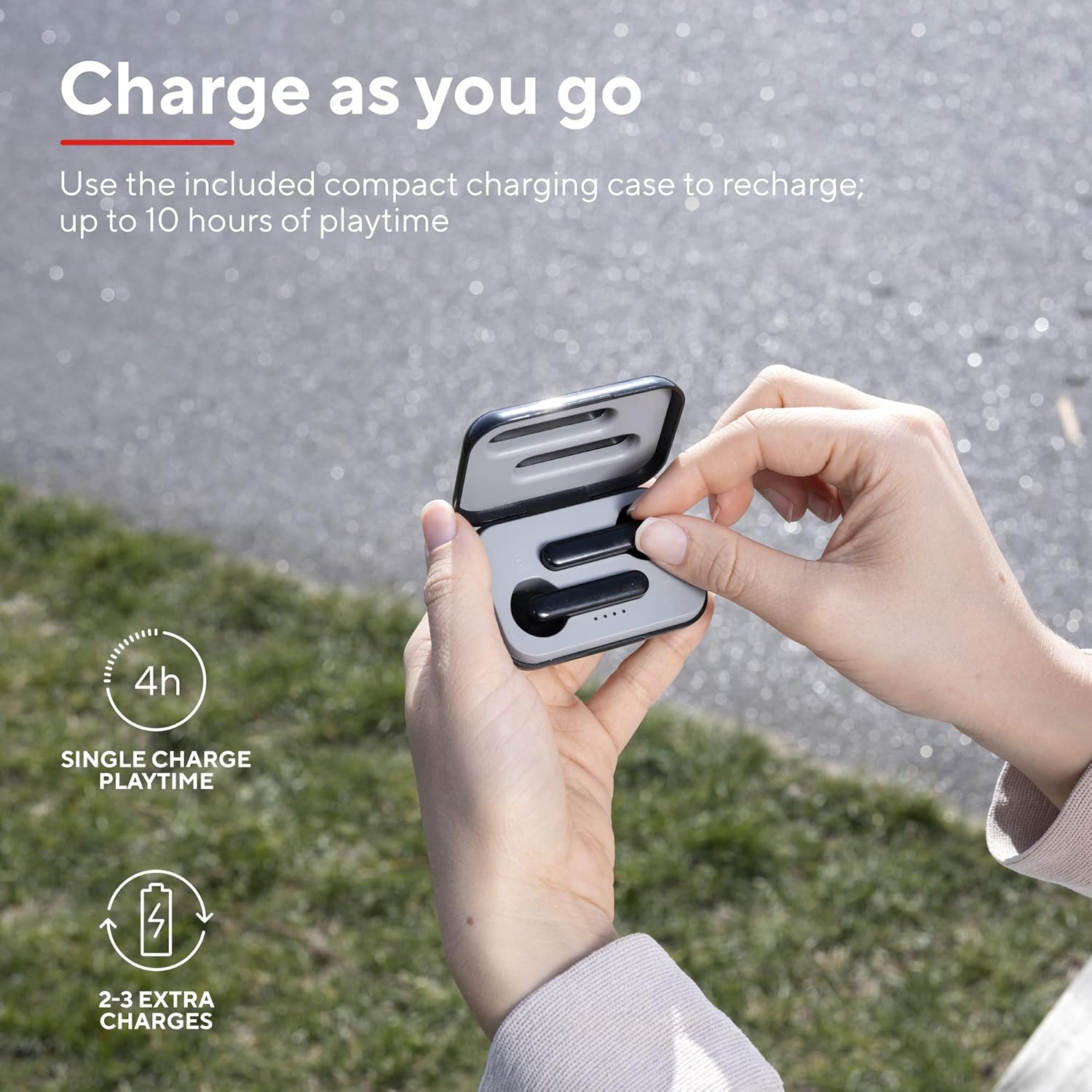
A user placing an earbud into the compact charging case, highlighting the convenience of recharging on the go for extended playtime.

Et nærbillede view af ørepropperne, visasing their modern, minimalist design and emphasizing their clear sound quality.

A user interacting with the touch controls on an earbud, illustrating the ease of managing audio playback and calls without reaching for a device.

En sideprofile of a person wearing one of the earbuds, demonstrating its ergonomic design for a comfortable and secure fit.
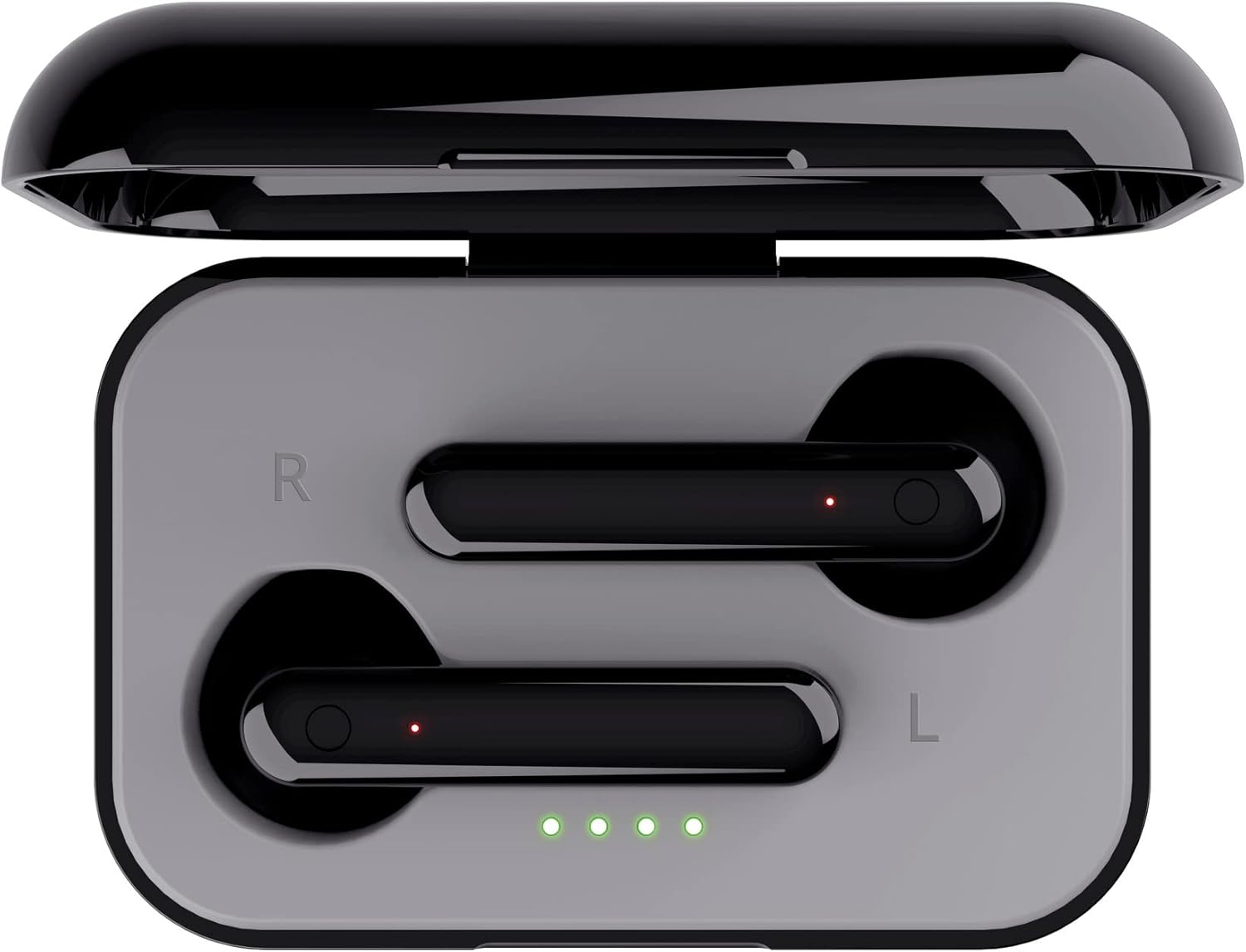
En top-down view of the open charging case with the earbuds inside, clearly showing the LED charging indicators.

En top-down view of the closed charging case, featuring the Trust brand logo on its sleek black surface.

The Trust Primo Touch Earbuds are displayed alongside their open charging case, providing a complete view af produktets komponenter.
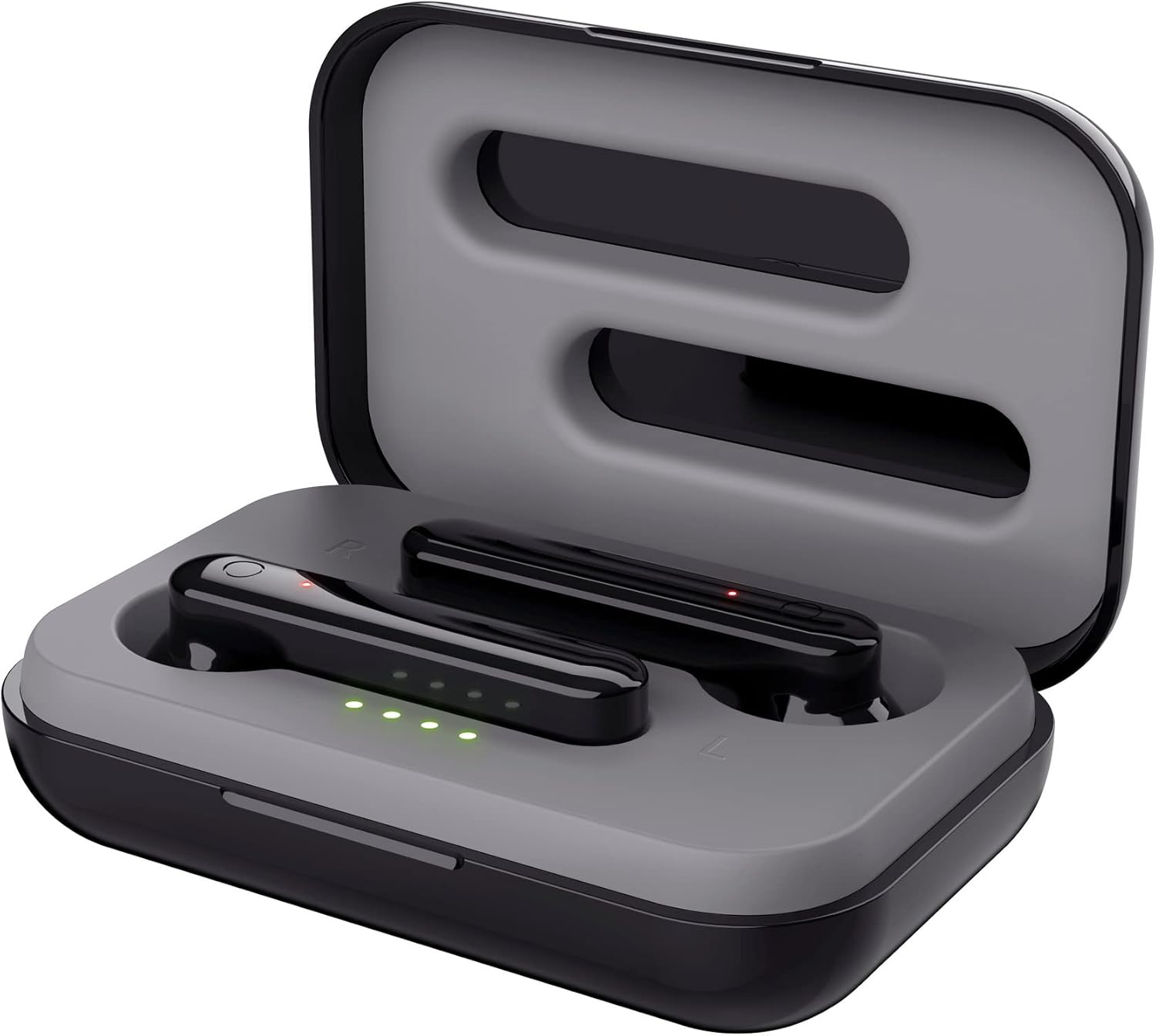
En vinklet top view of the earbuds nestled within their open charging case, showing the precise fit and charging contacts.

The retail packaging for the Trust Primo Touch Wireless Earphones, showcasing key features and design elements.
Opsætning
1. Opladning af øretelefoner og etuiet
Before first use, fully charge the earphones and the charging case. Place the earbuds into the charging case. Connect the charging case to a USB power source using the provided cable. The LED indicators on the case will show the charging status. A full charge provides up to 4 hours of playtime for the earbuds, with the case offering 2-3 additional charges.
2. Parring med din enhed
- Sørg for, at høretelefonerne er opladet.
- Open the charging case. The earphones will automatically enter pairing mode (indicated by flashing LEDs on the earbuds).
- Gå til Bluetooth-indstillingerne på din enhed (smartphone, tablet osv.), og slå Bluetooth til.
- Søg efter available devices and select "Trust Primo Touch" from the list.
- Once connected, the earbud LEDs will stop flashing, indicating successful pairing.
Drift
Tryk på kontrolelementer
The Trust Primo Touch earphones feature intuitive touch controls on each earbud. Refer to the following for common functions:
| Handling | Fungere |
|---|---|
| Enkelt tryk (venstre/højre øreprop) | Afspil/pause musik, besvar/afslut opkald |
| Dobbelttryk (højre øretelefon) | Næste spor |
| Dobbelttryk (venstre øretelefon) | Forrige spor |
| Langt tryk (venstre/højre øreprop) | Aktivér stemmeassistent (Siri, Google Assistant) |
| Long Press (during incoming call) | Afvis opkald |
Tænd/sluk
- Tænd: Åbn opladningsetuiet, eller tryk længe på berøringsområdet på begge ørepropper i et par sekunder, hvis de er taget ud af etuiet.
- Sluk: Place the earbuds back into the charging case and close the lid, or long-press the touch area on both earbuds for a few seconds until the indicator light turns off.
Opretholdelse
Rensning
- Rengør regelmæssigt ørepropperne og opladningsetuiet med en blød, tør og fnugfri klud.
- Brug ikke slibende rengøringsmidler, alkohol eller kemiske opløsningsmidler.
- Rengør forsigtigt opladningskontakterne på både ørepropperne og etuiet for at sikre korrekt opladning.
Opbevaring
Når de ikke er i brug, skal øretelefonerne opbevares i deres opladningsetui for at beskytte dem mod støv og skader. Opbevares køligt og tørt, væk fra ekstreme temperaturer.
Fejlfinding
Earbuds Not Pairing with Each Other or Device
- Sørg for, at begge øretelefoner er opladet.
- Placer begge ørepropper tilbage i opladningsetuiet, luk låget, vent et par sekunder, og åbn det derefter igen.
- On your device, forget or unpair "Trust Primo Touch" from your Bluetooth settings.
- Restart your device and attempt the pairing process again.
Ingen lyd eller lav lydstyrke
- Kontroller lydstyrkeniveauet på både din enhed og ørepropperne.
- Sørg for, at ørepropperne er korrekt tilsluttet din enhed.
- Rengør eventuelt snavs fra øreproppernes højttalergitre.
Mikrofonproblemer
- Ensure the earbuds are properly connected and selected as the audio input device on your phone.
- Check for any obstructions near the microphone opening on the earbuds.
Specifikationer
| Feature | Detalje |
|---|---|
| Mærke | Tillid |
| Modelnummer | 23712 |
| Farve | Sort |
| Øreplacering | In Ear |
| Formfaktor | In Ear |
| Støjkontrol | Lydisolering |
| Produktdimensioner | 150 x 5 x 5 cm; 40 g |
| Batterier | 1 A-batterier påkrævet (medfølger) |
| Fabrikant | Tillid |
| Første ledige dato | 14. juli 2020 |
Garanti og support
For garantioplysninger og teknisk support henvises til den officielle Trust website or contact Trust customer service directly. Keep your proof of purchase for any warranty claims.
Du kan typisk finde supportressourcer, ofte stillede spørgsmål og kontaktoplysninger på producentens officielle hjemmeside. webwebsted:


