Indledning
Thank you for choosing the Thomson WT040 Filter Coffee Machine. This appliance is designed to brew delicious filter coffee efficiently. With a 1.25-liter capacity, it can prepare 10 to 12 cups, making it suitable for both home and office use. This manual provides essential information for safe operation, proper setup, maintenance, and troubleshooting to ensure optimal performance and longevity of your coffee machine.
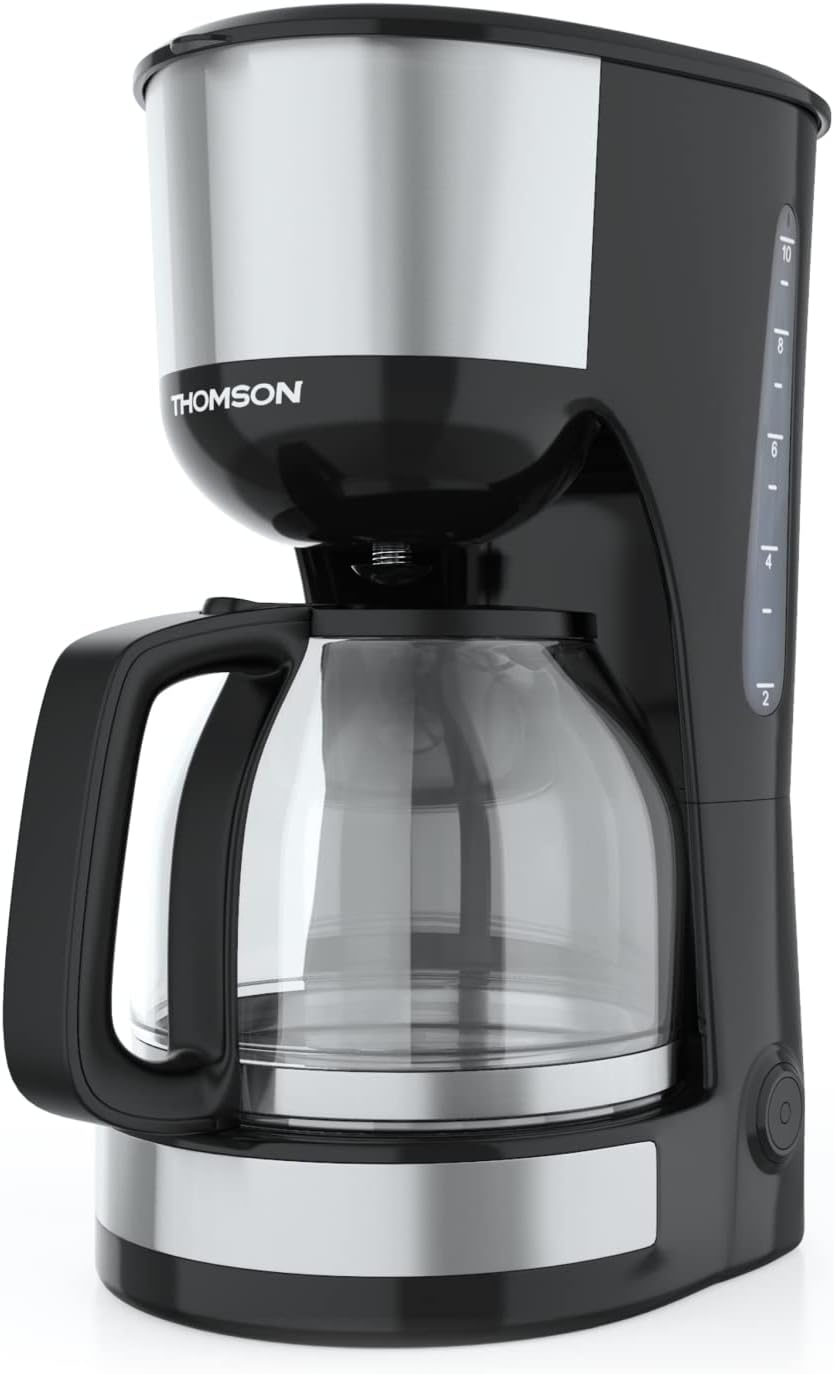
Billede: Forside view of the Thomson WT040 Filter Coffee Machine, showcasing its black and silver design with the glass carafe.
Vigtige sikkerhedsinstruktioner
Læs alle sikkerhedsinstruktioner omhyggeligt, inden apparatet tages i brug. Manglende overholdelse af disse instruktioner kan resultere i elektrisk stød, brand eller alvorlig personskade.
- Sørg for, at voltage angivet på apparatet svarer til din lokale netspændingtage før tilslutning.
- Nedsænk ikke apparatet, netledningen eller stikket i vand eller anden væske.
- Always unplug the coffee machine from the power outlet before cleaning and when not in use.
- Betjen ikke noget apparat med en beskadiget ledning eller stik, eller efter at apparatet ikke fungerer korrekt eller er blevet beskadiget på nogen måde.
- Opbevar apparatet utilgængeligt for børn. Dette apparat er ikke beregnet til brug af personer (herunder børn) med nedsatte fysiske, sensoriske eller mentale evner, eller manglende erfaring og viden, medmindre de er under opsyn eller har fået instruktioner i brugen af apparatet af en person, der er ansvarlig for deres sikkerhed.
- Brug kun apparatet til det tilsigtede formål i husholdningen.
- Undgå kontakt med varme overflader. Brug håndtag eller knopper.
- Anbring ikke apparatet på eller i nærheden af en varm gas- eller elektrisk brænder eller i en opvarmet ovn.
- Lad ikke ledningen hænge ud over kanten af et bord eller bord, eller rør ved varme overflader.
- Always ensure the carafe lid is securely in place during brewing.
- Do not open the filter basket cover during the brewing cycle.
Produktkomponenter
Familiarize yourself with the parts of your Thomson WT040 coffee machine:
- Vandtank med niveauindikator
- Låg
- Filterkurv
- Permanent filter
- Glaskaraffel med håndtag
- Varmeplade
- Tænd/sluk-knap med indikatorlampe
- Anti-dryp system

Image: Close-up of the water tank with a transparent fill scale, indicating water levels for brewing.
Opsætning
- Udpakning: Carefully remove the coffee machine from its packaging. Retain the packaging for future transport or storage. Remove all protective films and stickers.
- Indledende rengøring: Before first use, clean all removable parts (glass carafe, permanent filter, filter basket) with warm soapy water. Rinse thoroughly and dry. Wipe the exterior of the appliance with a damp klæde.
- Første brygningscyklus (uden kaffe): Fill the water tank to the maximum level with fresh cold water. Place the empty permanent filter in the filter basket and close the lid. Place the empty glass carafe on the heating plate. Plug the appliance into a suitable power outlet and press the On/Off switch. Allow the full cycle to complete. Discard the water. Repeat this process 2-3 times to clean the internal components.
- Placering: Place the coffee machine on a stable, flat, heat-resistant surface, away from the edge of the countertop and out of reach of children. Ensure there is adequate ventilation around the appliance.
Betjeningsvejledning
- Fyld vandtank: Open the lid and fill the water tank with fresh, cold water up to the desired number of cups indicated on the water level indicator. Do not exceed the "MAX" mark.
- Tilsæt kaffegrums: Place the permanent filter into the filter basket. Add the desired amount of ground coffee into the permanent filter. A general guideline is one level tablespoon of coffee per cup (150ml), but adjust to your taste.
- Position Karaffel: Ensure the glass carafe is placed correctly on the heating plate. The anti-drip system will prevent coffee from dripping when the carafe is removed during brewing, but it is recommended to keep the carafe in place until brewing is complete.
- Begynd at brygge: Close the lid securely. Plug the power cord into a wall outlet. Press the On/Off switch. The indicator light will illuminate, and brewing will begin.
- Hold-varm-funktion: After brewing is complete, the coffee machine will automatically switch to a keep-warm function for approximately 40 minutes. The heating plate will keep the coffee at an optimal serving temperature.
- Server kaffe: Carefully remove the carafe from the heating plate to pour coffee. The anti-drip system will temporarily stop the flow of coffee.
- Slukke: After serving or when the keep-warm cycle is finished, press the On/Off switch to turn off the appliance and unplug it from the power outlet.
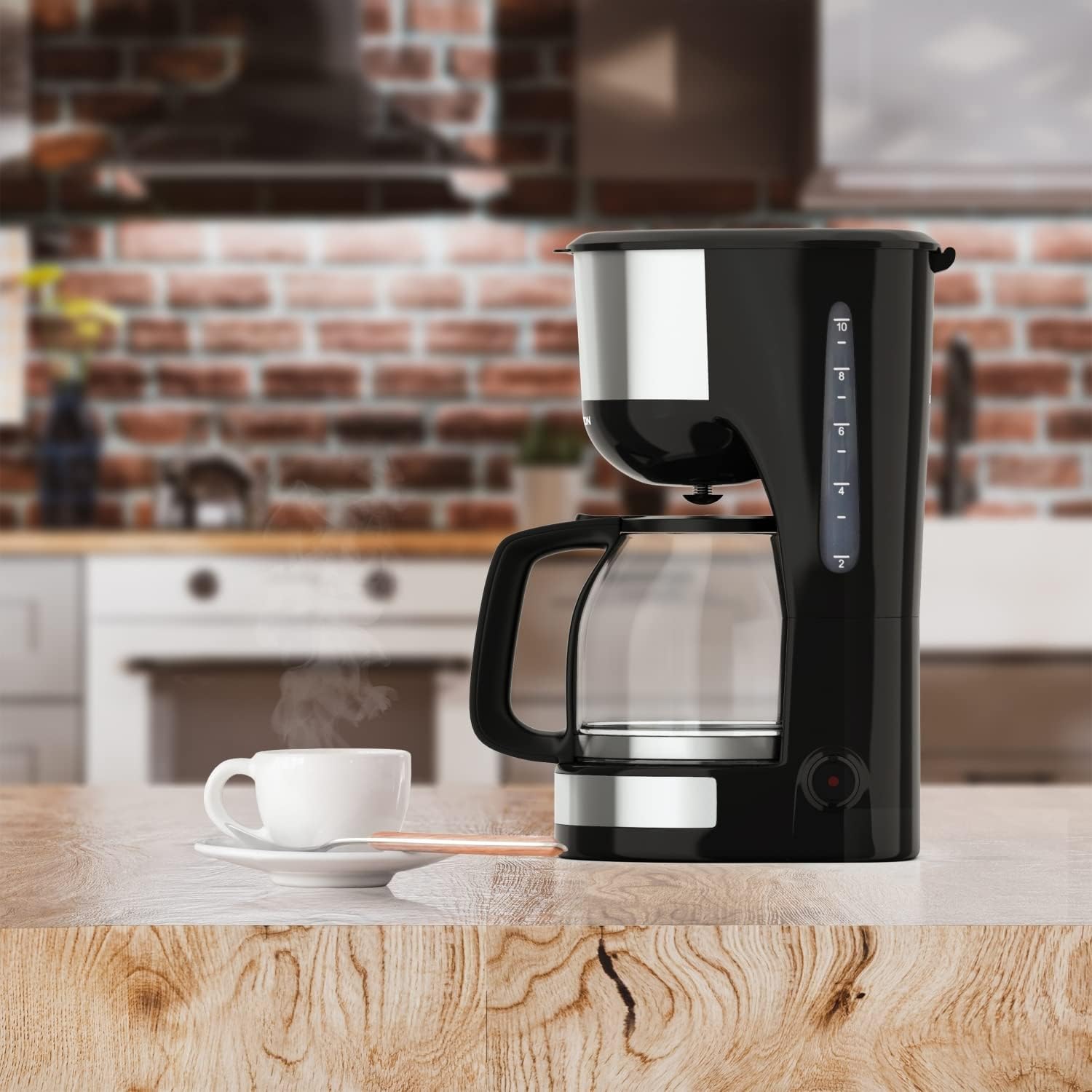
Image: The Thomson WT040 coffee machine in a kitchen, actively brewing coffee into the glass carafe.
Vedligeholdelse og rengøring
Regular cleaning ensures optimal performance and extends the lifespan of your coffee machine. Always unplug the appliance and allow it to cool completely before cleaning.
- Permanent Filter and Filter Basket: After each use, remove the permanent filter and filter basket. Discard used coffee grounds. Rinse both thoroughly under running water. They can also be washed in warm soapy water.
- Glaskaraffel: Wash the glass carafe and its lid with warm soapy water after each use. Rinse well. The carafe is generally dishwasher safe, but hand washing is recommended for longevity.
- Ydre: Wipe the exterior surfaces of the coffee machine with a soft, damp klud. Brug ikke slibende rengøringsmidler eller skuresvampe, da de kan ridse overfladen.
- Varmeplade: Tør varmepladen af med adamp cloth. If coffee has dripped onto it, clean immediately to prevent staining and burning.
- Afkalkning: Depending on water hardness and frequency of use, mineral deposits (limescale) can build up. Descale your coffee machine every 2-4 months.
- Fill the water tank with a descaling solution (e.g., white vinegar and water in a 1:2 ratio, or a commercial descaling agent following its instructions).
- Placer den tomme kande på varmepladen.
- Run a brewing cycle. After about half the solution has brewed through, turn off the machine and let it stand for 15-20 minutes to allow the solution to work.
- Turn the machine back on and let the remaining solution brew through.
- Kassér opløsningen, og skyl kanden og filteret.
- Run 2-3 cycles with fresh, clean water to flush out any residual descaling solution.

Billede: Nærbillede view of the permanent filter, designed to eliminate the need for paper filters.
Fejlfinding
| Problem | Mulig årsag | Løsning |
|---|---|---|
| Kaffen brygger ikke. | Apparatet er ikke tilsluttet; Tænd/sluk-knappen er ikke trykket ind; Intet vand i tanken. | Ensure plug is securely in outlet; Press On/Off switch; Fill water tank. |
| Kaffen er for svag eller for stærk. | Forkert forhold mellem kaffe og vand; Kaffemalet er for grov/fin. | Juster mængden af kaffegrums; Brug mediummalet kaffe. |
| Vand løber over fra filterkurven. | For meget kaffegrums; Filter tilstoppet; Kanden er ikke placeret korrekt. | Reduce coffee grounds; Clean permanent filter; Ensure carafe is centered on heating plate. |
| Kaffe smager dårligt. | Apparatet skal rengøres/afkalkes; Gammel kaffe; Dårlig vandkvalitet. | Clean and descale the machine; Use fresh coffee beans; Use filtered water. |
| Machine makes loud noises. | Normal during heating/pumping; Limescale buildup. | Some noise is normal. If excessive, descale the machine. |
Specifikationer
- Mærke: Thomson
- Modelnummer: WT040
- Farve: Sort/sølv
- Dimensioner (L x B x H): 22 x 16 x 29.5 cm
- Vægt: 1.3 kilo
- Kapacitet: 1.25 Liters (approx. 10-12 cups)
- Magt: 1000 watt
- Voltage: 240 volt
- Materiale: Glass (carafe), Plastic, Metal
- Speciel funktion: Permanent Filter, Anti-Drip System, Keep-Warm Function (40 minutes)

Image: Visual representation of the coffee machine's dimensions (18cm width, 23cm depth, 30cm height), power (1000 Watts), and keep-warm duration (40 minutes).
Garanti og support
Information regarding specific warranty terms and conditions for the Thomson WT040 Filter Coffee Machine is not provided in the product details. For warranty claims or technical support, please refer to the documentation included with your purchase or contact Thomson customer service directly through their official webwebsted eller autoriserede forhandlere.
Gem altid din købsbevis til eventuelle garantirelaterede spørgsmål.


