Indledning
The LEMEGA IR1 is a versatile portable radio offering a wide range of listening options including Internet Radio, DAB/DAB+, FM, and Bluetooth connectivity. It features a color display, dual alarm clock, and can be powered by mains or AA batteries for portability. This manual provides essential information for setting up, operating, and maintaining your device.
Produktegenskaber
- Smart Radio: Access over 30,000 Internet radio stations worldwide via Wi-Fi.
- DAB/DAB+ and FM Digital Radio: Enjoy high-quality digital and analog radio broadcasts with 40 preset stations.
- Bluetooth-højttaler: Wirelessly stream audio from any Bluetooth-enabled device.
- Bærbart design: Compact and lightweight, powered by mains or AA batteries for on-the-go use.
- Snooze Alarm Clock: Dual alarms and timer function with customizable alarm tones.
- Fuld farveskærm: 2.4-inch display shows station information, artist artwork, and music playback details.
Opsætning
Follow these steps to set up your LEMEGA IR1 radio for the first time.
1. Unpacking and Powering On
Carefully remove all components from the packaging. The package includes the LEMEGA IR1 radio, a power cable, and this user manual.

Image: The LEMEGA IR1 radio's retail box, included power cable, and the user manual.
Connect the provided power cable to the micro USB port on the radio and plug it into a wall outlet. Alternatively, insert 4 AA batteries (not included) into the battery compartment for portable use. The radio will power on automatically or can be turned on using the power button.
2. Første opsætning og Wi-Fi-forbindelse
Upon first power-on, the radio will guide you through an initial setup wizard. This typically involves selecting your language, time zone, and connecting to a Wi-Fi network for Internet radio functionality. Use the navigation buttons and rotary knob to select options and enter information on the display.

Billede: Forside view of the LEMEGA IR1 radio, highlighting its display screen with menu options for Internet Radio, DAB Radio, FM Radio, and Bluetooth, along with control buttons and a volume knob.
Ensure your Wi-Fi network name (SSID) and password are correct for a successful connection. A stable Wi-Fi connection is crucial for accessing Internet radio stations.
Betjeningsvejledning
1. Selecting a Mode (Source)
Press the 'SOURCE' button to cycle through available modes: Internet Radio, DAB/DAB+, FM, and Bluetooth.
2. Internet Radio Operation
In Internet Radio mode, you can browse stations by location, genre, or search for specific stations. Use the navigation buttons and rotary knob to navigate menus and select stations. The 2.4-inch color display will show station information and, where available, artist artwork.

Billede: Et nærbillede view of the LEMEGA IR1's 2.4-inch full-color display, showing detailed information for a BBC Radio station, including the station logo, current time, and music playback details.
3. DAB/DAB+ and FM Radio Operation
In DAB/DAB+ or FM mode, the radio will perform an auto-scan to find available stations. You can then browse the list of found stations. Use the preset buttons (1, 2, 3+) to save and quickly access your favorite stations (up to 40 presets per mode).
4. Bluetooth-streaming
Switch to Bluetooth mode. The radio will enter pairing mode. On your smartphone or other Bluetooth device, search for 'LEMEGA IR1' and connect. Once paired, you can stream audio wirelessly from your device to the radio.

Image: The LEMEGA IR1 radio positioned on a wooden table, actively streaming music via Bluetooth from a smartphone, demonstrating its wireless audio playback capability.
5. Vækkeur og sleeptimer
Access the alarm settings through the menu. You can set two independent alarms with your preferred station or a buzzer sound. The sleep timer allows you to set a duration after which the radio will automatically turn off.

Image: The LEMEGA IR1 radio placed on a bedside table, with its display showing the settings for two separate alarms, indicating its dual alarm and sleep timer functionality.
6. Bærbarhed
For portable use, ensure AA batteries are installed. The radio is designed for easy transport, making it suitable for various environments.

Image: The LEMEGA IR1 radio placed outdoors on a wooden surface, emphasizing its compact size and portability, with an extended antenna for improved reception.
Opretholdelse
To ensure the longevity and optimal performance of your LEMEGA IR1 radio, follow these maintenance guidelines:
- Rensning: Brug en blød, tør klud til at rengøre radioens yderside. Brug ikke slibende rengøringsmidler, voks eller opløsningsmidler, da de kan beskadige overfladen.
- Batteripleje: Hvis der bruges batterier, skal de fjernes, hvis radioen ikke skal bruges i længere tid, for at forhindre lækage.
- Placering: Place the radio on a stable, flat surface. Avoid exposing it to extreme temperatures, direct sunlight, high humidity, or dusty environments.
- Antenne: Handle the telescopic antenna carefully to avoid bending or breaking it. Extend it fully for best reception.
Fejlfinding
If you encounter issues with your LEMEGA IR1 radio, refer to the following common troubleshooting steps:
| Problem | Mulig årsag | Løsning |
|---|---|---|
| Ingen strøm | Power cable not connected properly; Batteries depleted or incorrectly inserted. | Kontroller strømkablets forbindelse; udskift batterierne, eller sørg for korrekt polaritet. |
| Kan ikke oprette forbindelse til Wi-Fi | Forkert Wi-Fi-adgangskode; Router for langt væk; Netværksproblemer. | Verify Wi-Fi password; Move radio closer to router; Restart router. |
| Dårlig radiomodtagelse (DAB/FM) | Antenne ikke strakt ud; Område med svagt signal; Interferens. | Fully extend the telescopic antenna; Try repositioning the radio; Move away from other electronic devices. |
| Problemer med Bluetooth-parring | Radio not in pairing mode; Device already paired with another unit. | Ensure radio is in Bluetooth mode and displaying 'pairing'; Disconnect from other Bluetooth devices. |
| Skærmen er tom eller frosset | Midlertidig softwarefejl. | Perform a soft reset by unplugging the power cable (and removing batteries if applicable) for a few seconds, then reconnect. |
Specifikationer
Detailed technical specifications for the LEMEGA IR1 radio.
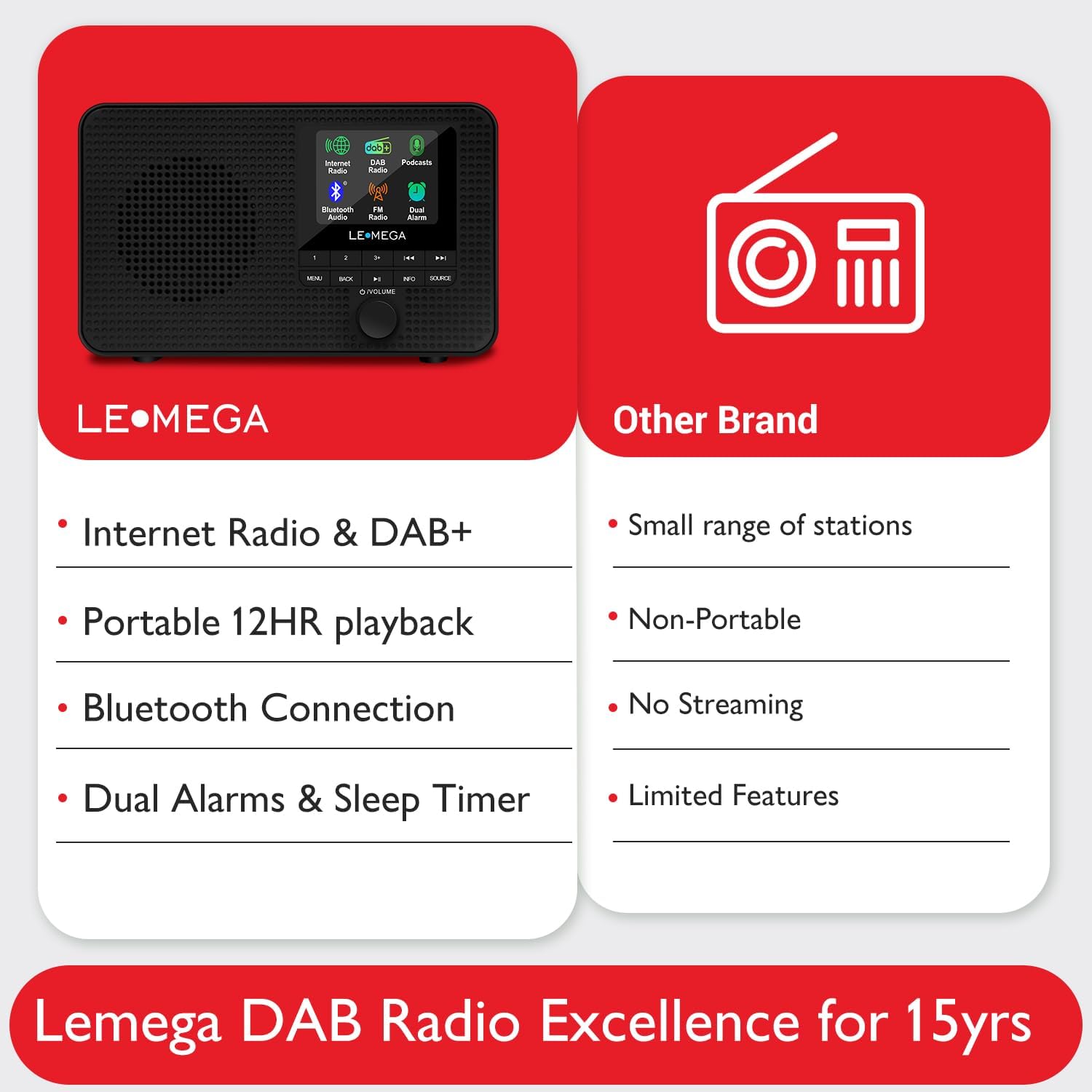
Image: The LEMEGA IR1 radio shown with its physical dimensions: 17.5 cm length, 5.4 cm width, and 10.6 cm height.
| Feature | Detalje |
|---|---|
| Mærke | LEMEGA |
| Model | IR1 |
| Produktdimensioner | 17.5 x 5.4 x 10.6 cm |
| Vægt | 640 g |
| Forbindelsesteknologi | Bluetooth, WiFi |
| Hardware-interface | 3.5mm Audio, Bluetooth |
| Tuner-teknologi | FM, DAB/DAB+, Internet Radio |
| Strømkilde | Battery Powered (4x AA, not included), Mains (5V DC) |
| Vise | 2.4-inch Full Color Display |
| Særlige funktioner | Portable, Dual Alarm Clock, Sleep Timer, 60 Presets (20 per mode) |
Garanti og support
For information regarding product warranty, returns, or technical support, please refer to the documentation included with your purchase or contact LEMEGA customer service directly. Details are typically provided on the manufacturer's official webwebstedet eller i produktemballagen.


