1. Introduktion og overview
The Cshidworld Cshid MA10 Wireless Earbuds are designed to provide a superior audio experience with advanced features for everyday use. Featuring Bluetooth 5.0 technology, CVC 8.0 noise cancellation, and a portable charging case, these earbuds offer convenience, high-fidelity sound, and extended playtime. Their ergonomic design ensures a comfortable and secure fit, while IPX5 water and sweat resistance makes them suitable for various activities.

Image: Cshidworld Cshid MA10 Wireless Earbuds in their charging case.
2. Pakkens indhold
Kontroller venligst pakken omhyggeligt for at sikre, at alle varer er til stede:
- 2 x TWS Bluetooth Earbuds (Left and Right)
- 1 x bærbar opladningsetui
- 1 x Micro USB ladekabel
- 1 x brugermanual
3. Produktfunktioner
- Bluetooth 5.0 & CVC 8.0 Noise Cancellation: Provides a stable connection, faster pairing, and clear audio with effective noise reduction for calls.
- High-Fidelity lyd: Equipped with a 13mm vibrating diaphragm and HD rendering technology for natural, authentic sound and powerful bass.
- Et-trins parring: Automatic power-on and pairing when removed from the charging case.
- Forlænget spilletid: Up to 5 hours of playback on a single charge, with an additional 25 hours provided by the portable charging case, totaling 30 hours.
- Ergonomisk design: Lightweight and designed for a secure and comfortable fit for various ear shapes.
- IPX5 Vand- og svedafvisende: Offers protection against sweat and light splashes, ideal for workouts and outdoor activities.

Image: Advanced Bluetooth 5.0 technology within the earbud.
4. Opsætning
4.1 Indledende opladning
Before first use, fully charge the earbuds and the charging case. Connect the Micro USB charging cable to the charging case and a power source. The charging time is approximately 1.5 hours for a full charge.

Image: Earbuds and charging case, highlighting extended playtime.
4.2 Parringsinstruktioner
Follow these steps to connect your Cshidworld earbuds to your device:
- Automatisk tænding: For initial use, open the charging case and remove both earbuds. They will automatically power on and connect to each other. You will hear a voice prompt: "Power On" then "TWS Connected".
- Bluetooth-parring: On your mobile phone, open the Bluetooth settings and ensure Bluetooth is enabled for detection.
- Vælg enhed: In the list of available devices, locate and tap on "M10" to connect. The earbud LED will flash blue continuously once connected. You will hear a voice prompt: "Connected".
The earbuds are now paired and ready for use. They will automatically reconnect to the last paired device when removed from the case, if Bluetooth is enabled on the device.

Image: Instant pairing process shown on a smartphone.
5. Betjeningsvejledning
5.1 Tryk på kontrolelementer
The Cshidworld Cshid MA10 earbuds feature intuitive touch controls for easy management of calls and music playback.
- Afspil/pause: Et enkelt tryk på begge øretelefoner.
- Næste nummer: Tryk to gange på den højre øretelefon.
- Forrige nummer: Dobbelttryk på venstre øretelefon.
- Besvar/afslut opkald: Enkelt tryk på en af øretelefonerne under et indgående opkald eller et aktivt opkald.
- Afvis opkald: Tryk og hold en af øretelefonerne nede i 2 sekunder under et indgående opkald.
- Aktiver stemmeassistent: Dobbelttryk på venstre øretelefon.

Image: Smart touch control feature on the earbud.
5.2 Foretage opkald
The earbuds are equipped with a high-quality microphone for clear hands-free calls. Ensure both earbuds are connected for the best call experience.
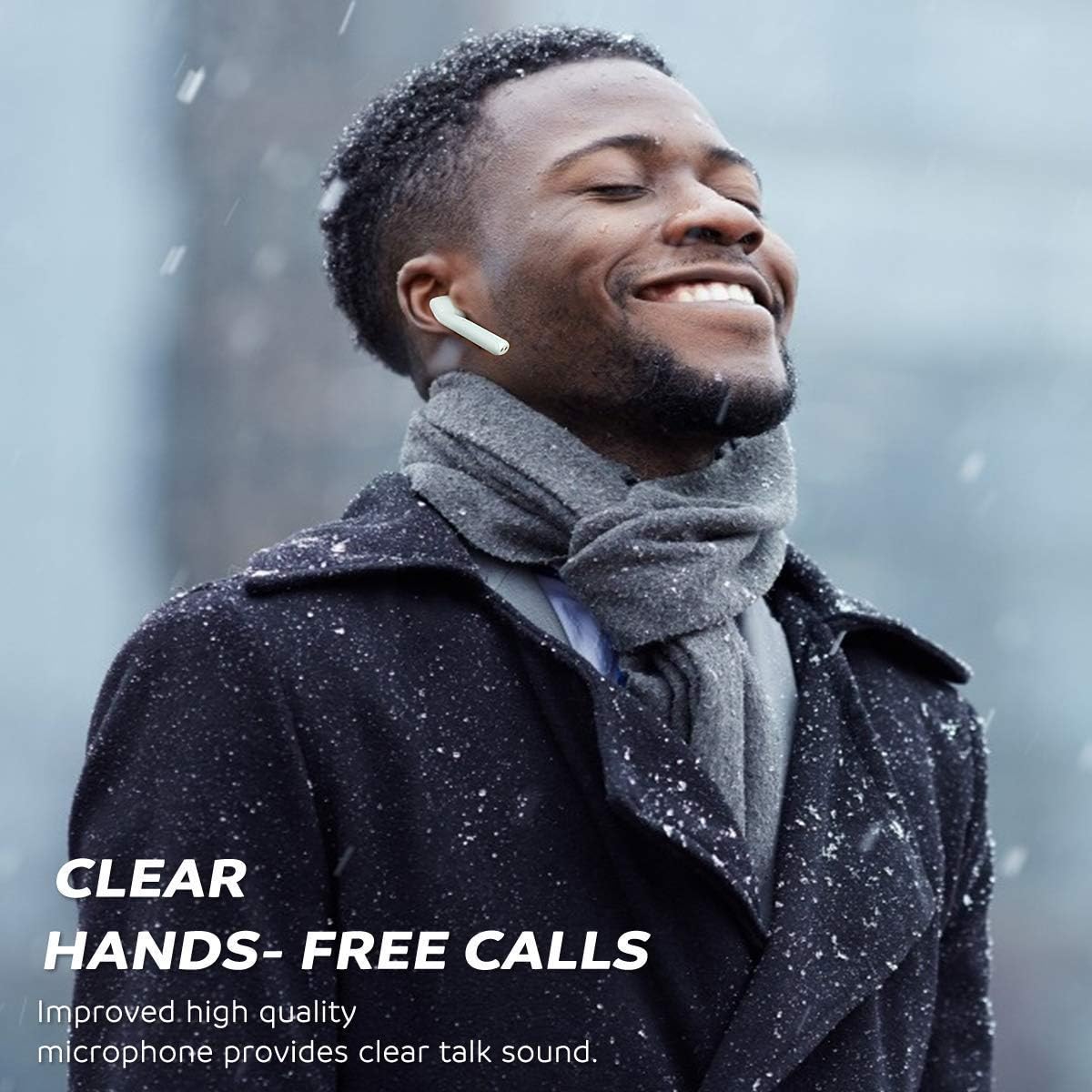
Image: Clear hands-free calls with the earbuds.
5.3 Lytning til musik
Enjoy rich, clear audio for your music, podcasts, and other media. Adjust volume directly from your connected device or use the earbud controls if supported by your device and media player.
6. Vedligeholdelse
6.1 Rengøring
Regelmæssig rengøring hjælper med at opretholde lydkvalitet og hygiejne:
- Tør forsigtigt ørepropperne og opladningsetuiet af med en blød, tør og fnugfri klud.
- Brug ikke slibende rengøringsmidler, alkohol eller kemiske opløsningsmidler.
- Rengør opladningskontakterne på både ørepropperne og etuiet med jævne mellemrum med en tør vatpind for at sikre korrekt opladning.
6.2 Opbevaring
When not in use, store the earbuds in their charging case to protect them from dust, damage, and to keep them charged. Store in a cool, dry place away from direct sunlight and extreme temperatures.

Image: IPX5 sweat-resistant feature, suitable for active use.
7. Fejlfinding
7.1 Nulstilling af øretelefonerne
If you experience connection issues or only one earbud is working, you may need to reset the earbuds:
- Sluk Bluetooth på din mobilenhed.
- Ensure both earbuds are powered off.
- Place both earbuds close to each other.
- Press and hold both function buttons (touch areas) on the earbuds for 10 seconds. Release when the earbud LED flashes red once.
- The earbuds will manually power on and enter automatic pairing mode (the right earbud will flash red and blue, the left earbud LED will be off).
- Once they pair with each other, the default settings recovery is complete.
- Re-enable Bluetooth on your device and reconnect to "M10".
7.2 Fælles problemer
- Earbuds not connecting to each other: Perform a reset as described above.
- Earbuds not connecting to phone: Ensure Bluetooth is on, earbuds are charged, and try forgetting the device on your phone's Bluetooth settings before re-pairing.
- Ingen lyd fra den ene øreprop: Check battery levels, ensure both earbuds are properly paired to each other, or perform a reset.
- Opladningsproblemer: Sørg for, at opladningskablet er korrekt tilsluttet, og at opladningskontakterne på både ørepropper og etuiet er rene og fri for snavs.
8. Specifikationer
| Feature | Specifikation |
|---|---|
| Bluetooth version | V5.0 + CSR |
| Driftsafstand | Op til 10 meter (33 fod) |
| Spilletid for øretelefoner | Ca. 5 timer pr. Opladning |
| Samlet spilletid (med etui) | Ca. 30 timer |
| Standby tid | Ca. 30 timer |
| Earbud batterikapacitet | 3.7V, 55mAh Li-polymer |
| Opladningstid | Ca. 1.5 timer |
| Vandmodstandsvurdering | IPX5 (sved- og stænkbestandig) |
| Vægt | 100 gram (pakkevægt i alt) |
| Materiale | Plastic, TPE, Silicone |
| Forbindelse | Trådløs Bluetooth |
9. Sikkerhedsoplysninger
Please read and follow these safety guidelines for safe and optimal use of your earbuds:
- Do not expose the earbuds or charging case to extreme temperatures, humidity, or corrosive materials.
- Avoid dropping, impacting, or disassembling the device. This may cause damage and void the warranty.
- Do not use the earbuds at excessively high volumes for prolonged periods, as this can cause hearing damage.
- Hold ørepropperne og opladningsetuiet væk fra børn og kæledyr.
- Bortskaf produktet forsvarligt i henhold til lokale bestemmelser. Må ikke bortskaffes sammen med husholdningsaffaldet.
10. Garanti og support
Specific warranty details and direct customer support contact information are not available in the provided product data. Please refer to the product packaging or the retailer's website for warranty terms and customer service contacts.


