1. Introduktion
The Apple Smart Keyboard is a versatile accessory designed to enhance your iPad experience by providing a comfortable typing solution and protective cover. It connects seamlessly to your compatible iPad without the need for charging or Bluetooth pairing, utilizing the Smart Connector for power and data.
2. Kompatibilitet
This Smart Keyboard is compatible with the following iPad models:
- iPad (7. generation)
- iPad (8. generation)
- iPad (9. generation)
- iPad Air (3. generation)
- iPad Pro 10.5 tommer
Ensure your iPad model is listed above for proper functionality.
3. Opsætning
Setting up your Apple Smart Keyboard is straightforward:
- Align the Smart Connector: Locate the three small magnetic contacts on the side of your iPad (usually the long edge). Align these contacts with the Smart Connector on the Smart Keyboard.
- Attach the Keyboard: The magnets will automatically snap the keyboard into place, establishing a secure connection.
- Position for Typing: Fold the keyboard into the triangular stand position to prop up your iPad. The keyboard will automatically activate, and you can begin typing immediately.

Image: The Smart Connector on the side of a compatible iPad, used for connecting the Smart Keyboard.

Billede: En side view of an iPad securely attached to the Smart Keyboard, folded into the typing stand configuration.
4. Betjening
The Smart Keyboard offers two primary modes of operation:
4.1 Typing Mode
Once attached and folded into the typing stand, the keyboard functions like a traditional physical keyboard. There is no power switch or pairing process required; it draws power directly from the iPad via the Smart Connector.
- Indtastning: Simply open any app that supports text input and begin typing.
- Tastaturgenveje: The Smart Keyboard supports various iOS keyboard shortcuts for enhanced productivity. For a list of common shortcuts, refer to your iPad's user guide or Apple's support documentation.
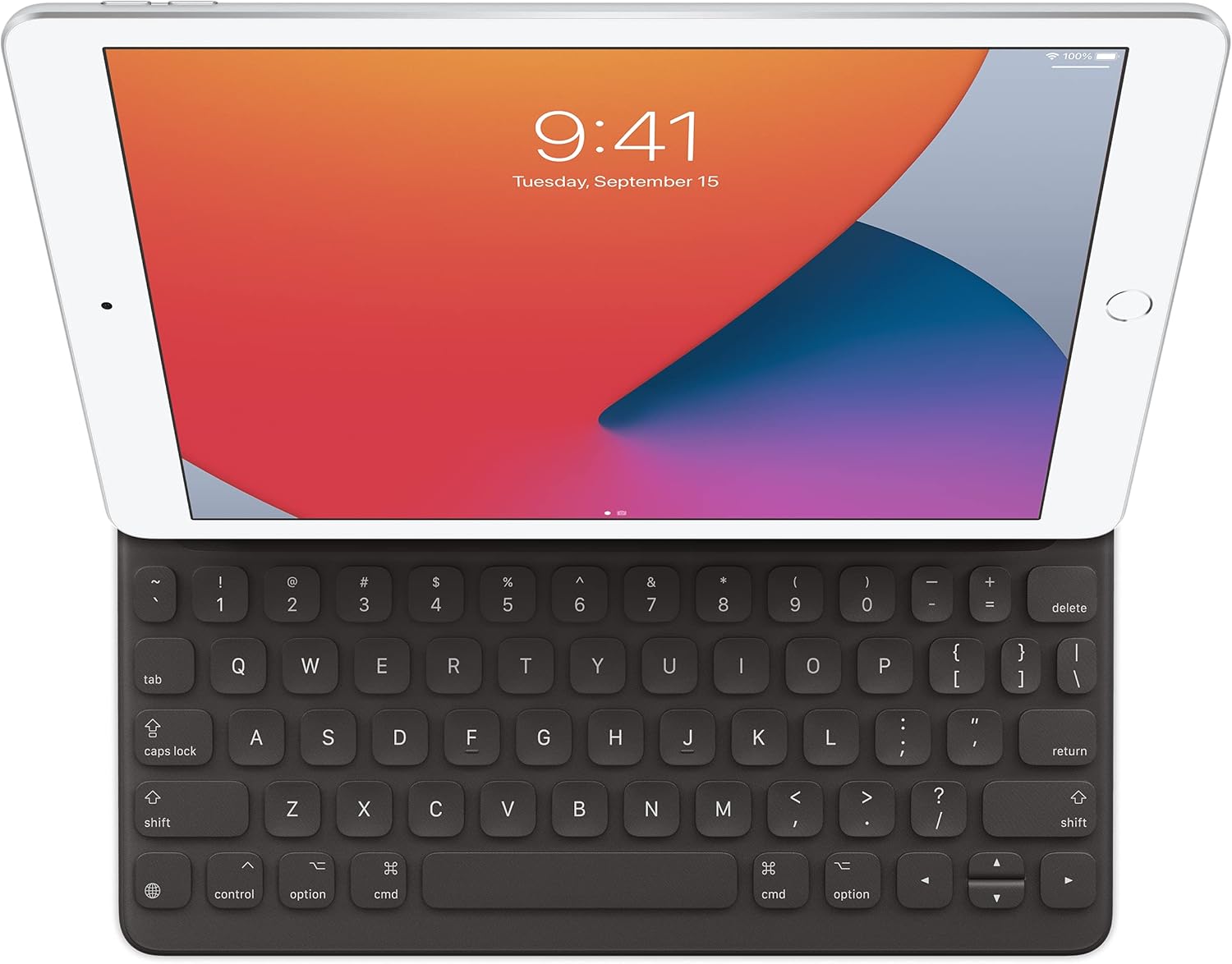
Billede: En front view of an iPad displaying its screen, with the Smart Keyboard attached and ready for typing.
4.2 Viewing Mode / Protective Cover
When you are not typing, the Smart Keyboard can be folded to serve as a protective cover or a stand for viewindhold.
- Forside: Fold the keyboard flat against the iPad screen to protect it from scratches and minor impacts.
- Viewing Stand: The flexible design allows you to fold the keyboard into a stand that props up the iPad at an optimal angle for watching videos or making video calls.
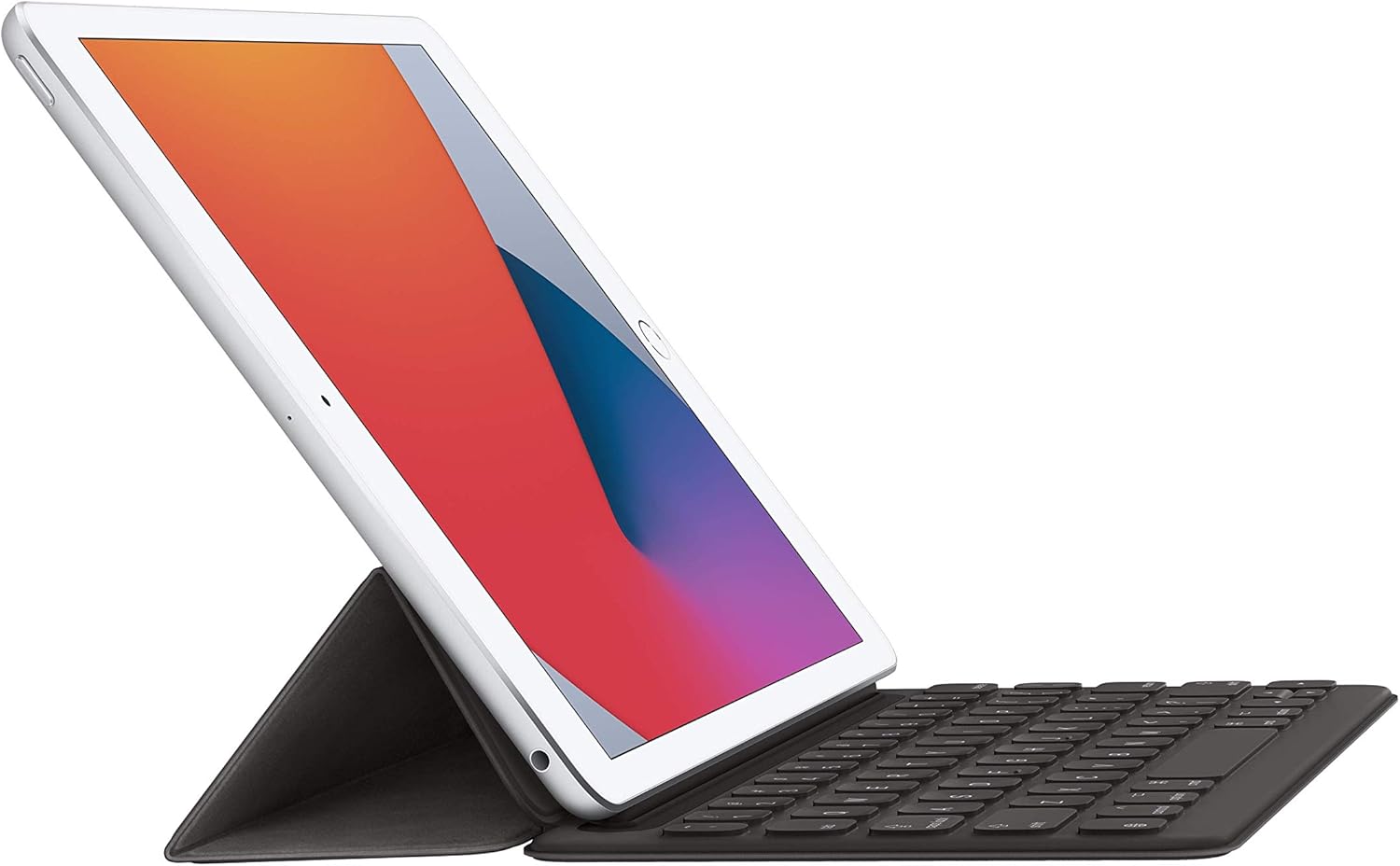
Image: An iPad positioned in a viewing stand configuration, with the Smart Keyboard folded behind it to support the screen.
5. Vedligeholdelse
To ensure the longevity and optimal performance of your Smart Keyboard:
- Rensning: Gently wipe the keyboard surface with a soft, damp, fnugfri klud. Undgå at bruge skrappe kemikalier eller slibende materialer.
- Opbevaring: When not in use, keep the keyboard attached to your iPad as a protective cover or store it in a clean, dry environment.
- Undgå væsker: While the keyboard material is resistant to minor spills, avoid submerging it in liquids or exposing it to excessive moisture.
6. Fejlfinding
If you encounter issues with your Smart Keyboard, consider the following steps:
- Tastaturet reagerer ikke:
- Ensure the Smart Keyboard is securely connected to the iPad's Smart Connector. Detach and reattach it.
- Clean the Smart Connector on both the iPad and the keyboard with a soft, dry, lint-free cloth to remove any debris.
- Genstart din iPad.
- Verify your iPad's software is up to date.
- Taster fungerer ikke korrekt:
- Kontrollér for eventuelle fysiske forhindringer under tasterne.
- Test the keyboard in different applications to determine if the issue is app-specific.
- Keyboard Not Recognized:
- Confirm your iPad model is listed as compatible (see Section 2).
- Ensure the iPad is not in a case that obstructs the Smart Connector.
If problems persist, contact Apple Support for further assistance.
7. Specifikationer
| Feature | Detalje |
|---|---|
| Modelnummer | MX3L2LL/A |
| Mærke | Æble |
| Forbindelse | Smart stik |
| Tastaturbeskrivelse | Multifunktionel |
| Særlige funktioner | Ergonomic, Foldable |
| Farve | Trækul |
| Sprog | amerikansk engelsk |
| Produktdimensioner | 10.31 x 7.64 x 0.55 tommer (26.19 x 19.41 x 1.4 cm) |
| Varens vægt | 1.06 pund (0.48 kg) |
| Fabrikant | Æble |
| Første ledige dato | 18. marts 2020 |
8. Garanti og support
For detailed warranty information and technical support, please refer to the official Apple website or contact Apple Support directly. Apple provides comprehensive support resources, including online documentation, troubleshooting guides, and customer service contact options.
You can visit the official Apple Support page for your region or the Apple Support webwebsted for mere information.


