Indledning
The Lively Mobile Plus is an all-in-one medical alert device designed to provide peace of mind and immediate assistance for seniors. This lightweight, wearable device operates on a reliable 4G LTE network, ensuring connectivity both at home and nationwide. It features an amplified two-way speaker for clear communication with Urgent Response Agents and offers optional Fall Detection. This manual provides essential information for setting up, operating, maintaining, and troubleshooting your Lively Mobile Plus device.

Billede: Forside view of the Lively Mobile Plus device, showcasing its compact design, silver finish, and the main Urgent Response button. A green indicator light is visible above the button, signifying power or readiness.
Opsætning og aktivering
Before using your Lively Mobile Plus, it must be activated through Lively. Follow these steps:
- Pak enheden ud: Carefully remove the Lively Mobile Plus device and any included accessories, such as the Fall Detection Lanyard, from its packaging.
- Oplad enheden: Connect the device to its charging cable and power adapter. Ensure it is fully charged before activation. A full charge typically takes a few hours.
- Contact Lively for Activation: Once your device has arrived and is charged, contact Lively customer service or visit their official website to select a Health & Safety Package. Activation is mandatory for the device to function.
- Select a Plan: Lively offers various plans, starting as low as $24.99/month. These plans do not require long-term contracts and have no cancellation fees.
- Confirm Services: During activation, confirm the services included in your chosen plan, such as Urgent Response, Nurse On-Call, and the optional Fall Detection feature.
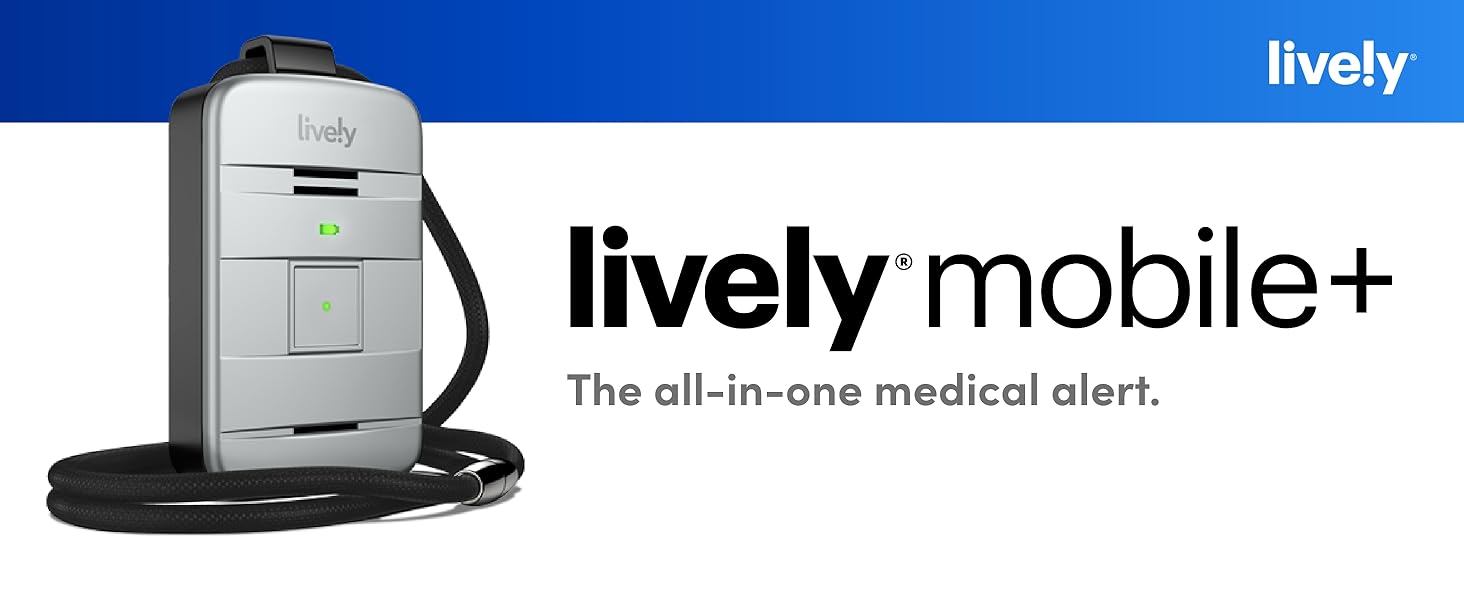
Image: The Lively Mobile Plus device displayed alongside its branding, emphasizing its role as an all-in-one medical alert solution.
Betjening af enheden
Knap til hasterespons
The primary function of the Lively Mobile Plus is to provide immediate access to help. The large, central button on the device is the Urgent Response button.
- Pressing the Button: In an emergency or if you need assistance, press and hold the Urgent Response button.
- Connecting to Agents: This action connects you directly to IAED-certified Urgent Response Agents via the device's amplified two-way speaker.
- Location Confirmation: Agents will confirm your location using the device's enhanced GPS, assess the situation, and dispatch appropriate help, whether it's emergency services or a family member.
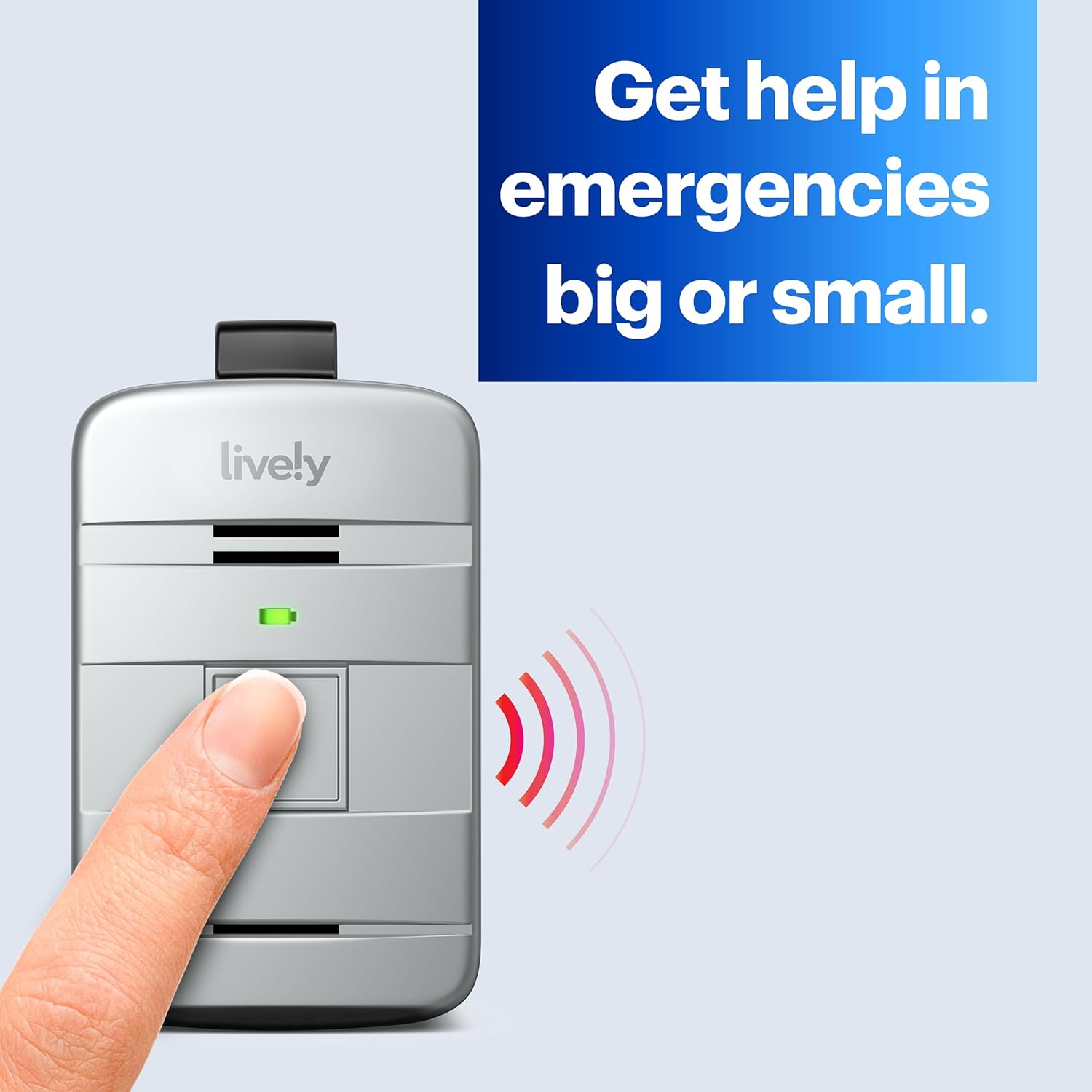
Image: A finger pressing the main button on the Lively Mobile Plus, illustrating the activation of the urgent response system. Red waves symbolize the signal being sent.

Billede: En detaljeret view of the Lively Mobile Plus device, highlighting the Urgent Response button and explaining its function: connecting to trained agents with one touch.
Fall Detection (Optional)
If you have added Fall Detection to your Lively Plan, the device can automatically sense a fall when worn with the provided Fall Detection lanyard.
- Automatic Alert: Upon detecting a fall, the device will automatically call for help, connecting to Urgent Response Agents.
- Wearing the Lanyard: For accurate fall detection, it is crucial to wear the device with the Fall Detection lanyard as instructed.

Image: A call center agent monitoring a screen that shows a map with a "Fall Detection" alert, indicating how detected falls are managed by the response team.
Nurse On-Call (Service Dependent)
Depending on your Lively Plan, you may have access to the Nurse On-Call service.
- Accessing Medical Advice: This service allows you to speak with a registered nurse or board-certified doctor from the comfort of your home.
- No Appointment Needed: There is no appointment or co-pay necessary for this service.
- Leverede tjenester: Nurses and doctors can answer medical questions and, in some cases, order prescriptions for common medications.

Image: A healthcare professional, representing the Nurse On-Call service, available to provide medical advice and support.
Lively Link App (Service Dependent)
The Lively Link app is designed to keep loved ones informed about your health and safety.
- Staying Independent: The app helps users maintain independence while reassuring family and friends.
- Advarsler: It sends alerts to designated smartphones if you call Urgent Response, providing updates on your status and location.

Image: An elderly woman and a man demonstrating the Lively Link app on a smartphone, illustrating how it connects users with their loved ones for safety updates.
Vedligeholdelse og pleje
- Opladning: Regularly charge your Lively Mobile Plus device to ensure it is always ready for use. The device uses 1 unknown battery (included).
- Rensning: Tør enheden af med en blød, damp klæde. Undgå at bruge skrappe kemikalier eller slibende rengøringsmidler.
- Vandtæthed: The Lively Mobile Plus is water-resistant, meaning it can withstand splashes and brief exposure to water. However, it is not designed for submersion. Avoid prolonged exposure to water.
- Opbevaring: Opbevar enheden på et køligt, tørt sted, når det ikke er i brug.
Fejlfinding
| Problem | Mulig årsag | Løsning |
|---|---|---|
| Device not responding/powering on. | Low battery or device not activated. | Ensure the device is fully charged. Verify activation with Lively customer service. |
| Cannot connect to Urgent Response. | No cellular signal or service plan issues. | Move to an area with better cellular coverage. Contact Lively customer service to check your service plan status. |
| Fall Detection not working. | Feature not activated or device not worn correctly. | Ensure Fall Detection is added to your Lively Plan. Wear the device with the Fall Detection lanyard as instructed. |
| Dårlig lydkvalitet under opkald. | Weak signal or environmental noise. | Move to a quieter area or an area with stronger cellular signal. |
If these solutions do not resolve the issue, please contact Lively customer support for further assistance.
Specifikationer
- Produktdimensioner: 2.63 x 1.67 x 0.65 tommer
- Varens vægt: 1.15 pund
- Batterier: 1 ukendt batteri (inkluderet)
- Trådløs kommunikationsteknologi: Cellulær
- Forbindelsesteknologier: Mobil, GPS
- Særlige funktioner: GPS, Time Display
- Farve: Sølv
- Materiale: Plast
- Hvad er der i æsken: Faldetektionssnor
- Fabrikant: LIVELY
- Dato først tilgængelig: 9. marts 2020
Garanti og support
For information regarding product warranty, service plans, and customer support, please refer to the documentation provided with your Lively Mobile Plus device or visit the official Lively webwebsted.
- Lively Plans: Service plans are required for the device to function, starting as low as $24.99/month. These plans typically do not have long-term contracts or cancellation fees.
- Kundeservice: For any questions or issues not covered in this manual, contact Lively customer service. Their contact information can usually be found on their website or in your activation materials.
- Beskyttelsesplaner: Additional protection plans may be available for purchase, such as 2-Year or 3-Year Protection Plans, or a Complete Protect plan. These are separate from the service plans.
Note: Proposition 65 Warning applies to this product.


