Brugervejledning til iRobot Roomba 980 Robotstøvsuger
Model: 980 | Brand: iRobot
Indledning
The iRobot Roomba 980 is a Wi-Fi connected robot vacuum designed for efficient home cleaning. It features patented iAdapt 2.0 Navigation with vSLAM technology, allowing it to map its surroundings for comprehensive cleaning of an entire level of your home, navigating around objects and under furniture. Equipped with Power Lifting Suction, it delivers 10X the air power for improved pick-up performance, automatically increasing cleaning performance on carpets with Power Boost. Its Dual Multi-Surface Rubber Brushes adjust and flex to maintain constant contact with both carpets and hard floors, making it ideal for homes with pets. The Premium 3-stage Cleaning System effectively cleans visible dirt and pet hair, as well as allergens and dust. A High Efficiency Filter traps 99 percent of cat and dog allergens.
Opsætningsvejledning
1. Udpakning og placering
Carefully remove all components from the packaging. Place the Home Base charging station against a wall in an open, uncluttered area, ensuring at least 1.5 feet (0.5 meters) of clear space on either side and 4 feet (1.2 meters) in front. Plug the Home Base power cord into a wall outlet.
2. Oprindelig opkrævning
Place your Roomba onto the Home Base, ensuring the metal charging contacts on the robot align with those on the Home Base. The light ring around the CLEAN button will pulse white to indicate charging. Allow the robot to fully charge before its first use, which may take up to 2 hours.
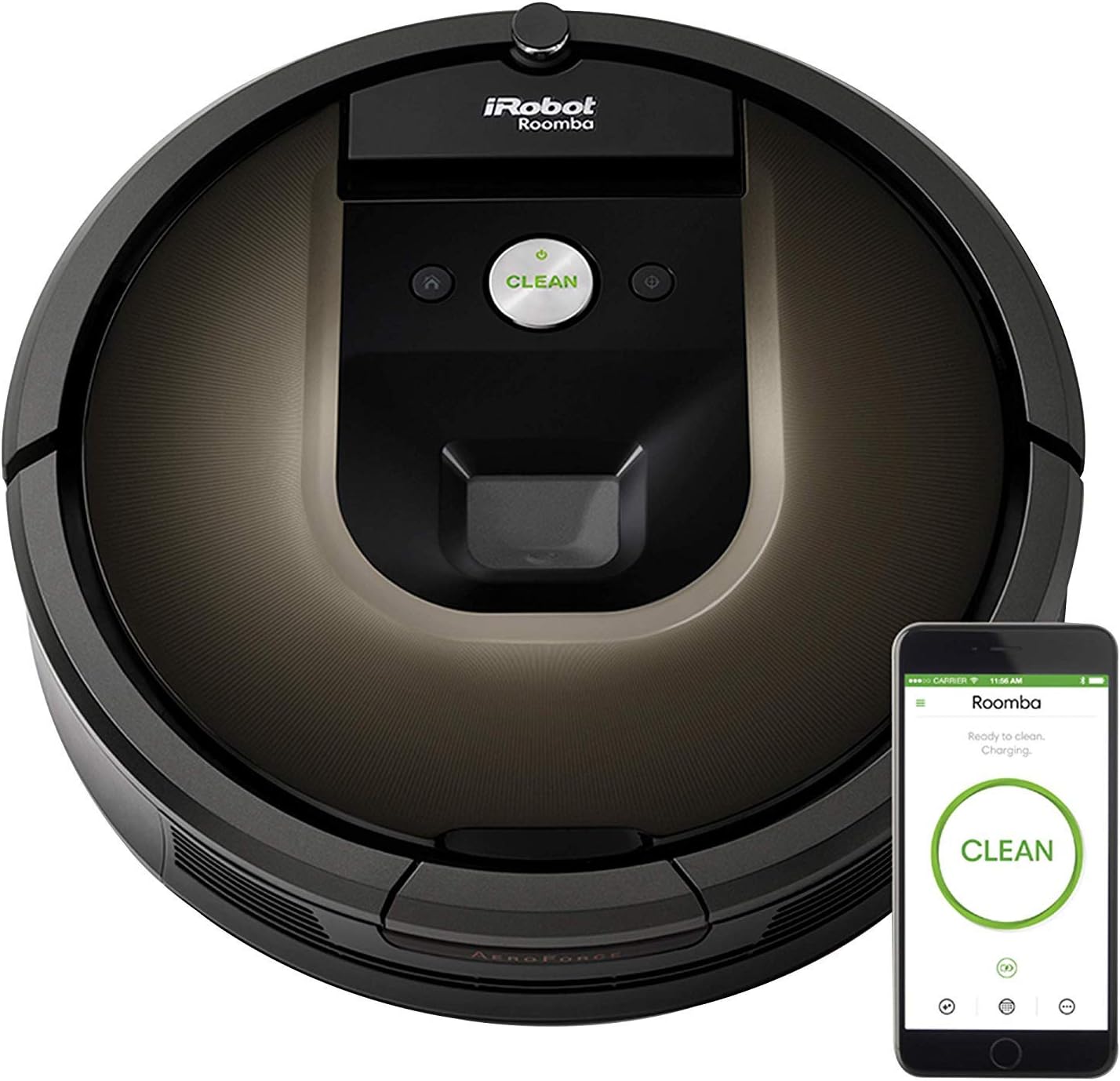
Image: The Roomba 980 on its Home Base with the companion app on a smartphone.
3. Connect to iRobot HOME App
Download the iRobot HOME App from your device's app store. Follow the in-app instructions to connect your Roomba to your home Wi-Fi network. The app allows you to schedule cleanings, customize cleaning preferences, and monitor cleaning status.
Video: Demonstrates connecting the Roomba to a smartphone app and initiating a cleaning cycle.
Betjeningsvejledning
1. Start af en rengøringscyklus
Tryk på REN button on the robot or use the iRobot HOME App to start a cleaning cycle. The Roomba will automatically navigate your home, cleaning in systematic patterns.
Image: The Roomba 980 cleaning an entire level of a home, illustrating its mapping capabilities.
2. Rengøringstilstande
Automatisk: Roomba automatically adjusts its vacuum power for deep cleaning carpets and efficiently cleans hard floors.
Ydelsestilstand: Maximizes cleaning performance on all floor surfaces.
Øko-tilstand: Runs the vacuum at a lower power setting to extend cleaning time and clean quietly.
Image: The Roomba 980 effectively cleaning both carpeted and hard floor surfaces.
3. Navigation og undgåelse af forhindringer
The Roomba uses vSLAM technology to create a visual map of your home, ensuring thorough coverage. It is designed to clean around objects and under furniture. For optimal performance, clear excessive clutter from the floor before cleaning.
Image: The Roomba 980 navigating and cleaning under and around furniture.
4. Returning to Home Base
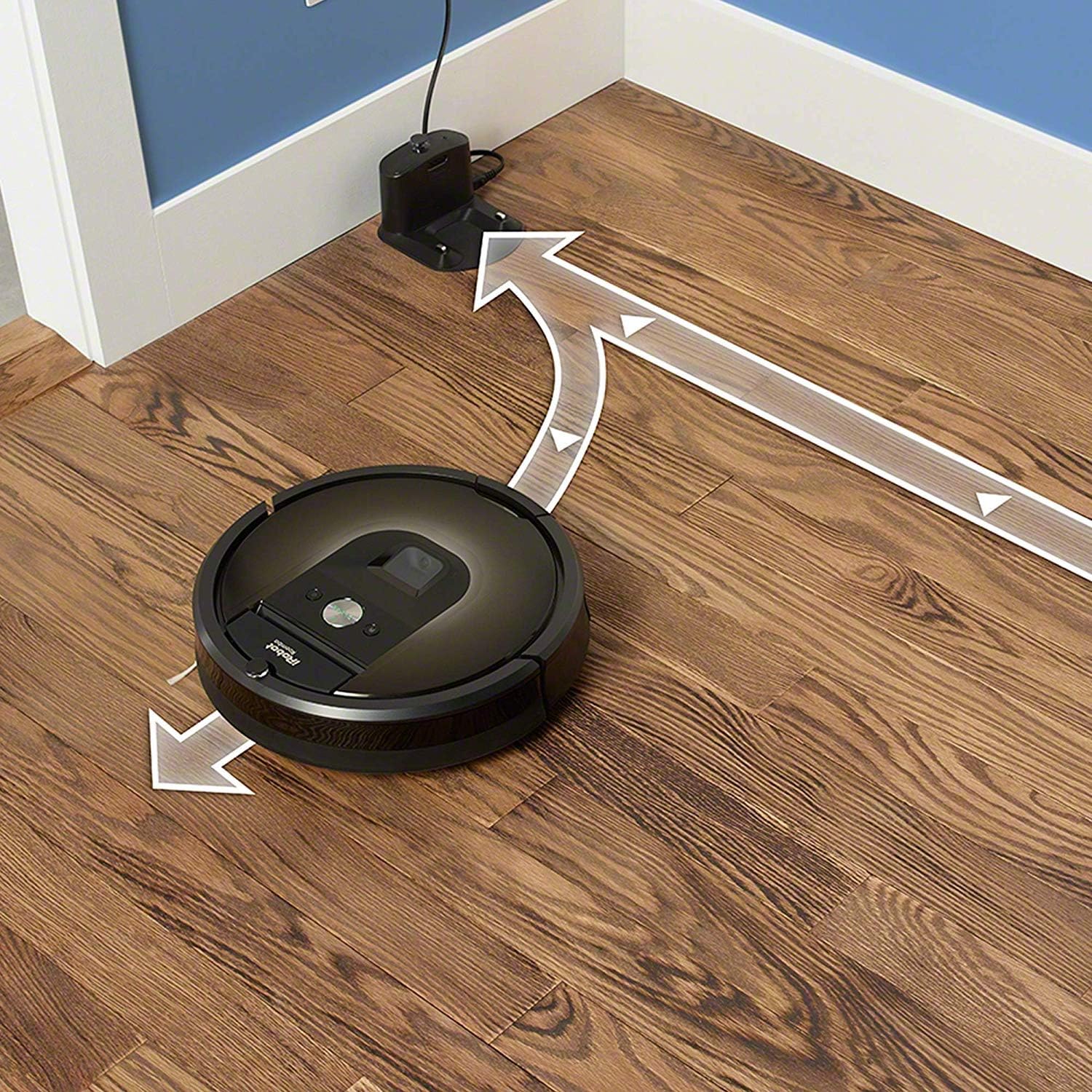
When the cleaning cycle is complete or the battery is low, the Roomba will automatically return to its Home Base to recharge. Ensure the Home Base remains plugged in and accessible.
Image: The Roomba 980 automatically returning to its Home Base for charging.
Opretholdelse
Regular maintenance is crucial for your Roomba's optimal performance. Follow these steps to keep your robot in top condition.
1. Tømning af støvbeholderen
The dust bin should be emptied after each cleaning cycle, especially if you have pets or high traffic areas. The Roomba 980 has a 0.6-liter capacity dust bin. To empty, press the bin release tab and pull the bin straight out. Open the bin door and shake out debris into a trash can.
Video: Demonstrates how to remove and empty the dust bin of the Roomba.
2. Cleaning the Brushes and Filter
The Dual Multi-Surface Rubber Brushes should be cleaned weekly, or more often if you have a lot of pet hair. Pinch the yellow tabs to lift the brush frame and remove the brushes. Remove any hair or debris wrapped around the brushes or their caps. The High Efficiency Filter (HEPA type) should also be cleaned weekly by tapping it against a trash can to dislodge debris. Filters are not washable and should be replaced every 2-3 months, or as needed.
Video: Shows the process of cleaning the Roomba's brushes and filter.
Fejlfinding
If your Roomba encounters an issue, the light ring will flash and an audible alert will sound. Refer to the iRobot HOME App for detailed troubleshooting steps and error codes.
Almindelige problemer:
Robot Stuck: Clear any obstacles around the robot. Check wheels and brushes for tangled hair or debris.
Beholder fuld: Tøm støvbeholderen og rengør filteret.
Opladningsfejl: Ensure the Home Base is plugged in and the charging contacts on both the robot and base are clean.
Problemer med Wi-Fi-forbindelse: Restart your router and ensure your Roomba is within Wi-Fi range. Reconnect via the iRobot HOME App if necessary.
Video: Shows the Roomba encountering an issue and stopping, indicating a need for troubleshooting.
Specifikationer
Mærke
iRobot
Modelnavn
980
Farve
Sort
Speciel funktion
Taskeløs
Filtertype
HEPA
Strømkilde
Batteridrevet
Voltage
110 volt
Varens vægt
11.23 pund
Pakkedimensioner
18.82 x 17.01 x 5.43 tommer
Kompatible enheder
Amazon Echo
Garanti og support
For detailed warranty information, technical support, or to purchase replacement parts, please refer to the full product manual included with your Roomba 980 or visit the official iRobot webwebsted.
You can also find additional support and FAQs within the iRobot HOME App.
Brugervejledning til iRobot Roomba 671 Robotstøvsuger Denne brugermanual indeholder detaljerede instruktioner til opsætning, brug og vedligeholdelse af iRobot Roomba 671 robotstøvsugeren med Wi-Fi-forbindelse. Lær om dens funktioner, sikkerhedsinstruktioner, fejlfinding og kundeservice.
iRobot Roomba 694 robotstøvsuger brugervejledning Omfattende brugervejledning til iRobot Roomba 694 robotstøvsugeren, der dækker sikkerhedsinstruktioner, opsætning, betjening, vedligeholdelse, fejlfinding og lovgivningsmæssige oplysninger.
iRobot Roomba 900-seriens hurtigstartguide En kortfattet guide til opsætning og start af din iRobot Roomba 900 robotstøvsuger. Lær, hvordan du opsætter Home Base, aktiverer robotten og downloader iRobot HOME-appen for at få forbedrede funktioner.