Indledning
The COMFAST AC1200 High Power Outdoor Wi-Fi Repeater is designed to provide extensive wireless coverage for large outdoor areas. This versatile device functions as a Wi-Fi Repeater, Access Point (AP), and Router, offering robust dual-band connectivity at 2.4 GHz and 5.8 GHz with combined speeds up to 1200 Mbps. Its high-performance, waterproof design and Power over Ethernet (PoE) support make it ideal for various outdoor networking applications, including extending Wi-Fi to villages, farms, or remote base stations.

Image: The COMFAST AC1200 Outdoor Wireless AP, a white cylindrical device with two external antennas and LED indicators.
Pakkens indhold
Upon opening the retail packaging, please verify that all the following components are included:
- 1 x AP Main Body (COMFAST CF-EW74)
- 1 x 24V PoE AC Adapter
- 1 x Fixing Buckle (for mounting)
- 1 x brugermanual
- 1 x garantikort
Billede: En detaljeret view of the COMFAST AC1200 product and its accessories, including the main unit, PoE adapter, mounting hardware, and documentation.
Nøglefunktioner
The COMFAST AC1200 Outdoor Wireless AP offers a range of features designed for robust and reliable outdoor wireless connectivity:
- Høj effekt: Designed for long-distance wireless networking and CPE applications, suitable for business offices and homes with outdoor network requirements.
- Dual-Band AC1200 Performance: Supports 802.11AC Wi-Fi technology, operating on both 2.4 GHz (300 Mbps) and 5 GHz (867 Mbps) bands for a total of up to 1200 Mbps.
- Integrated High-Power Amplivsstil: Features internal Power Amplifiers (PA) to boost signal strength and Low Noise Amplifiers (LNA) to minimize noise, enhancing Tx & Rx capabilities.
- Omnidirektionelle antenner: Equipped with two external 5dBi omnidirectional antennas providing 360-degree coverage, extending range up to 100-200 meters depending on the environment.
- Flexible Deployment with PoE: Supports Power over Ethernet (PoE) via RJ45, allowing for power and data transmission over a single cable up to 100 meters, simplifying outdoor installation.
- Vandtæt Design: High-performance waterproof casing ensures durability and reliable operation in various outdoor weather conditions.
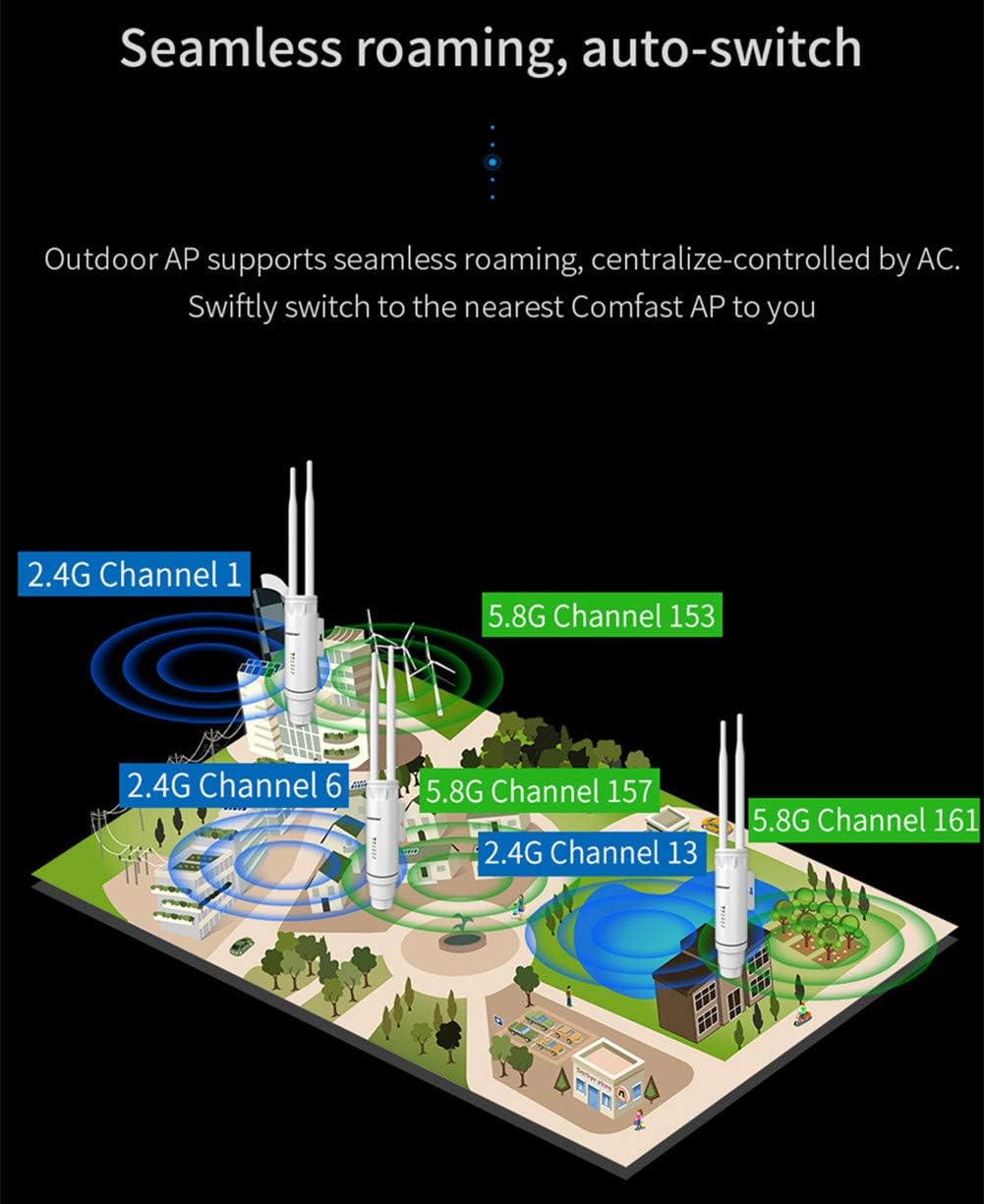
- Problemfri roaming: Supports seamless roaming for uninterrupted connectivity across multiple APs, centrally controlled for optimal performance.

Image: An infographic highlighting the core features of the COMFAST AC1200, such as high speed, powerful processing, and robust outdoor capabilities.
Opsætningsvejledning
Fysisk installation
The COMFAST AC1200 is designed for outdoor deployment. It can be mounted on a pole or wall using the provided fixing buckle. Choose a location that offers clear line-of-sight to the areas requiring Wi-Fi coverage and is protected from direct impact or extreme weather conditions.

Billede: Forsiden view of the COMFAST AC1200 device, illustrating its design and potential mounting points.
Power over Ethernet (PoE) Connection
The device is powered using the included 24V PoE adapter. Connect an Ethernet cable from the LAN port of the PoE adapter to the Ethernet port on the COMFAST AP. Then, connect another Ethernet cable from your router or network switch to the PoE port of the adapter. This setup allows both power and data to be transmitted over a single Ethernet cable, simplifying outdoor wiring.
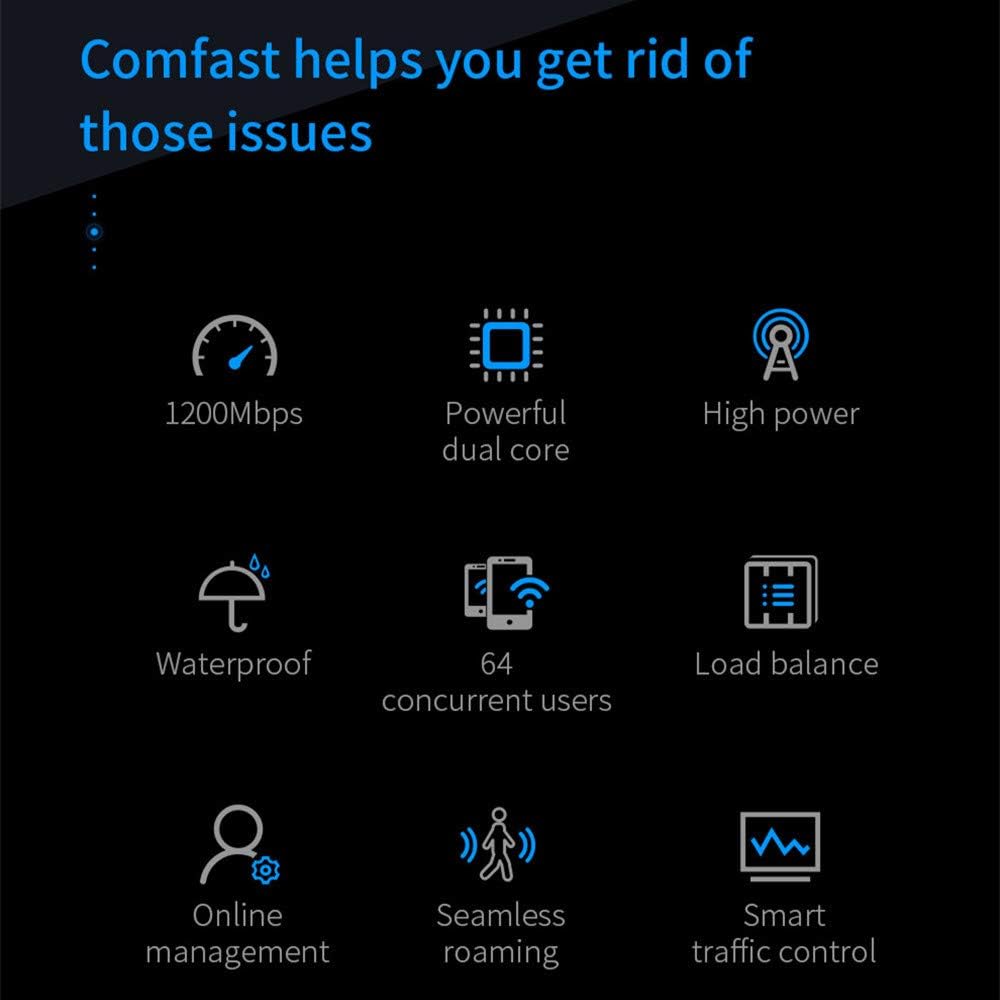
Image: A schematic demonstrating how the COMFAST AP connects to a network using PoE, showing the router, AC controller, switch, and multiple APs.
Indledende konfiguration
After physical installation and power connection, you will need to configure the device via its web-based management interface. Typically, you connect a computer directly to the PoE adapter's LAN port or to the same network segment as the AP. Refer to the included user manual for the default IP address, username, and password to access the web interface. From there, you can select the desired operating mode (Repeater, AP, or Router) and configure network settings such as SSID, security, and IP address.
Driftstilstande
The COMFAST AC1200 supports multiple operating modes to suit various networking needs:
Repeater-tilstand
In Repeater mode, the device extends the range of an existing wireless network. It receives the Wi-Fi signal from your main router and re-broadcasts it, effectively expanding the coverage area. This is ideal for eliminating Wi-Fi dead zones in large outdoor spaces.
Access Point (AP) tilstand
As an Access Point, the device connects to a wired network (e.g., via an Ethernet cable from your router) and broadcasts a new wireless network. This mode is suitable for adding Wi-Fi capability to a wired network or creating a new Wi-Fi hotspot in an outdoor location.
Routertilstand
In Router mode, the device acts as a primary network device, connecting directly to an internet source (e.g., a modem) and providing both wired and wireless connectivity to multiple devices. This mode is typically used when the device is the main point of internet access for a network.

Image: A visual representation of the COMFAST AC1200 providing wide Wi-Fi coverage around a building, emphasizing its dual-band and omnidirectional antenna capabilities.
Opretholdelse
To ensure optimal performance and longevity of your COMFAST AC1200 Outdoor Wireless AP, follow these maintenance guidelines:
- Regelmæssig rengøring: Periodically clean the exterior of the device to remove dust, dirt, and debris. Use a soft, dry cloth. Avoid using liquid cleaners or abrasive materials.
- Firmwareopdateringer: Check the COMFAST official website regularly for firmware updates. Keeping the firmware updated ensures the device has the latest features, security patches, and performance improvements.
- Miljøtjek: Ensure the mounting location remains secure and free from obstructions. Verify that cables are not damaged and connections are secure.
- Power Cycle: If you experience minor performance issues, try power cycling the device by disconnecting and reconnecting the PoE adapter.
Fejlfinding
If you encounter issues with your COMFAST AC1200, refer to the following common troubleshooting steps:
- Ingen strøm/LED'er slukket: Ensure the PoE adapter is properly connected to a power outlet and the Ethernet cable from the adapter is securely plugged into the AP. Check the power source.
- Intet Wi-Fi-signal: Verify that the device is powered on and configured correctly in the desired operating mode (Repeater, AP, Router). Check the SSID broadcast settings in the web interface.
- Langsom forbindelseshastighed: Ensure the device is placed in an optimal location with minimal interference. Check for other devices operating on the same Wi-Fi channels and consider changing channels. Verify your internet connection speed from the source.
- Kan ikke få adgang Web Interface: Confirm your computer's IP address is on the same subnet as the AP's default IP (e.g., if AP is 192.168.1.1, set your computer to 192.168.1.X). Try resetting the device to factory defaults (refer to the manual for reset instructions).
- Intermitterende forbindelse: Check for physical obstructions or sources of interference. Ensure the firmware is up to date.
Tekniske specifikationer
| Attribut | Værdi |
|---|---|
| Mærke | KOMFAST |
| Modelnummer | CF-EW74 |
| Trådløs Standard | 802.11ac |
| Dataoverførselshastighed | 1200 Megabits per second (300Mbps 2.4G + 867Mbps 5.8G) |
| Frekvensbåndsklasse | Dual Band (2.4 GHz, 5.8 GHz) |
| Speciel funktion | Long Range, Wireless |
| Forbindelsesteknologi | Wi-Fi, Ethernet (PoE) |
| Kompatible enheder | Tablets, various network devices |
| Varens vægt | 540 gram |
| Produktdimensioner | 23.7 x 15.2 x 6 cm |
| Strømforsyning | 24V PoE AC Adapter |
Garanti og support
The COMFAST AC1200 Outdoor Wireless AP comes with a warranty card included in the package. Please refer to the warranty card for specific terms and conditions regarding coverage and duration. For technical support, troubleshooting assistance beyond this manual, or warranty claims, please contact COMFAST customer service through the contact information provided in your product documentation or on the official COMFAST webwebsted.
Det anbefales at gemme dit købsbevis af garantihensyn.


