1. Sikkerhedsoplysninger
- Overskrid ikke den maksimale bæreevne på 4 kg.
- Ensure all locks and adjustments are securely tightened before use to prevent equipment damage.
- Hold stativet væk fra ekstreme temperaturer, fugt og ætsende stoffer.
- Do not leave the tripod unattended in windy conditions, especially with equipment mounted.
- Opbevares utilgængeligt for børn.
2. Pakkens indhold
Kontroller venligst, at alle varer er til stede i din pakke:
- MOJOGEAR 177cm 2-in-1 Tripod (with detachable monopod)
- Premium Phone Holder with Cold Shoe Mount
- Hurtigfrigivelsesplade
- Carry Bag
3. Produktet er slutview
Familiarize yourself with the main components of your MOJOGEAR tripod.

Figur 3.1: Overview of the MOJOGEAR 2-in-1 Tripod, demonstrating its versatility as both a tripod and a monopod, along with the included phone holder.
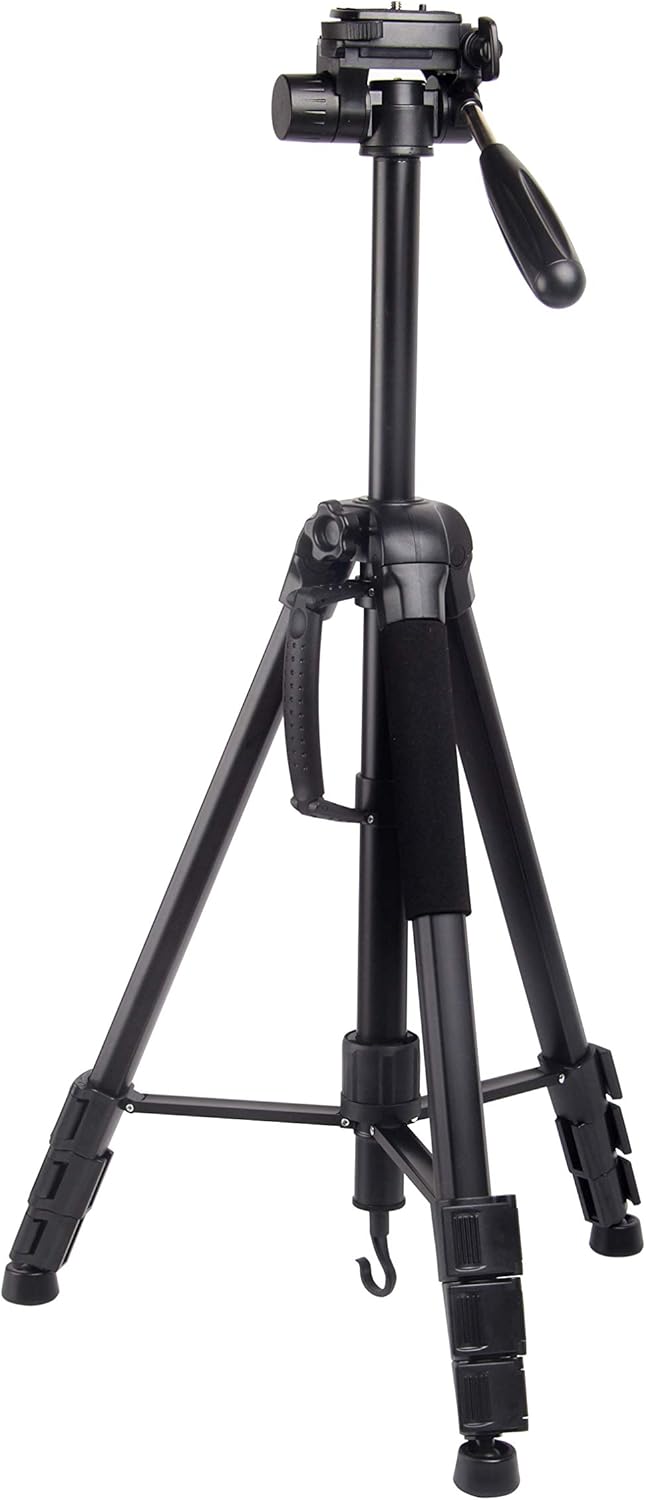
Figure 3.2: The MOJOGEAR Tripod in its compact, folded state, highlighting the integrated carry handle for easy transport.
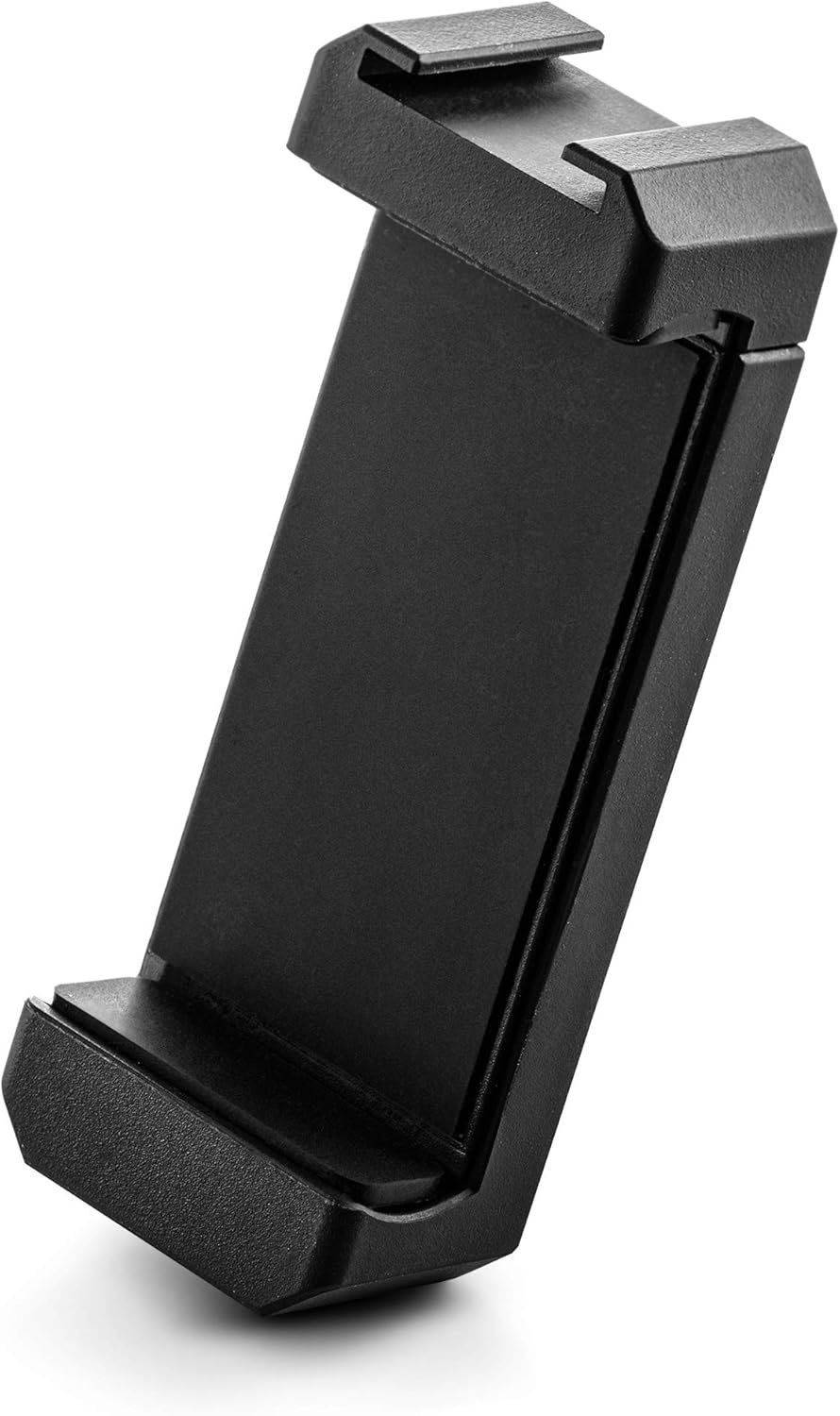
Figur 3.3: En detaljeret view of the premium phone holder, designed to securely grip smartphones.
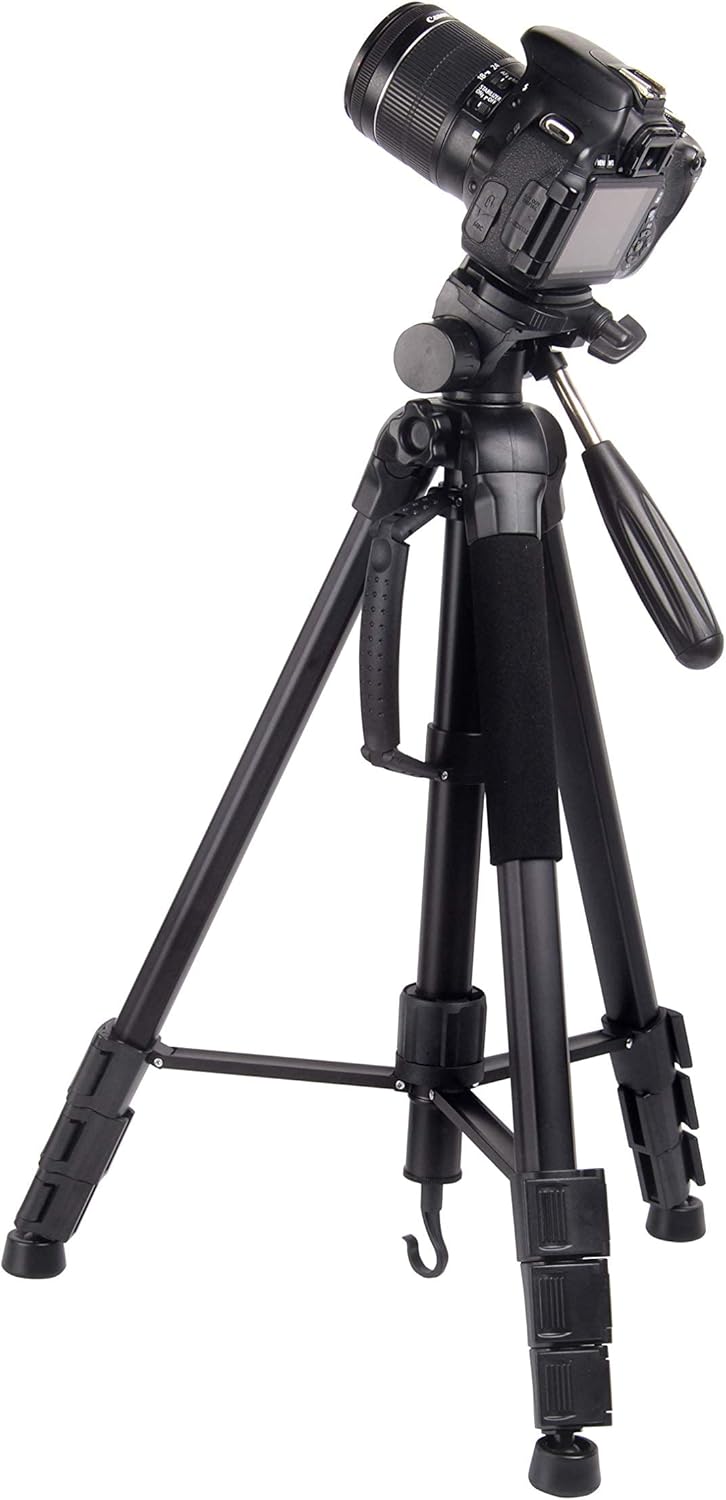
Figure 3.4: The tripod shown with a DSLR camera mounted, demonstrating its compatibility with professional camera equipment.
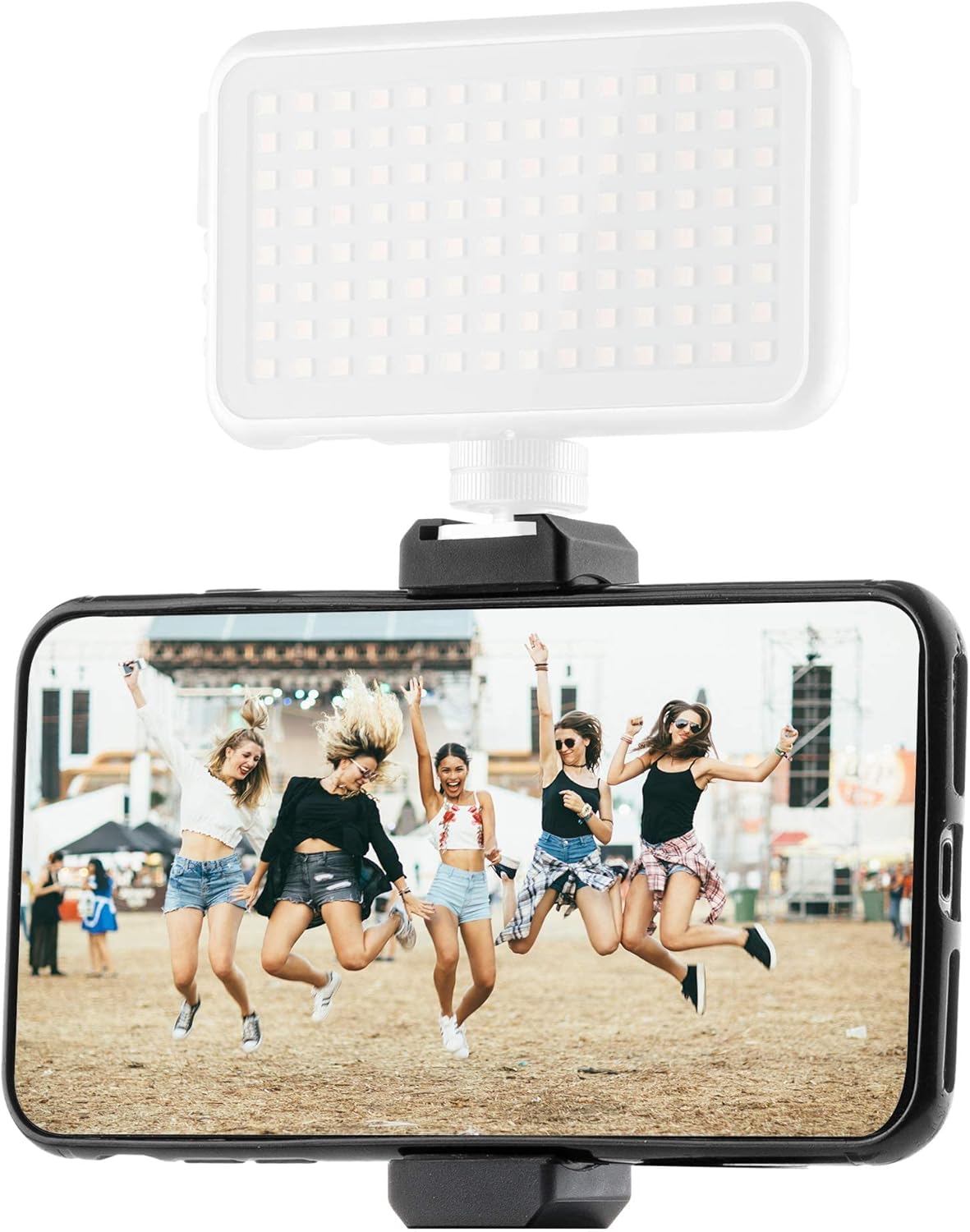
Figure 3.5: The phone holder in use with a smartphone, featuring an attached LED light via the cold shoe mount, illustrating accessory integration.
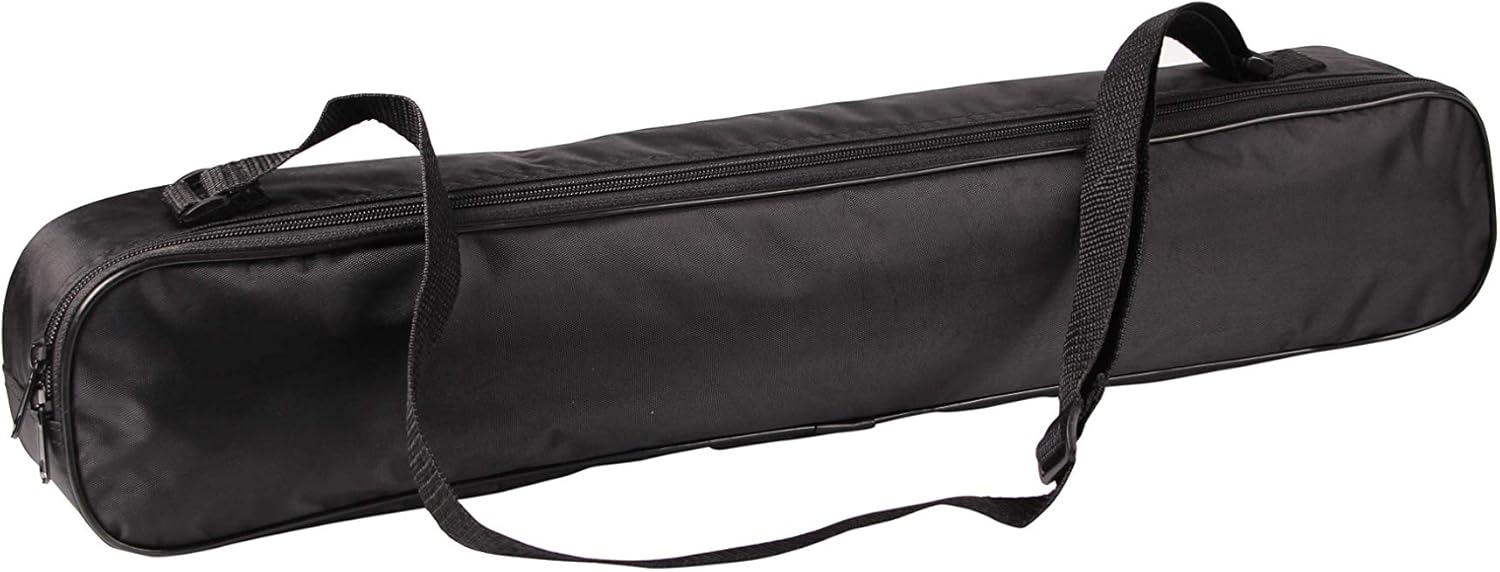
Figure 3.6: The durable carry bag included with the tripod, providing convenient storage and transport.

Figure 3.7: A visual representation of the monopod's adjustable height, ranging from 45cm to 165cm.

Figur 3.8: Et nærbillede view of the tripod head, illustrating its ability to tilt for various shooting angles.
4. Opsætningsvejledning
4.1 Udfoldning af stativet
- Placer stativet på en flad, stabil overflade.
- Release the leg locks on each leg and extend them outwards until fully spread.
- Adjust the leg sections to your desired height by opening the flip locks, extending the sections, and then closing the locks securely.
4.2 Montering af hurtigudløserpladen
- Locate the quick release plate on the tripod head.
- Press the release lever or button to detach the plate from the tripod head.
- Screw the quick release plate onto the bottom of your camera or the phone holder using the 1/4-inch screw. Ensure it is tightened firmly.
- Slide the quick release plate with your device back into the tripod head until it clicks securely into place.
4.3 Converting to Monopod
- Identify the central leg of the tripod, which is designed to detach.
- Unscrew the central column from the tripod body.
- The detached central column can now be used as a standalone monopod. You can attach the tripod head or directly mount your camera/phone holder to its top screw.
- Extend the monopod sections by opening the flip locks and securing them at your desired height (up to 165 cm).
5. Betjeningsvejledning
5.1 Adjusting the 3-Way Pan/Tilt Head
- Justering af pande: Loosen the horizontal locking knob to rotate the head 360 degrees horizontally. Tighten to secure.
- Justering af hældning: Use the handle to tilt the camera up or down. Loosen the tilt locking knob to adjust the angle, then tighten to secure.
- Portræt/Landskabstilstand: The quick release plate platform can be tilted 90 degrees for vertical shooting. Loosen the side knob, adjust, and tighten.
5.2 Brug af telefonholderen
- Attach the phone holder to the quick release plate.
- Gently pull the spring-loaded top clamp of the phone holder upwards to insert your smartphone. Ensure it is securely seated.
- The phone holder features a cold shoe mount on top, allowing you to attach accessories like LED lights or microphones.
5.3 Nivellering af stativet
The tripod head includes an integrated bubble level. Adjust the tripod legs until the bubble is centered within the circle, indicating a perfectly level setup for your shots.
6. Vedligeholdelse
- Rensning: Tør stativet af med en blød, tør klud efter hver brug. Brug en let tør klud til genstridigt snavs.amp klud og mild sæbe, og tør derefter grundigt. Undgå skrappe kemikalier.
- Opbevaring: Store the tripod in its carry bag in a cool, dry place, away from direct sunlight and extreme temperatures.
- Inspektion: Periodically check all screws, knobs, and leg locks for tightness. Ensure all moving parts operate smoothly. Do not force any components.
7. Fejlfinding
- Stativet er ustabilt: Ensure all leg sections are fully extended and their flip locks are securely closed. Verify that the quick release plate is properly seated and locked onto the head. Check the ground for unevenness.
- Head movement is stiff: Check if all locking knobs are fully loosened. If the issue persists, a small amount of silicone-based lubricant can be applied to moving parts, but avoid over-lubrication.
- Camera/Phone not secure: Ensure the quick release plate is tightly screwed onto your device. Confirm the quick release plate is fully inserted and locked into the tripod head.
8. Specifikationer
| Feature | Specifikation |
|---|---|
| Mærke | MOJOGEAR |
| Modelnummer | MG-35-T |
| Størrelse | 177 cm |
| Materiale | Aluminium |
| Vægtgrænse | 4 kilo |
| Maksimal højde | 177 centimeter |
| Monopod Extension | Up to 165 Centimeters |
| Emnedimensioner (LxBxH) | 56.3 x 9.8 x 9.8 cm |
| Pakkedimensioner (LxBxH) | 60.4 x 12.2 x 11.8 cm |
| Pakkevægt | 2.06 kilo |
| Kompatible enheder | Smartphone, DSLR Camera, Compact Camera |
9. Garanti og support
MOJOGEAR products are designed for durability and performance. For any questions, technical support, or warranty claims, please contact MOJOGEAR customer service through the retailer's platform or the official MOJOGEAR webwebsted. Gem venligst din købsbevis for at validere garantien.


