Indledning
This manual provides detailed instructions for the safe and effective use of your OneOdio A70 Wireless Bluetooth Headphones. Please read this manual thoroughly before using the product and retain it for future reference.

Image: OneOdio A70 Wireless Bluetooth Headphones in red and black, shown with 3.5mm and 6.35mm audio cables.
Pakkens indhold
Sørg for at alle varer er til stede i pakken:
- OneOdio A70 Fusion Headphones
- 3.5mm to 3.5mm Jack Cable with Microphone (1.2 M)
- 3.5mm to 6.35mm Jack Cable with Spring Wire (2-3 M)
- Micro-USB Charging Cable (0.6 M)
- Beskyttende pose
- Brugervejledning (dette dokument)

Billede: Overview of the OneOdio A70 package contents, including the headphones, various cables, and a carrying pouch.
Produkt overview
The OneOdio A70 headphones feature a versatile design for both wireless and wired use, offering high-quality audio and comfortable wear.
- Lyddrivere: Equipped with 40mm drivers for powerful bass and clear treble.
- Forbindelse: Bluetooth 5.2 for wireless connection, and multiple wired options (3.5mm, 6.35mm).
- Batterilevetid: Up to 72 hours of playback on a single charge (at 50% volume).
- Mikrofon: Integrated CVC 8.0 noise-cancelling microphone for clear calls.
- Share Port: Allows two headphones to connect to one audio source for shared listening.
- Komfort: Thick foam ear pads and a foldable, adjustable headband for extended wear comfort.
- Jack Lock: Secure locking mechanism for the auxiliary stereo cable.
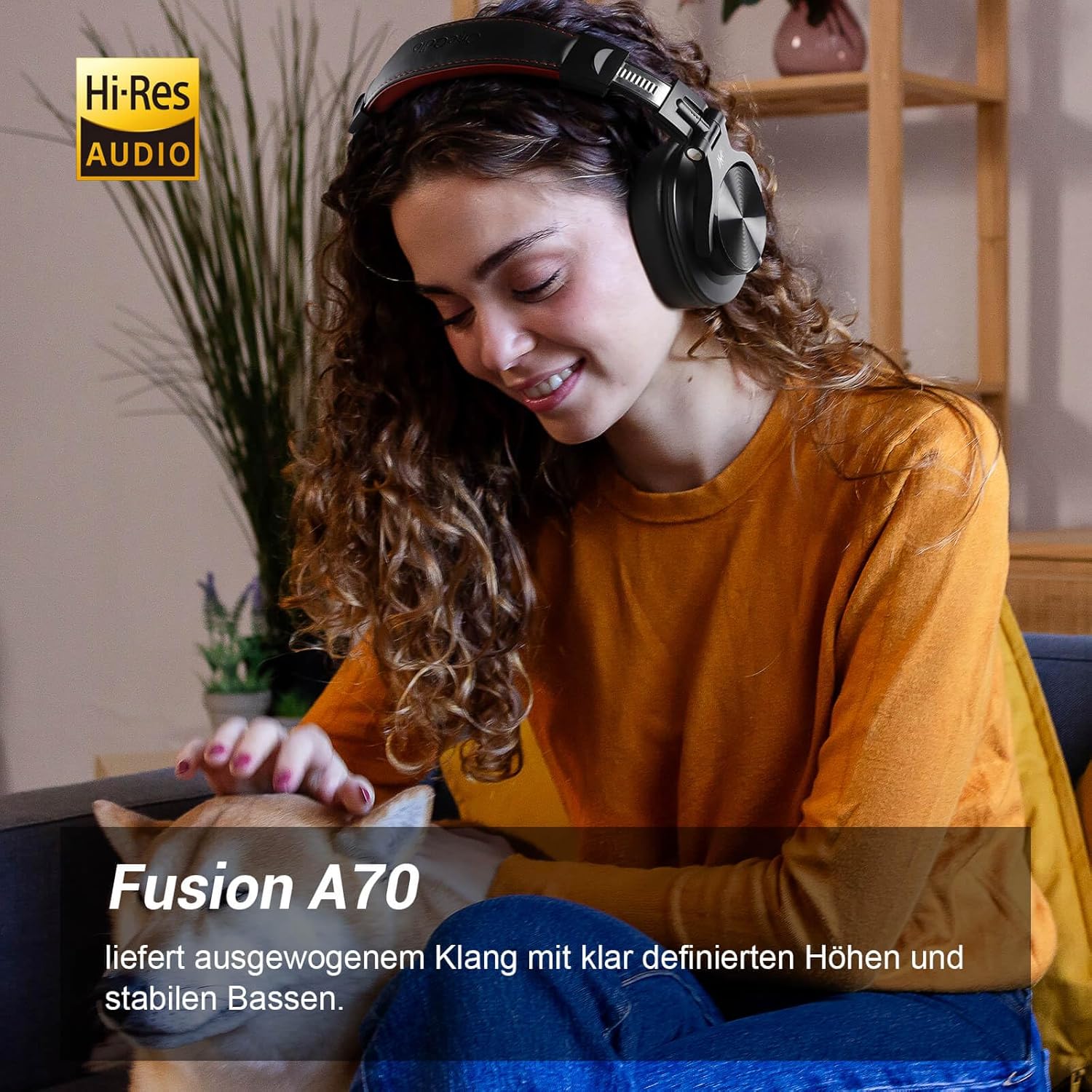
Image: A woman wearing the OneOdio A70 headphones, emphasizing the Hi-Res Audio capability.
Opsætning
Opladning af hovedtelefoner
Before first use, fully charge the headphones. Use the provided Micro-USB charging cable.
- Connect the Micro-USB end of the charging cable to the charging port on the headphone.
- Connect the USB-A end to a USB power adapter (not included) or a computer's USB port.
- LED-indikatoren viser opladningsstatus (f.eks. rød for opladning, blå for fuldt opladet).

Billede: En detaljeret view of the headphone's side, showing the Micro-USB charging port and control buttons.
Bluetooth-parring
Sådan tilslutter du dine hovedtelefoner trådløst:
- Sørg for, at hovedtelefonerne er opladet og slukket.
- Press and hold the Multi-function button (usually the power button) for approximately 5 seconds until the LED indicator flashes red and blue alternately, indicating pairing mode.
- Aktiver Bluetooth på din enhed (smartphone, tablet, pc), og søg efter tilgængelige enheder.
- Select "OneOdio A70" from the list of devices.
- Når den er tilsluttet, vil LED-indikatoren lyse konstant blåt eller blinke langsomt blåt.
Kablet tilslutning
The A70 headphones support two types of wired connections:
- 3.5mm to 3.5mm Cable: For connecting to smartphones, tablets, laptops, and other devices with a 3.5mm audio jack. This cable includes an in-line microphone for calls.
- 3.5mm to 6.35mm Cable: For connecting to professional audio equipment like DJ mixers, amplifiers, and guitars.
To use a wired connection, simply plug the appropriate cable into the headphone's corresponding port and the other end into your audio source. The headphones will automatically switch to wired mode when a cable is inserted.

Image: A visual guide illustrating the wide compatibility of the OneOdio A70 headphones with different devices using 3.5mm and 6.35mm cables.
Betjeningsvejledning
Basic Controls (Bluetooth Mode)
| Fungere | Handling |
|---|---|
| Tænd/sluk | Press and hold Multi-function button for 3 seconds. |
| Afspil/pause | Press Multi-function button once. |
| Lydstyrke op | Press '+' button. |
| Lydstyrke ned | Press '-' button. |
| Næste spor | Press and hold '+' button. |
| Forrige spor | Press and hold '-' button. |
| Besvar/afslut opkald | Press Multi-function button once. |
| Afvis opkald | Press and hold Multi-function button for 2 seconds. |
| Aktiver Voice Assistant | Double-press Multi-function button. |

Image: Controls for the in-line microphone on the 3.5mm cable, detailing functions like play, pause, answer, and end calls.
Share Port Function
The OneOdio A70 headphones feature a unique Share Port, allowing two headphones to share audio from one source.
- Connect the 3.5mm to 3.5mm cable to the 3.5mm input port on your A70 headphones.
- Connect the other end of this cable to the 3.5mm output port of another headphone (e.g., another A70 or compatible headphone).
- Ensure the primary A70 headphone is connected to your audio source (via Bluetooth or 6.35mm cable).
- Begge hovedtelefoner vil nu modtage lyd fra den samme kilde.

Image: Two individuals sharing audio from a single device using the Share Port technology of the OneOdio A70 headphones.
Vedligeholdelse og pleje
- Rengør hovedtelefonerne regelmæssigt med en blød, tør klud. Brug ikke slibende rengøringsmidler eller opløsningsmidler.
- Store the headphones in the provided protective pouch when not in use to prevent scratches and damage.
- Undgå at udsætte hovedtelefonerne for ekstreme temperaturer, fugtighed eller direkte sollys.
- Forsøg ikke at skille hovedtelefonerne ad eller ændre dem, da dette vil ugyldiggøre garantien.
- The headphones are not waterproof. Avoid contact with liquids.

Image: The OneOdio A70 headphones in their folded configuration, ready for storage in the protective pouch.
Fejlfinding
| Problem | Mulig årsag | Løsning |
|---|---|---|
| Ingen lyd (Bluetooth) | Headphones not paired or connected. Low battery. Volume too low. | Ensure headphones are in pairing mode and connected. Recharge headphones. Increase volume on headphones and device. |
| No sound (Wired) | Cable not fully inserted. Incorrect cable used. Device volume too low. | Ensure cables are securely plugged in. Use the correct cable for your device. Increase volume on device. |
| Dårlig lydkvalitet | Interference (Bluetooth). Damaged cable. Low quality audio source. | Move closer to the Bluetooth device. Try a different cable. Test with a different audio source. |
| Mikrofon virker ikke | Using wrong cable (only 3.5mm to 3.5mm has mic). Mic muted on device. | Ensure you are using the 3.5mm cable with the in-line microphone. Check microphone settings on your device. |
| Hovedtelefonerne tænder ikke | Batteriet er helt afladet. | Charge the headphones for at least 30 minutes before attempting to power on. |
Specifikationer
| Feature | Detalje |
|---|---|
| Modelnavn | OneOdio A70 Fusion |
| Forbindelsesteknologi | Bluetooth 5.2, Wired (3.5mm, 6.35mm) |
| Driver størrelse | 40 mm |
| Frekvensområde | 20 Hz - 20,000 Hz |
| Impedans | 32 ohm |
| Følsomhed | 110 dB |
| Batterisammensætning | Lithium-polymer |
| Batterilevetid | Op til 72 timer (ved 50 % volumen) |
| Vægt | 250 gram |
| Materiale | Læder (ørepuder/hovedbøjle) |
| Særlige funktioner | Volume Control, Noise Isolation, Built-in Microphone (CVC 8.0), Foldable Design, Share Port, Jack Lock |
Garanti og support
OneOdio products are designed and manufactured to the highest quality standards. For warranty information and customer support, please refer to the official OneOdio webhjemmeside eller kontakt deres kundeservice direkte.
Fabrikant: OneOdio
Sælger: OneOdio EU (via Amazon.com.be)
For yderligere hjælp, besøg OneOdio-butik på Amazon.


