1. Senderstyringer overview
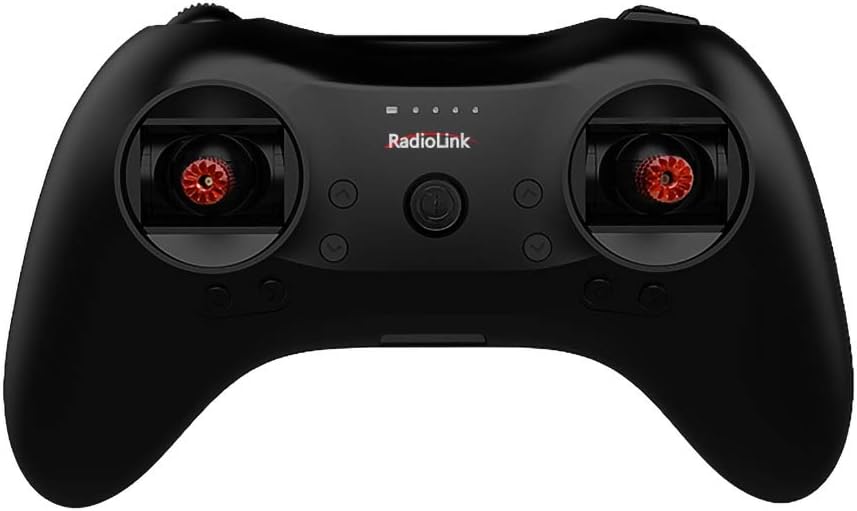
The T8S transmitter features a standard layout for intuitive control. Familiarize yourself with the various switches, buttons, and sticks:

Image: Detailed diagram of the Radiolink T8S transmitter, labeling the throttle/rudder stick, aileron/elevator stick, power button, trimmer buttons, battery indicator, three-way switches (flight mode switch), toggle-switch (PTZ adjustment), and push-button (camera shutter).
- Throttle/Rudder Stick: Controls throttle and rudder movements.
- Aileron/Elevator Stick: Controls aileron and elevator movements.
- Power knap: Tænder/slukker senderen.
- Trimmerknapper: Used for fine-tuning control surfaces.
- Batteriindikator: Viser det aktuelle batteriniveau.
- Three-way Switches (Flight Mode Switch): Configurable for different flight modes.
- Toggle-switch (PTZ Adjustment): Used for Pan-Tilt-Zoom adjustments.
- Push-button (Camera Shutter): Can be assigned for camera functions.
Basic menu, advanced menu, and various mix controls can be customized for channels 6 and above. Flight modes are typically set using the two 3-way switches in the flight controller PIX by default.
2. Multiple Model Compatibility
The T8S transmitter is designed for versatility, supporting a wide range of RC models. It is compatible with fixed-wing aircraft, gliders, multicopters, RC cars, and RC boats. The receiver with a 21cm antenna is particularly suitable for RC boat control.
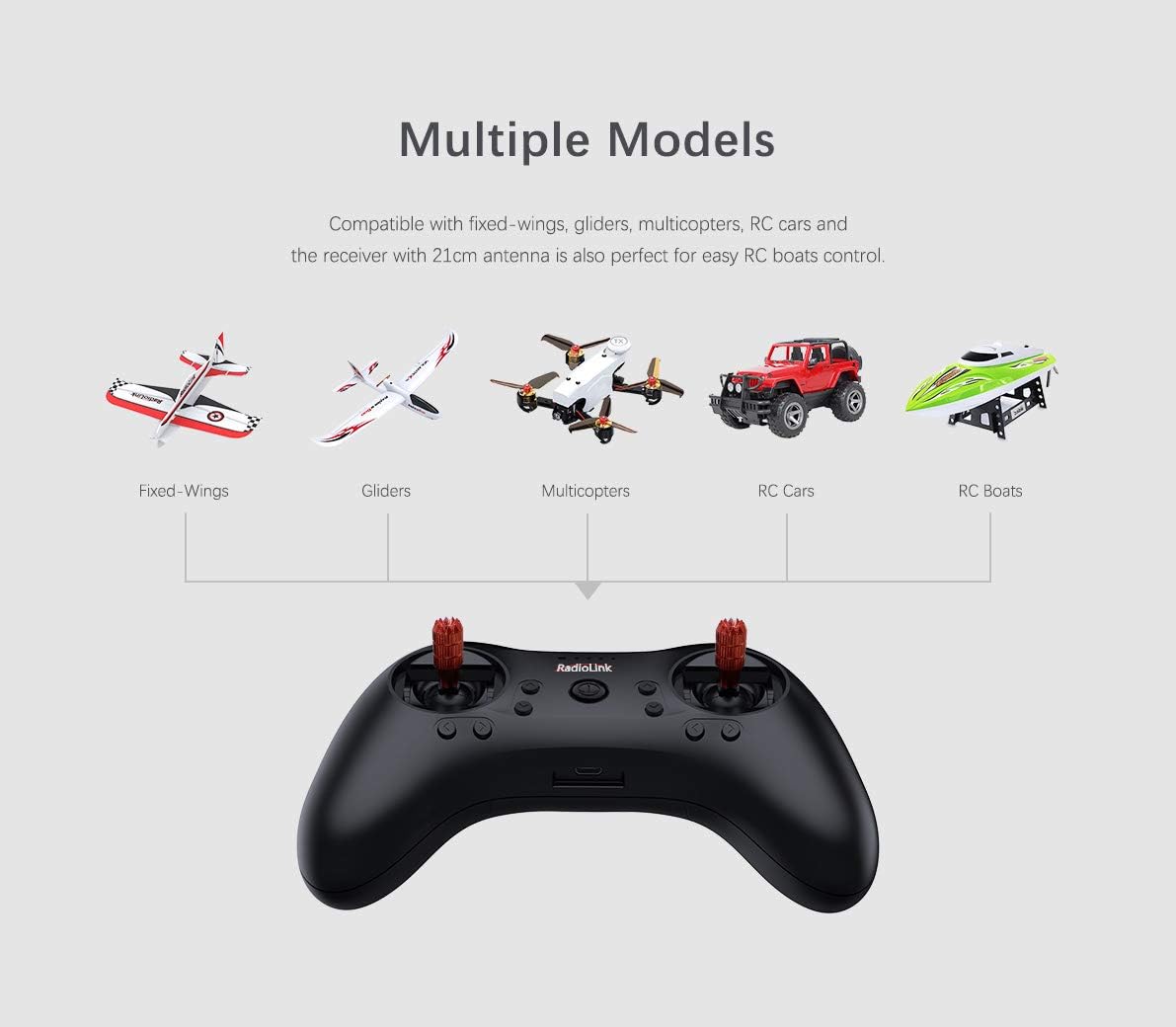
Image: Graphic illustrating the Radiolink T8S transmitter's compatibility with various RC models, including fixed-wing aircraft, gliders, multicopters, RC cars, and RC boats.
3. App Setup and USB Upgrade
Parameters for the T8S can be easily configured and modified using a dedicated Android application. This allows for advanced customization of settings. Additionally, the USB port enables firmware upgrades, ensuring your transmitter always has the latest features and improvements.

Image: Screenshot of the Mission Planner software interface, showing various flight mode settings and calibration options, demonstrating the advanced configuration capabilities.