1. Introduktion
This manual provides detailed instructions for the installation, operation, and maintenance of your VIOFO A129 PRO Dual Channel Dash Camera. Please read this manual thoroughly before using the device to ensure proper functionality and to maximize your user experience. The VIOFO A129 PRO is designed to record high-quality video footage from both the front and rear of your vehicle, offering enhanced security and peace of mind.
2. Produktet er slutview
The VIOFO A129 PRO is a high-performance dual-channel dash camera system. It features a front camera capable of recording in Ultra 4K resolution (3840 x 2160P at 30fps) and a rear camera recording in 1080p Full HD (1920 x 1080P at 30fps) simultaneously. Key features include advanced night vision, integrated GPS, high-speed Wi-Fi connectivity, and intelligent parking modes.
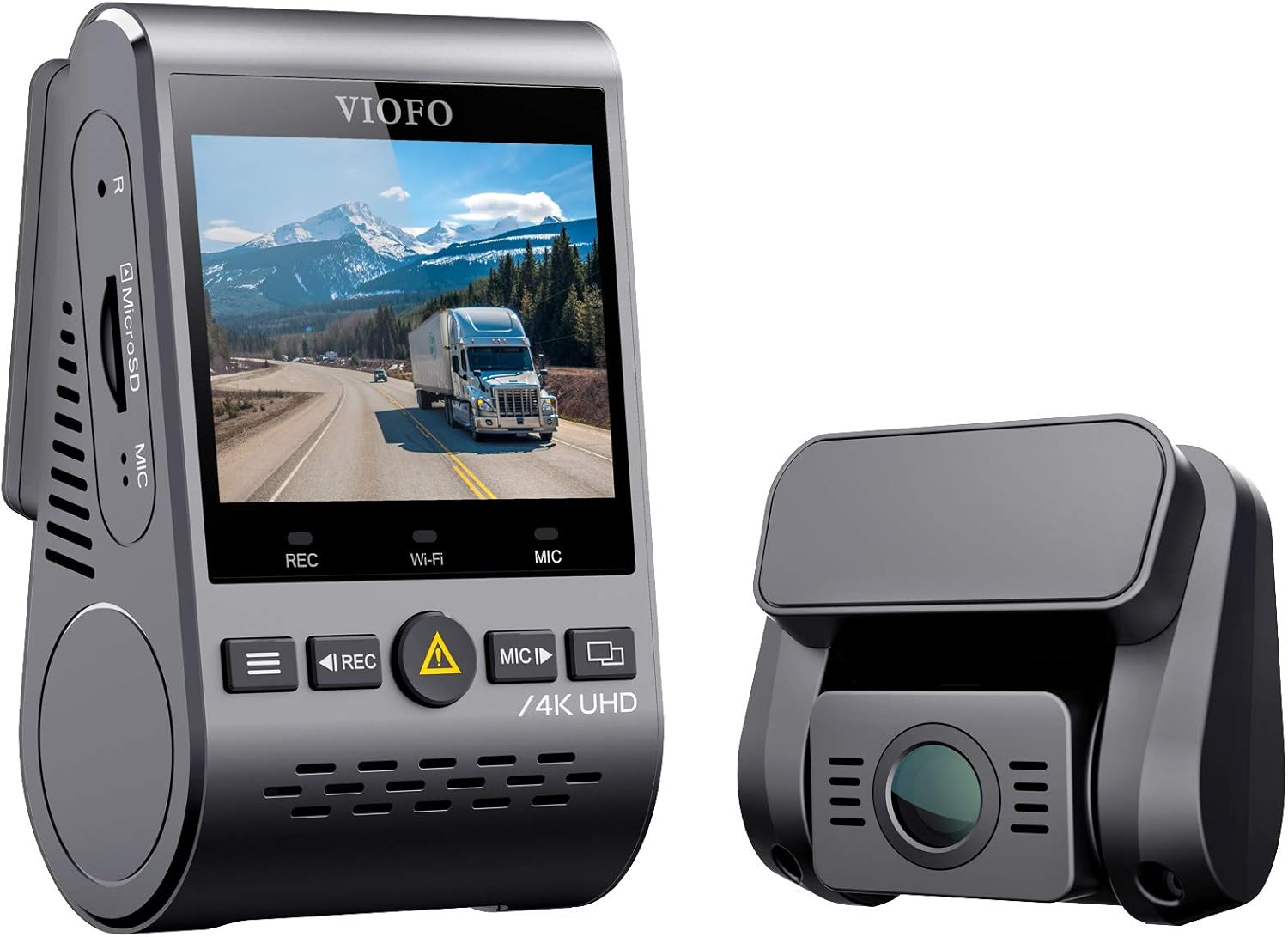
Figur 2.1: VIOFO A129 PRO Front and Rear Dash Camera Units. The image displays the main front camera unit with a screen and control buttons, alongside the smaller rear camera unit.
2.1 Nøglefunktioner
- Dual Channel Recording: Simultaneous 4K front and 1080p rear video capture.
- Ultra 4K Resolution: Front camera records at 3840 x 2160P 30fps for clear detail.
- Super nattesyn: Equipped with a Sony 8MP sensor, F1.8 7G lens, and Wide Dynamic Range (WDR) for enhanced low-light performance.
- Højhastigheds-Wi-Fi: Supports 2.4GHz and 5GHz Wi-Fi for stable and fast video viewing, downloading, and sharing via the VIOFO app.
- Built-in GPS Logger: Records speed, time, and route data, which can be displayed during video playback.
- Høj temperatur beskyttelse: Features a built-in super capacitor for improved durability and automatic shutdown in extreme heat.
- Advanced Parking Mode: Includes Auto Event Detection, Time Lapse, and Low Bitrate Recording options for continuous surveillance when parked.
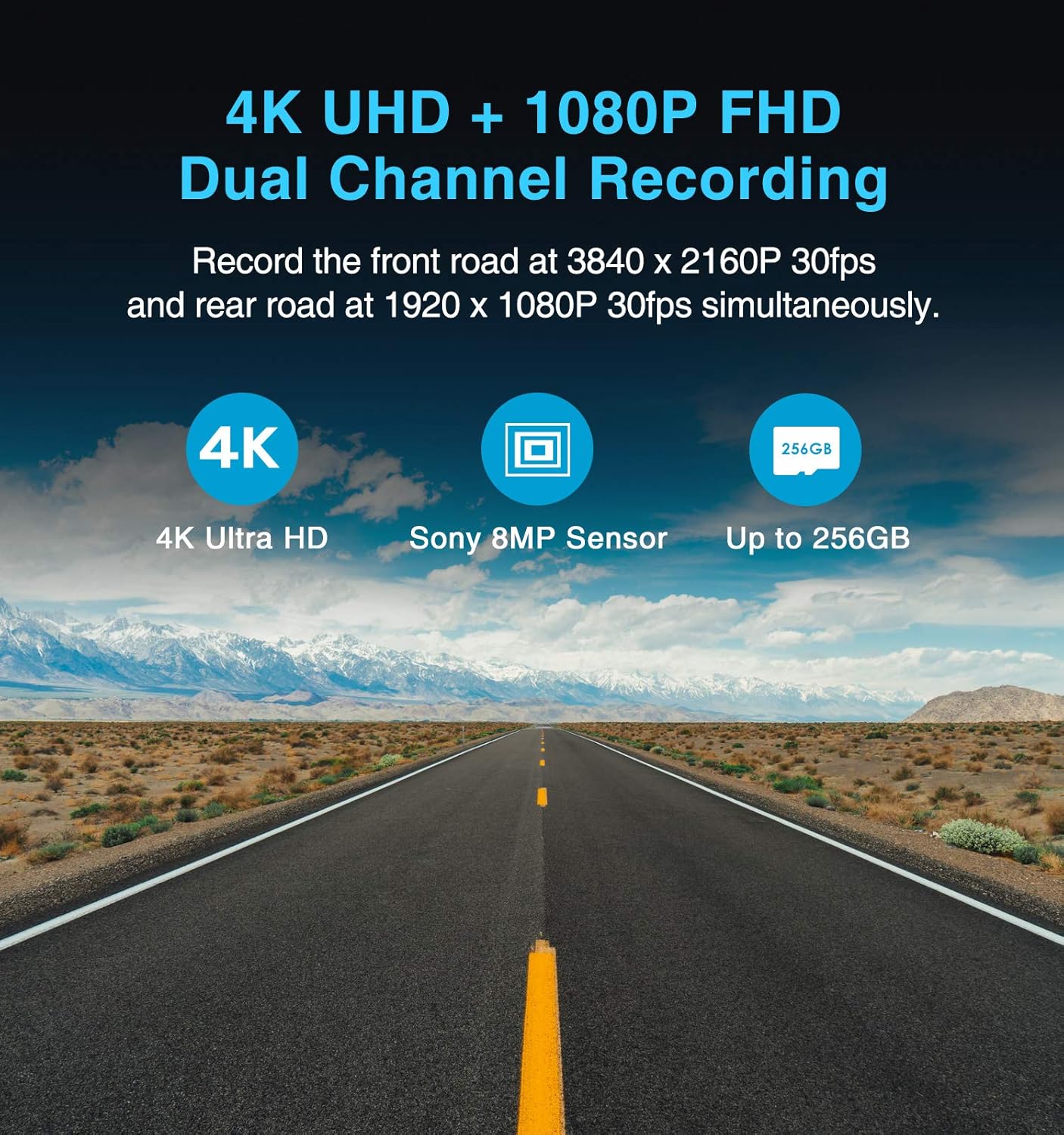
Figur 2.2: Dual Channel Recording Capability. This image illustrates the simultaneous recording of 4K UHD from the front and 1080p FHD from the rear, highlighting the Sony 8MP sensor and support for up to 256GB SD cards.
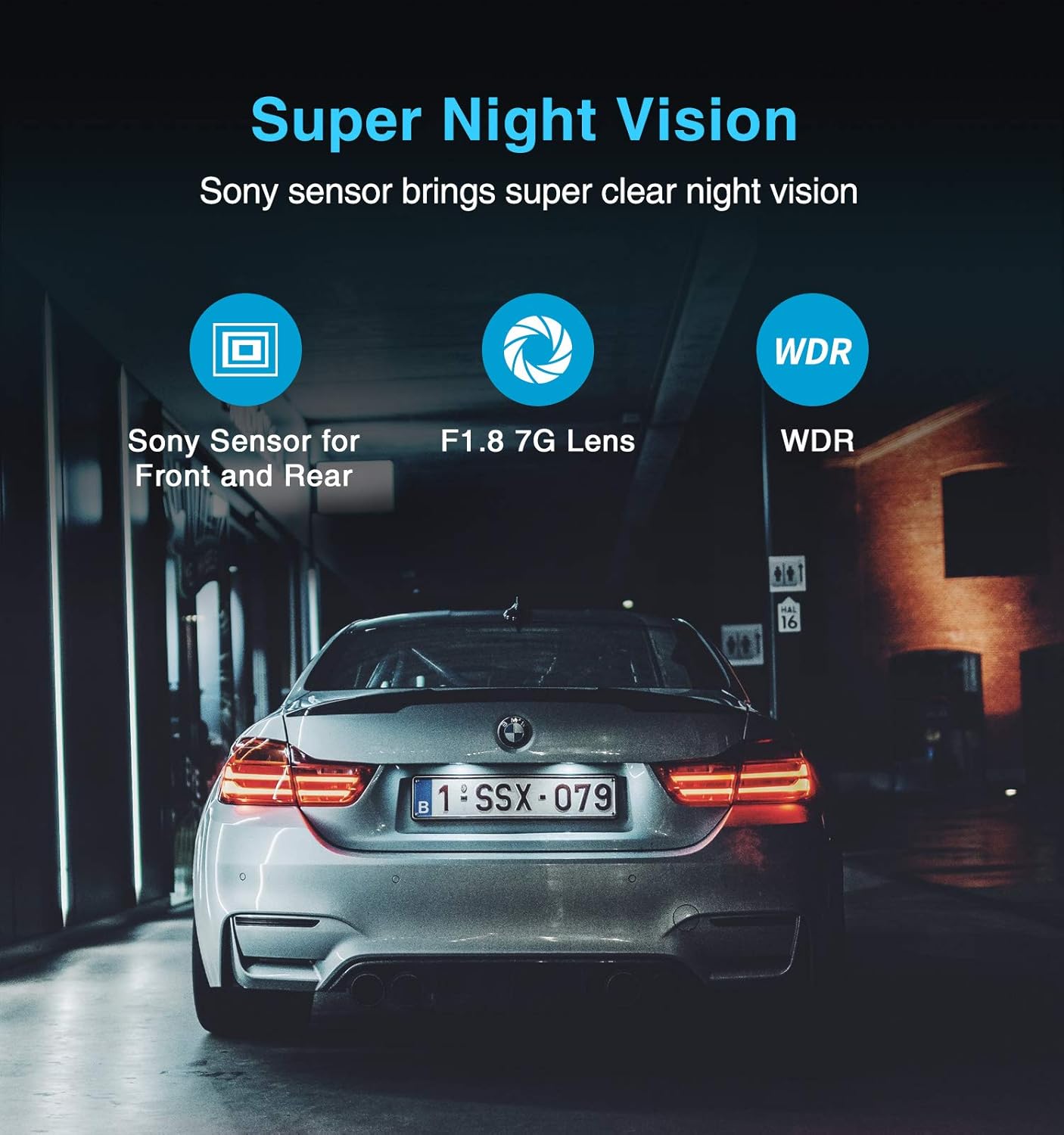
Figur 2.3: Super Night Vision Technology. The image shows a car at night, emphasizing the clarity provided by the Sony sensor, F1.8 7G lens, and WDR function for night recording.

Figur 2.4: High-Speed 5GHz Wi-Fi. This image depicts the dash camera mounted in a car, with a smartphone displaying the VIOFO app, illustrating the wireless connectivity for viewing and downloading videos.
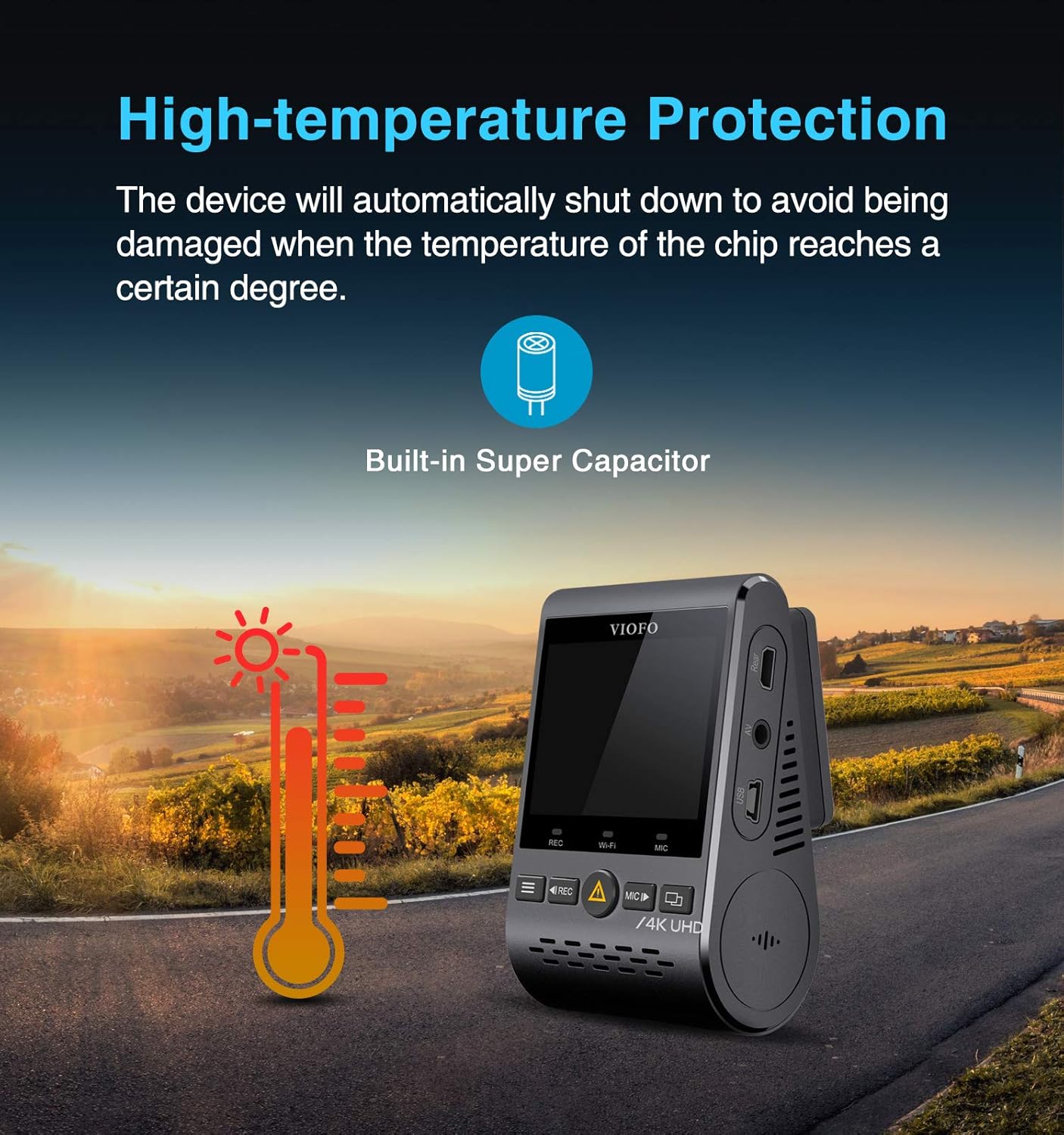
Figur 2.5: High-Temperature Protection. The image shows the dash camera with a thermometer icon, indicating its ability to withstand high temperatures and automatically shut down to prevent damage, thanks to its built-in super capacitor.
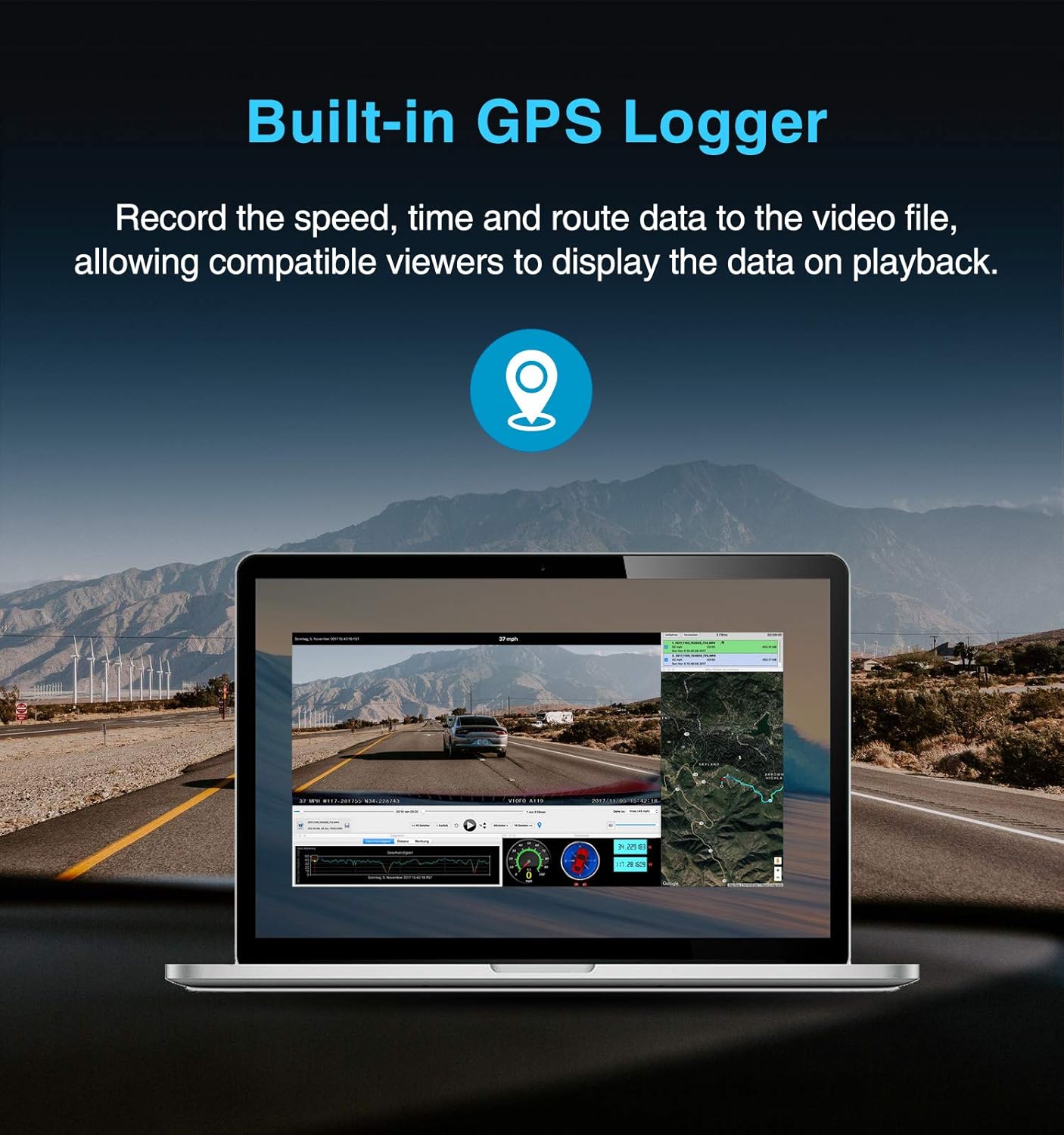
Figur 2.6: Built-in GPS Logger. This image displays a laptop screen showing video playback from the dash camera, overlaid with GPS data such as speed, time, and a map of the route.
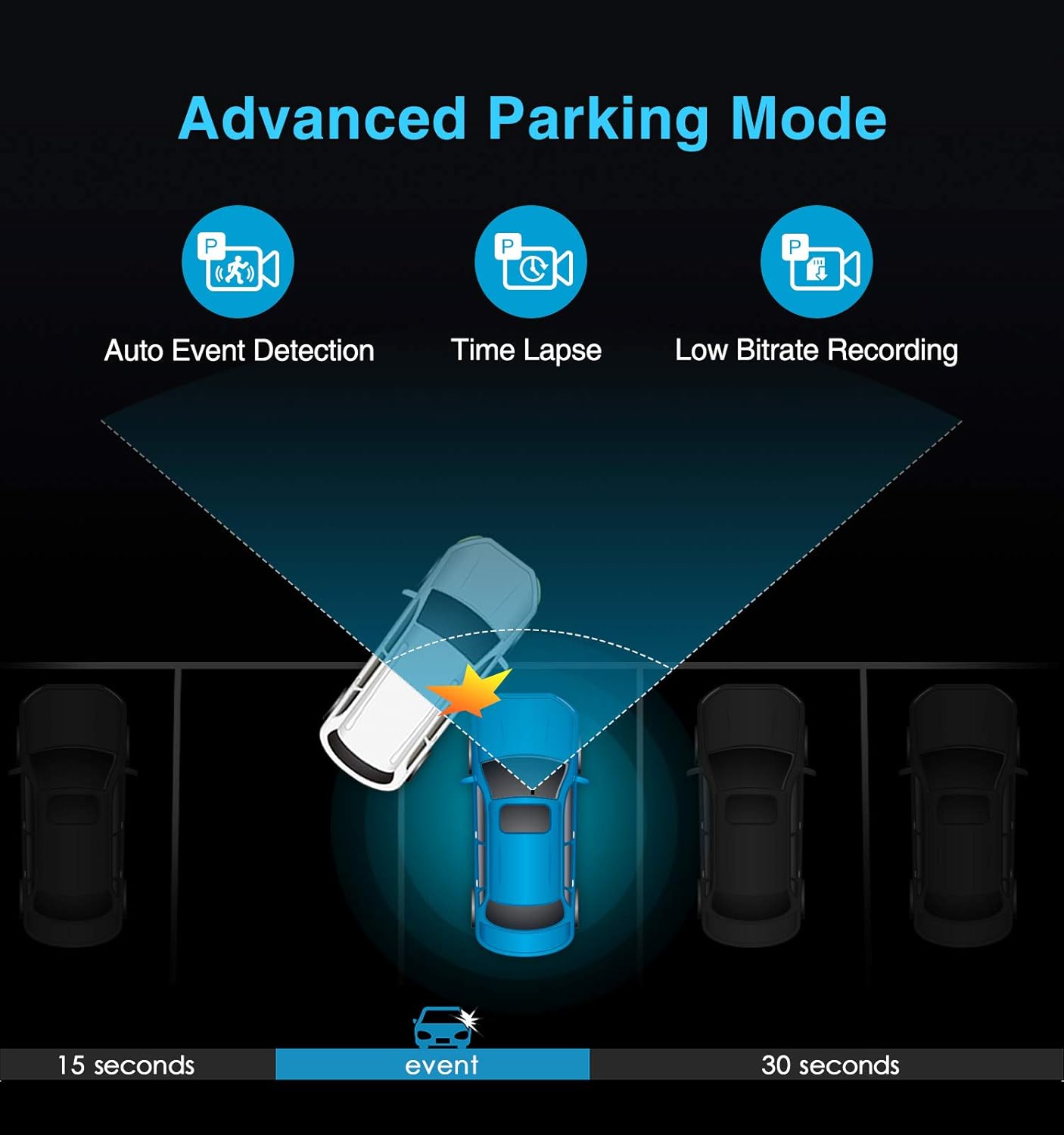
Figur 2.7: Advanced Parking Mode. The image illustrates how the parking mode detects events, showing a car being hit and the recording starting 15 seconds before and continuing for 30 seconds after the event.
3. Opsætning
3.1 Installing the MicroSD Card
- Sørg for, at dashkameraet er slukket.
- Locate the MicroSD card slot on the side of the main camera unit.
- Insert a high-endurance MicroSD card (Class 10 or higher, up to 256GB recommended) into the slot until it clicks into place.
- For at fjerne det skal du forsigtigt skubbe kortet ind, indtil det springer ud.
3.2 Montering af kameraet
- Clean the windshield area where you intend to mount the camera. Ensure it is free from dust and grease.
- Attach the front camera to the windshield using the provided adhesive mount, ideally behind the rearview spejlet for at undgå at blokere dit view.
- Connect the rear camera to the front camera using the provided cable. Route the cable neatly along the headliner and A-pillar to the rear of the vehicle.
- Monter bakkameraet på bagruden, og sørg for en klar view.
3.3 Strømtilslutning
- Connect the provided USB power cable to the main camera unit.
- Plug the other end of the USB power cable into your vehicle's 12V power outlet (cigarette lighter socket).
- For advanced parking mode functionality, a VIOFO hardwire kit (sold separately) is required to provide continuous power to the camera when the vehicle is off. Follow the hardwire kit's specific installation instructions.
4. Betjeningsvejledning
4.1 Grundlæggende betjening
- Tænd/sluk: The camera will automatically power on and begin recording when connected to power and the vehicle ignition is turned on. It will power off shortly after the ignition is turned off.
- Indspilning: Once powered on, the camera automatically starts loop recording. Video segments are saved to the MicroSD card.
- Nødoptagelse: Press the emergency button (usually marked with a triangle or exclamation mark) to manually lock the current recording file, hvilket forhindrer den i at blive overskrevet.
- Menu navigation: Use the menu buttons on the camera to access settings and playback options.
4.2 Wi-Fi Connectivity and App Usage
- Download VIOFO-appen fra din smartphones appbutik.
- On the dash camera, enable Wi-Fi through the menu settings or by pressing the dedicated Wi-Fi button.
- On your smartphone, connect to the camera's Wi-Fi network (SSID and password displayed on the camera screen).
- Åbn VIOFO-appen for at view live footage, gennemse optagede videoer, downloade files to your phone, and adjust camera settings.
4.3 GPS-funktionalitet
The built-in GPS module records your vehicle's speed, location, and time data. This information is embedded into the video files. Til view this data, play back the videos using a compatible GPS player software on a computer (available for download from the VIOFO webwebsted).
4.4 Parkeringstilstand
To utilize parking mode, the camera must be continuously powered, typically via a VIOFO hardwire kit. Parking mode options include:
- Automatisk hændelsesdetektion: The camera records when motion or impact is detected.
- Timelapse: Records continuously at a low frame rate (e.g., 1 frame per second) to save storage space.
- Optagelse med lav bitrate: Records continuously at a lower bitrate to conserve storage while maintaining a standard frame rate.
Configure your preferred parking mode settings through the camera's menu or the VIOFO app.
5. Vedligeholdelse
5.1 MicroSD Card Formatting
Regularly formatting the MicroSD card is crucial for optimal performance and to prevent recording errors. It is recommended to format the card at least once a month. You can format the card directly through the camera's menu settings.
5.2 firmwareopdateringer
VIOFO periodically releases firmware updates to improve camera performance, add new features, and resolve issues. Check the official VIOFO website for the latest firmware. To update:
- Download firmwaren file til din computer.
- Kopier firmwaren file to the root directory of a formatted MicroSD card.
- Insert the MicroSD card into the powered-off camera.
- Power on the camera. The update process will begin automatically. Do not power off the camera during the update.
6. Fejlfinding
- Camera Freezes or Stops Recording:
Ensure your MicroSD card is a high-endurance, Class 10 (or U1/U3) card from a reputable brand. Format the MicroSD card regularly (at least monthly). Update the camera firmware to the latest version. If using parking mode with a hardwire kit, ensure the kit is correctly installed and providing stable power. - Problemer med Wi-Fi-forbindelse:
Ensure Wi-Fi is enabled on the camera. Try restarting both the camera and your smartphone. If using a GPS module, some users have reported intermittent Wi-Fi issues; ensure the GPS module is securely connected. Update camera firmware. - GPS Not Working or Intermittent:
Ensure the GPS module is securely attached to the camera. The camera needs a clear view of the sky to acquire a GPS signal. If issues persist, try updating the firmware or contacting support for a replacement GPS module. - Overophedning af kamera:
The A129 PRO features a super capacitor for high-temperature resistance. However, in extreme heat, the camera may temporarily shut down to prevent damage. Ensure the camera is not exposed to direct sunlight for prolonged periods when parked. If overheating occurs frequently under normal operating conditions, ensure proper ventilation around the unit. - Poor Night Vision Quality:
Ensure the windshield is clean. Adjust WDR settings in the camera menu. While the camera has advanced night vision, license plate readability at night can be challenging depending on lighting conditions and vehicle speed. - App går ned eller fryser:
Ensure your VIOFO app is updated to the latest version. Try clearing the app's cache or reinstalling it. Ensure the camera's firmware is also up-to-date, as app compatibility often relies on current firmware.
7. Specifikationer
| Feature | Specifikation |
|---|---|
| Mærke | VIOFO |
| Modelnavn | A129 Pro Duo |
| Front Video Resolution | 2160p (4K UHD) |
| Rear Video Resolution | 1080p (FHD) |
| Forbindelsesteknologi | Wi-Fi (2.4 GHz og 5 GHz) |
| Optisk sensorteknologi | CMOS |
| Skærmstørrelse | 2 tommer |
| Kontrolmetode | App |
| Monteringstype | Forrudemontering |
| Inkluderede komponenter | Memory Card (Note: Specific card capacity may vary by package) |
| Varens vægt | 1.91 pund |
| Produktdimensioner | 2 x 4 x 3.5 tommer |
8. Garanti og support
Specific warranty details are not provided in this manual. For information regarding warranty coverage, terms, and conditions, please refer to the documentation included with your product packaging or visit the official VIOFO website. For technical support, troubleshooting assistance beyond this manual, or inquiries about replacement parts, please contact VIOFO customer service directly through their official support channels.


