Indledning
Thank you for choosing the Auna DAB Portable Radio. This compact system combines modern digital radio reception (DAB/DAB+) with traditional FM radio, a CD player, Bluetooth connectivity, USB playback, and AUX input. It features a clear TFT display and can be controlled via remote or app. This manual provides essential information for safe and efficient operation of your device.
Sikkerhedsinstruktioner
- Læs alle instruktioner omhyggeligt før brug, og gem dem til senere brug.
- Udsæt ikke enheden for regn eller fugt for at forhindre brand eller elektrisk stød.
- Sørg for, at strømforsyningen voltage stemmer overens med klassificeringsmærkatet på enheden.
- Bloker ikke ventilationsåbningerne. Installer i overensstemmelse med producentens anvisninger.
- Beskyt netledningen mod at blive trådt på eller klemt.
- Tag stikket ud af enheden under tordenvejr, eller når den ikke skal bruges i længere perioder.
- Overlad al service til kvalificeret servicepersonale. Service er påkrævet, når apparatet er blevet beskadiget på nogen måde.
- Anbring ikke genstande fyldt med væske, såsom vaser, på apparatet.
- Undgå at placere enheden i nærheden af varmekilder såsom radiatorer, varmeapparater, komfurer eller andre apparater (herunder ampløftere), der producerer varme.
Pakkens indhold
- 1 x Auna Compact System (Model: 10034088)
- 1 x fjernbetjening
- 1 x strømadapter
- 1 x brugermanual (engelsk og tysk)
Produkt overview

Figur 1: Forside view of the Auna DAB Portable Radio, showcasing the central TFT display, control knobs, buttons, and dual speakers. The unit is white with a brushed metal front panel.

Figur 2: Detaljeret view of the 7 cm TFT color display and main control panel. The display shows various mode icons including Internet Radio, My Music, DAB Radio, Media Player, CD, and AUX. Below the display are buttons for Scan, Stop, Function, Info, Menu, and a central volume/select knob. USB and Audio In ports are also visible.

Figure 3: Illustration showing the dimensions of the Auna DAB Portable Radio (38 cm width, 14 cm height, 22 cm depth) and its various connection ports: Aux, USB, Line-In, and Line-Out. The image also highlights the alarm, timer, and snooze functions.
The Auna DAB Portable Radio is designed for versatile audio playback. It features a CD player compatible with standard audio CDs and MP3 CDs, a USB port for media playback, and Bluetooth for wireless streaming from compatible devices. The unit supports DAB, DAB+, and FM radio, providing access to a wide range of stations. Its integrated Wi-Fi allows for internet radio streaming and Spotify Connect functionality. The clear TFT display provides easy navigation and information at a glance.
Opsætning
1. Indledende opsætning
- Udpakning: Carefully remove the unit from its packaging. Retain the packaging for future transport or storage.
- Placering: Place the radio on a stable, flat surface away from direct sunlight, heat sources, and moisture. Ensure adequate ventilation around the unit.
- Strømtilslutning: Connect the supplied power adapter to the DC IN port on the back of the unit, then plug the adapter into a standard wall outlet (100-240V~, 50-60Hz).
- Antenne: Extend the telescopic antenna fully for optimal FM and DAB/DAB+ radio reception. Adjust its position for the best signal.
- Batterier til fjernbetjening: Insert 2 x R6 AAA 1.5V batteries (not included) into the remote control, observing polarity.
2. Netværksforbindelse (Wi-Fi)
To access Internet Radio and Spotify Connect, the unit must be connected to a Wi-Fi network.
- Tænd for enheden.
- Navigate to the "Settings" menu using the control knob or remote.
- Select "Network" or "Wi-Fi Setup".
- Choose "Scan Network" to find available Wi-Fi networks.
- Vælg det ønskede netværk fra listen.
- Enter the Wi-Fi password using the on-screen keyboard and the control knob. Confirm your entry.
- Once connected, the unit will display a confirmation message.

Figur 4: Overview of key features including Spotify, FM/DAB/DAB+ antenna, USB, AUX, WiFi, and Bluetooth connectivity. This image highlights the versatility of the system.
Betjeningsvejledning
1. Tænd/sluk
- Tryk på STÅ VED knappen på enheden eller fjernbetjeningen for at tænde eller slukke enheden.
2. Valg af tilstand
- Tryk på FUNGERE button on the unit or the corresponding mode buttons on the remote control (e.g., DAB, FM, CD, Bluetooth, USB, AUX, Internet Radio) to switch between different audio sources.
3. Radio Operation (DAB/DAB+ and FM)
- Vælg DAB- eller FM-tilstand.
- For DAB, the unit will automatically scan for available stations upon first use. For FM, press the SCAN button to auto-scan.
- Brug TUNING / SPRING OVER buttons or the control knob to navigate through available stations.
- For at gemme en forudindstilling skal du trykke på og holde FORUDINDSTILLING button (if available on remote) or navigate to the preset menu and follow on-screen instructions.
4. Betjening af cd-afspilleren

Figure 5: A user inserting a compact disc into the front-loading CD slot of the Auna DAB Portable Radio. This image emphasizes the integrated CD player functionality.
- Vælg CD-tilstand.
- Gently insert a CD into the disc slot with the label side facing up. The unit will automatically load the disc.
- Afspilningen starter automatisk. Brug AFSPIL/PAUSE, STOP, og TUNING / SPRING OVER knapper til at styre afspilning.
5. Bluetooth-parring
- Select Bluetooth mode on the unit. The display will show "Pairing" or "Waiting for connection".
- Aktiver Bluetooth på din smartphone, tablet eller anden kompatibel enhed.
- Søg efter "Auna Harvard" or similar in your device's Bluetooth list and select it to pair.
- Once connected, you can stream audio wirelessly from your device to the radio.
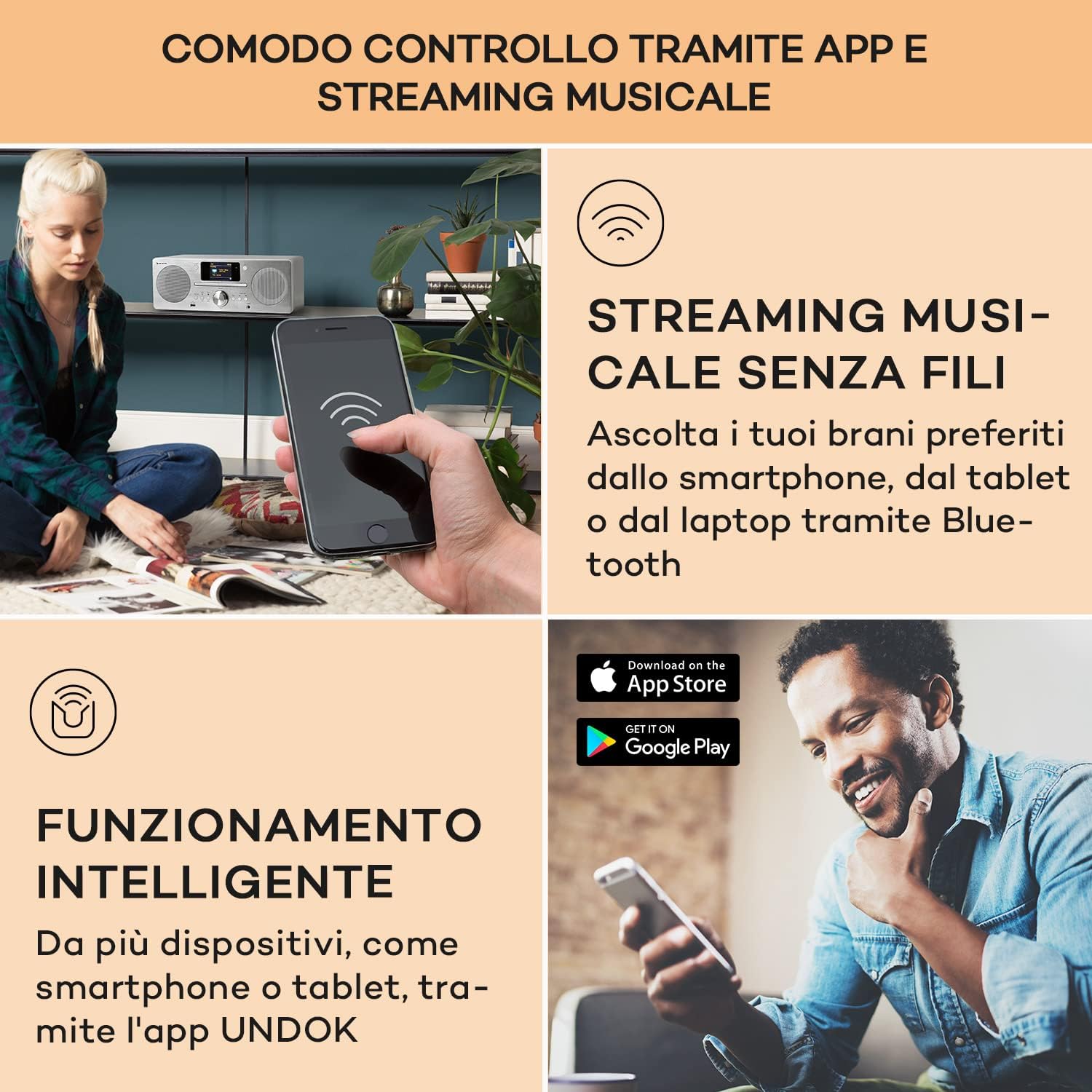
Figure 6: A user interacting with the Auna DAB Portable Radio via a smartphone application, demonstrating wireless music streaming and smart control functionality. The image also shows the "Download on the App Store" and "GET IT ON Google Play" logos, indicating app availability.
6. USB-afspilning
- Sæt et USB-flashdrev i USB-porten på forsiden af enheden.
- Select USB mode. The unit will automatically detect and play compatible audio files (f.eks. MP3).
- Brug navigationsknapperne til at gennemse mapper og numre.
7. AUX -indgang
- Connect an external audio device (e.g., MP3 player, smartphone) to the AUX IN port using a 3.5mm audio cable (not included).
- Select AUX mode. Audio from the connected device will play through the radio's speakers.
8. Alarm and Timer Functions
- Access the "Alarm" or "Timer" settings through the main menu.
- Follow the on-screen prompts to set alarm times, snooze duration, and sleep timer.
Opretholdelse
- Rensning: Disconnect the power before cleaning. Use a soft, dry cloth to wipe the exterior of the unit. Do not use abrasive cleaners, waxes, or solvents.
- CD-afspiller: To clean the CD lens, use a commercially available CD lens cleaner.
- Opbevaring: Hvis enheden ikke skal bruges i længere tid, skal du tage stikket ud af stikkontakten og opbevare den et køligt og tørt sted.
Fejlfinding
| Problem | Mulig årsag | Løsning |
|---|---|---|
| Ingen strøm | Netledning ikke tilsluttet; stikkontakt defekt | Sørg for, at netledningen er korrekt tilsluttet. Prøv en anden stikkontakt. |
| Ingen lyd | Volume too low; Mute function active; Incorrect source selected | Increase volume. Deactivate mute. Select the correct input source (CD, DAB, Bluetooth, etc.). |
| Dårlig radiomodtagelse | Antenna not extended; Weak signal; Interference | Fully extend and adjust the telescopic antenna. Move the unit to a location with better signal. Keep away from other electronic devices. |
| CD'en afspiller ikke | Disc inserted incorrectly; Disc dirty or scratched; Incompatible disc format | Insert disc with label side up. Clean the disc with a soft cloth. Ensure it is an audio CD or MP3 CD. |
| Bluetooth-parring mislykkedes | Device not in pairing mode; Bluetooth disabled on external device; Too far from unit | Ensure the radio is in Bluetooth pairing mode. Enable Bluetooth on your external device. Move devices closer. |
| Wi-Fi connection unstable or lost | Weak Wi-Fi signal; Incorrect password; Router issues | Move the unit closer to the Wi-Fi router. Re-enter Wi-Fi password. Restart your router. |
Specifikationer
| Mærke | AUNA |
| Modelnavn | Harvard Kompaktanlage |
| Modelnummer | 10034088 |
| Dimensioner (BxHxD) | 38 x 14 x 22 cm |
| Vægt | 3.1 kg |
| Strømforsyning | 100-240 V~ | 50-60 Hz |
| Højttaler udgangseffekt | 2 x 10W RMS (30W max) |
| Vise | 2.4" TFT Color Display |
| Tuner-teknologi | DAB/DAB+, FM/AM |
| Forbindelse | Bluetooth, USB, AUX-In, Wi-Fi (802.11a/b/g, 2.4 & 5 GHz) |
| CD-kompatibilitet | Audio CD, MP3 CD |
| Yderligere funktioner | Spotify Connect, App Control, Alarm, Sleep Timer |
| Materiale | Wood (White finish) |
Garanti og support
For detailed warranty information and customer support, please refer to the warranty card included with your product or contact Auna customer service. Contact details are typically provided in the full printed manual or on the official Auna webwebsted.
This manual is provided for informational purposes. Specifications and features are subject to change without prior notice.


