Indledning
Tak for købetasing the Marathon Slim Atomic Wall Clock. This clock is designed to provide accurate time, date, and temperature readings, automatically synchronizing with the NIST's Colorado Atomic Clock for precise timekeeping in North America. Its large, easy-to-read display and versatile design make it suitable for various environments.

The Marathon Slim Atomic Wall Clock, featuring a large digital display and an accompanying remote temperature sensor.
Nøglefunktioner
- Self-Setting & Self-Adjusting: Automatically synchronizes with the atomic clock signal (North America only) for accurate time.
- Stort, letlæseligt display: Clear digital numbers for time, date, and temperature.
- Flere tilstande: Displays full calendar (English, French, Spanish), indoor/outdoor temperature (Celsius or Fahrenheit), and time (AM/PM or 24-hour format).
- Otte tidszoner: Supports Pacific, Mountain, Central, Eastern, Atlantic, Alaska, Hawaii, and Newfoundland standard times.
- Alsidig placering: Can be wall-mounted or placed on a table using the built-in fold-out stand.
- Inkluderet tilbehør: Comes with a remote sensor and 2 AAA batteries.

Visual representation of the clock's self-setting, versatile, and sleek design attributes.
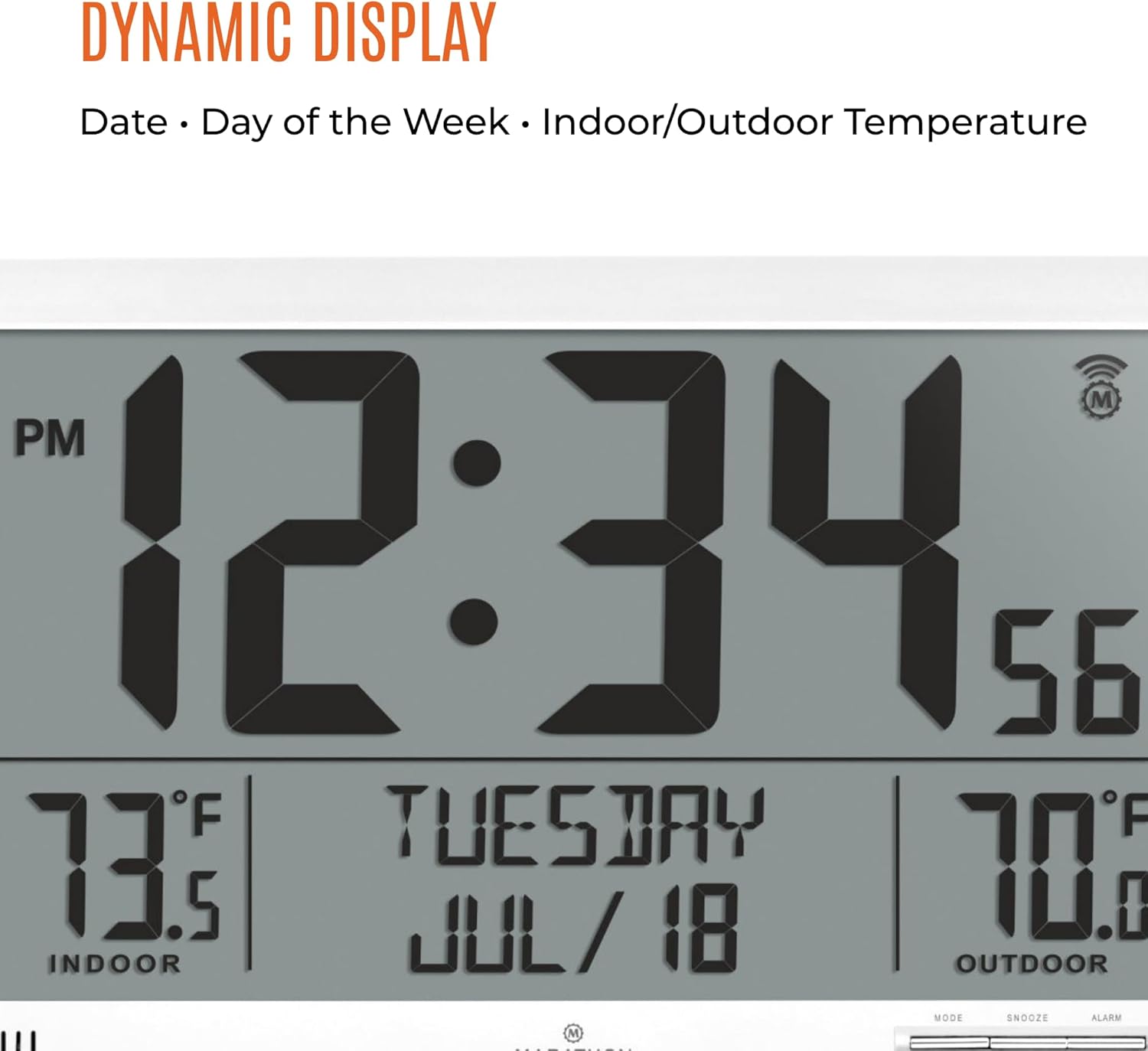
En detaljeret view of the clock's dynamic display, highlighting the time, date, and temperature readings.
Opsætning
- Indsæt batterier: Open the battery compartment on the back of the main clock unit and the remote sensor. Insert the included 2 AAA batteries into each unit, ensuring correct polarity (+/-).
- Indledende synkronisering: Once batteries are inserted, the clock will automatically begin searching for the atomic time signal. This process may take a few minutes or up to 24 hours depending on your location and signal strength. Ensure the clock is placed near a window or in an open area for best reception.
- Valg af tidszone: On the back of the clock, locate the time zone switch. Select your correct North American time zone (Pacific, Mountain, Central, Eastern, Atlantic, Alaska, Hawaii, or Newfoundland).
- Valg af temperaturenhed: Use the °C/°F button on the back of the clock to toggle between Celsius and Fahrenheit for temperature display.
- Placering:
- For wall mounting, use the integrated hanging hole on the back.
- For tabletop use, extend the built-in fold-out stand.
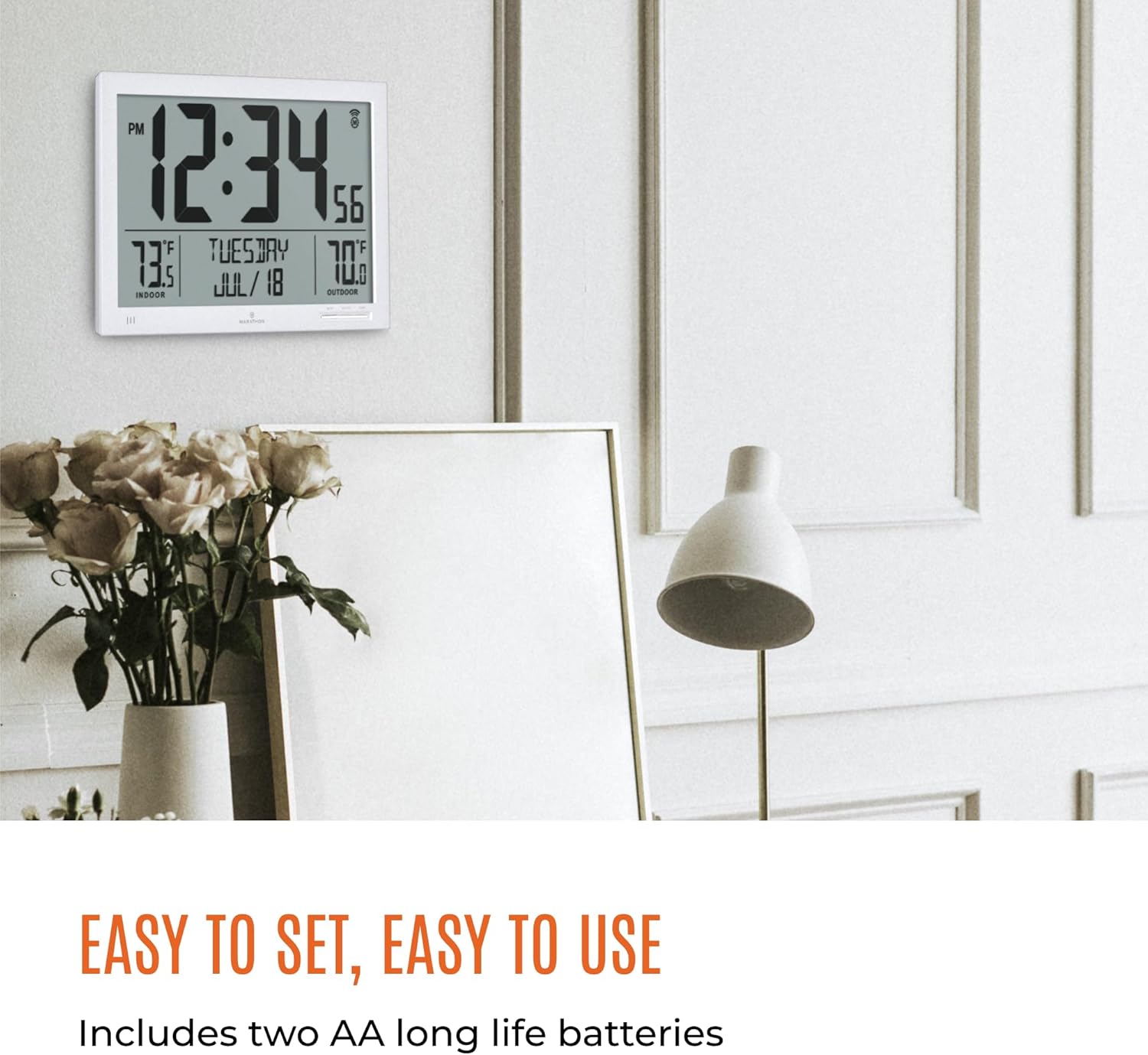
The clock is designed for easy setup, suitable for both wall mounting and tabletop display.
Betjeningsvejledning
Visning af tid og dato
The clock automatically displays the current time, day of the week, month, and date. The large digits ensure readability from a distance.
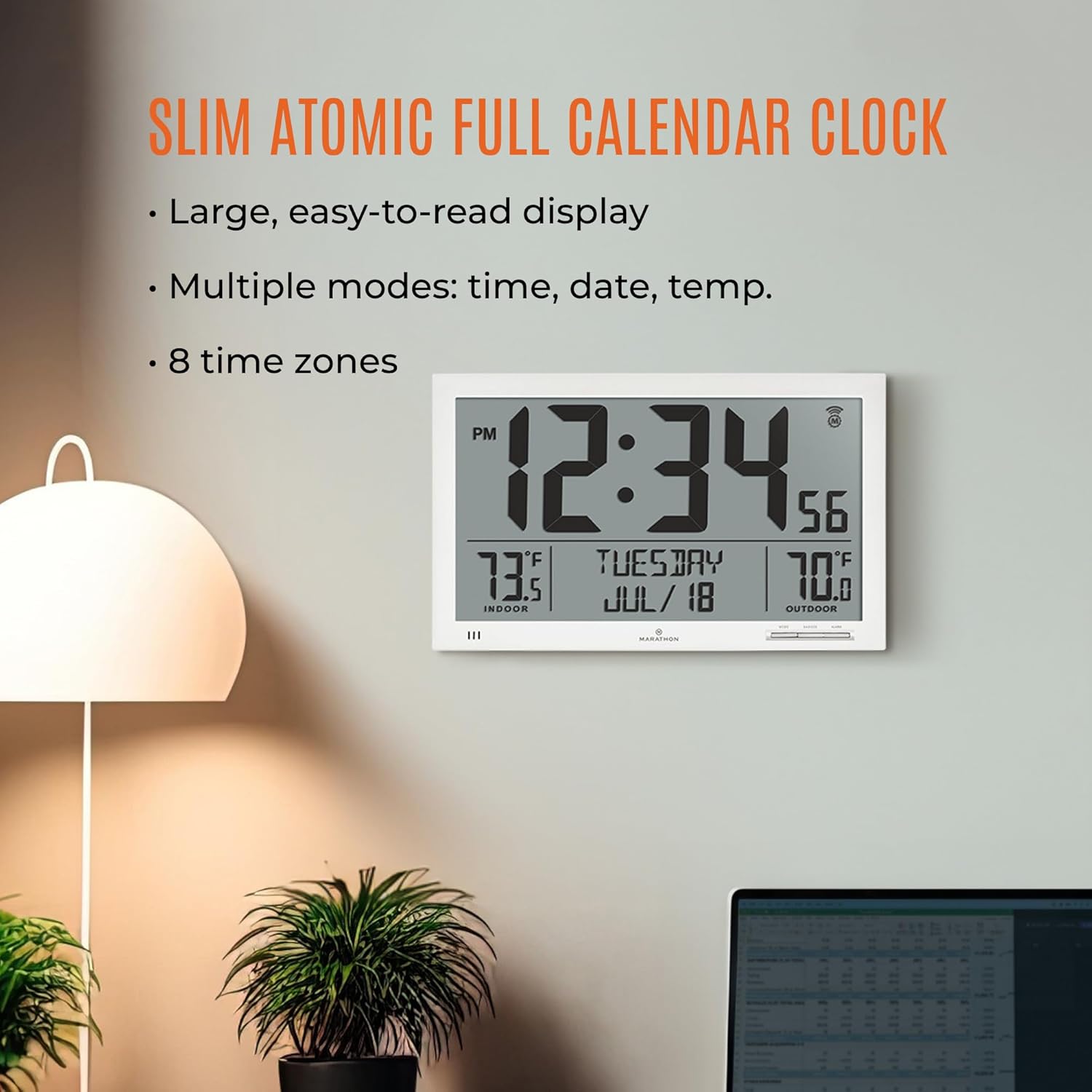
The clock's large display ensures clear visibility of time, date, and temperature from across the room.
Temperaturmålinger
The clock displays both indoor temperature (from the main unit) and outdoor temperature (from the remote sensor). Ensure the remote sensor is placed in a sheltered outdoor location, away from direct sunlight or extreme weather, for accurate readings.
Manual Settings (if needed)
While the clock is designed for automatic synchronization, you can manually adjust settings if necessary:
- Manuel tidsindstilling: Press and hold the "MANUAL SET" button on the back of the clock for 3 seconds to enter manual time setting mode. Use the arrow buttons to adjust the time, then press "MANUAL SET" again to confirm.
- DST (sommertid): The clock has a DST ON/OFF switch. In regions observing DST, set it to ON. In regions that do not observe DST, set it to OFF.
- Alarm funktion: The clock includes an alarm feature. Refer to the detailed instructions in the included paper manual for setting and activating the alarm.
Opretholdelse
- Udskiftning af batteri: Replace batteries in both the main unit and remote sensor annually, or when the display dims. Use only fresh AAA alkaline batteries.
- Rensning: Wipe the clock and sensor with a soft, dry cloth. Do not use abrasive cleaners or chemicals.
- Miljøforhold: Avoid exposing the clock to extreme temperatures, direct sunlight for prolonged periods, or high humidity, which can affect performance and battery life.
Fejlfinding
| Problem | Løsning |
|---|---|
| Uret synkroniserer ikke med atomtiden. | Ensure the clock is within range of the NIST atomic clock signal (North America). Place the clock near a window and away from electronic devices that may cause interference. Allow up to 24 hours for initial synchronization. |
| Forkert tidspunkt vist. | Verify the correct time zone is selected on the back of the clock. If manual adjustment is needed, follow the "Manual Time Set" instructions. |
| Udendørstemperaturen vises ikke eller er unøjagtig. | Check batteries in the remote sensor. Ensure the sensor is within range of the main unit and not exposed to direct sunlight or heat sources. Relocate the sensor if necessary. |
| Skærmen er svag eller tom. | Replace batteries in both the main unit and the remote sensor. |
Specifikationer
- Mærke: MARATHON
- Model: CL030066WH-SS
- Strømkilde: Battery Powered (2 AAA batteries for main unit, 2 AAA batteries for remote sensor - included)
- Materiale: Plast
- Farve: Hvid
- Dimensioner: 3.15 x 16.14 x 10.83 tommer
- Varens vægt: 2.13 pund
- Skærmtype: Digital
- Speciel funktion: Calendar Display, Indoor/Outdoor Temperature, Atomic Time Synchronization
- UPC: 063442322628
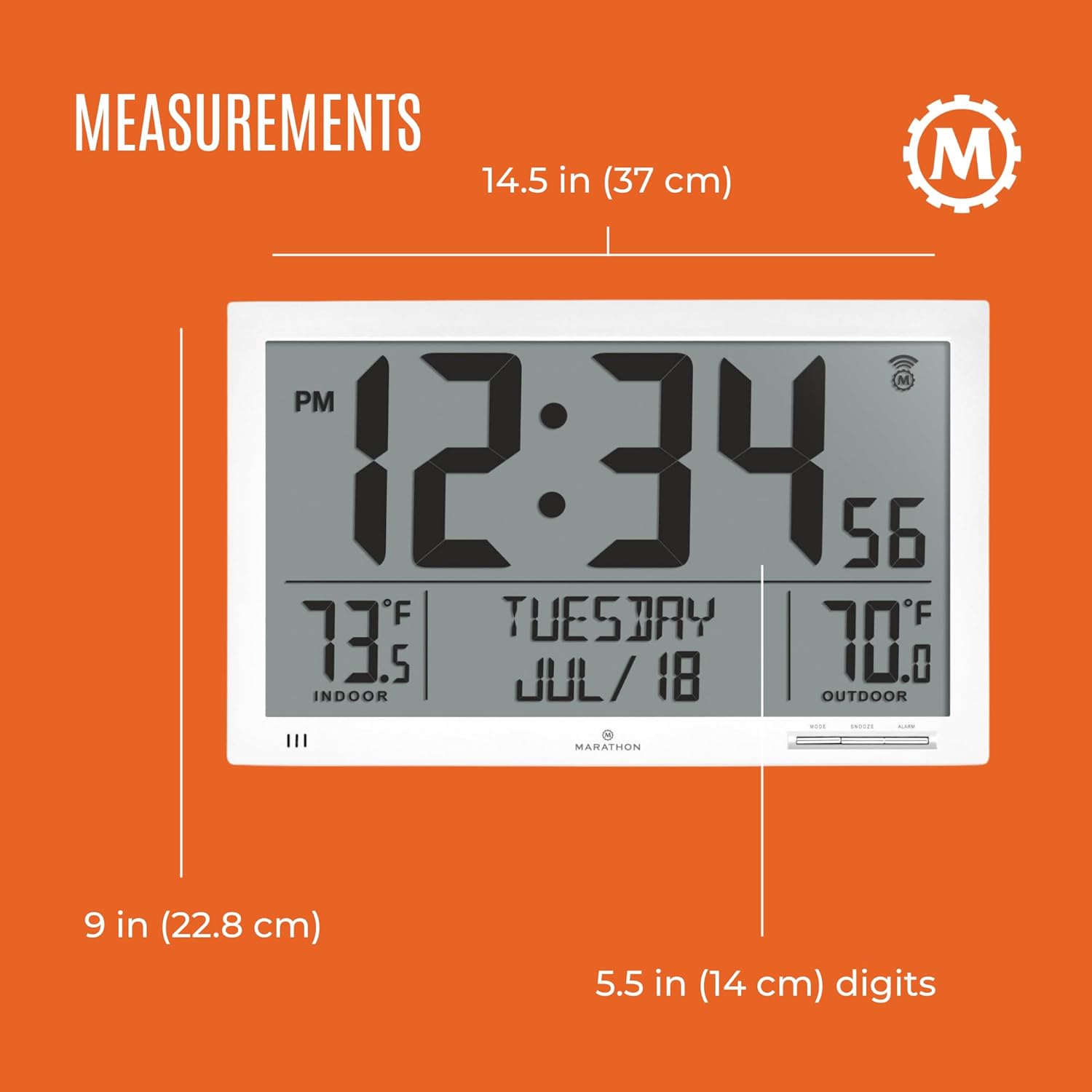
Detailed measurements of the clock unit for reference.
About Marathon
Marathon is a family company that has been producing timing instruments for over 80 years. Since 1941, Marathon has been manufacturing timing instruments for the Allied Forces. Today, the fourth generation of the family continues the tradition with a wide range of instruments measuring time, temperature, and distance. Marathon watches combine military durability with Swiss engineering and craftsmanship to ensure the highest level of quality and precision.

The Marathon brand logo and a brief history of the company's establishment.
Official Brand Video
"Marathon - 80th Anniversary Film" provides insight into the brand's rich history and commitment to quality timekeeping instruments.
Garanti og support
Marathon products are manufactured with the utmost care and go through various quality control measures. For specific warranty information and customer support, please refer to the warranty card included with your product or visit the official Marathon webwebsted. Gem din købskvittering som købsbevis i tilfælde af garantikrav.
For further assistance, you may contact Marathon customer service through their official channels.


