1. Introduktion
Thank you for choosing the Philips Gadwall LED Desk Lamp 66049. Denne lamp is designed to provide versatile and adjustable lighting for your workspace, featuring a dual-mode base/clamp for flexible placement. It offers tunable color temperature and adjustable light intensity to suit various tasks and preferences.

Figure 1: Philips Gadwall LED Desk Lamp i clamp konfiguration.
2. Sikkerhedsoplysninger
Læs alle sikkerhedsinstruktioner omhyggeligt, inden produktet tages i brug. Manglende overholdelse af disse instruktioner kan resultere i elektrisk stød, brand eller alvorlig personskade.
- Sørg for, at strømforsyningen voltage matcher lamp's krav.
- Du må ikke skille, reparere eller ændre l'en.amp. Contact qualified service personnel for repairs.
- Behold lamp væk fra vand eller andre væsker. Må ikke anvendes i damp miljøer.
- Undgå at se direkte ind i LED-lyskilden i længere tid, da det kan forårsage øjenbelastning.
- Dæk ikke lamp with cloth or other materials during operation to prevent overheating.
- Tag stikket ud af lamp from the power outlet before cleaning or when not in use for a long time.
- Denne lamp er kun designet til indendørs brug.
3. Pakkens indhold
Bekræft at alle varer er til stede i pakken:
- 1 x Philips Gadwall LED Desk Lamp
- 1 x Skrivebord Clamp Vedhæftet fil
- 1 x Desk Base Attachment
- 1 x strømadapter
4. Opsætningsvejledning
The Philips Gadwall LED Desk Lamp offers two installation options: a desk clamp or a stable desk base.
4.1. Clamp Installation
- Fastgør clamp mechanism to the bottom of the lamp arm. Ensure it is securely fastened.
- Placer clamp on the edge of your desk or shelf.
- Spænd skruen på clamp indtil lamp is firmly secured and stable. Do not overtighten.

Figure 2: Detail of the desk clamp vedhæftet fil.

Figur 3: Lamp installed using the clamp.
4.2. Basisinstallation
- Attach the desk base to the bottom of the lamp arm. Ensure it is securely fastened.
- Placer lamp with the attached base on a flat, stable surface.
- Ensure the base is fully seated and the lamp is balanced before connecting power.
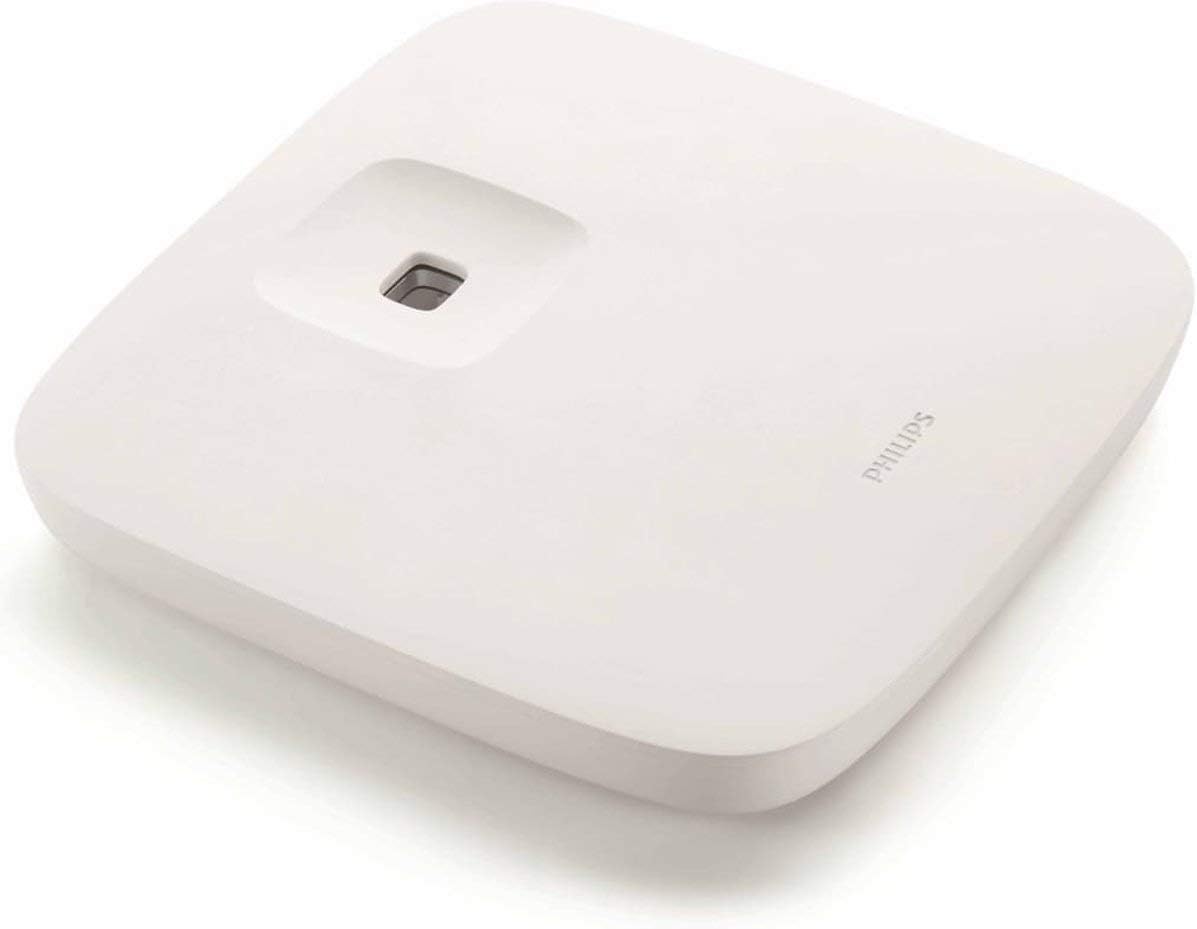
Figure 4: Detail of the desk base attachment.

Figur 5: Lamp installed using the base, demonstrating adjustable arm positions.
4.3. Strømtilslutning
- Når den lamp is securely installed (either by clamp or base), connect the power adapter to the lamp's strømindgangsport.
- Sæt strømadapteren i en passende stikkontakt.
5. Betjeningsvejledning
The Philips Gadwall LED Desk Lamp features intuitive touch controls located on the lamp hoved.

Figure 6: Touch control panel for power, brightness, and color temperature.
- Tænd/sluk: Tryk på ⏻ (Power) icon to turn the lamp til eller fra.
- Justering af lysstyrke: Tryk på □ (Brightness) icon repeatedly to cycle through different brightness levels. The lamp offers multiple intensity settings.
- Farvetemperaturjustering: Tryk på ☽ (Color Temperature) icon repeatedly to cycle through various color temperatures, from warm white to cool daylight.
- Armjustering: Lamp arm is highly flexible. Adjust the angle and height of the lamp head to direct light precisely where needed.
Bemærk: Denne lamp is compatible with external dimmer switches (not included) for additional light intensity control. Refer to Philips' official support for a list of compatible dimmers.
6. Vedligeholdelse
Proper maintenance ensures the longevity and optimal performance of your Philips Gadwall LED Desk Lamp.
- Rensning: Afbryd strømmen før rengøring. Brug en blød, tør klud til at tørre l'en af.ampoverflade. Brug ikke slibende rengøringsmidler, opløsningsmidler eller stærke kemikalier, da disse kan beskadige finishen.
- Opbevaring: Hvis du opbevarer lamp for an extended period, ensure it is clean, dry, and stored in a cool, dry place away from direct sunlight.
- lysdioder: LED-lyskilden er integreret og kan ikke udskiftes af brugeren. Forsøg ikke at udskifte LED'erne.
7. Fejlfinding
Hvis du støder på problemer med din lamp, se følgende almindelige problemer og løsninger:
| Problem | Mulig årsag | Løsning |
|---|---|---|
| Lamp tændes ikke. | Ingen strømforsyning; løs forbindelse; defekt stikkontakt. | Kontroller, om strømadapteren er korrekt tilsluttet i begge stik.amp og stikkontakten. Test stikkontakten med en anden enhed. |
| Lyset flimrer eller er svagt. | Unstable power supply; incorrect dimmer switch (if used). | Ensure the power connection is stable. If using an external dimmer, ensure it is compatible with LED lights. Try adjusting brightness settings. |
| Berøringsknapper reagerer ikke. | Midlertidig softwarefejl; snavset sensor. | Tag stikket ud af lamp for 30 seconds, then plug it back in. Clean the touch control area with a soft, dry cloth. |
Hvis problemet fortsætter efter at have prøvet disse løsninger, bedes du kontakte Philips kundesupport.
8. Specifikationer
| Feature | Detalje |
|---|---|
| Modelnummer | 66049 |
| Mærke | Philips |
| Lamp Type | Lysdiode (LED) |
| Strømforbrug | 7W (Note: Some listings may indicate 11.4W, refer to product packaging for exact rating) |
| Farvetemperatur | Tunable (Warm to Cool Light) |
| Lifetime Hour | 15,000 timer |
| Materiale | Aluminium (Base), Plastic (Shade) |
| Finish Type | Lakeret |
| Farve | Hvid |
| Switch Type | Touch (Dimmer compatible) |
| Varens vægt | 2.89 kilo |
| Batterier påkrævet | Ingen |
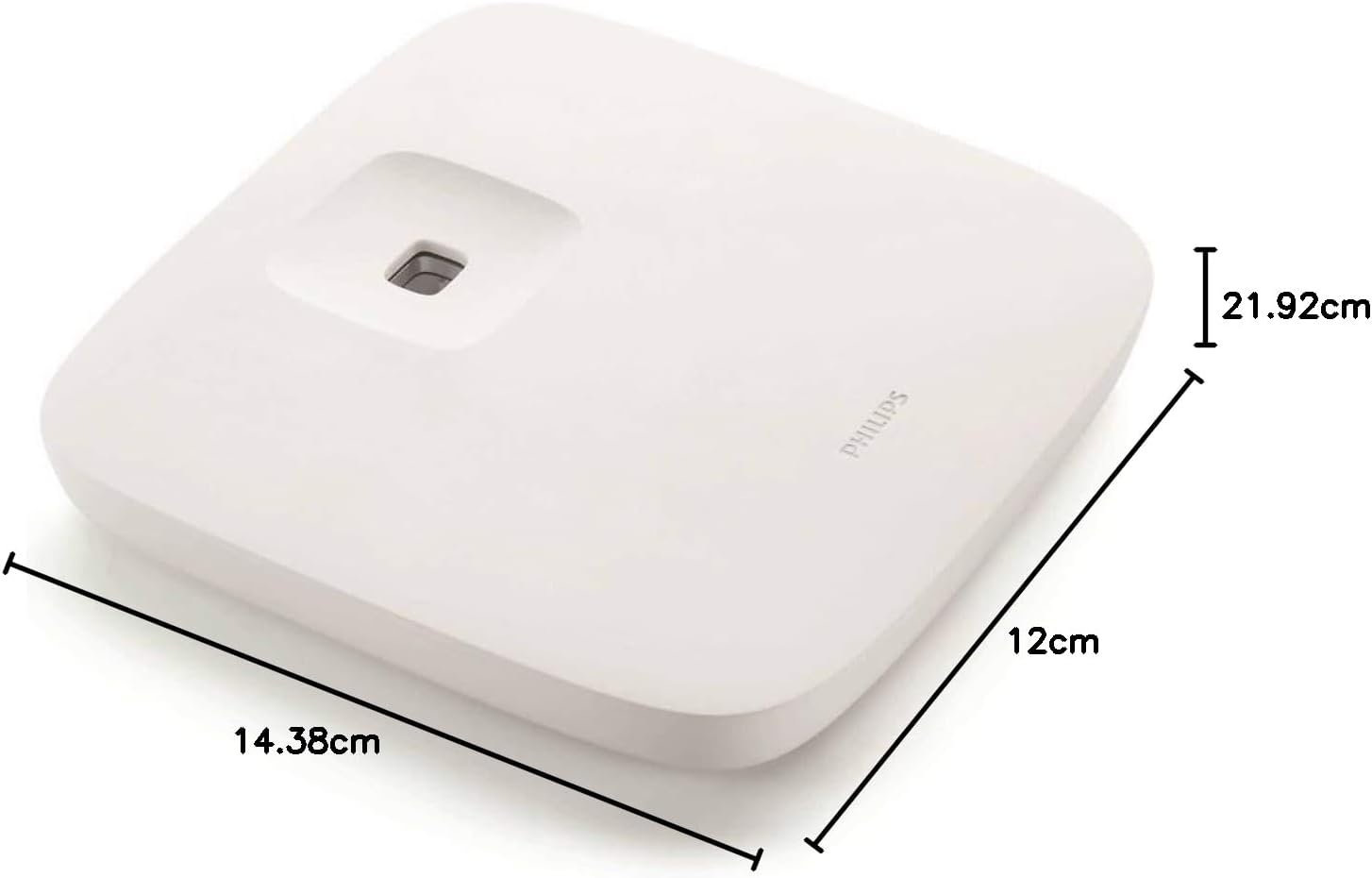
Figure 7: Base dimensions (approx. 14.38cm x 12cm).
9. Garantioplysninger
This Philips Gadwall LED Desk Lamp 66049 leveres med en 2 års lokal (Singapore) producentgaranti.
Please retain your proof of purchase for warranty claims. The warranty covers defects in materials and workmanship under normal use. It does not cover damage caused by misuse, accidents, unauthorized repairs, or normal wear and tear.
For detailed warranty terms and conditions, please refer to the official Philips webwebsted eller kontakt deres kundeservice.
10. Kundesupport
For further assistance, technical support, or to inquire about compatible dimmer switches, please contact Philips customer service:
- Besøg den officielle Philips-support webwebsted for din region.
- Refer to the contact information provided on the product packaging or warranty card.