1. Introduktion
Thank you for choosing the Cshidworld G33Pro-W Wireless Earbuds. This manual provides detailed instructions on how to set up, operate, and maintain your earbuds to ensure optimal performance and longevity. Please read this manual carefully before using the product and keep it for future reference.
2. Pakkens indhold
- Cshidworld G33Pro-W Wireless Earbuds (Left and Right)
- Bærbart opladningsetui
- USB opladningskabel
- Brugermanual
3. Produktet er slutview

Image: The Cshidworld G33Pro-W Wireless Earbuds resting inside their open charging case, showcasing deres kompakte design og hvide finish.
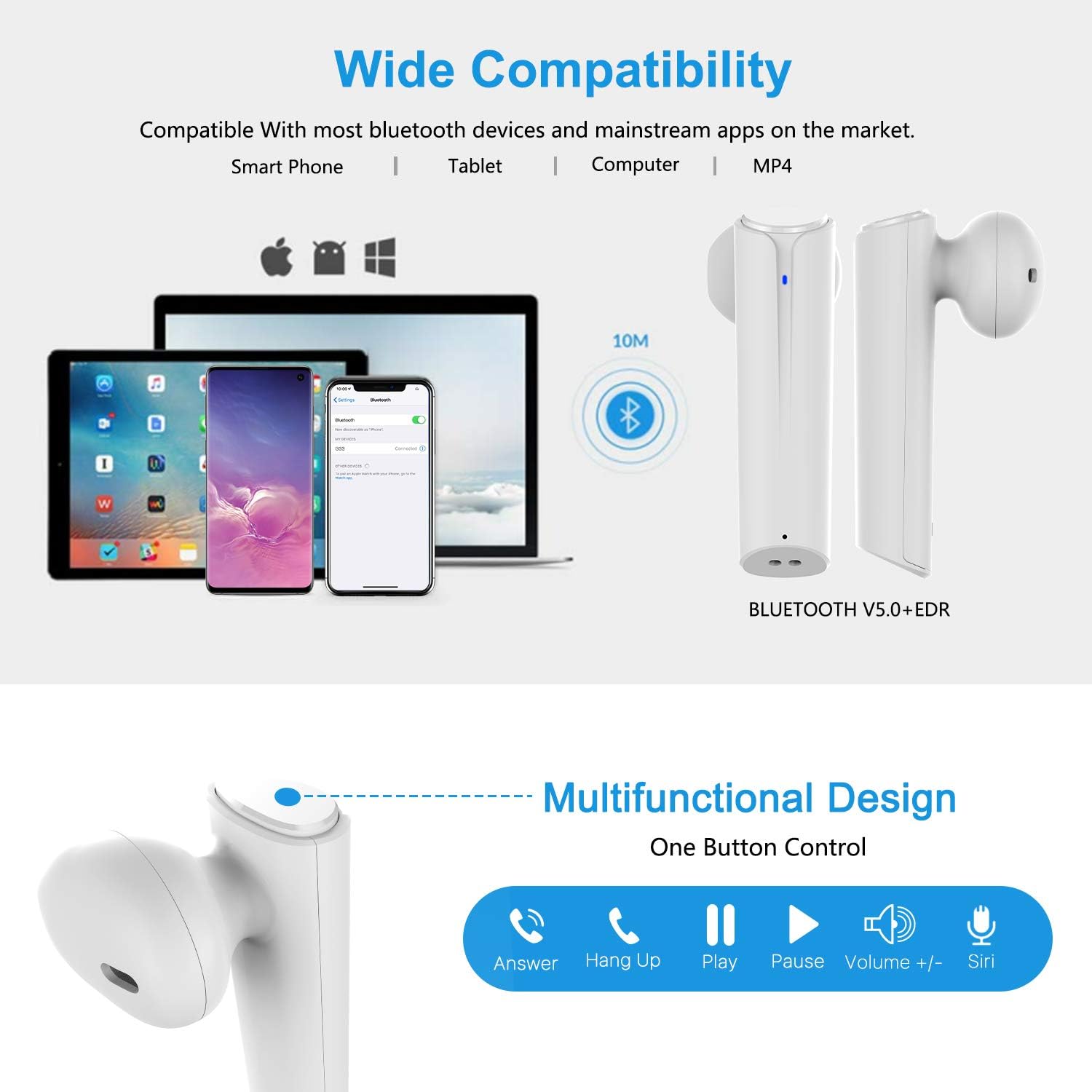
Image: A visual representation of the multi-function button on the earbud, detailing its various controls for answering calls, playing music, and activating voice assistants.
Øreproppernes komponenter:
- Multifunktionsknap: Styrer afspilning, opkald og stemmeassistent.
- LED-indikator: Viser parringsstatus og batteriniveau.
- Mikrofon: Til håndfri opkald.
Komponenter til opladningsetuiet:
- Opladningsporte: For charging the case and earbuds.
- LED-indikatorer: Show charging status of the case.
4. Opsætning
4.1 Opladning af øretelefoner og etuiet
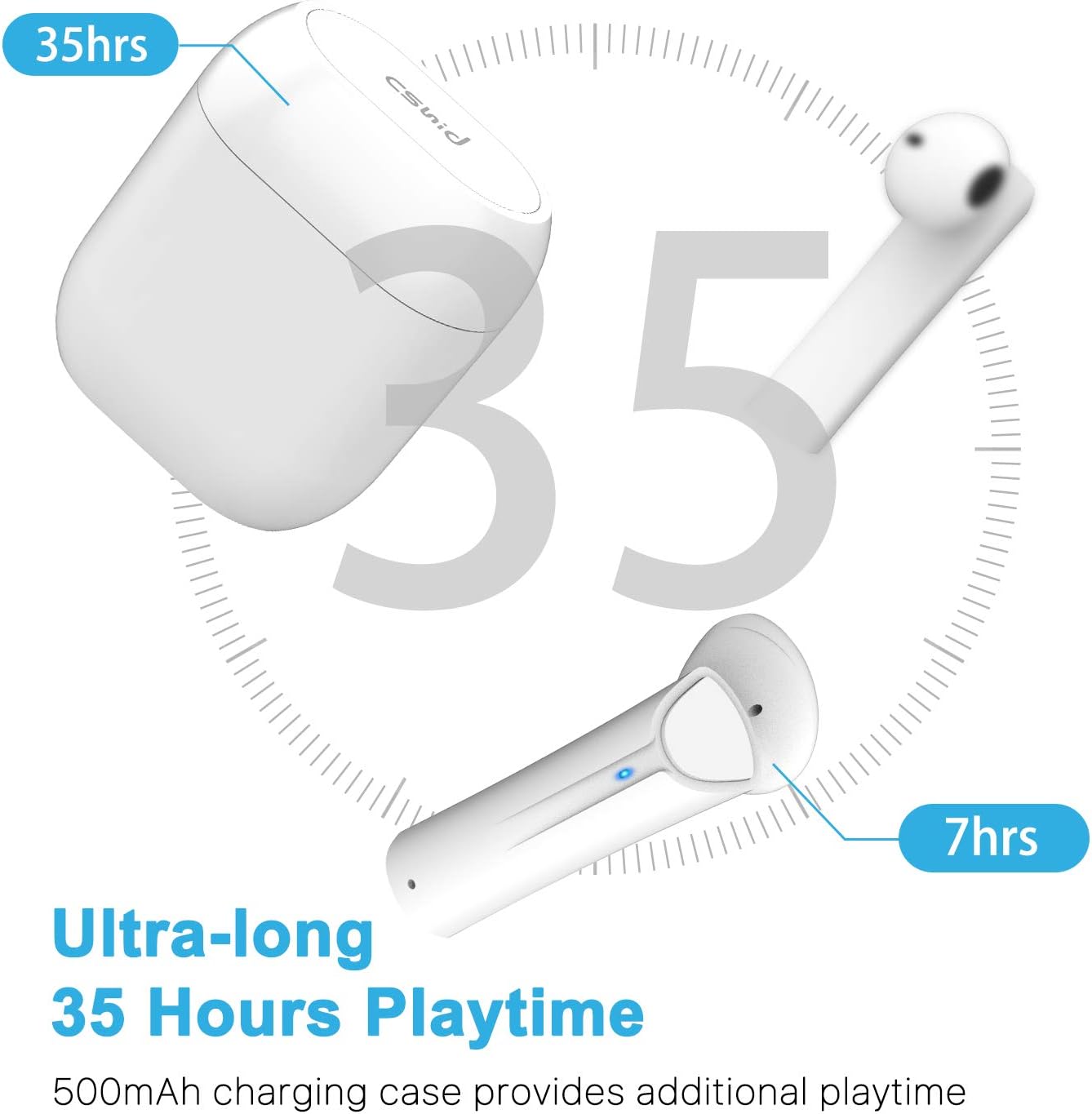
Image: An illustration highlighting the ultra-long 35 hours of total playtime, with 7 hours from a single earbud charge and additional charges from the case.
Before first use, ensure both the earbuds and the charging case are fully charged. The earbuds provide up to 7 hours of playtime on a single charge, and the charging case can provide an additional 5 full charges, extending the total playtime to up to 35 hours.
- Placer ørepropperne i opladningsetuiet. Sørg for, at de er korrekt isat.
- Tilslut USB-opladerkablet til opladningsporten på etuiet og til en strømkilde.
- The LED indicators on the case will show the charging status. Once fully charged, the indicators will change or turn off.
4.2 Initial Pairing (One-Step Pairing)

Image: A step-by-step guide showing how to pair the earbuds: simply take them out of the case and select 'G33' on your device's Bluetooth settings.
The G33Pro-W earbuds feature one-step pairing technology for quick and easy connection.
- Take both earbuds out of the charging case. They will automatically power on and enter pairing mode. The LED indicator on one earbud will flash, indicating it's ready to pair.
- Aktiver Bluetooth på din enhed (smartphone, tablet osv.).
- Søg efter "G33" in the list of available Bluetooth devices and select it to connect.
- Once connected, the LED indicators on both earbuds will stop flashing. You are now ready to use your earbuds.
4.3 Brug af én øreprop
You can use either the left or right earbud independently. Simply take one earbud out of the charging case, and it will automatically enter pairing mode. Connect to "G33" on your device. To use both again, take the second earbud out, and they will automatically reconnect.
5. Betjeningsvejledning
The G33Pro-W earbuds are controlled via a multi-function button on each earbud.
| Fungere | Handling |
|---|---|
| Tænd | Take earbuds out of charging case (automatic) |
| Sluk | Place earbuds back into charging case (automatic) |
| Afspil/pause musik | Press the multi-function button once on either earbud |
| Næste spor | Double-press the multi-function button on the Right earbud |
| Forrige spor | Double-press the multi-function button on the Left earbud |
| Besvar/afslut opkald | Press the multi-function button once on either earbud |
| Afvis opkald | Press and hold the multi-function button for 2 seconds on either earbud |
| Aktivér stemmeassistent (Siri/Google Assistant) | Tryk tre gange på multifunktionsknappen på begge øretelefoner |
| Lydstyrke op | Press and hold the multi-function button on the Right earbud |
| Lydstyrke ned | Press and hold the multi-function button on the Left earbud |
6. Vedligeholdelse

Image: Two scenarios demonstrating earbud use: one person driving safely with hands-free calling, and another person working out, highlighting the sweat-proof and cable-free design.
6.1 Rengøring
Regelmæssig rengøring hjælper med at opretholde lydkvalitet og hygiejne.
- Brug en blød, tør og fnugfri klud til at tørre ørepropperne og opladningsetuiet af.
- Til genstridigt snavs, let dampda kluden med vand eller et mildt, ikke-slibende rengøringsmiddel.
- Brug ikke skrappe kemikalier eller slibende materialer.
- Sørg for, at opladningskontakterne på både ørepropperne og etuiet er rene og tørre.
6.2 Opbevaring
Når ørepropperne ikke er i brug, skal de opbevares i deres opladningsetui for at beskytte dem og holde dem opladede. Opbevares køligt og tørt, væk fra ekstreme temperaturer.
6.3 Vandtæthed
The earbuds are designed to be waterproof, making them suitable for workouts and light rain. However, they are not intended for swimming or submersion in water. Ensure earbuds are dry before placing them back into the charging case to prevent damage.
7. Fejlfinding
If you encounter issues with your earbuds, please refer to the following common problems and solutions:
- Øretelefoner parrer ikke med enheden:
Ensure Bluetooth is enabled on your device. Place earbuds back in the case, then take them out again to re-enter pairing mode. Try forgetting "G33" from your device's Bluetooth list and re-pairing. - Kun én øreprop virker:
Place both earbuds back into the charging case. Close the lid for a few seconds, then open it and take both earbuds out simultaneously. They should automatically connect to each other. - Ingen lyd:
Check the volume level on both your device and the earbuds. Ensure the earbuds are properly connected to your device. Try playing different audio sources. - Øretelefoner oplader ikke:
Ensure the charging cable is securely connected to both the case and the power source. Check if the charging contacts on the earbuds and inside the case are clean and free of debris. - Dårlig lydkvalitet:
Ensure the earbuds are properly seated in your ears. Check for any obstructions in the earbud speakers. Move closer to your connected device to avoid signal interference.
8. Specifikationer
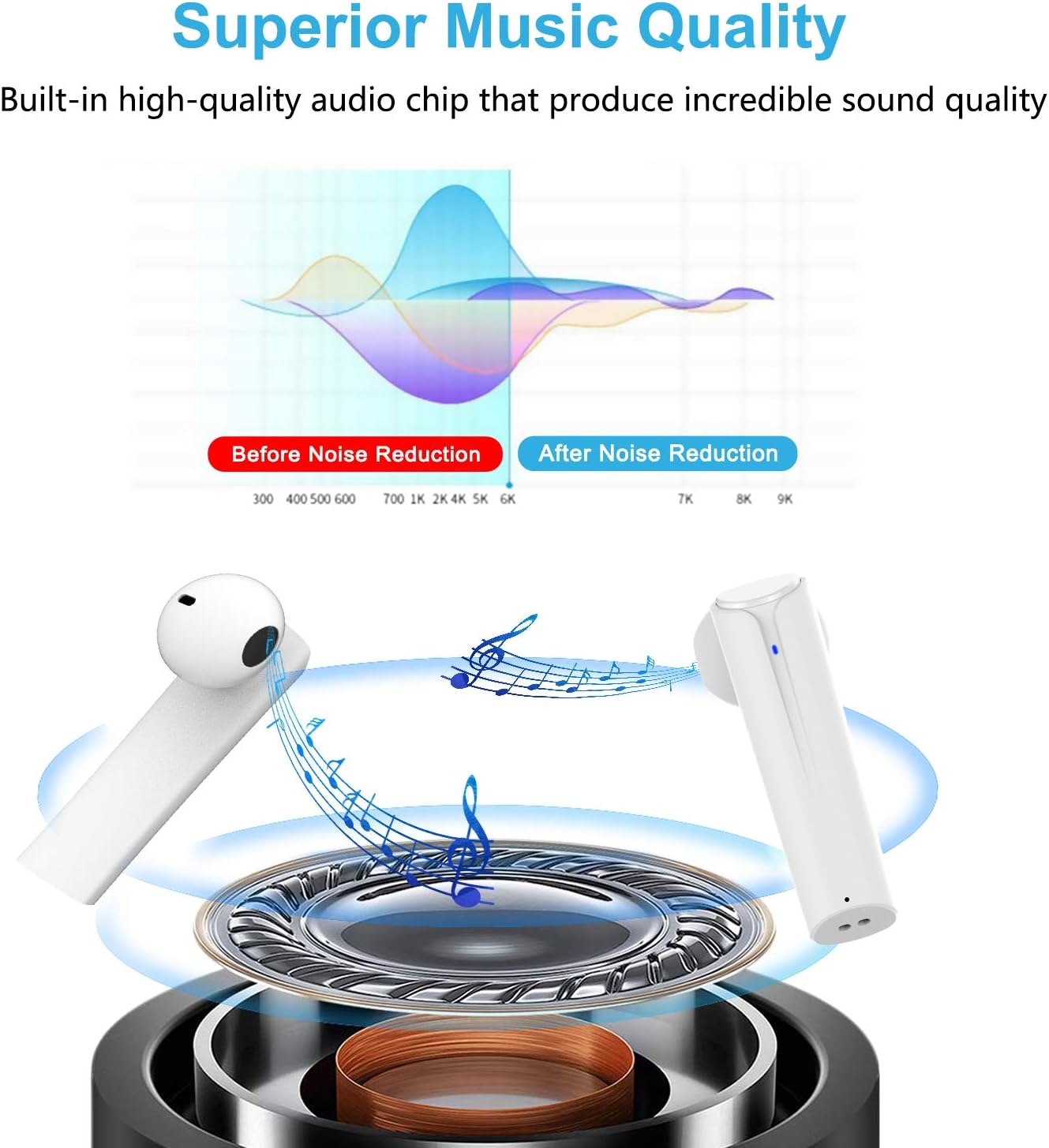
Image: A graph illustrating the effect of noise reduction on sound quality, accompanied by a detailed diagram of the earbud's internal audio components.
- Model: G33Pro-W
- Forbindelse: Bluetooth 5.0
- Spilletid (ørepropper): Op til 7 timer pr. Opladning
- Samlet spilletid (med opladningsetui): Op til 35 timer
- Mikrofon: Built-In Dual Microphones
- Kontroltype: Multifunktionsknap
- Materiale: Plast
- Vandtæthed: Vandtæt
- Farve: Hvid
9. Sikkerhedsoplysninger
Overhold venligst følgende sikkerhedsretningslinjer for sikker og korrekt brug af dine ørepropper:
- Udsæt ikke ørepropperne eller opladningsetuiet for ekstreme temperaturer, direkte sollys eller høj luftfugtighed.
- Avoid dropping, hitting, or disassembling the product.
- Brug ikke ørepropperne ved for høj lydstyrke i længere perioder, da dette kan forårsage høreskader.
- Hold produktet væk fra børn og kæledyr.
- Dispose of the product and its components responsibly according to local regulations.
10. Garanti og support
Cshidworld provides a 30-dages problemfri returpolitik og en et års garanti for the G33Pro-W Wireless Earbuds. For any product-related inquiries, technical support, or warranty claims, please contact Cshidworld customer service through the platform where you purchased the product or refer to the contact information provided with your purchase.


