70mai Dash Cam A400 + Bagkamera RC09 Brugermanual
Model: A400 & RC09
1. Introduktion
Thank you for choosing the 70mai Dash Cam A400 and Rear Cam RC09 set. This dual-camera system is designed to provide reliable video recording of your journeys, enhancing driving safety and providing evidence in case of incidents. The A400 front dash cam records in 1440P resolution, while the RC09 rear camera captures 1080P footage, offering comprehensive coverage of your vehicle's surroundings.
Please read this manual carefully before using the product to ensure proper installation and operation. Keep this manual for future reference.
2. Produktet er slutview
The 70mai Dash Cam A400 + Rear Cam RC09 set includes the following main components:
- 70mai Dash Cam A400 (Front Camera)
- 70mai Rear Cam RC09 (Rear Camera)
- Strømkabel
- Bil oplader
- Elektrostatisk mærkat
- Varmebestandigt klæbemiddel
- Brugermanual

Image: The 70mai Dash Cam A400 (red, left) and the 70mai Rear Cam RC09 (black, right) are shown together, illustrating the complete product set.
3. Opsætning og installation
3.1 Front Dash Cam Installation (A400)
- Rengør forruden, hvor dashcam'et skal monteres.
- Apply the electrostatic sticker to the windshield. This helps in easy removal and prevents adhesive residue.
- Attach the heat-resistant adhesive mount to the electrostatic sticker.
- Slide the A400 dash cam onto the mount.
- Connect the power cable to the dash cam and route it along the windshield edge to the car's cigarette lighter socket using the provided car charger.
3.2 Rear Cam Installation (RC09)
- Find et passende sted på din bagrude, typisk øverst i midten, og sørg for en fri view.
- Rengør det valgte område grundigt.
- Attach the RC09 rear camera using its adhesive mount.
- Connect the rear camera cable to the A400 dash cam. Route the cable neatly along the vehicle's interior trim.

Billede: Et nærbillede view of the 70mai Rear Cam RC09, showing its compact design and mounting bracket.
4. Betjeningsvejledning
4.1 Tænd/sluk
The dash cam will automatically power on and begin recording when connected to your vehicle's power supply and the engine starts. It will power off automatically when the engine is turned off.
4.2 Optagelsestilstande
- Loop-optagelse: The dash cam continuously records video in short segments (e.g., 1, 3, or 5 minutes). When the memory card is full, the oldest unlocked videos are overwritten.
- Nødoptagelse: In case of a sudden shake or collision detected by the G-sensor, the current video segment will be locked and saved to a separate folder, preventing it from being overwritten.
- Parkeringsovervågning: With an optional hardwire kit (sold separately), the dash cam can monitor your vehicle for impacts even when parked, recording incidents to protect your car.
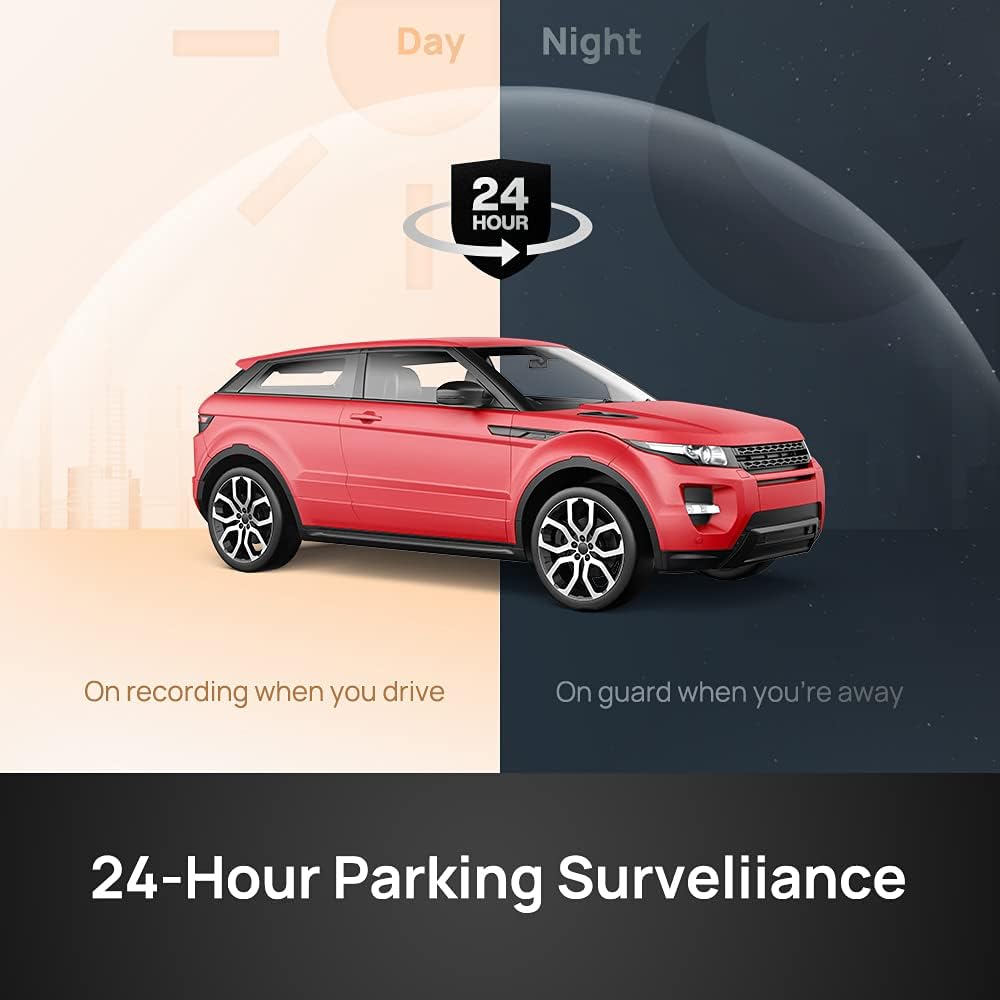
Image: An illustration depicting the 24-hour parking surveillance feature, showing the dash cam's ability to monitor the vehicle while driving and when parked.
4.3 Område af View og opløsning
The A400 front camera offers a wide 145-degree field of view, capturing multiple lanes of traffic. It records in 1440P resolution, providing clear and detailed footage. The RC09 rear camera records in 1080P, ensuring good visibility of the rear surroundings.

Image: A visual representation of the 145-degree field of view from the perspective of a car's dashboard, highlighting the wide coverage.

Image: A split image showing the recording quality of the front camera at 1440P and the rear camera at 1080P, demonstrating the clarity of both views.
4.4 Forbedret nattesyn
The A400 dash cam features enhanced night vision capabilities, utilizing a wide dynamic range (WDR) to capture clear images in low-light conditions, ensuring visibility even at night.
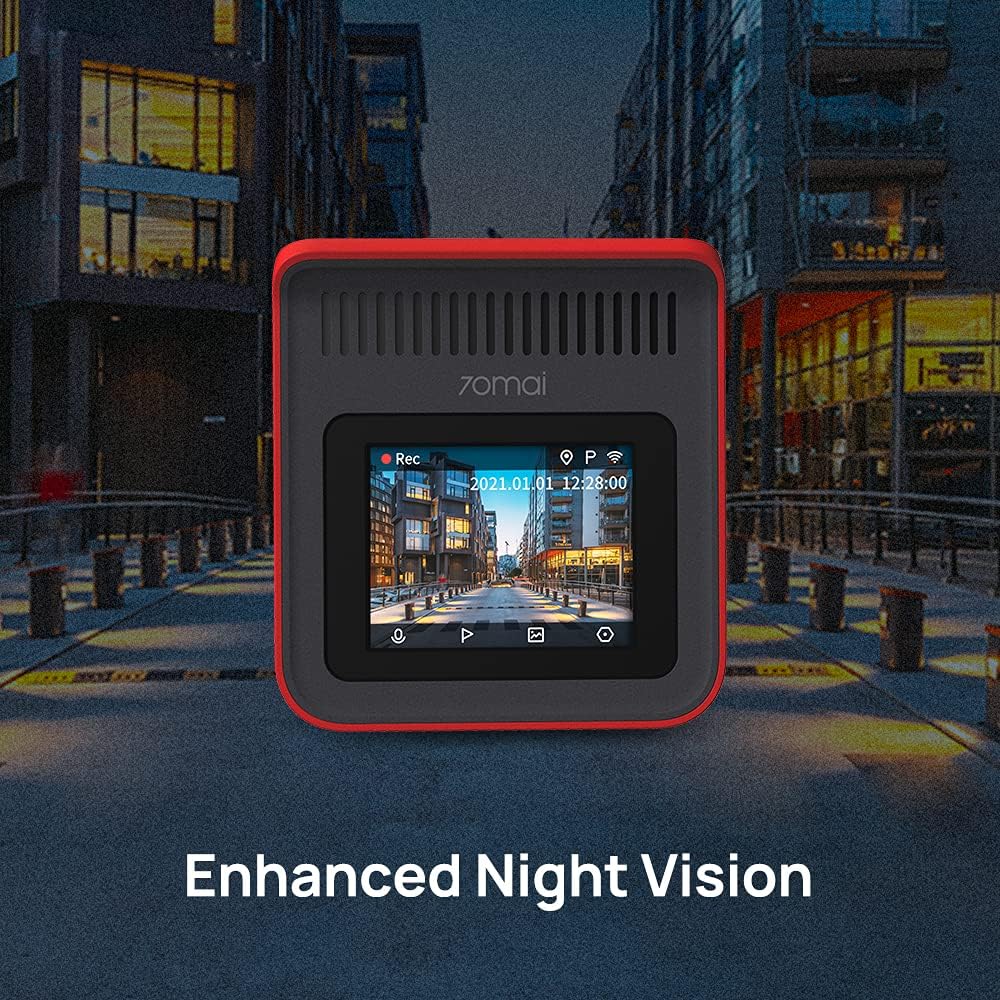
Image: A visual comparison illustrating the improved clarity and detail captured by the dash cam in low-light or nighttime conditions, showcasing its enhanced night vision.
4.5 App Control and Wi-Fi Connectivity
The 70mai Dash Cam A400 can be controlled via the 70mai mobile application, available for both iOS and Android devices. Connect to the dash cam's built-in Wi-Fi to view live footage, afspil optagede videoer, download files til din telefon, og juster indstillingerne.

Image: The 70mai Dash Cam A400 is shown next to a smartphone displaying the 70mai app interface, demonstrating how the device can be controlled and footage accessed wirelessly.
5. Vedligeholdelse
- Rengør linsen: Regularly wipe the camera lenses with a soft, lint-free cloth to ensure clear video quality.
- Hukommelseskort: Format the microSD card periodically (e.g., once a month) within the dash cam's settings to prevent data corruption and ensure optimal performance. Use a high-quality Class 10 or U1/U3 microSD card.
- Firmwareopdateringer: Check the 70mai app regularly for firmware updates. Keeping the firmware updated ensures the best performance and access to new features.
- Temperatur: Undgå at udsætte dashcam'et for ekstreme temperaturer i længere perioder. Selvom det er designet til brug i biler, kan langvarig udsættelse for direkte sollys i en parkeret bil påvirke dets levetid.
6. Fejlfinding
| Problem | Mulig løsning |
|---|---|
| Dashcam'et tænder ikke. | Check the power connection to the car charger and the cigarette lighter socket. Ensure the vehicle's engine is running. Test the car charger with another device. |
| Video footage er sløret eller uklar. | Clean the camera lens. Ensure the protective film has been removed from the lens. Check if the electrostatic sticker or adhesive is obstructing the view. |
| Dash cam restarts frequently. | Ensure you are using a high-speed (Class 10 or U1/U3) microSD card. Format the microSD card. Check the power supply for stability. |
| Cannot connect to the 70mai App. | Ensure Wi-Fi is enabled on the dash cam and your phone. Restart both the dash cam and your phone. Reinstall the 70mai app. |
| Emergency recordings are not saving. | Check the G-sensor sensitivity settings in the app. Ensure there is sufficient space on the memory card for locked files. |
7. Specifikationer
| Feature | Beskrivelse |
|---|---|
| Mærke | 70 maj |
| Modelnavn | Dash Cam A400 + Rear Cam RC09 Set |
| Modelnummer | 6971669781040 |
| Forreste kameraopløsning | 1440P |
| Bagkameraopløsning | 1080P |
| Felt af View (Foran) | 145 grader |
| Forbindelse | Wi-Fi |
| Særlige funktioner | Integrated GPS (via optional GPS module), Parking Surveillance (requires hardwire kit), Enhanced Night Vision |
| Strømkilde | Car Charger (12V/24V) |
| Opbevaring | MicroSD Card (not included, Class 10 or higher recommended) |
| Dimensions (A400) | Approx. 10 x 48 x 50 cm (Product dimensions from data, likely package dimensions) |
| Vægt | Approx. 2 Kilograms (Product weight from data, likely package weight) |


