1. Introduktion
Thank you for choosing the Viotek NB27CB 27-Inch LED Curved Monitor. This monitor is designed to provide a vibrant and immersive visual experience for both work and entertainment. Featuring a bezel-less Samsung VA panel, 75Hz refresh rate, 1080P Full-HD resolution, and FreeSync technology, it offers exceptional clarity and smooth performance. This manual provides detailed instructions for setting up, operating, maintaining, and troubleshooting your new monitor.

2. Opsætning
2.1. Udpakning af skærmen
Carefully remove all components from the packaging. Ensure all items listed in the 'What's in the Box' section are present. Retain the original packaging for future transport or storage.
2.2. Samling af stativet
- Attach the stand neck to the monitor panel by aligning the grooves and gently pushing until it clicks into place.
- Secure the base to the stand neck using the provided screw.
- Placer den samlede skærm på en stabil, plan overflade.
2.3. Tilslutning til en enhed
The NB27CB monitor supports both VGA and HDMI 1.4 connections. Choose the appropriate cable for your device and connect it to the corresponding port on the monitor. An HDMI cable is included with your purchase.
- HDMI-forbindelse: Connect one end of the HDMI cable to the HDMI port on your computer or gaming console, and the other end to the HDMI port on the monitor.
- VGA-forbindelse: Connect one end of the VGA cable to the VGA port on your computer, and the other end to the VGA port on the monitor.
- Strømtilslutning: Tilslut strømadapteren til skærmens strømindgang, og sæt den derefter i en stikkontakt.

2.4. VESA-montering (valgfrit)
The NB27CB is VESA compatible (75x75mm), allowing you to mount it to a wall or a compatible monitor arm. Ensure you use appropriate VESA screws and mounting hardware (not included) that can support the monitor's weight.
3. Betjening af monitoren
3.1. Tænd/sluk
Tryk på tænd/sluk-knappen på skærmen for at tænde eller slukke den. Strømindikatorlampen lyser, når skærmen er aktiv.
3.2. On-Screen Display (OSD) menu
Use the buttons on the monitor's bezel to navigate the OSD menu. This menu allows you to adjust various display settings such as brightness, contrast, color temperature, input source, and more.
3.3. Nøglefunktioner
- 75Hz opdateringshastighed og 5ms responstid: Experience smoother visuals with a 75Hz refresh rate and a rapid 5ms response time, ideal for gaming and fast-paced content.
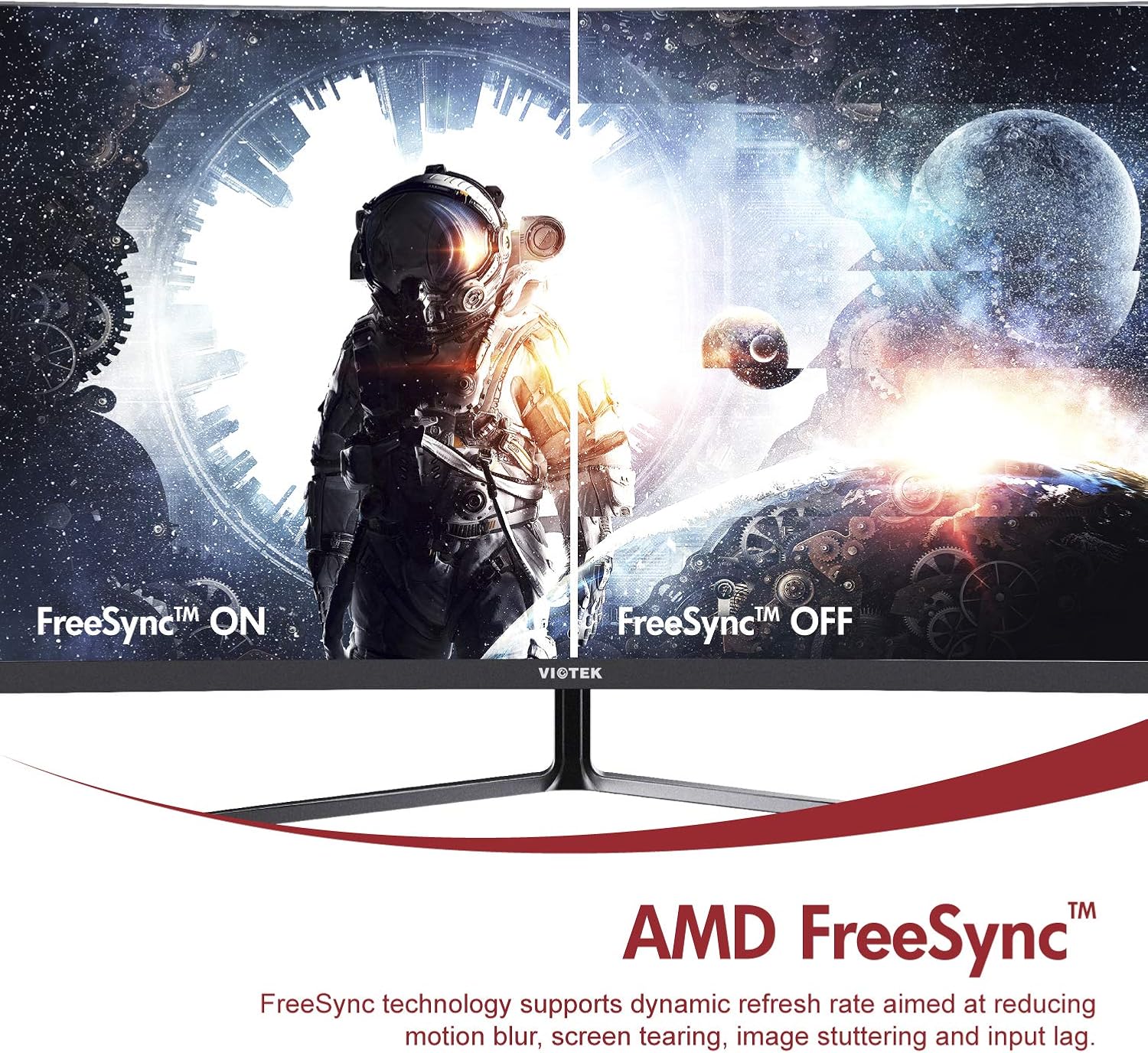
- AMD FreeSync™: Activate FreeSync to synchronize the monitor's refresh rate with your graphics card's frame rate, reducing screen tearing and stuttering for a seamless gaming experience.
- Lavt blåt lys: Reduce eye strain during prolonged use by enabling the Low Blue Light setting in the OSD menu. This filters out harmful blue light emissions.
- GamePlus Crosshair Functionality: For competitive gaming, activate the GamePlus crosshair overlay to improve aiming accuracy in FPS/RTS games.
- Indbyggede højttalere: The monitor includes integrated speakers for audio output.



4. Vedligeholdelse
Korrekt vedligeholdelse sikrer din skærms levetid og optimale ydeevne.
- Rengøring af skærmen: Tør forsigtigt skærmen af med en blød, fnugfri klud. Brug en skærmspecifik rengøringsopløsning på kluden, ikke direkte på skærmen, til genstridige pletter.
- Rengøring af Casing: Brug en blød, tør klud til at rengøre skærmens casing. Undgå at bruge slibende rengøringsmidler eller opløsningsmidler.
- Ventilation: Sørg for, at skærmens ventilationsåbninger ikke er blokerede for at forhindre overophedning.
- Opbevaring: If storing the monitor for an extended period, use the original packaging to protect it from dust and damage.
5. Fejlfinding
Hvis du støder på problemer med din skærm, kan du se følgende almindelige problemer og løsninger:
| Problem | Mulig årsag | Løsning |
|---|---|---|
| Intet billede på skærmen | Strømkabel frakoblet; Videokabel frakoblet; Forkert inputkilde. | Sørg for, at strøm- og videokablerne er korrekt tilsluttet. Vælg den korrekte inputkilde via OSD-menuen. |
| Billedet er sløret eller forvrænget | Forkert opløsning; Løst videokabel. | Set the display resolution to 1920x1080. Check video cable connection. |
| Ingen lyd fra højttalerne | Volume too low; Audio output not set to monitor; Faulty cable. | Increase monitor volume. Ensure your computer's audio output is set to the monitor. Check HDMI cable. |
| Skærmen flimrer | FreeSync not enabled (if applicable); Graphics driver issues; Faulty cable. | Enable FreeSync in OSD and graphics card settings. Update graphics drivers. Try a different video cable. |
6. Specifikationer
Detailed technical specifications for the Viotek NB27CB monitor:
| Feature | Specifikation |
|---|---|
| Skærmstørrelse | 27 tommer |
| Skærmopløsning | 1920x1080 (Full HD) |
| Max skærmopløsning | 1920 x 1080 |
| Opdateringshastighed | 75Hz Max. |
| Svartid | 5 ms |
| Paneltype | VA -panel |
| Krumning | 1800R |
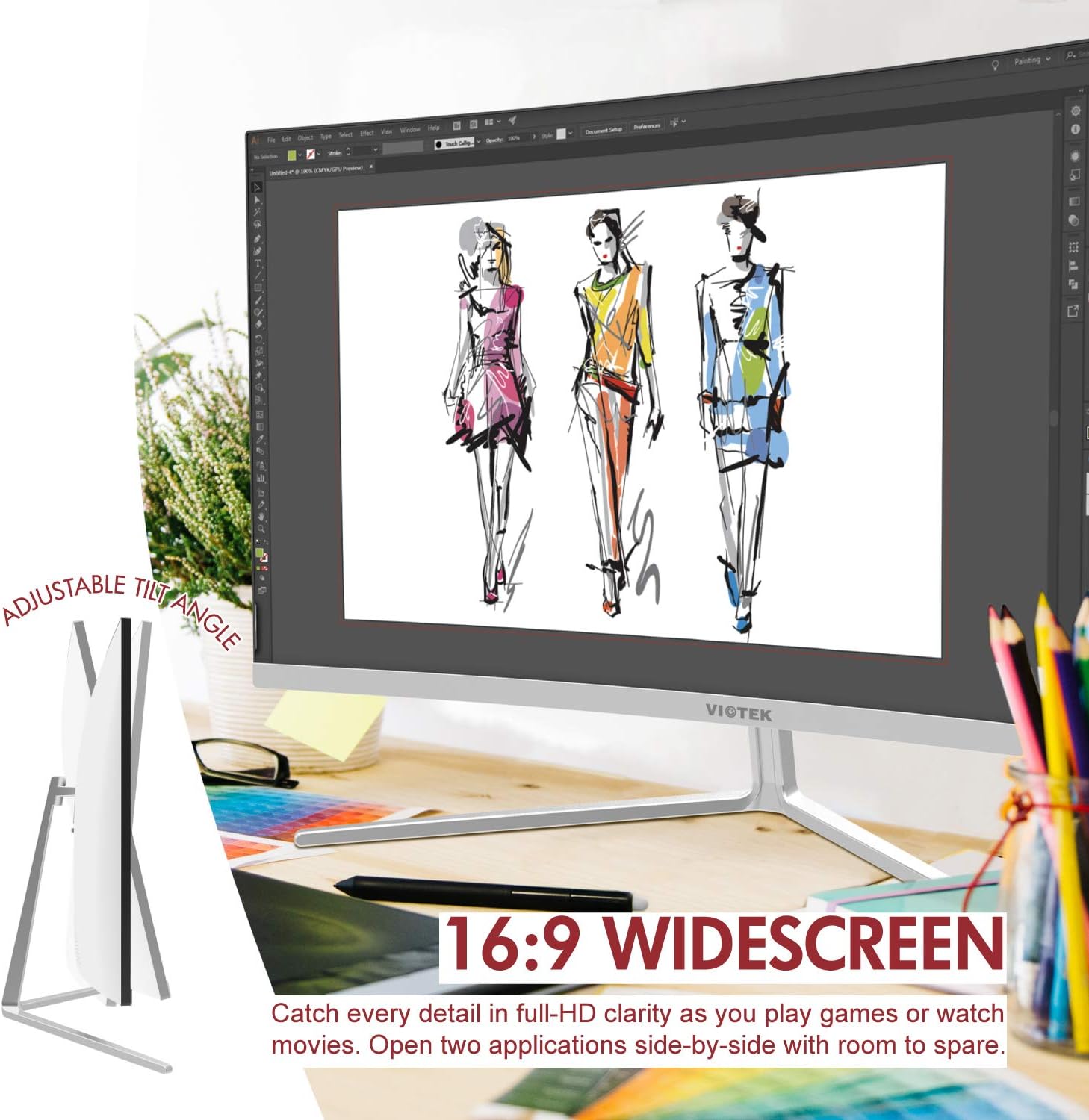
| Aspektforhold | 16:9 |
| Display farver | 16.7 millioner farver |
| Dynamisk kontrastforhold | 1000000:1 |
| VESA-kompatibilitet | 75x75 mm |
| Havne | 1x VGA / 1x HDMI 1.4 |
| Højttalere | Yes, 2x 4Ω/3W |
| Tilt Justerbar | Yes, -5° ~ 15° |
| Varens vægt | 10.36 pund |
| Produktdimensioner | 24.13 x 8.38 x 17.67 tommer |
7. Garanti og support
7.1. Produktgaranti
The Viotek NB27CB monitor comes with a 3-års garanti covering parts and labor. This includes Viotek's industry-leading Nultolerancepolitik for døde pixels, ensuring a high-quality display experience.

7.2. Kundesupport
Viotek provides 100% U.S.-based customer support, available 7 days a week via live-chat, email, and social media. For assistance, please visit the official Viotek webwebstedet eller se de kontaktoplysninger, der følger med din produktdokumentation.


