Indledning
Thank you for choosing the Koss BT232i Wireless Bluetooth Earclips. These earclips are designed to provide high-quality wireless audio with the convenience of Bluetooth connectivity, an in-line microphone, and remote controls. Their sweat-resistant design makes them ideal for active lifestyles. Please read this manual carefully to ensure proper use and maintenance of your device.

Image: The Koss BT232i Wireless Bluetooth Earclips, dark grey and black, featuring the earclip design and the in-line remote control.
Hvad er der i æsken
Your Koss BT232i package should contain the following items:
- Koss BT232i Wireless Bluetooth Earclips
- Three (3) pairs of ear cushion sizes (Small, Medium, Large)
- Kabelstyring klip
- USB charging cable (not explicitly listed but implied for rechargeable battery)
Produkt overview
The Koss BT232i features an intuitive design for ease of use and comfort.
Earclips and Earbuds
The earclips are designed to securely fit over your ears, providing stability during movement. The earbuds are equipped with soft silicone cushions for comfortable in-ear placement and optimal sound delivery.
Billede: Nærbillede view of the Koss BT232i earclips and earbuds, highlighting the ergonomic design.
In-Line Microphone and Remote
The in-line remote control is conveniently located on the cable, allowing easy access to various functions without needing to interact directly with your connected device.

Billede: Detaljeret view of the in-line remote control on the Koss BT232i, showing the buttons for volume, play/pause, and call management.
Opsætning
1. Charging the Earclips
Before first use, fully charge your BT232i earclips. A full charge provides over 6 hours of battery life.
- Locate the charging port on the in-line remote.
- Connect the provided USB charging cable to the earclips and a compatible USB power source (e.g., computer USB port, wall adapter).
- The LED indicator on the remote will show charging status (refer to LED indicator section for details, if available).
- Når det er fuldt opladet, skal du frakoble kablet.

Image: An illustration showing the Koss BT232i earclips connected to a power source, indicating the charging process and battery icon.
2. Bluetooth-parring
To connect your BT232i earclips to a Bluetooth-enabled device:
- Ensure the earclips are turned off.
- Tryk og hold multifunktionsknappen på den indbyggede fjernbetjening nede, indtil LED-indikatoren blinker blåt og rødt, hvilket angiver parringstilstand.
- Gå til Bluetooth-indstillinger på din enhed (smartphone, tablet, computer), og aktiver Bluetooth.
- Søg efter available devices and select "Koss BT232i" from the list.
- Once paired, the LED indicator on the earclips will flash blue slowly or turn solid blue (refer to LED indicator section for specifics).
- The earclips are now ready for use.
3. Fitting the Earclips
For optimal comfort and sound quality, select the correct ear cushion size and adjust the cable.
- Ørepuder: Experiment with the three included ear cushion sizes (Small, Medium, Large) to find the best fit for your ears. A good seal improves bass response and noise isolation.
- Cable Management Clip: Use the cable management clip to secure any excess cable, preventing tangles and ensuring a snug fit during activities.

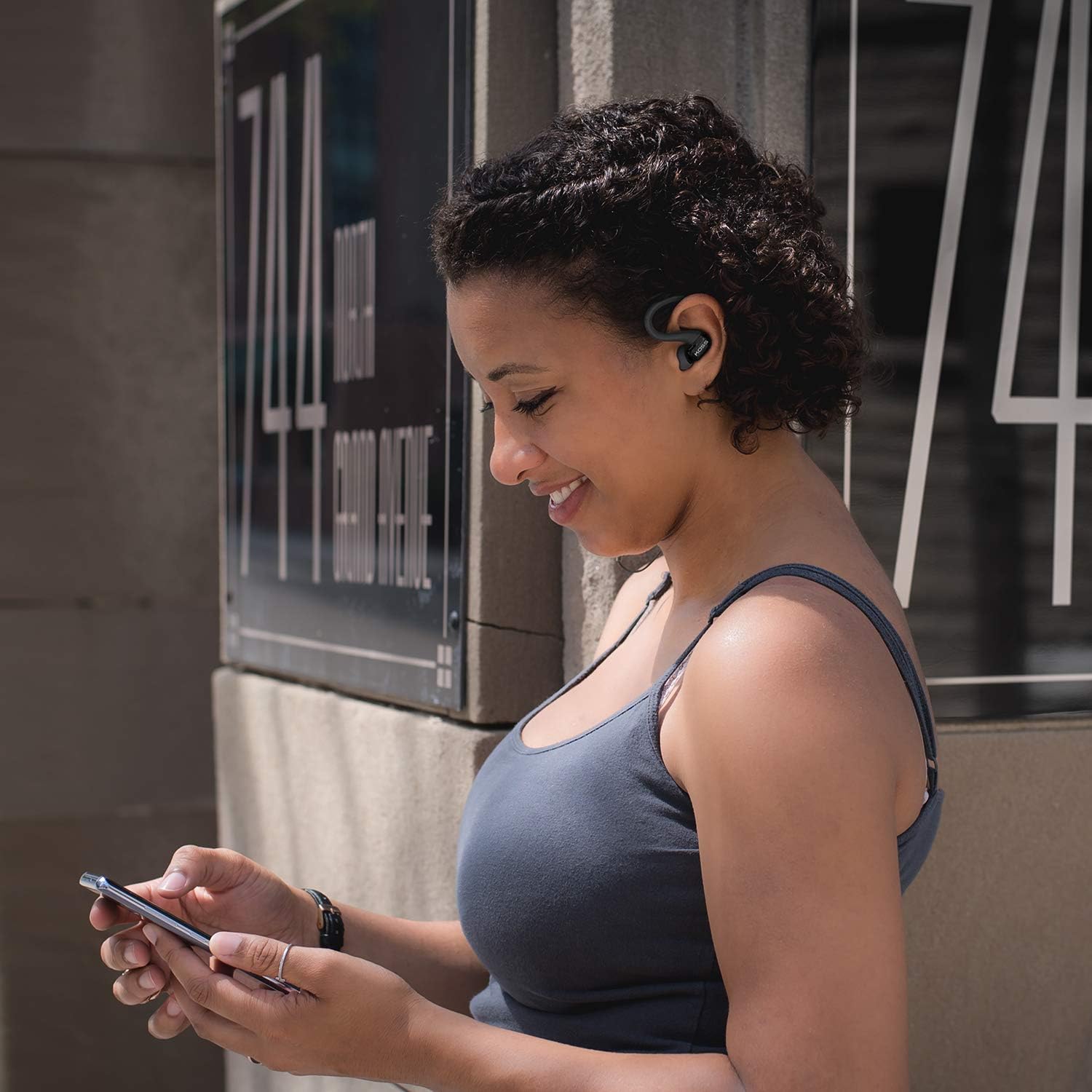
Image: A person wearing the Koss BT232i earclips, demonstrating the over-ear fit and in-ear placement.
Betjeningsvejledning
The in-line remote provides convenient control over your audio and calls.
| Knap/handling | Fungere |
|---|---|
| Tænd/sluk | Tryk og hold multifunktionsknappen nede. |
| Afspil/pause musik | Tryk én gang på multifunktionsknappen. |
| Næste spor | Tryk på knappen Lydstyrke op (+), og hold den nede. |
| Forrige spor | Tryk og hold nede på lydstyrke ned-knappen (-). |
| Lydstyrke op | Tryk én gang på knappen Lydstyrke op (+). |
| Lydstyrke ned | Tryk én gang på lydstyrke ned-knappen (-). |
| Besvar/afslut opkald | Tryk én gang på multifunktionsknappen under et indgående opkald eller et aktivt opkald. |
| Afvis opkald | Tryk og hold multifunktionsknappen nede under et indgående opkald. |
| Aktiver Voice Assistant | Dobbelttryk på multifunktionsknappen (funktionaliteten kan variere afhængigt af enheden). |
Opretholdelse
Proper care will extend the life and performance of your Koss BT232i earclips.
- Rensning: Gently wipe the earclips and earbuds with a soft, dry cloth. For ear cushions, remove them and clean with a mild soap solution if necessary, then rinse and dry thoroughly before reattaching. Do not use harsh chemicals or abrasive materials.
- Svedmodstand: The BT232i earclips are sweat resistant. After intense workouts, it is recommended to wipe them dry to prevent moisture buildup. Do not submerge the earclips in water.
- Opbevaring: When not in use, store the earclips in a clean, dry place away from extreme temperatures and direct sunlight. Avoid tangling the cable.
Fejlfinding
If you encounter issues with your Koss BT232i earclips, try the following solutions:
| Problem | Mulig løsning |
|---|---|
| Earclips won't turn on. | Sørg for, at batteriet er opladet. Tilslut det til en strømkilde, og lad det oplade i mindst 30 minutter, før du forsøger at tænde det igen. |
| Kan ikke parres med enheden. |
|
| Ingen lyd eller lav lydstyrke. |
|
| Lyden er forvrænget eller afbrydes. |
|
Specifikationer
| Feature | Detalje |
|---|---|
| Modelnavn | BT232i Bluetooth Wireless Headphones |
| Varemodelnummer | 196651 |
| Forbindelsesteknologi | Trådløs |
| Trådløs kommunikationsteknologi | Bluetooth 4.2 |
| Batterilevetid | 6 timer |
| Opladningstid | 6 timer |
| Frekvensområde | 18-20,000 Hz |
| Vandmodstandsniveau | Vandafvisende (svedafvisende) |
| Kontroltype | Volume Control, Touch-based In-Line Remote |
| Mikrofon | In-line mikrofon |
| Øreplacering | In Ear |
| Formfaktor | Over Ear |
| Materiale | Plast |
| Varens vægt | 1.94 ounce (0.06 kilo) |
| Produktdimensioner | 0.98 x 0.98 x 0.98 tommer |
Garanti og support
Garantioplysninger
The Koss BT232i Wireless Bluetooth Earclips come with a Et års begrænset garanti. Please retain your proof of purchase for warranty claims. For detailed warranty terms and conditions, please refer to the official Koss website or contact Koss customer support.
Kundesupport
For further assistance, technical support, or warranty inquiries, please visit the official Koss webwebstedet eller kontakt deres kundeserviceafdeling. Du kan finde mere information og produkter på Koss Store on Amazon.


