Indledning
This manual provides important information regarding the safe operation, installation, and maintenance of your Arctic-Pro Mini Desk Oscillating Tower Fan. Please read this manual thoroughly before using the product and retain it for future reference.
The Arctic-Pro Mini Desk Oscillating Tower Fan is designed to provide personal cooling with its compact size and quiet operation. It features two speed settings and a 75-degree oscillation function for effective air circulation in small spaces such as offices, bedrooms, and cubicles.
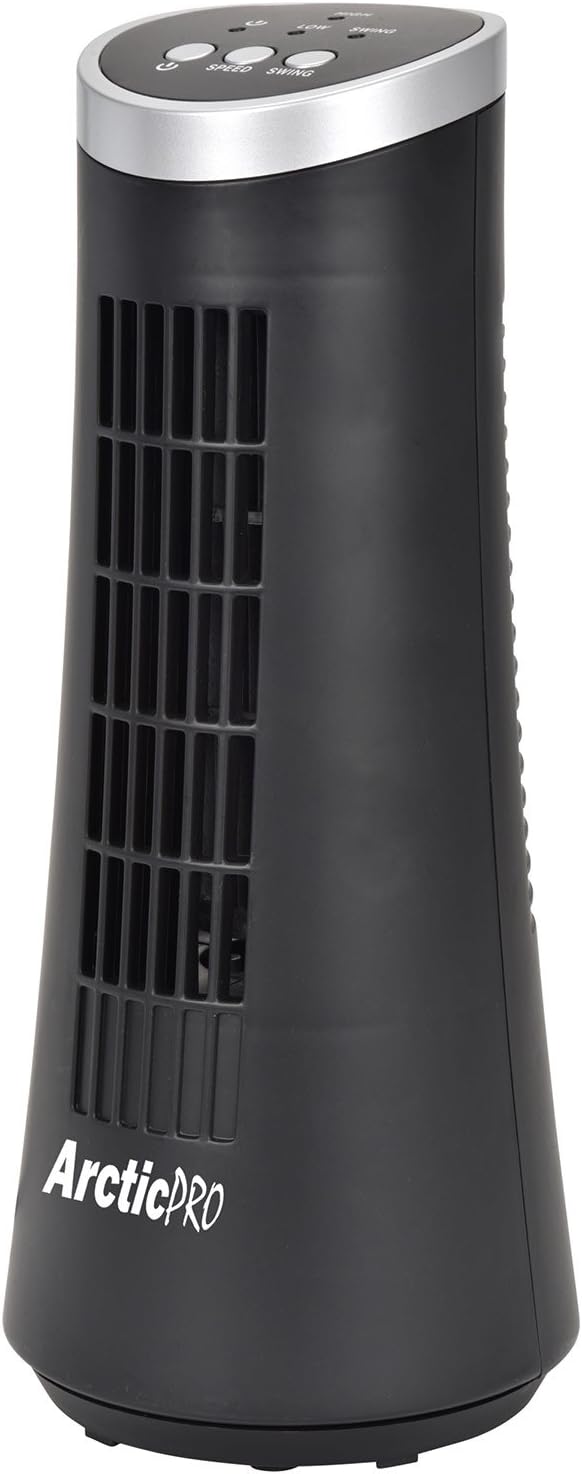
Figure 1: Arctic-Pro Mini Desk Oscillating Tower Fan, a compact black tower fan with a silver top panel.
Produktfunktioner og komponenter
Familiarize yourself with the key features and components of your fan for optimal use.
- Whisper Quiet Operation: Engineered to produce minimal operational noise, ensuring no distractions during work or sleep.
- Bærbart og kompakt design: Features a convenient carrying handle for easy transport between rooms. Ideal for desks, nightstands, and small spaces. Dimensions: 5 x 12 inches.
- To hastighedsindstillinger: Adjustable airflow from Low to High wind via electronic touch controls with LED indicators.
- 75-graders oscillation: Provides wide-angle air distribution and circulation to cool your entire area effectively.
- Electronic Touch Controls: Intuitive controls located on the top panel for power, speed, and oscillation.

Figur 2: Overview of fan components, highlighting the user controls on top, the front grill, the handle on the back, and the oscillating base.
Opsætning
The Arctic-Pro Mini Desk Oscillating Tower Fan requires no assembly. Simply remove it from its packaging and place it on a stable, flat surface.
- Unpack the fan carefully from its box.
- Place the fan on a firm, level surface, ensuring adequate space around it for air circulation and oscillation.
- Plug the power cord into a standard electrical outlet (AC 120V, 60Hz).
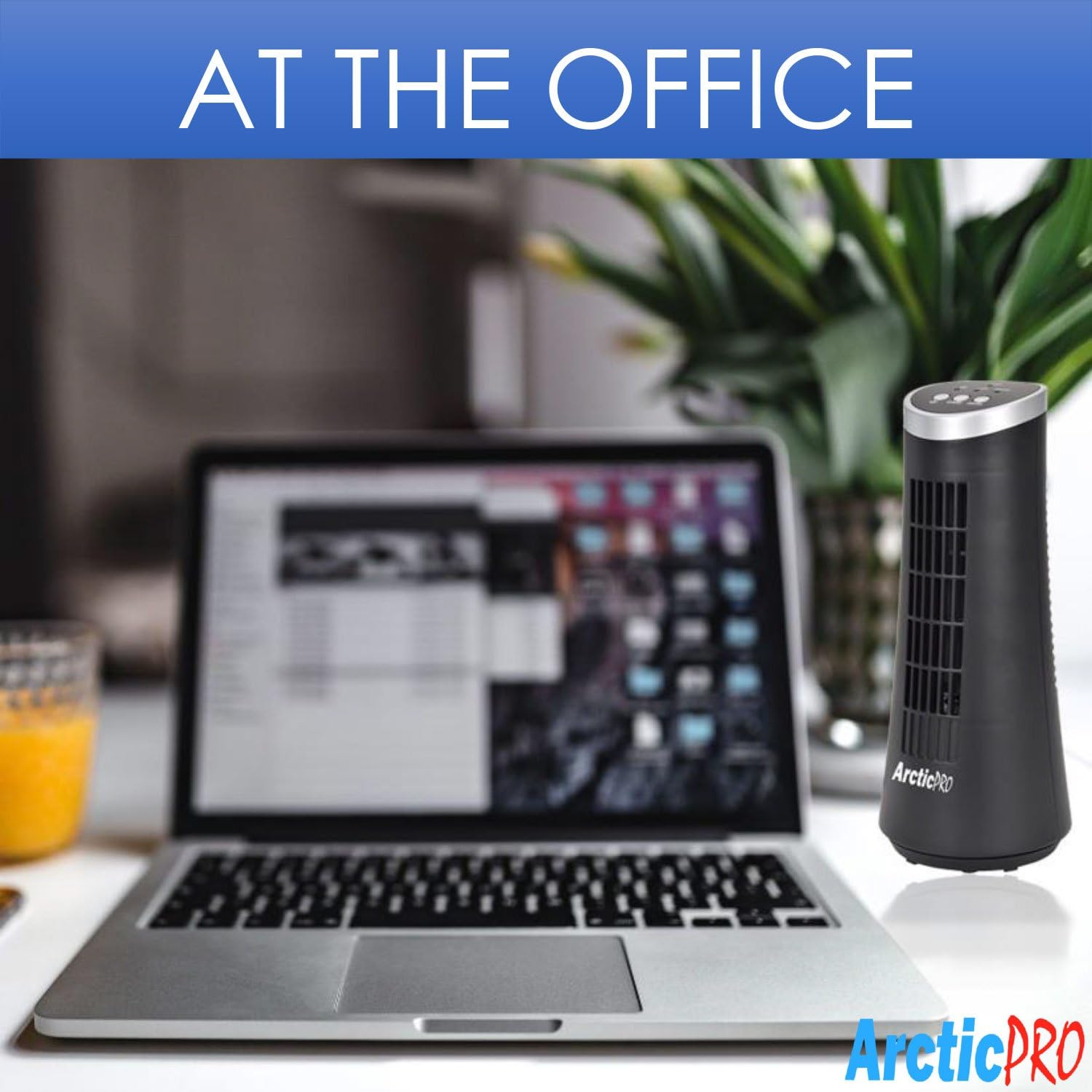
Figure 3: The product packaging, indicating the fan is ready to use out of the box.
Betjeningsvejledning
The fan is operated using the touch controls located on the top panel.

Figur 4: Detaljeret view of the fan's touch control panel, showing buttons for On/Off, Speed (Low/High), and Oscillation (Swing).
- Tænd/sluk: Tryk på Power-knap to turn the fan on or off. An LED indicator will illuminate when the fan is on.
- Justering af hastighed: Tryk på Hastighedsknap to cycle between Low and High speed settings. Corresponding LED indicators will show the selected speed.
- Oscillationskontrol: Tryk på Sving knap to activate or deactivate the 75-degree oscillation function. When active, the fan will rotate from side to side to distribute air across a wider area.
Vedligeholdelse og pleje
Regular cleaning and proper care will ensure the longevity and efficient operation of your fan.
- Rensning:
- Tag altid ventilatorens stik ud af stikkontakten inden rengøring.
- Brug en blød, damp klud til at tørre ventilatorens udvendige overflader af. Brug ikke slibende rengøringsmidler eller opløsningsmidler.
- To clean the fan grill, use a vacuum cleaner with a brush attachment to remove dust and debris. Do not attempt to disassemble the fan for cleaning.
- Opbevaring:
- If storing the fan for an extended period, clean it thoroughly and place it back in its original packaging or a suitable box.
- Store the fan in a cool, dry place, away from direct sunlight and extreme temperatures.
Note: Do not immerse the fan in water or allow water to drip into the motor housing.
Fejlfinding
Hvis du støder på problemer med din ventilator, bedes du se følgende almindelige problemer og løsninger:
| Problem | Mulig årsag | Løsning |
|---|---|---|
| Ventilatoren tænder ikke. | Not plugged in; power outlet not working; fan switch off. | Ensure the power cord is securely plugged into a working electrical outlet. Press the Power button. Test the outlet with another device. |
| Svag eller ingen luftstrøm. | Fan speed set to low; air intake/output blocked; excessive dust buildup. | Increase the fan speed using the Speed button. Ensure nothing is obstructing the front grill or rear air intake. Clean the fan grill to remove dust. |
| Ventilatoren oscillerer ikke. | Oscillationsfunktionen er slået fra. | Press the Swing button to activate the oscillation function. |
| Usædvanlig støj under drift. | Ventilatoren står ikke på en plan overflade; intern blokering. | Place the fan on a stable, level surface. Unplug the fan and check for any visible obstructions in the grill. If the noise persists, discontinue use and contact customer support. |
Specifikationer
| Attribut | Detalje |
|---|---|
| Mærke | Arctic-Pro |
| Modelnummer | 21599 |
| Produktdimensioner | 12.7 cm D x 12.7 cm B x 30.48 cm H (5 cm D x 5 cm B x 12 cm H) |
| Farve | Sort |
| Strømkilde | Elektrisk med ledning |
| Kontrolmetode | Røre |
| Særlige funktioner | Oscillating, Portable, Ultra-Quiet Operation |
| Varens vægt | 2.45 pund (1.11 kg) |
| UPC | 815691021599 |

Figure 5: Dimensions of the fan, indicating a height of 12.5 inches (31.75 cm) and a base width of 5 inches (12.7 cm).
Vigtige sikkerhedsoplysninger
Læs og følg venligst alle sikkerhedsinstruktioner for at forhindre skader eller skader.
- Betjen ikke en ventilator med en beskadiget ledning eller stik. Kassér blæseren eller returner til et autoriseret serviceværksted til undersøgelse og/eller reparation.
- Før ikke ledningen under gulvtæpper. Dæk ikke ledningen med tæpper, løbere eller lignende belægninger. Før ikke ledningen under møbler eller apparater. Anbring ledningen væk fra trafikområdet, og hvor den ikke vil blive snublet over.
- To disconnect the fan, turn controls to OFF, then remove plug from outlet.
- Stik ikke fingre eller fremmedlegemer ind i ventilations- eller udstødningsåbninger, da det kan forårsage elektrisk stød eller brand eller beskadige ventilatoren.
- Bloker ikke luftindtag eller -udstødning på nogen måde. Må ikke anvendes på bløde overflader, som f.eks. en seng, hvor åbninger kan blive blokeret.
- Denne ventilator er ikke beregnet til brug i vådt eller damp steder.
- Placer altid ventilatoren på en stabil, plan overflade under drift for at forhindre den i at vælte.
- Tæt opsyn er nødvendigt, når et apparat bruges af eller i nærheden af børn.
Kundesupport
For any questions, concerns, or assistance with your Arctic-Pro Mini Desk Oscillating Tower Fan, please contact your retailer or the manufacturer's customer service. While specific warranty details are not provided in this manual, the product is backed by a 30-day full money-back guarantee from the point of purchase, as per product information.
Gem venligst din købskvittering som købsbevis, hvis du har spørgsmål vedrørende support.


