Indledning
Thank you for choosing the Rapoo H100 Wired Stereo Headset. This manual provides detailed instructions for setting up, operating, and maintaining your headset to ensure optimal performance and longevity. The Rapoo H100 is designed for clear audio communication and comfortable wear, featuring smooth HD voice calls, microphone noise reduction, adjustable rotation, volume control, microphone mute, and a standard 3.5mm audio port.
Pakkens indhold
Kontroller venligst pakkens indhold for at sikre, at alle varer er til stede:
- Rapoo H100 Wired Stereo Headset
Produkt overview
Familiarize yourself with the components of your Rapoo H100 headset for proper use and understanding.

Figur 1: Frontvinklet view of the Rapoo H100 Wired Stereo Headset, showcasing the earcups, adjustable headband, and microphone arm.
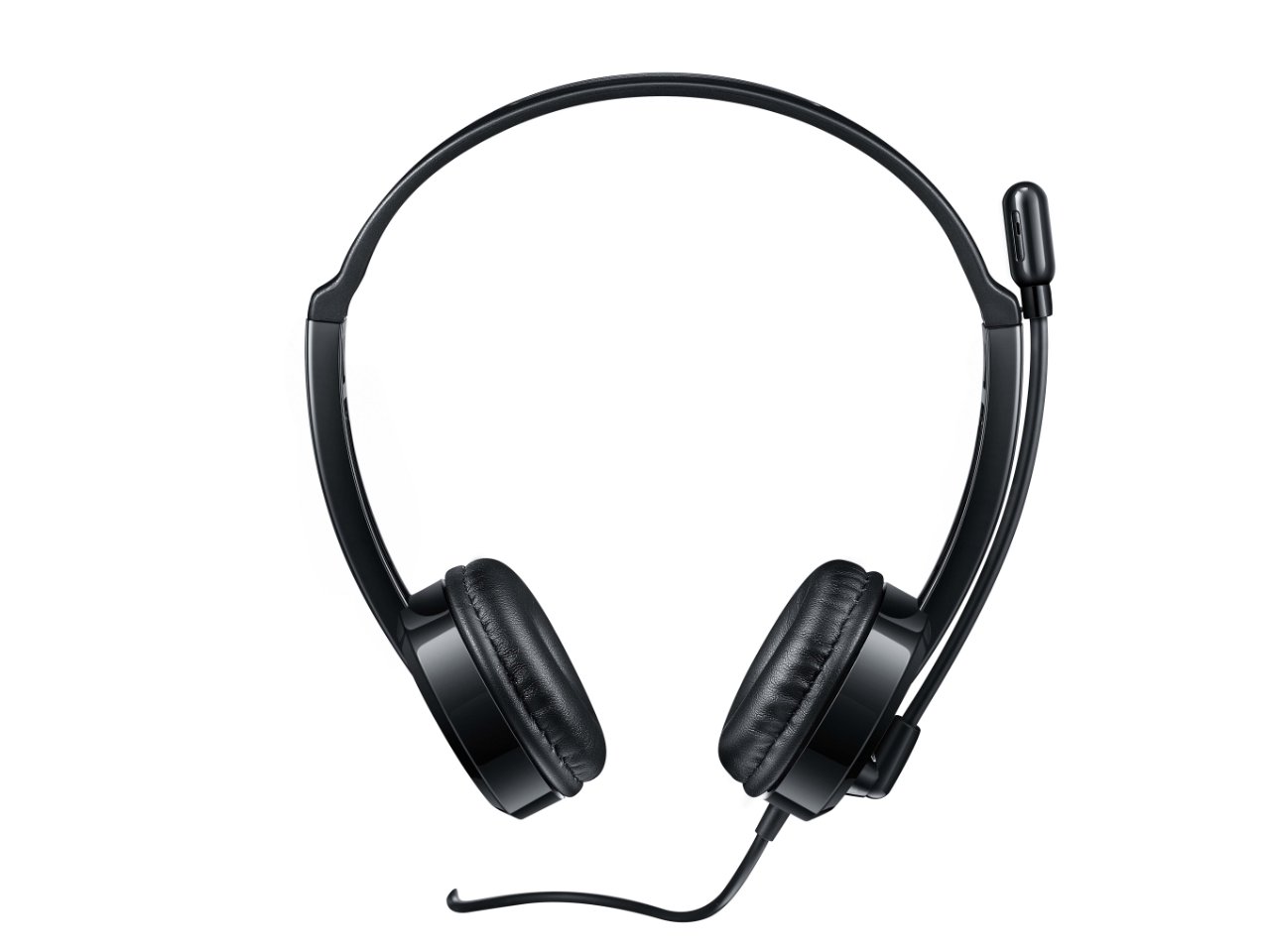
Figur 2: Øverst foran view of the headset, providing a clear perspective of the headband's curvature and the design of both earcups.
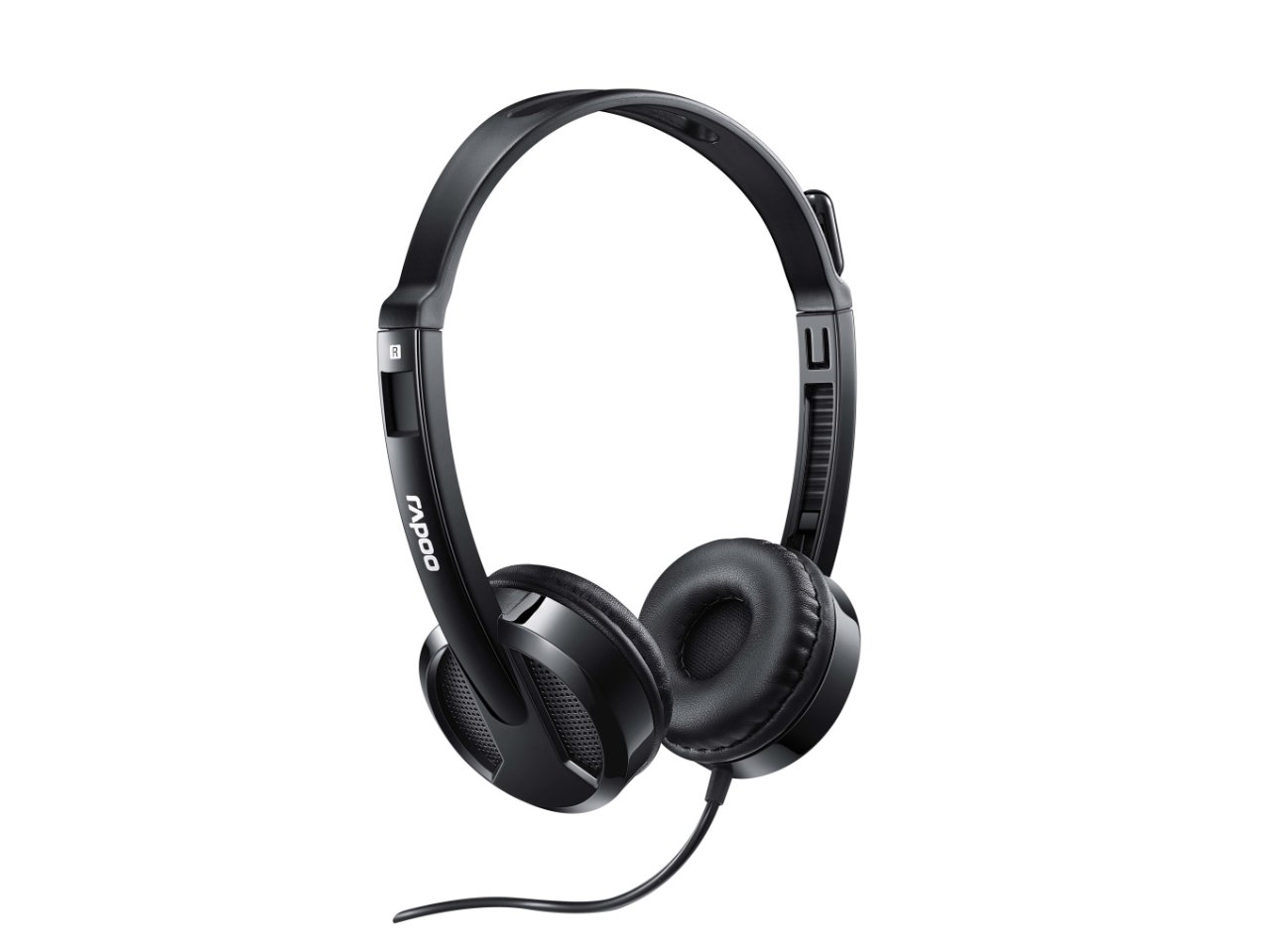
Figur 3: Vinklet view from behind the headset, showing the connection point of the audio cable to the earcup.

Figur 4: Nærbillede view of the rotatable microphone arm, illustrating its design for optimal voice capture.

Figur 5: Side profile view of the Rapoo H100 headset, showing the slim design and the headband adjustment mechanism.
Nøglekomponenter:
- Justerbart pandebånd: Allows for a comfortable fit for various head sizes.
- Bløde ørepuder: Designet til komfort under længere tids brug.
- Drejelig mikrofon: Can be adjusted for optimal voice pickup and rotated out of the way when not in use.
- Inline-styreenhed: Contains the volume control wheel and microphone mute switch for easy access.
- 3.5 mm lydstik: Standard connector for universal compatibility with devices.
Opsætning
- Tilslut headsettet: Insert the 3.5mm audio jack into the corresponding audio port on your computer, laptop, tablet, or smartphone. Ensure the connection is secure.
- Juster pandebåndet: Gently extend or retract the headband on both sides until the earcups rest comfortably over your ears.
- Placer mikrofonen: Rotate the microphone arm downwards and position the microphone approximately 2-3 cm (1 inch) from your mouth for clear voice pickup. The microphone is adjustable for optimal placement.
- Konfigurér lydindstillinger (hvis nødvendigt): On your device, navigate to the sound settings and ensure the Rapoo H100 is selected as the default input (microphone) and output (speaker) device.
Betjeningsvejledning
- Lydstyrkekontrol: Use the in-line volume control wheel on the headset cable to adjust the listening volume. Rotate the wheel upwards to increase volume and downwards to decrease it.
- Mikrofon mute: Locate the mute switch on the in-line control. Slide the switch to mute or unmute the microphone. This is useful for privacy during calls or when you do not wish your voice to be transmitted.
- Foretage opkald: Once connected and configured, you can use the headset for voice calls through various communication applications (e.g., Skype, Zoom, Microsoft Teams) or for standard phone calls on compatible devices.
- Lyt til lyd: The headset will output audio from your connected device, allowing you to listen to music, videos, or game audio.
Opretholdelse
Proper maintenance will extend the life of your headset.
- Rensning: Brug en blød, tør klud til at tørre ørekopperne og hovedbøjlen af. Ved genstridigt snavs kan du bruge en let tør klud.amp En klud kan bruges, men sørg for, at der ikke kommer fugt ind i højttalergitrene eller mikrofonen. Brug ikke skrappe kemikalier eller slibende rengøringsmidler.
- Opbevaring: Når headsettet ikke er i brug, skal det opbevares et rent og tørt sted væk fra direkte sollys og ekstreme temperaturer. Undgå at kablet filtres sammen.
- Kabelpleje: Do not pull the cable forcefully or wrap it too tightly around the headset. This can damage the internal wires.
Fejlfinding
If you encounter issues with your Rapoo H100 headset, refer to the following common problems and solutions:
| Problem | Mulig årsag | Løsning |
|---|---|---|
| Ingen lyd fra headsettet |
|
|
| Mikrofon virker ikke |
|
|
| Lydkvaliteten er dårlig |
|
|
Specifikationer
| Feature | Detalje |
|---|---|
| Modelnavn | H100 |
| Forbindelsesteknologi | Kablet |
| Inkluderede komponenter | Headset |
| Kompatible enheder | Tablets, Telephones, Laptops, Desktops |
| Kontroltype | Lydstyrkekontrol |
| Varens vægt | 400 gram |
| Ørestykke form | Over Ear |
| Fabrikant | Rapoo |
| Formfaktor | Over Ear, On ear |
| Produktmål (LxBxH) | 1.8 x 18.6 x 11.6 cm |
| Hovedtelefonstik | 3.5 mm Jack |
| Farve | Sort |
Garanti og support
For garantioplysninger og teknisk support henvises til den officielle Rapoo webwebstedet eller kontakt deres kundeservice. Gem din købskvittering som købsbevis i tilfælde af garantikrav.
Fabrikant: Rapoo
Webwebsted: www.rapoo.com (Please note: This is a general placeholder. Refer to your product packaging or Rapoo's official documentation for the most accurate support contact information.)


