Indledning
The VTech DS6151-2 is a 2-handset, 2-line cordless phone system designed for home or small business use. It features a digital answering system with a mailbox for each line, and message time and date stamps. This manual provides comprehensive instructions for setting up, operating, maintaining, and troubleshooting your phone system.
Hvad er der i æsken
Bekræft, at din pakke indeholder alle de nedenstående varer:
- 2 Håndsæt
- 1 basisenhed
- 1 Opladningsholder
- 2 AAA batterier (medfølger)
- Strømadapter til basisenhed
- Power adapter for charging cradle
- Telefonledninger (2)

Image: The VTech DS6151-2 system, showing the main base unit with one handset docked, and a separate charging cradle with the second handset docked. Two telephone line connections are visible in the background.
Opsætning
Follow these steps to set up your VTech DS6151-2 cordless phone system:
- Tilslut baseenheden:
- Plug one end of the telephone line cord into the TEL LINE 1 jack on the back of the base unit.
- Sæt den anden ende af telefonledningen i et telefonstik i væggen.
- If using a second line, repeat for TEL LINE 2.
- Plug the small end of the base unit power adapter into the POWER jack on the back of the base unit.
- Sæt den store ende af strømadapteren i en stikkontakt, der ikke styres af en vægafbryder.
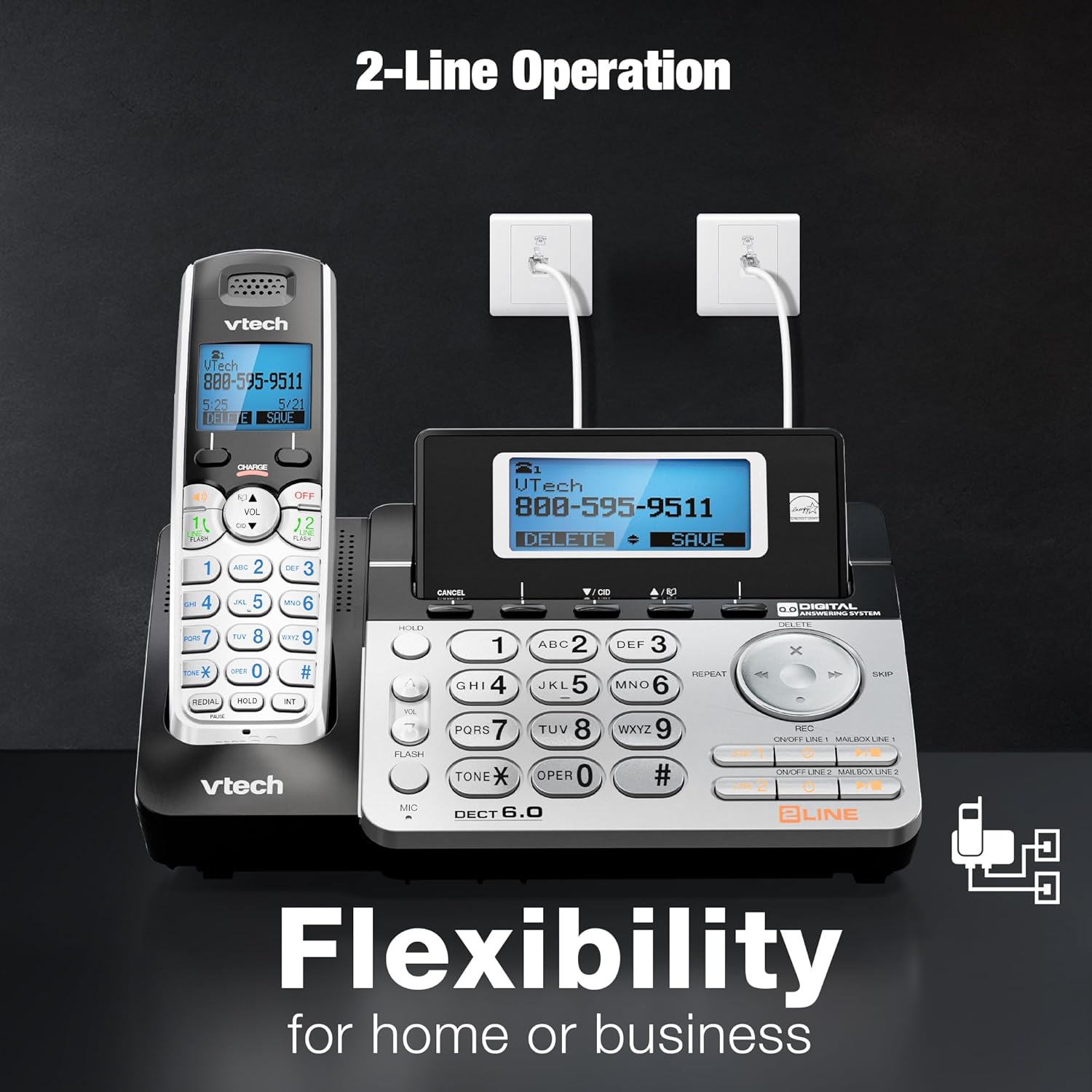
Image: The VTech DS6151-2 base unit and a handset, illustrating the connection of two telephone lines to wall jacks, highlighting the 2-line operation capability.
- Installer håndsættets batterier:
- Åbn batteridækslet på bagsiden af hvert håndsæt.
- Sæt batteripakkens stik sikkert i stikket inde i batterirummet.
- Place the battery pack with the label UP and tuck the wires inside the compartment.
- Luk batterirummets dæksel.
- Oplad håndsæt:
- Place each handset in the base unit or charging cradle with the display facing up.
- The CHARGE light on the handset will illuminate, indicating proper charging.
- Lad håndsættene oplade i mindst 16 timer før første brug.
- Indstil dato og klokkeslæt:
- After the handsets are charged, follow the on-screen prompts to set the date and time. This is important for the answering system's message time and date stamps.
Betjeningsvejledning
2-Line Operation
The system supports two separate telephone lines. You can conference between an outside line and up to 2 cordless handsets. The system is expandable up to 12 handsets.
- To select a line for an outgoing call, press LINJE 1 or LINJE 2 på håndsættet eller basen.
- When a call comes in, the corresponding line button will flash. Press it to answer.
Digital telefonsvarer
The integrated digital answering system records up to 13 minutes of messages and features a voice guide. Each line has its own mailbox.
- Tryk på for at afspille beskeder SPIL/STOP på basisenheden.
- To delete messages, press SLET under afspilning af beskeder.
- Messages are time and date stamped for nem reference.

Image: The VTech DS6151-2 base unit and handset, highlighting the digital answering system with a visual indicator of "13 Minutes Recording time."
Nummervisning / Ventende opkald
The system stores up to 50 names and numbers in the Caller ID history, allowing you to review indgående opkald.
- Trykke CID on the handset or base to review opkalds-ID-loggen.
- When a new call comes in while you are on another call, a tone will sound, and the new caller's information will appear on the display (requires Call Waiting service from your provider).

Image: The VTech DS6151-2 phone system, emphasizing the Caller ID / Call Waiting feature with a display indicating storage for "50 Names and Numbers."
Intercom Between Handsets and Base Unit
Communicate privately between handsets or between a handset and the base unit without using a telephone line.
- To initiate an intercom call, press INT on the handset or base, then select the desired destination.
Handset and Base Speakerphones
Enjoy hands-free conversations with the built-in speakerphones on both the handsets and the base unit.
- Tryk på HØJTTALER button on the handset or base during a call to activate the speakerphone.

Image: The VTech DS6151-2 base unit and a handset, illustrating the speakerphone function for "Hands-Free" conversations.
Trilingual Prompts
The system offers voice prompts and menu options in English, Spanish, and French.
- Refer to the full user manual for instructions on changing the language settings.
Voicemail Waiting Indicator
The handset display provides a visual alert for new voicemail messages (requires voicemail service from your provider).

Image: A VTech DS6151-2 handset displaying a voicemail alert, indicating new messages are waiting.
High-Contrast Backlit Screen and Large Buttons
The handsets feature a high-contrast backlit screen and enlarged buttons, making it easy to see details and dial even in low light conditions.
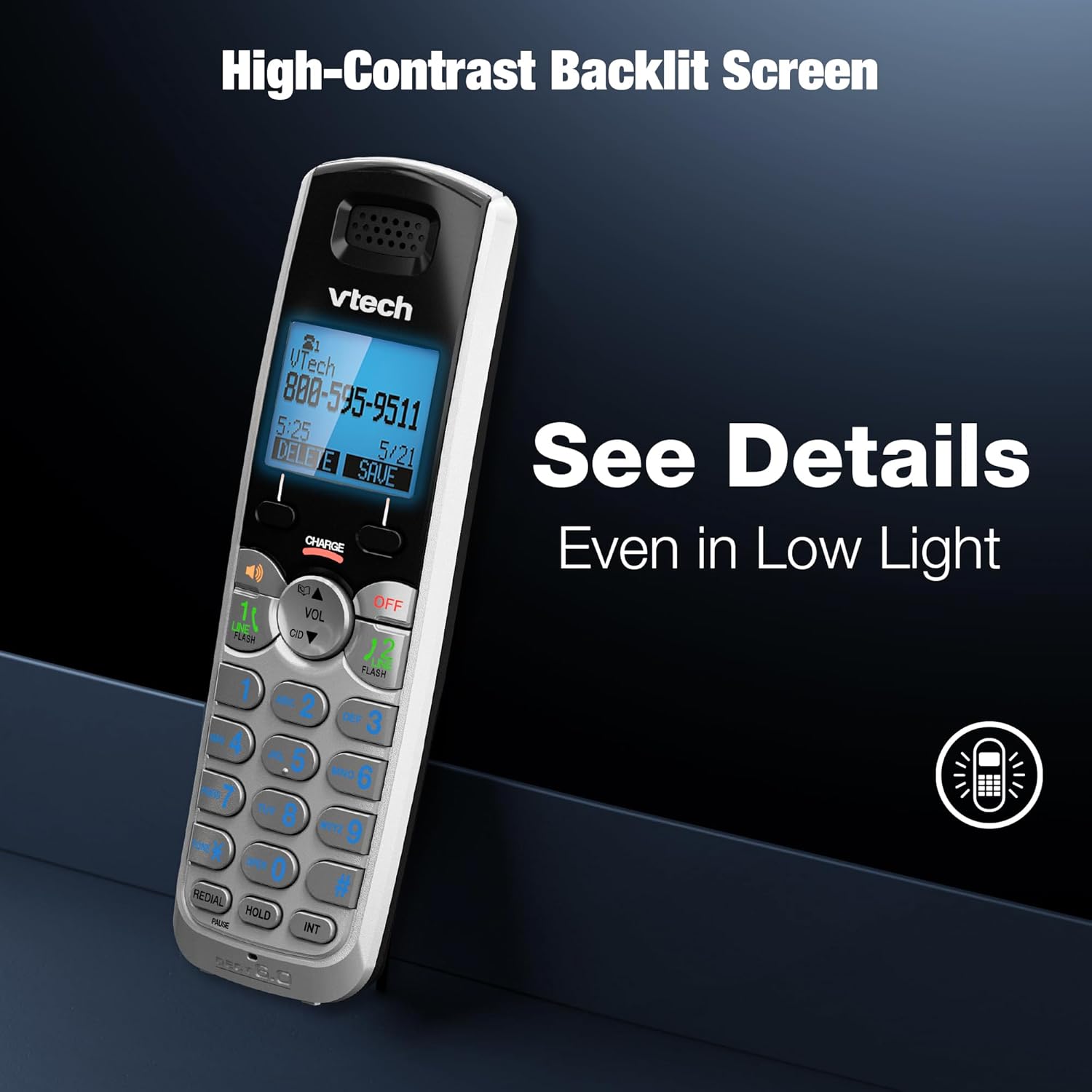
Image: A VTech DS6151-2 handset showcasing its high-contrast backlit screen, designed for clear visibility in various lighting conditions.

Image: The VTech DS6151-2 phone system, illustrating the large display and enlarged buttons on both the base and handset for improved readability and ease of use.
Long Range with DECT 6.0
DECT 6.0 digital technology provides superior sound quality, security, and range. Enjoy clear, interference-free audio and extended range for long distances with exceptional clarity.
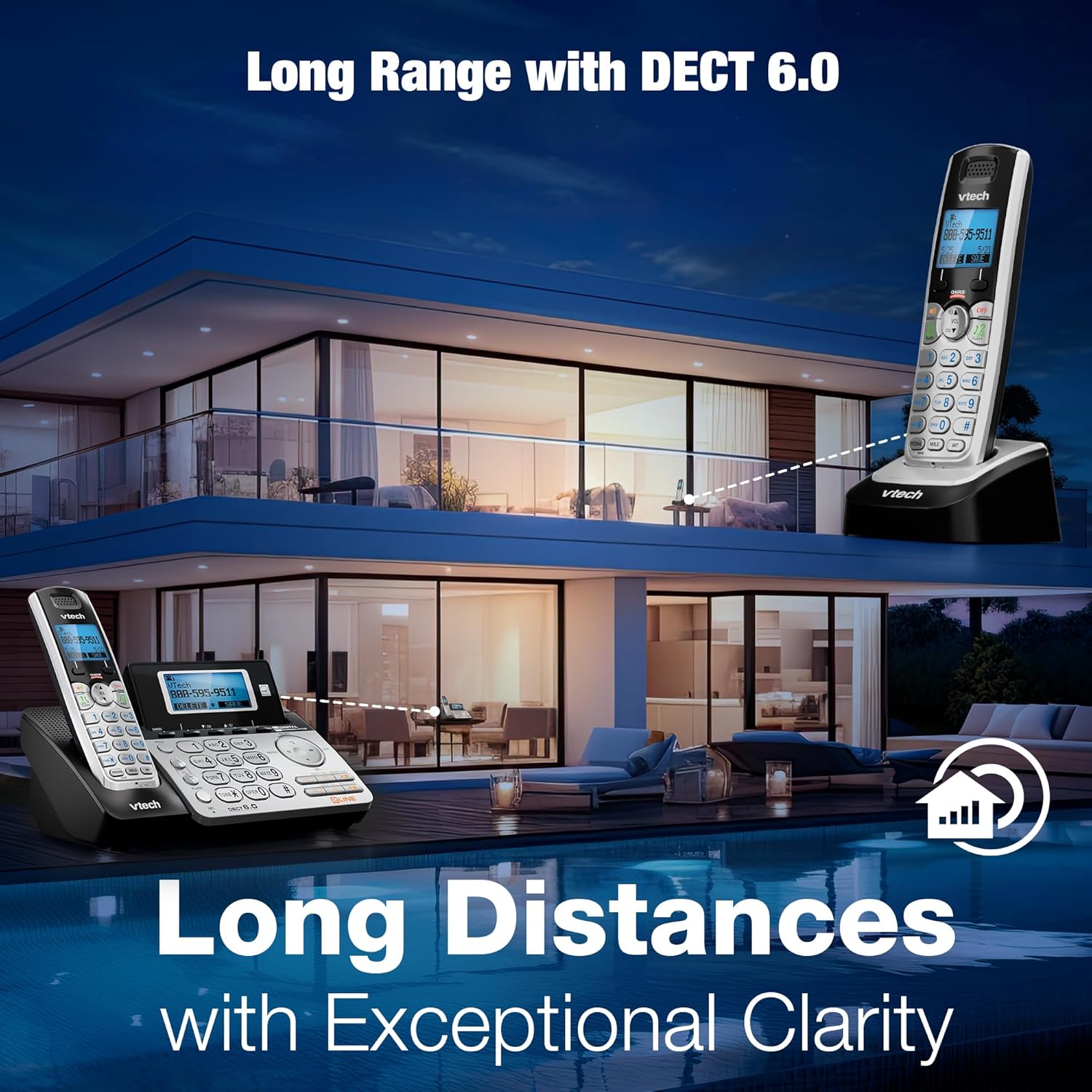
Image: The VTech DS6151-2 phone system depicted in a large home environment, demonstrating its long-range capability with DECT 6.0 technology.
Konferenceopkald
Easily conference between an outside line and up to 2 cordless handsets for seamless communication.

Image: A woman using the VTech DS6151-2 phone system, illustrating its ability to conference calls between an outside line and multiple handsets.
Opretholdelse
Proper maintenance ensures the longevity and optimal performance of your VTech DS6151-2 phone system.
- Rensning: Tør telefonen og baseenheden af med en blød kludamp klud. Brug ikke rengøringsspray eller skrappe kemikalier.
- Batteripleje:
- If the handset will not be used for a long period, remove the battery to prevent leakage.
- Replace batteries when the handset indicates low battery or when talk time significantly decreases. Use only the specified AAA rechargeable batteries.
- Beliggenhed: Undgå at placere telefonsystemet i direkte sollys, i nærheden af varmekilder eller i områder med for meget fugtighed.
Fejlfinding
Hvis du oplever problemer med dit telefonsystem, kan du prøve følgende fejlfindingstrin:
| Problem | Løsning |
|---|---|
| Ingen klartone. |
|
| Håndsættet oplader ikke. |
|
| Dårlig lydkvalitet eller statisk støj. |
|
| Telefonsvareren optager ikke beskeder. |
|
For mere detaljeret fejlfinding henvises til den komplette brugermanual.
Specifikationer
| Feature | Detalje |
|---|---|
| Produktdimensioner | 8.5 x 6.5 x 5 tommer |
| Varens vægt | 1.9 pund |
| Modelnummer | DS6151-2 |
| Batterier | 2 AAA-batterier påkrævet (medfølger) |
| Mærke | VTech |
| Farve | Sølv/sort |
| Telefontype | Trådløs |
| Materiale | Plast |
| Strømkilde | Elektrisk med ledning |
| Type svarsystem | Digital |
| Telefonens taletid | 1.5 timer |
| Udvidelsesmuligheder | Kan udvides op til 12 håndsæt |
| Caller ID History | 50 Name and number |
| Telefonsvarerens optagelsestid | Op til 13 minutter |
| Teknologi | DECT 6.0 digital teknologi |
Garanti og support
VTech products are designed for reliability and performance. For detailed warranty information, technical support, and frequently asked questions, please refer to the official user manual or visit the VTech support webwebsted.
Officiel brugermanual (PDF): Download her
For further assistance, please contact VTech customer service.


