1. Introduktion
Welcome to the Bloody B930 TKL Tenkeyless Optical Switch Gaming Keyboard. This manual provides essential information for setting up, operating, maintaining, and troubleshooting your new keyboard. Please read thoroughly to ensure optimal performance and longevity of your device.

Figure 1: Bloody B930 TKL Tenkeyless Optical Switch Gaming Keyboard
2. Sikkerhedsoplysninger
Generelle sikkerhedsretningslinjer
- Hold tastaturet væk fra væsker og overdreven fugt.
- Undgå ekstreme temperaturer.
- Do not attempt to disassemble or modify the keyboard.
- Brug kun det medfølgende USB-kabel til tilslutning.
3. Pakkens indhold
Hvad er der i æsken
- Bloody B930 TKL Tenkeyless Optical Switch Gaming Keyboard
- USB kabel
4. Opsætning
Tilslutning af dit tastatur
- Connect the provided USB cable to an available USB-A port on your computer.
- Connect the other end of the USB cable to the corresponding port on the Bloody B930 keyboard.
- Dit operativsystem burde automatisk registrere og installere de nødvendige drivere.
- For advanced customization, download the exclusive software from the official Bloody webwebsted.
Indledende konfiguration
The keyboard features plug-and-play functionality. Upon initial connection, the default RGB LED backlighting animation will activate.
5. Betjeningsvejledning
Nøglefunktioner
- Optiske afbrydere: Experience lightning-fast response times with optical detection technology, offering a 0.2ms response.
- Tenkeyless design: The compact form factor provides an ergonomic setup, reducing shoulder strain and optimizing mouse positioning.
- Holdbarhed: Constructed with weapons-grade anodized aluminum and engineered to withstand over 100 million keystrokes per switch.
- Vandtæthed: Features nanocoating and drainage channels to protect against accidental spills and corrosion.
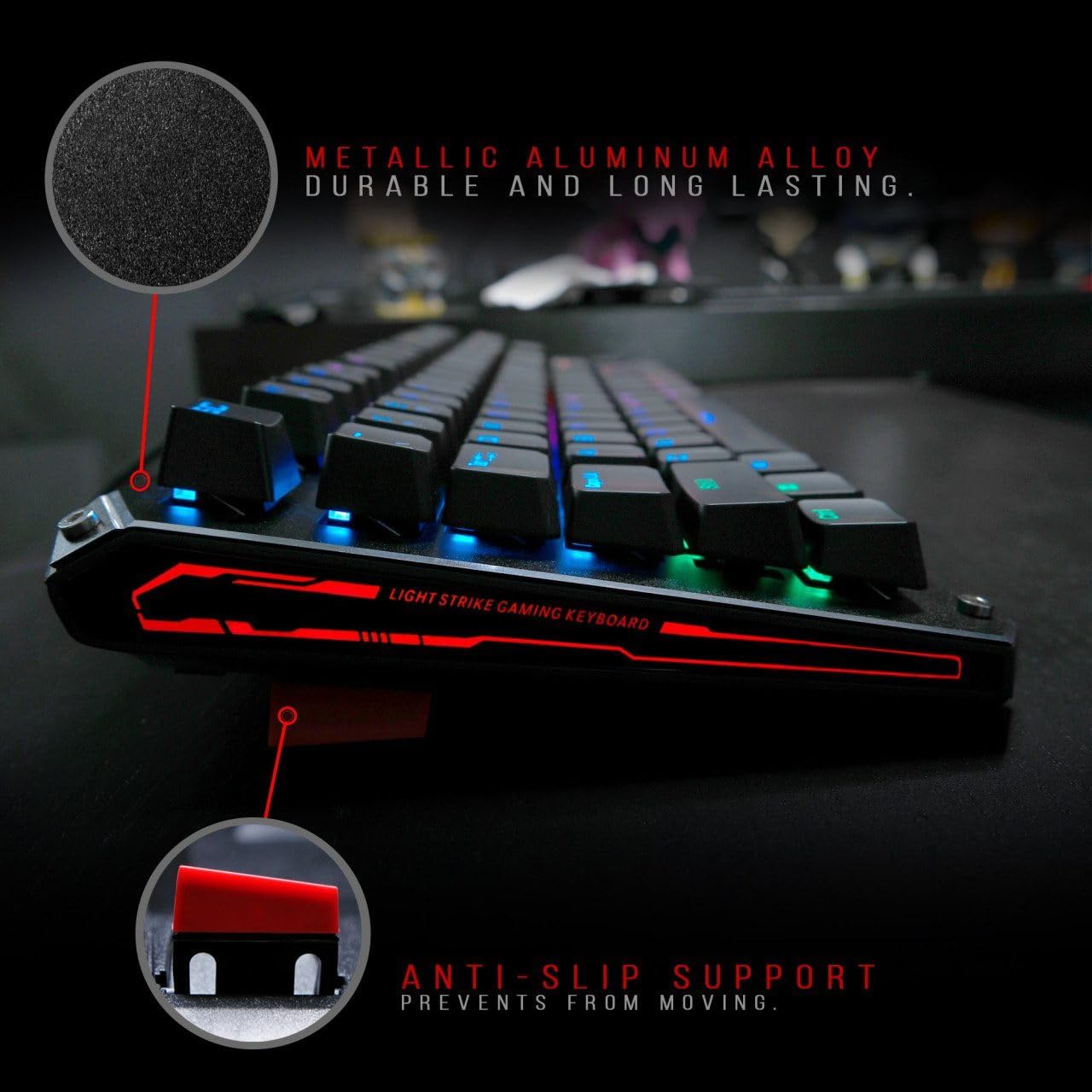
Figure 2: Metallic aluminum alloy construction with anti-slip support.
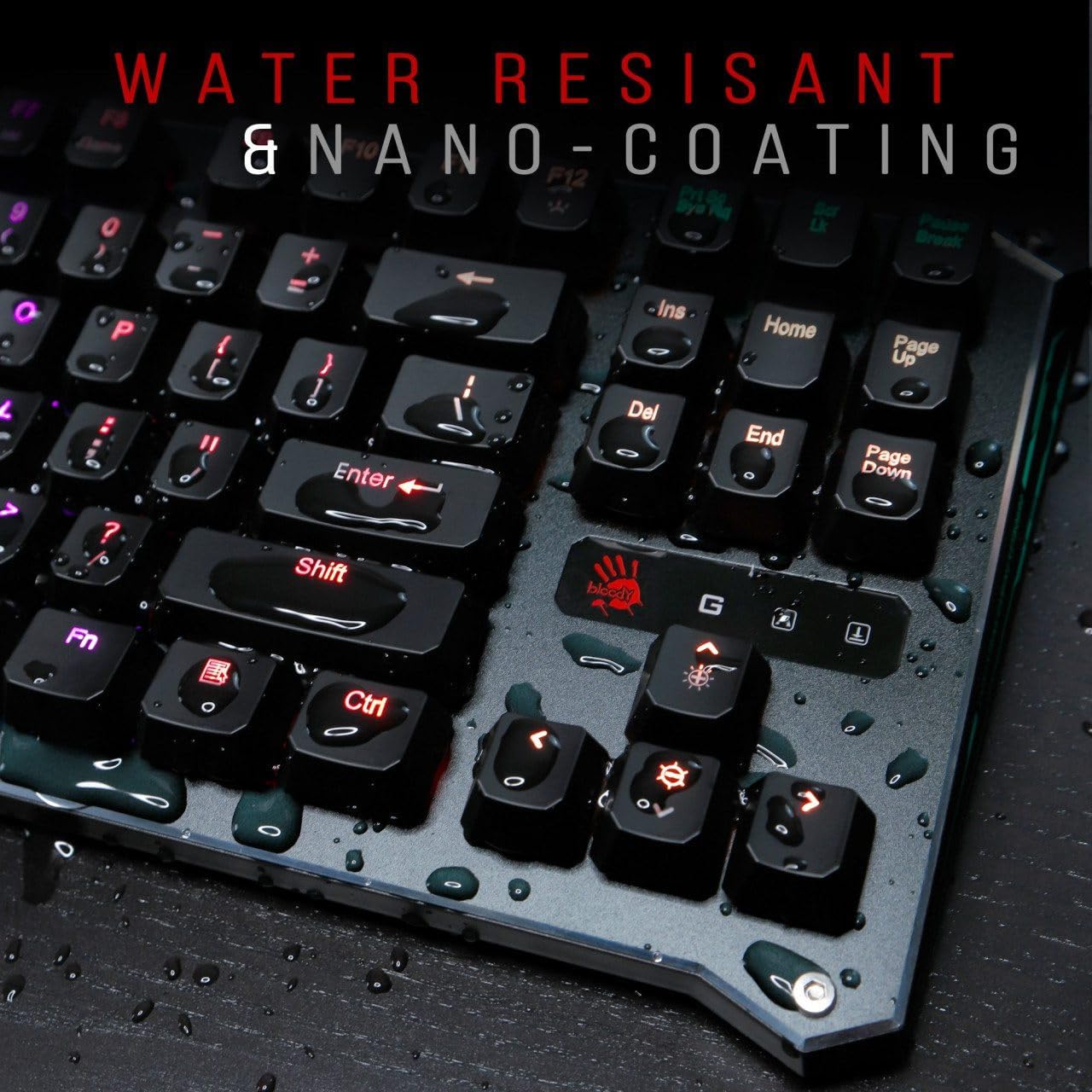
Figure 3: Water resistant and nano-coating features.
RGB-baggrundsbelysningskontrol
The Bloody B930 offers customizable RGB backlighting.
- Default Animations: Switch between 6 pre-programmed RGB LED backlighting animations.
- Tilpasning: Utilize the exclusive software to access 16.8 million customizable color options and schemes.
- Justering af lysstyrke: Adjust the brightness levels to suit your environment.

Figure 4: Dynamic RGB LED backlighting.
Makro programmering
The keyboard supports macro programming for enhanced functionality. Refer to the exclusive software for detailed instructions on creating and assigning macros.
Produktvideo overståetview
Video 1: Officiel produktvideovisningasing the Bloody B930 TKL "Tournament Edition" keyboard features and design.
6. Vedligeholdelse
Rensning
- Frakobl tastaturet fra computeren, før du rengør det.
- Use a soft, dry cloth to wipe down the surface of the keyboard.
- Brug trykluft til støv og snavs mellem tasterne.
- Undgå at bruge skrappe kemikalier eller slibende materialer.
Opbevaring
Opbevar tastaturet et køligt, tørt sted væk fra direkte sollys og ekstreme temperaturer.
7. Fejlfinding
Fælles problemer og løsninger
- Tastaturet reagerer ikke: Sørg for, at USB-kablet er korrekt tilsluttet til både tastaturet og computeren. Prøv en anden USB-port.
- Baggrundsbelysning virker ikke: Check the brightness settings. Ensure the software is correctly installed and configured if using custom profiles.
- Nøgler registreres ikke: Clean around the affected keys. If the issue persists, contact customer support.
8. Specifikationer
Tekniske detaljer
| Feature | Detalje |
|---|---|
| Produktdimensioner | 25.2 x 25.2 x 7.6 tommer |
| Varens vægt | 2.2 pund |
| Fabrikant | A4Tech |
| Modelnummer | B930 |
| Mærke | Blodig |
| Kompatible enheder | Spillekonsol |
| Forbindelsesteknologi | USB-A |
| Tastaturbeskrivelse | Spil |
| Anbefalede anvendelser | Spil |
| Speciel funktion | Letvægts |
| Farve | B930 - Orange Switch (Tactile & Clicky) |
| Stil | Moderne |
| Materiale | Aluminium, metal |
9. Garanti og support
Produktgaranti
For warranty information and customer support, please refer to the official Bloody webwebstedet eller kontakt din lokale forhandler.
Kontaktoplysninger
Visit the official Bloody website for the latest drivers, software, and support resources.


