Indledning
This manual provides detailed instructions for the setup, operation, and maintenance of your 1MORE H1005 VR Gaming Headset. Designed for an immersive audio experience, this headset features 7.1 stereo surround sound, a dual-mic noise cancellation system, and customizable LED lighting. Please read this manual thoroughly to ensure proper use and to maximize your headset's performance.
Pakkens indhold
Bekræft at alle varer er til stede i din pakke:
- 1MORE Spearhead VR Gaming Headset
- 3.5 mm lydkabel
- USB kabel
- Brugervejledning (dette dokument)
- Blød bæretaske

Billede: The 1MORE H1005 VR Gaming Headset displayed with its included accessories: a 3.5mm audio cable, a USB cable, and a soft carry bag.
Opsætning
1. Connecting to a PC (USB)
- Connect the USB cable to the USB port on your 1MORE H1005 headset.
- Sæt den anden ende af USB-kablet i en ledig USB-port på din computer.
- Your computer should automatically detect the headset. For optimal performance and to customize LED lighting, download and install the 1MORE gaming software from the official 1MORE webwebsted.
- Sørg for, at headsettet er valgt som standard lydinput- og outputenhed i computerens lydindstillinger.
2. Connecting to Other Devices (3.5mm Audio Jack)
- Connect the 3.5mm audio cable to the audio jack on your 1MORE H1005 headset.
- Plug the other end of the 3.5mm audio cable into the headphone jack of your device (e.g., smartphone, tablet, gaming console controller).
- Note that some advanced features like 7.1 surround sound and LED customization may not be available when connected via the 3.5mm audio jack, as these typically require a USB connection and specific software.

Billede: En fremadvendt view of the 1MORE H1005 VR Gaming Headset, highlighting its over-ear design and integrated microphone.
Betjeningsvejledning
1. Justering for komfort
- Justering af pandebånd: The headset features an adjustable headband. Gently slide the earcups up or down to find a comfortable fit that rests securely on your head without excessive pressure.
- Ørepuder: The memory-foam ear pads are designed for extended wear. Ensure they fully cover your ears for optimal sound isolation and comfort.
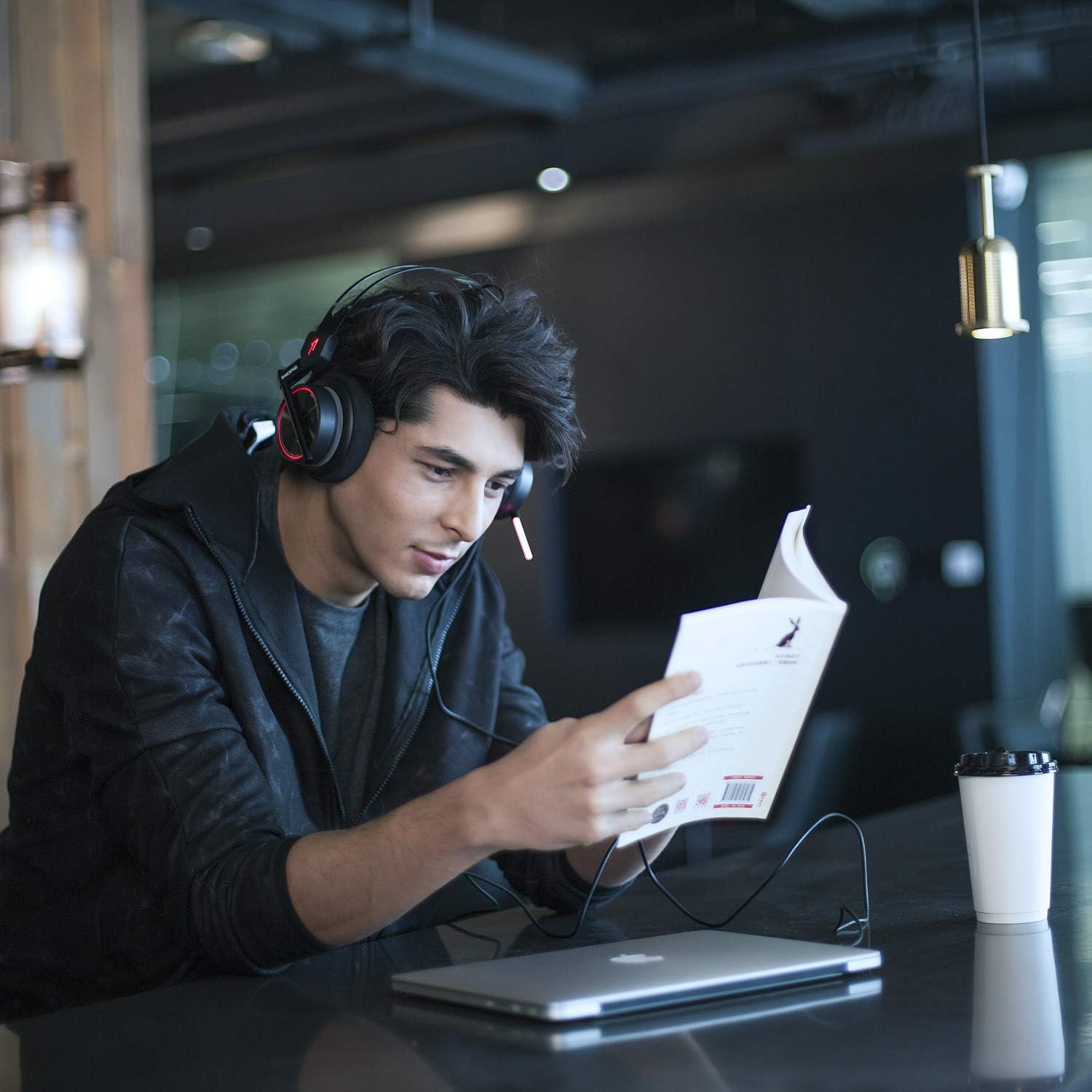
Billede: A person wearing the 1MORE H1005 VR Gaming Headset, demonstrating its comfortable fit during use.
2. Lydkontrol
- Lydstyrkekontrol: Locate the volume wheel or buttons on the headset or inline control (if applicable) to adjust the audio output level.
- Mikrofon mute: A dedicated button or switch on the headset allows you to mute or unmute the microphone.
3. Mikrofonbrug
- The headset features a retractable microphone with dual-mic noise cancellation. Extend the microphone boom when speaking.
- Position the microphone approximately 1-2 inches from your mouth for clear voice pickup.
- Sørg for, at mikrofonen ikke er slået fra.
4. LED Lighting Customization
- When connected via USB to a PC, the LED lights can be customized using the 1MORE gaming software.
- The software allows you to select colors and twinkling modes to personalize your headset's appearance.
Opretholdelse
- Rensning: Brug en blød, tør klud til at tørre headsettet af. For ørepuder, en let damp klude kan bruges, men sørg for, at de er helt tørre før brug. Brug ikke skrappe kemikalier eller slibende rengøringsmidler.
- Opbevaring: Store the headset in the provided soft carry bag or a clean, dry place away from extreme temperatures and direct sunlight. Avoid placing heavy objects on the headset.
- Kabelpleje: Undgå skarpe bøjninger eller overdreven trækkraft i kablerne for at forhindre skader.
Fejlfinding
| Problem | Mulig årsag | Løsning |
|---|---|---|
| Ingen lyd fra headsettet |
|
|
| Mikrofon virker ikke |
|
|
| LED lights not working/customizing |
|
|
If you encounter issues not listed here or if the suggested solutions do not resolve your problem, please contact 1MORE customer support for further assistance.
Specifikationer
| Modelnavn | H1005 |
| Forbindelsesteknologi | Kablet (USB, 3.5 mm jackstik) |
| Støjkontrol | Active Noise Cancellation (Dual-Mic) |
| Frekvensrespons | 20Hz - 20kHz |
| Impedans | 32 Ohm |
| Hovedtelefonstik | 3.5 mm Jack |
| Kompatible enheder | PC, PS4, XBOX, Smartphones |
| Materiale | Rustfrit stål (ramme) |
| Varens vægt | 16 ounce (ca. 453 gram) |
| Produktmål (LxBxH) | 54 x 6 x 8 inches (Note: These dimensions may refer to packaging.) |
Bemærk: Specifikationerne kan ændres uden varsel.
Garanti og support
Your 1MORE H1005 VR Gaming Headset is covered by a limited warranty. For specific warranty terms and conditions, please refer to the warranty card included in your product packaging or visit the official 1MORE webwebsted.
For technical support, troubleshooting assistance, or to inquire about warranty service, please contact 1MORE customer support through their official webwebstedet eller kontaktoplysningerne i din produktdokumentation.
Online ressourcer: Visit the 1MORE Store on Amazon


