1. Introduktion
Thank you for choosing the Solight LED Desk Lamp WO46. This versatile lamp combines modern design with practical features, including a dimmable LED light, an integrated display showing time, date, alarm, and temperature. This manual provides essential information for the safe and efficient use of your new desk lamp.
2. Sikkerhedsinstruktioner
- Læs alle instruktioner omhyggeligt før brug, og gem dem til senere brug.
- Sørg for, at strømforsyningen voltage matches the requirements specified on the product.
- Udsæt ikke lamp for vand eller for høj fugtighed.
- Undgå at skille eller modificere l'enampOverlad al service til kvalificeret personale.
- Behold lamp væk fra varmekilder og direkte sollys.
- Rengør lamp kun med en blød, tør klud. Brug ikke slibende rengøringsmidler eller opløsningsmidler.
- Dette produkt er kun designet til indendørs brug.
3. Pakkens indhold
Tjek venligst pakken for følgende varer:
- Solight LED-skrivebord Lamp WO46
- Strømkabel
- Brugervejledning (dette dokument)
4. Produktet er slutview
The Solight LED Desk Lamp WO46 features a flexible arm, an integrated LED light panel, and a multi-functional display on its base. The base also houses the touch-sensitive controls.

Figure 1: Solight LED Desk Lamp WO46 in folded position, displaying time, date, and temperature on its integrated screen.

Figure 2: Solight LED Desk Lamp WO46 with its arm extended, highlighting the LED light panel and the functional display.
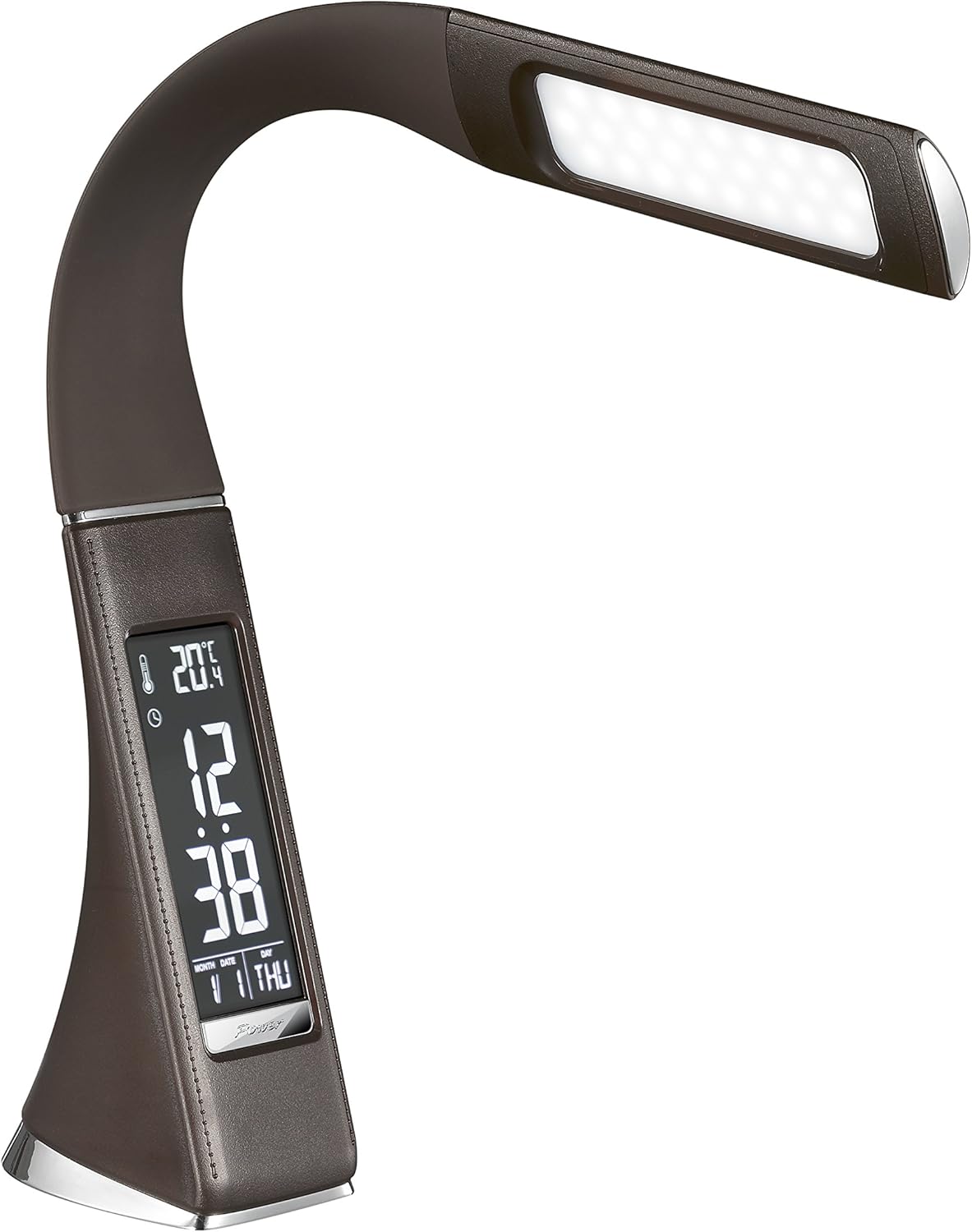
Figur 3: Vinklet view of the Solight LED Desk Lamp WO46, extended, emphasizing its sleek design and the display panel.
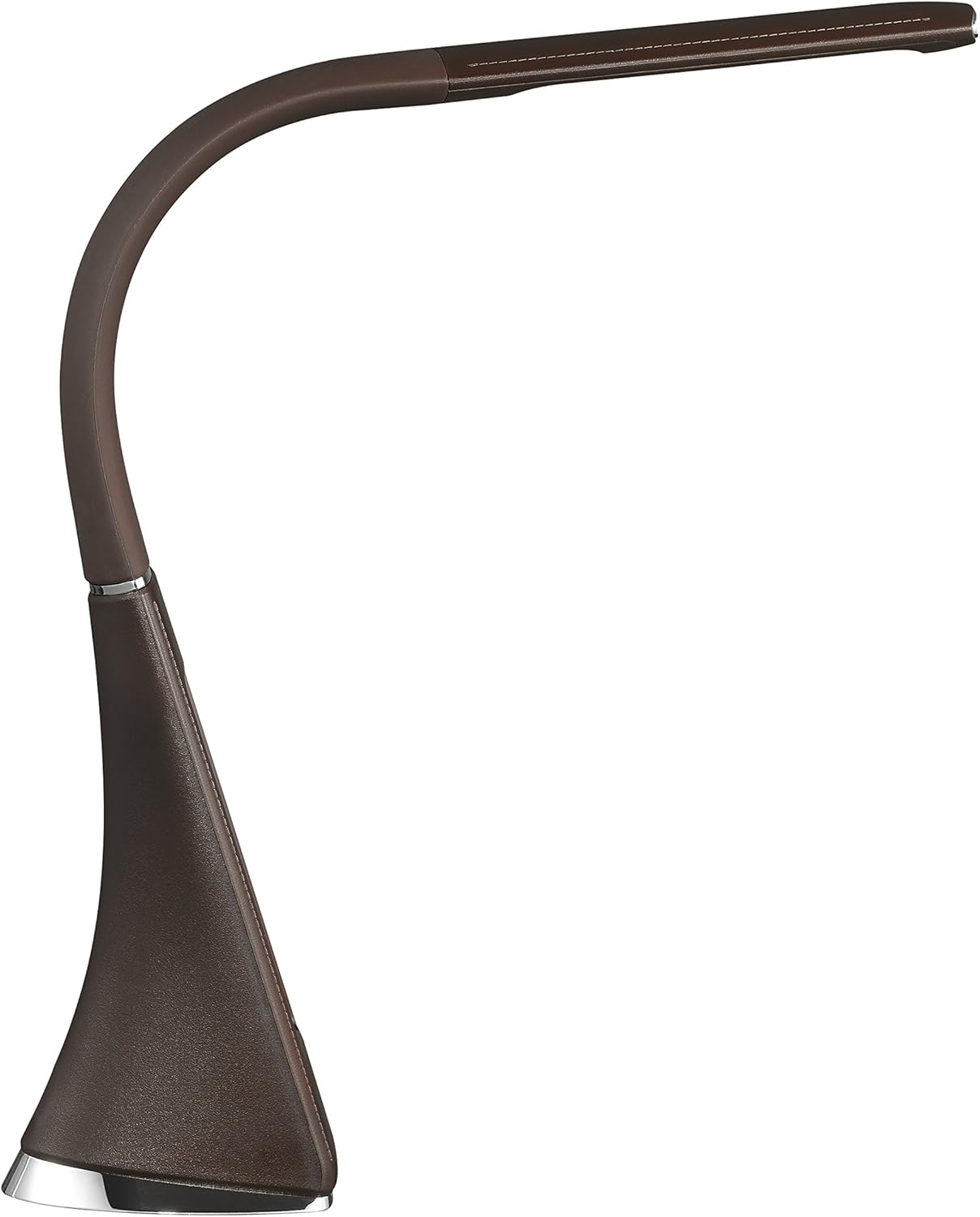
Figur 4: Sideprofile of the Solight LED Desk Lamp WO46, extended, illustrating the flexibility of its arm and the slim design of the light panel.

Figur 5: Bagside view of the Solight LED Desk Lamp WO46, extended, indicating the power input port located at the back of the lamp's base.
5. Opsætning
- Pakker ud: Fjern forsigtigt alle komponenter fra emballagen.
- Placering: Placer lamp on a stable, flat surface. The non-slip base ensures stability.
- Tilslut strøm: Insert the power cable into the DC input port at the back of the lamp's base, then plug the adapter into a standard electrical outlet.
- Juster position: Gently adjust the flexible arm to your desired lighting angle.
6. Betjeningsvejledning
6.1 Lysstyring
- Tænd/sluk: Press the touch-sensitive power button on the base to turn the lamp til eller fra.
- Justering af lysstyrke: Med lamp on, press and hold the power button to cycle through the three available brightness levels. Release the button at your desired brightness.
6.2 Displayfunktioner
The integrated display shows time, date, day of the week, temperature, and alarm status. Specific buttons on the base (e.g., 'Mode', 'Set', 'Up', 'Down' - refer to physical markings on your lamp if available) are used to navigate and set these functions.
- Indstilling af tid og dato:
- Press the 'Mode' button until the time display flashes.
- Use the 'Up' and 'Down' buttons to adjust the hour, then press 'Set' to confirm and move to minutes.
- Gentag for minutter, år, måned og dag.
- Press 'Mode' to exit setting mode.
- Indstilling af alarm:
- Press the 'Mode' button repeatedly until the alarm icon appears and the alarm time flashes.
- Use 'Up' and 'Down' to set the alarm hour, then 'Set' to confirm and move to minutes.
- Press 'Mode' to activate/deactivate the alarm. An alarm icon will indicate if it's active.
- Temperaturvisning: Lamp automatically displays the ambient temperature. No user adjustment is typically required for this function.
7. Vedligeholdelse
- Rensning: Afbryd lamp fra strømforsyningen før rengøring. Tør l'et afamp's surface with a soft, dry, lint-free cloth. Do not use liquid cleaners or sprays.
- Opbevaring: Hvis du opbevarer lamp Sørg for, at den er ren og tør i en længere periode. Opbevar den et køligt, tørt sted, beskyttet mod direkte sollys.
8. Fejlfinding
| Problem | Mulig årsag | Løsning |
|---|---|---|
| Lamp tændes ikke. | Ingen strømforsyning. | Check if the power cable is securely connected to the lamp and the electrical outlet. Ensure the outlet is functional. |
| Displayet er tomt eller forkert. | Power interruption or incorrect settings. | Ensure continuous power. Reset time and date settings as per Section 6.2. |
| Lyse flimrer. | Ustabil strømforsyning. | Prøv at tilslutte lamp into a different electrical outlet. |
| Alarmen lyder ikke. | Alarmen er ikke aktiveret eller indstillet forkert. | Verify that the alarm is set and activated (alarm icon visible) as per Section 6.2. |
9. Specifikationer
| Feature | Detalje |
|---|---|
| Modelnummer | WO46-H |
| Dimensioner (L x B x H) | 5.5 x 9 x 50 cm |
| Vægt | 599 g (1.32 lbs) |
| Materiale | PS (polystyren) |
| Finish Type | Leather look |
| Lyskildetype | LED |
| Antal pærer | 3 |
| Lysstrøm | 300 lm |
| Magt | 1.5 watt |
| Voltage | 230 volt |
| Gennemsnitlig levetid | 30,000 timer |
| IP-vurdering | IP20 |
| Skift stil | Tryk knap |
| Energimærke | A+ |
10. Garanti og support
Solight products are designed and manufactured to the highest quality standards. For information regarding warranty coverage, technical support, or spare parts availability, please refer to the documentation provided with your purchase or visit the official Solight webwebsted. Gem venligst din købsbevis i tilfælde af garantikrav.


