Indledning
Thank you for choosing the Billboard Bluetooth Wireless Hook Over Earbuds. This manual provides essential information for setting up, operating, and maintaining your new earbuds. Please read these instructions carefully before use to ensure optimal performance and longevity of your device. Keep this manual for future reference.
Pakkens indhold
Sørg for at alle varer er til stede i pakken:
- Billboard Bluetooth Wireless Hook Over Earbuds
- Micro USB opladningskabel
- Brugervejledning (dette dokument)
Produkt overview
The Billboard Bluetooth Wireless Hook Over Earbuds are designed for comfortable and secure fit, featuring a tangle-free flat cord and integrated controls for music and calls.
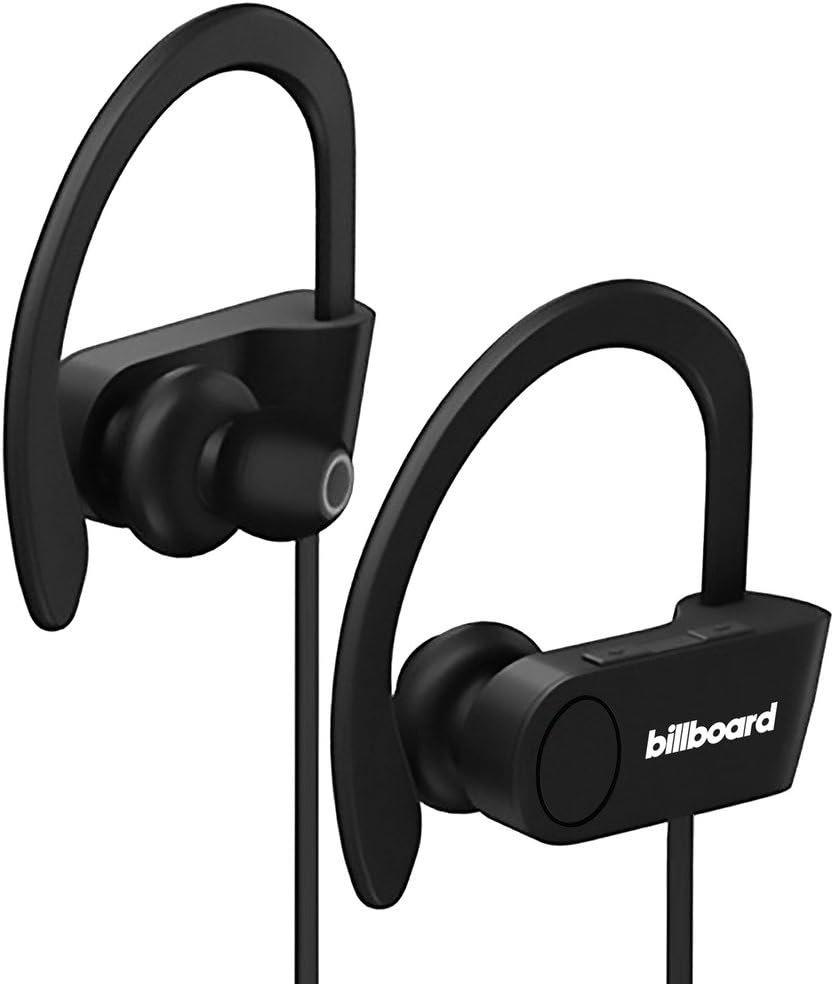
Image: Billboard Bluetooth Wireless Hook Over Earbuds, front view. These black earbuds feature an over-ear hook design for secure placement and a flat cord connecting the two earpieces.

Image: Billboard Bluetooth Wireless Hook Over Earbuds, showing the flat tangle-free cord. The design emphasizes a comfortable fit with the ear hooks and the practical flat cable.
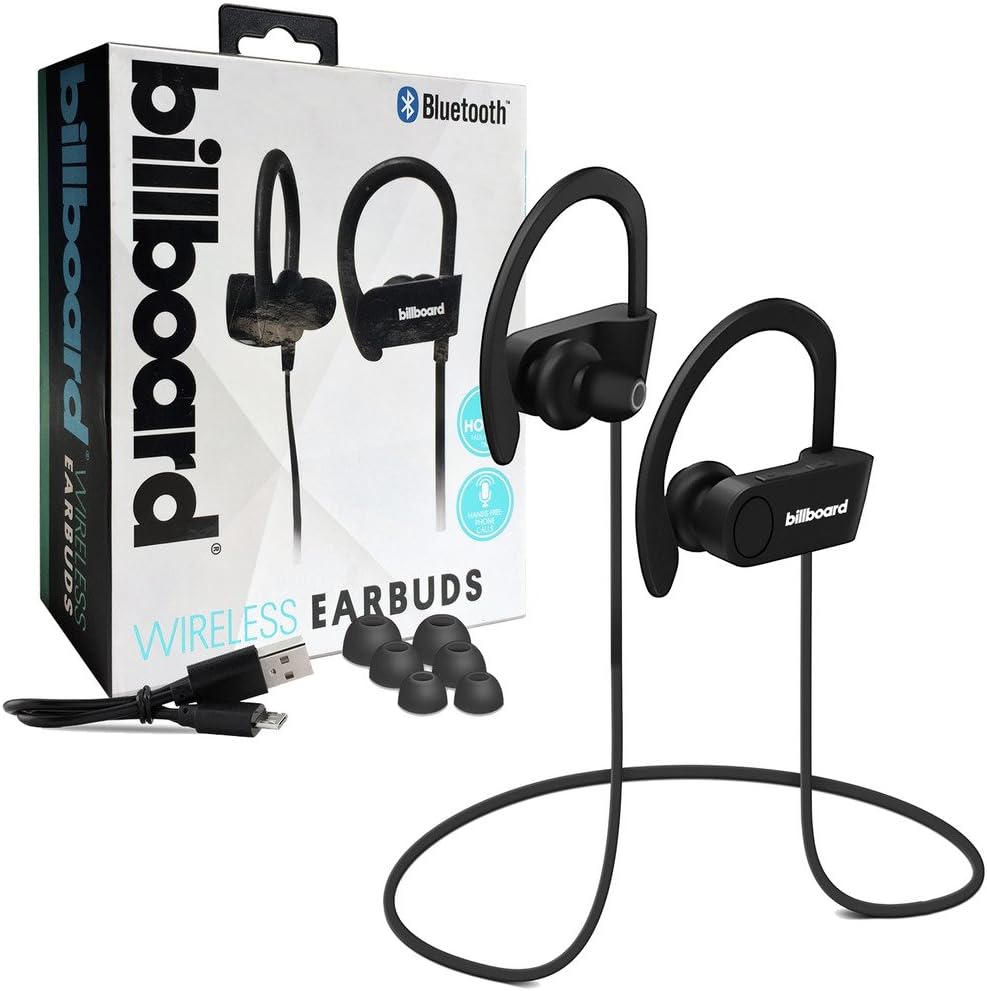
Image: Billboard Bluetooth Wireless Hook Over Earbuds packaging with included accessories. The box displays the earbuds, a charging cable, and additional ear tips, highlighting the product's features.
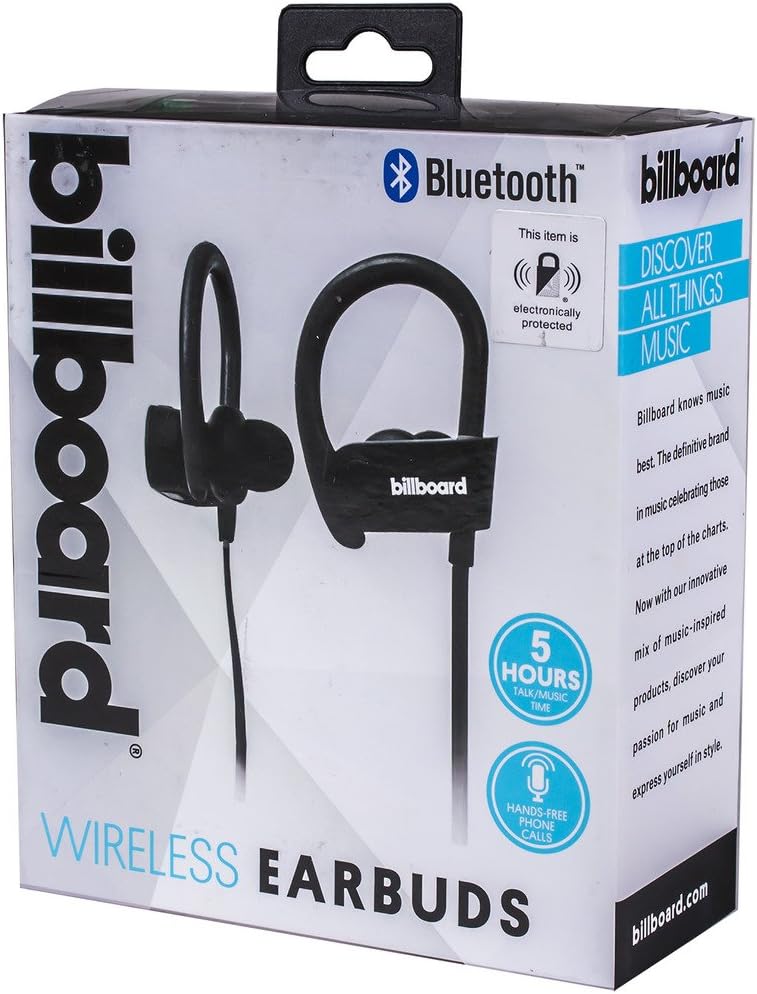
Image: Close-up of Billboard Bluetooth Wireless Hook Over Earbuds packaging, detailing features. The packaging highlights key features such as Bluetooth connectivity, 5 hours of talk/music time, and hands-free phone calls.
Opsætning
1. Opladning af øretelefonerne
- Locate the Micro USB charging port on one of the earbuds (typically on the control module).
- Connect the provided Micro USB charging cable to the earbud's charging port.
- Plug the other end of the USB cable into a USB power source (e.g., computer USB port, wall adapter).
- The LED indicator light will illuminate, typically red, to show that the earbuds are charging.
- Once fully charged, the LED indicator light will change color (e.g., turn blue or off). A full charge usually takes approximately 1-2 hours.
Note: Ensure the earbuds are fully charged before first use for optimal battery life.
2. Bluetooth-parring
- Tænd: Press and hold the Multi-function button (usually the center button on the control module) for a few seconds until the LED indicator light flashes blue and red alternately, indicating pairing mode.
- Aktiver Bluetooth: Gå til Bluetooth-indstillingerne på din smartphone eller anden Bluetooth-aktiveret enhed, og sørg for, at Bluetooth er tændt.
- Søg efter Enheder: Your device will automatically search for nearby Bluetooth devices.
- Select Earbuds: From the list of available devices, select "Billboard Earbuds" or a similar name.
- Bekræft parring: Once successfully paired, the LED indicator light on the earbuds will typically flash blue slowly or turn off, and you will hear an audible confirmation.
- Hvis du bliver bedt om en adgangskode, skal du indtaste "0000" (fire nuller).
Note: The earbuds will automatically attempt to reconnect to the last paired device when powered on, if that device's Bluetooth is active and within range.
Betjeningsvejledning
Kontrol overview
The control module on the earbud cord typically includes a Multi-function button (MFB) and Volume Up/Down buttons.
- Multifunktionsknap (MFB): Power On/Off, Play/Pause, Answer/End Call, Reject Call.
- Lydstyrke op (+): Skru op for lydstyrken, næste nummer.
- Skrue ned for lyden (-): Skru ned for lydstyrken, Forrige nummer.
Tænd/sluk
- Tænd: Press and hold the MFB for approximately 3 seconds until the LED flashes blue and you hear a power-on prompt.
- Sluk: Press and hold the MFB for approximately 3-5 seconds until the LED flashes red and you hear a power-off prompt.
Musikafspilning
- Afspil/pause: Tryk én gang på MFB.
- Næste nummer: Tryk på knappen Lydstyrke op (+), og hold den nede.
- Forrige nummer: Tryk og hold nede på lydstyrke ned-knappen (-).
Opkaldsstyring
- Besvar/afslut opkald: Press the MFB once during an incoming call or during an active call.
- Afvis opkald: Press and hold the MFB for approximately 2 seconds during an incoming call.
- Genopkald sidste nummer: Double-press the MFB when no call is active.
Lydstyrkekontrol
- Forøg lydstyrke: Press the Volume Up (+) button repeatedly.
- Skru ned for lydstyrken: Press the Volume Down (-) button repeatedly.
Opretholdelse
- Rensning: Brug en blød, tør klud til at rengøre ørepropperne. Brug ikke slibende rengøringsmidler eller opløsningsmidler.
- Opbevaring: Opbevar ørepropperne et køligt, tørt sted væk fra direkte sollys og ekstreme temperaturer.
- Batteripleje: To preserve battery life, charge the earbuds regularly, even if not in frequent use. Avoid fully discharging the battery for extended periods.
- Vandeksponering: Disse ørepropper er ikke vandtætte. Undgå udsættelse for vand eller overdreven fugt.
Fejlfinding
| Problem | Løsning |
|---|---|
| Earbuds will not power on. | Ensure the earbuds are fully charged. Connect to a power source and check the charging indicator light. |
| Kan ikke parres med enheden. | Make sure the earbuds are in pairing mode (flashing blue and red). Ensure Bluetooth is enabled on your device and it is within range (typically 10 meters). Try turning both devices off and on again. |
| Ingen lyd eller lav lydstyrke. | Check the volume levels on both the earbuds and your connected device. Ensure the earbuds are properly paired and connected. Try playing different audio sources. |
| Intermitterende forbindelse. | Move closer to your connected device. Avoid obstacles between the earbuds and the device. Ensure there is no interference from other wireless devices. |
Specifikationer
- Mærke: Billboard
- Model: B073CCBSLL
- Farve: Sort
- Øreplacering: In Ear (with Over-Ear Hook)
- Formfaktor: To-ører
- Forbindelse: Bluetooth trådløs
- Opladningsport: Micro USB
- Battery Life (Talk/Music Time): Cirka 5 timer
- Kompatible enheder: Universal/Smartphones
- Funktioner: Tangle-Free Flat Cord, Built-in Microphone, Integrated Controls
Garanti og support
For warranty information and customer support, please refer to the documentation included with your purchase or visit the official Billboard product support webwebsted. Gem din købsbevis i tilfælde af garantikrav.
If you encounter issues not covered in this manual, please contact customer service for assistance.


