1. Introduktion
This manual provides essential information for the setup, operation, and maintenance of your ELP Sony IMX323 Low Light Mini USB Camera Module. This camera module is designed for various applications requiring high-resolution video capture in diverse lighting conditions, featuring a 2.8-12mm manual zoom lens and UVC compatibility for easy integration.
2. Nøglefunktioner
- Sony IMX322/323 low illumination image sensor for clear images in dark environments.
- H.264 compression format for efficient video streaming.
- 1080P HD resolution (1920x1080 @ 30fps) for sharp and clear visuals.
- Manual zoom 2.8-12mm lens for adjustable field of view.
- Integrated microphone for audio capture.
- Miniature size suitable for robotic projects and embedded applications.
- UVC (USB Video Class) compliant, requiring no additional drivers for most operating systems.
3. Pakkens indhold
- ELP Sony IMX323 USB Camera Module (ELP-USBFHD06H-FV)
- USB 2.0-kabel
4. Opsætningsvejledning
4.1 Connecting the Camera Module
The ELP USB Camera Module is UVC (USB Video Class) compliant, meaning it does not require special drivers for most operating systems. Simply connect the camera to your device using the provided USB cable.
- Locate an available USB 2.0 port on your PC, laptop, Android device, or Raspberry Pi.
- Connect the smaller end of the USB cable to the camera module.
- Connect the larger end of the USB cable to the USB port on your device.
- The operating system should automatically detect and install the necessary generic drivers.

Figure 1: ELP Sony IMX323 USB Camera Module connected via USB.
Video 1: Demonstration of connecting the ELP USB camera module to a computer and Android device, highlighting its UVC compliance and plug-and-play functionality.
4.2 Softwareinstallation
No specific driver installation is required for UVC-compliant devices. For accessing the camera feed and adjusting settings, you can use standard webcam software available on your operating system (e.g., Camera app on Windows, Photo Booth on macOS) or third-party applications like AMCAP (for Windows) or VLC Media Player.
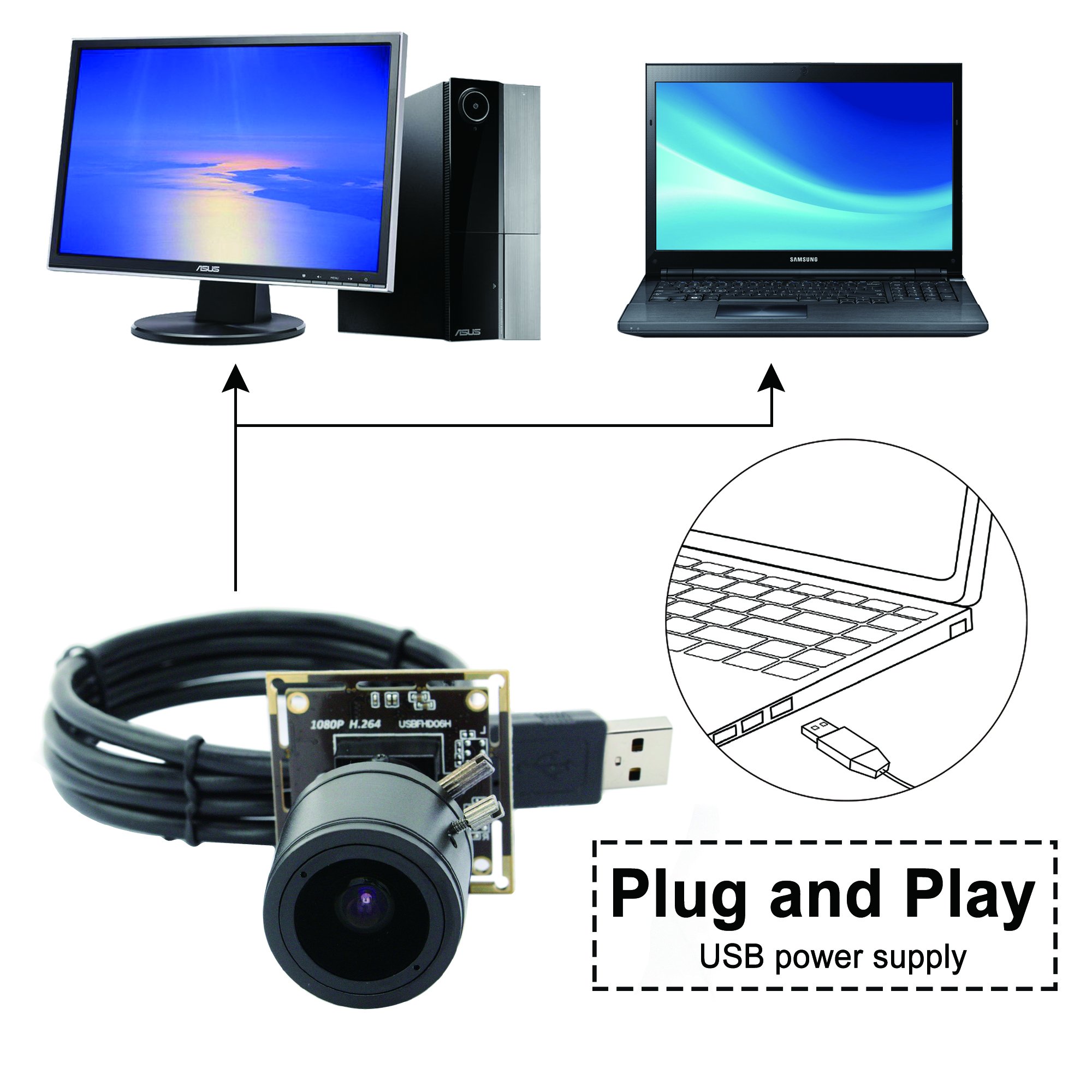
Figure 2: Plug and Play USB power supply connection.

Figure 3: Operating system compatibility with Android, Linux, Windows, and Mac OS.
5. Betjeningsvejledning
5.1 Accessing the Camera Feed
- After connecting the camera, open your preferred camera software (e.g., AMCAP, VLC, or your OS's built-in camera application).
- Select the "HD USB Camera" or similar option from the device list within the software.
- The live video feed from the camera module should now be visible.
5.2 Adjusting Manual Zoom and Focus
The 2.8-12mm lens allows for manual adjustment of zoom and focus to suit your specific application needs.
- Zoom: Gently rotate the outer ring of the lens to adjust the focal length between 2.8mm (wide angle) and 12mm (telephoto).
- Fokus: After adjusting the zoom, rotate the inner ring of the lens until the image appears sharp and clear on your screen.
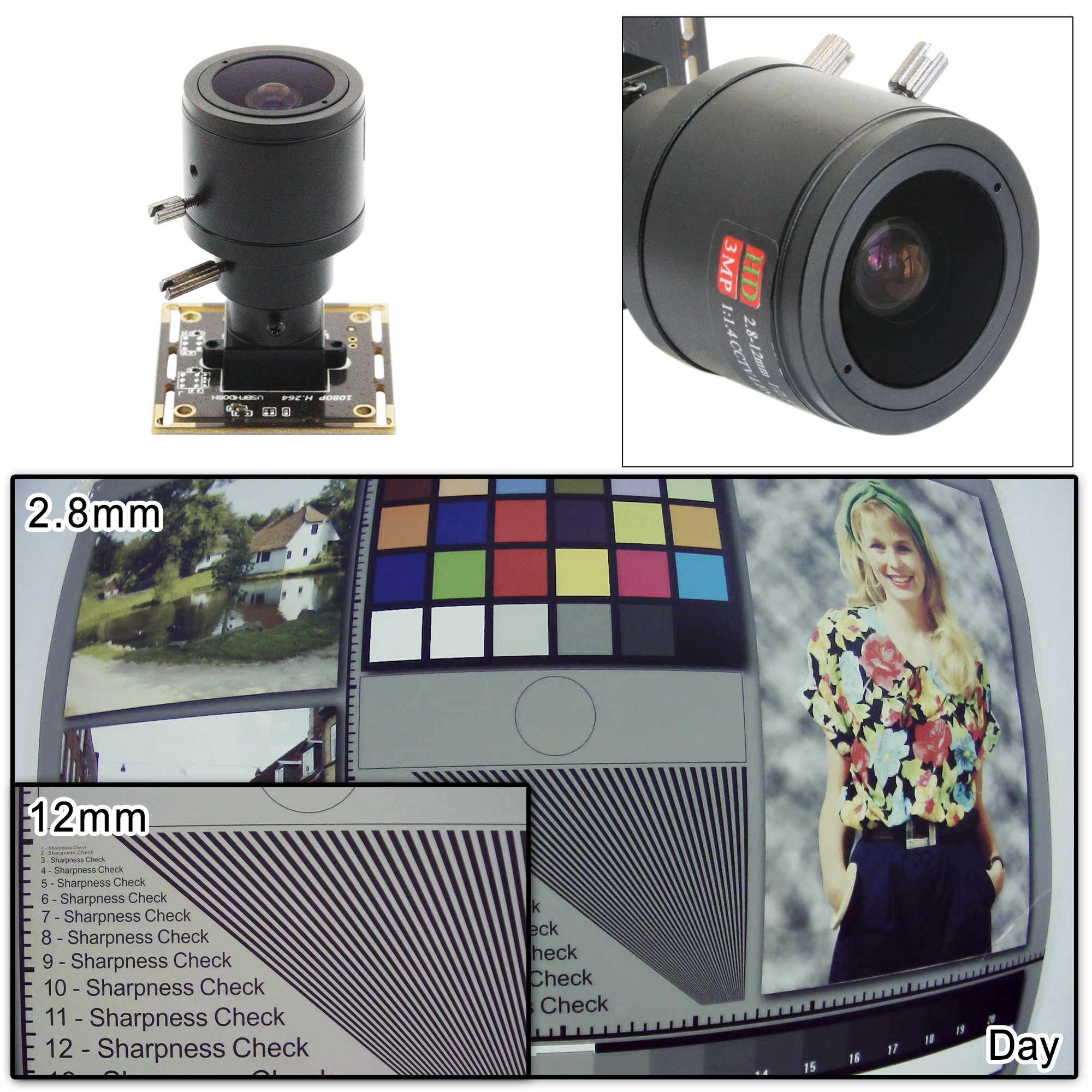
Figure 4: Manual zoom capability from 2.8mm to 12mm.
5.3 Parameterjustering
Most camera software allows you to adjust various image parameters. Refer to your software's documentation for specific instructions. Common adjustable parameters include:
- Lysstyrke
- Kontrast
- Mætning
- Hue
- Skarphed
- Gamma
- Gevinst
- Hvidbalance
- Baggrundslys kontrast
- Eksponering
5.4 Ydeevne i svagt lys
The camera module features a Sony IMX323 sensor, providing excellent low-light performance with a minimum illumination of 0.01 lux.

Figure 5: Low illumination performance with Sony IMX322 sensor.
Video 2: Demonstration of the ELP mini size H.264 low illumination USB camera module's performance in low light conditions.
Video 3: ELP 1080P H.264 USB camera module demonstrating 0.01 lux low light capability.
6. Specifikationer
| Feature | Beskrivelse |
|---|---|
| Model | ELP-USBFHD06H-FV |
| Sensor | Sony IMX322/IMX323 |
| Linsestørrelse | 1/2.9 tomme |
| Pixel størrelse | 12.8 x 11.6 mm |
| Billedområde | 2000(H) x 1121(V) approx. 2.24 M pixels |
| Maks. Opløsning | 1080P |
| Compression Format | H.264 / MJPEG / YUV2 (YUYV) |
| Resolution & Frame Rate (H.264) | 320x240@30fps, 352x288@30fps, 640x360@30fps, 640x480@30fps, 800x600@30fps, 1280x720@30fps, 1920x1080@30fps |
| Resolution & Frame Rate (MJPEG) | 320x240@30fps, 352x288@30fps, 640x360@30fps, 640x480@30fps, 800x600@30fps, 1280x720@30fps, 1920x1080@30fps |
| Resolution & Frame Rate (YUV) | 320x240@30fps, 352x288@30fps, 640x360@30fps, 640x480@30fps, 800x600@15fps |
| S/N-forhold | 42dB |
| Dynamisk rækkevidde | 86dB |
| Følsomhed | 5.0V/lux-sek@550nm |
| Minimum belysning | 0.01 lux |
| Lukker type | Electronic rolling shutter / Frame exposure |
| Connecting Port Type | USB 2.0 høj hastighed |
| Free Drive Protocol | USB Video Class (UVC) |
| Support OTG Protocol | USB2.0 OTG |
| Justerbare parametre | Lysstyrke, Kontrast, Mætning, Hue, Skarphed, Gamma, Gain, Hvidbalance, Baggrundsbelysningskontrast, Eksponering |
| Linseparameter | 2.8-12 mm manuel zoomobjektiv |
| Digital lyd | High quality digital MIC, support single, dual channel |
| Strømforsyning | USB BUS POWER DC5V |
| Operation Voltage | 140mA ~ 190mA |
| Arbejdstemperatur | -10℃~70℃ (Storage: -20℃~85℃) |
| Board Size / Weight | 38x38mm (Compatible 32x32mm) / about 30g |
| Kabel standard | 1M (optional 2M, 3M, 5M) |
| Operating System Request | Win7, Win8, Linux 2.6 or above, Android 4.0 or above |
7. Ansøgninger
The ELP Sony IMX323 USB Camera Module is versatile and can be used in a wide range of applications, including but not limited to:
- Home Surveillance Systems
- PC Webcams for Laptops and Desktops
- Robotic Projects
- Virtual Dressing Mirrors
- Virtual Reality (VR) Development
- High-tech Product Development
- Videokonference
- Industrial Vision Systems
- Medicinsk udstyr
- Automated Vending Machines
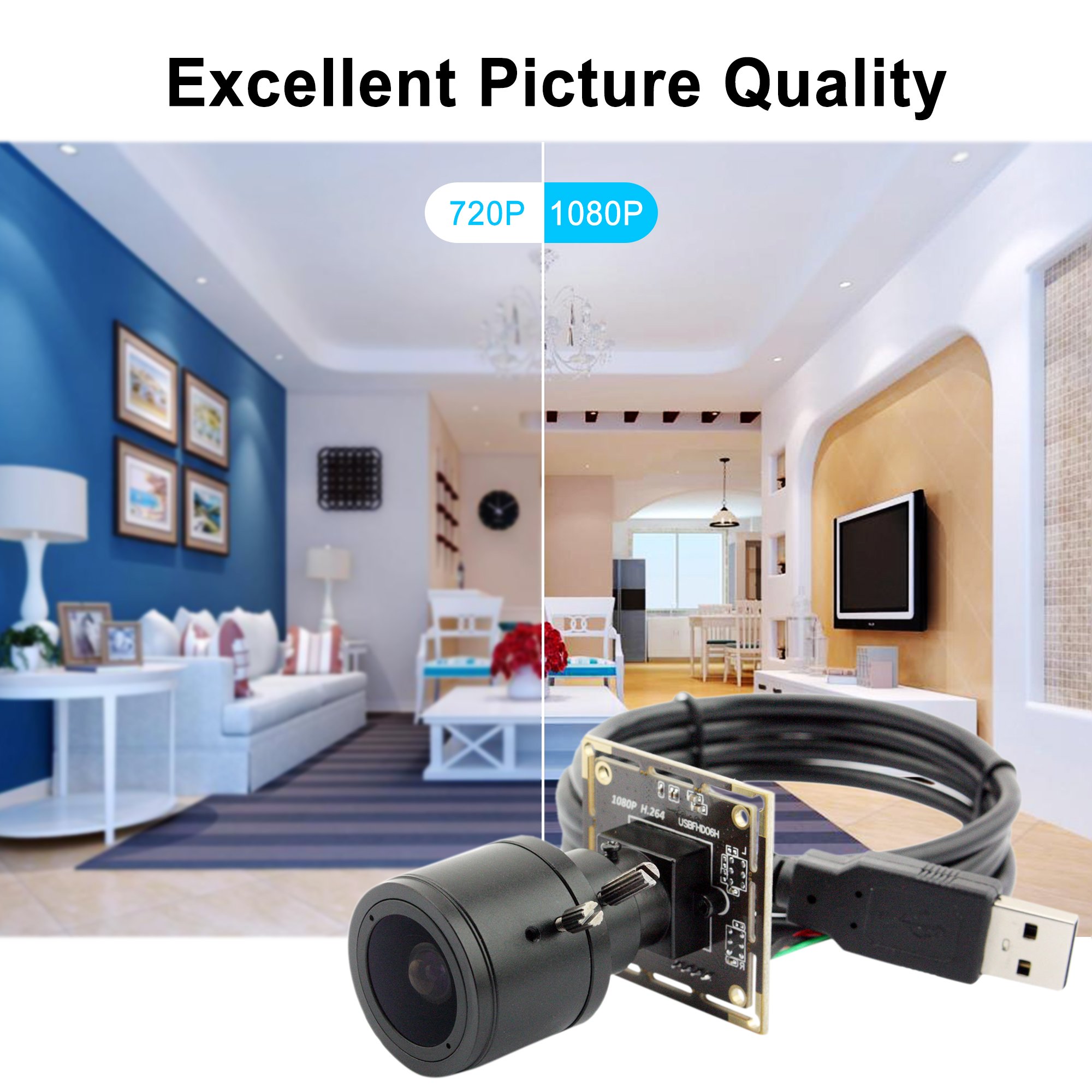
Figure 6: Excellent picture quality at 1080P resolution.
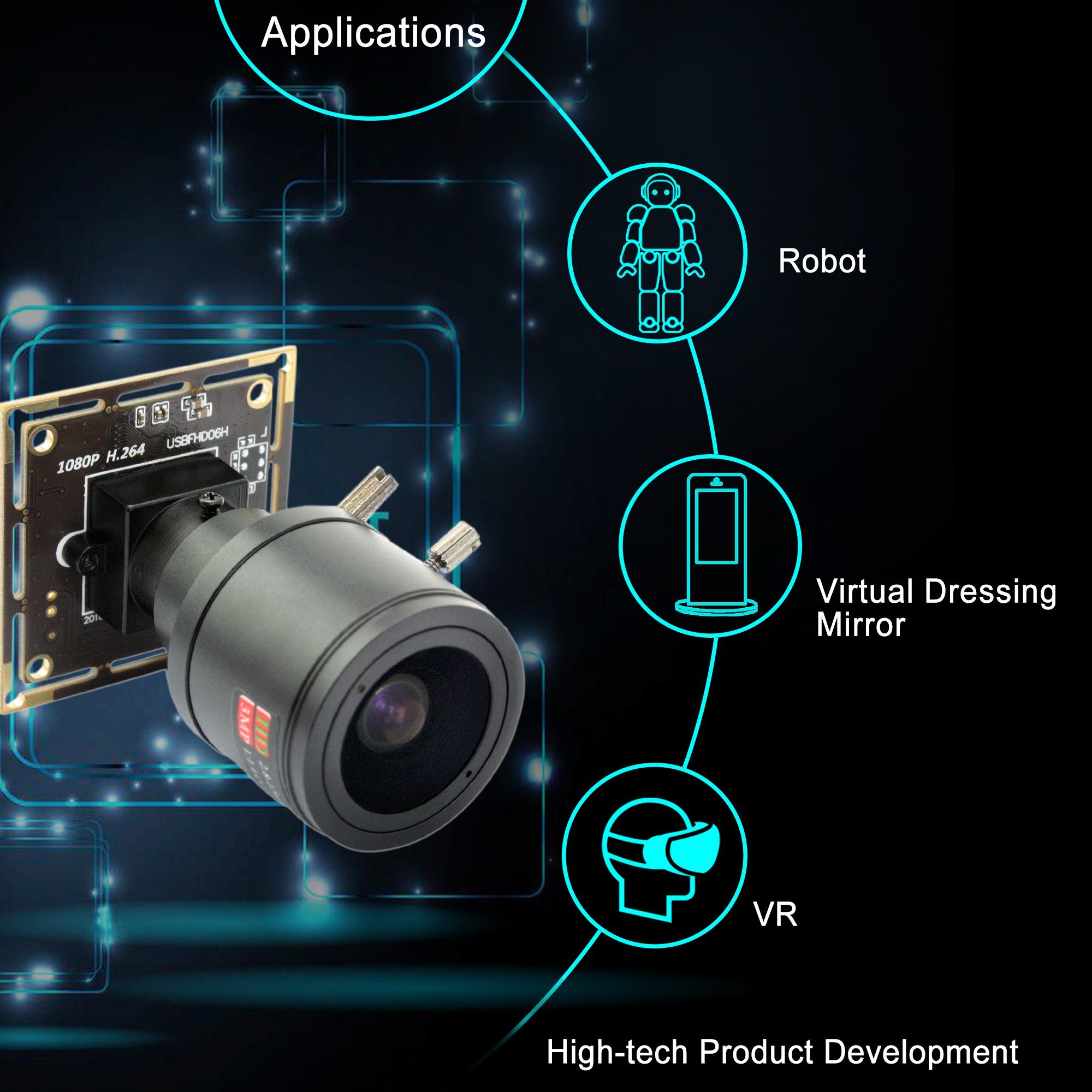
Figure 7: Diverse applications for the camera module.
Video 4: Overståetview of ELP USB camera applications and compatibility with various operating systems.
8. Fejlfinding
- Intet billede/video: Ensure the USB cable is securely connected to both the camera module and the host device. Verify that the correct camera device is selected in your software. Try a different USB port or cable.
- Dårlig billedkvalitet: Adjust the manual focus and zoom on the lens. Check lighting conditions. Adjust image parameters (brightness, contrast, etc.) in your camera software.
- Kamera ikke registreret: Restart your computer or device. Ensure your operating system is compatible (Windows 7/8 or above, Linux 2.6 or above, Android 4.0 or above).
- Lydproblemer: Ensure the microphone is enabled and selected as the input device in your software settings.
9. Vedligeholdelse
- Rensning: Use a soft, dry cloth to clean the camera lens. For stubborn smudges, use a lens cleaning solution specifically designed for optical surfaces. Avoid abrasive materials or harsh chemicals.
- Opbevaring: Store the camera module in a cool, dry place away from direct sunlight and extreme temperatures.
- Håndtering: Handle the camera module with care to avoid physical damage to the lens or circuit board.
10. Garanti og support
For warranty information and technical support, please refer to the documentation provided with your purchase or contact ELP customer service directly. Keep your proof of purchase for warranty claims.


