Indledning
This manual provides detailed instructions for the Taylor Digital Timer Model 5873. Designed for various timing needs in the kitchen, classroom, or for projects, this device features a super loud alert, a large digital display, and both count-up and count-down functions. It also doubles as a clock when not in use as a timer. Please read these instructions carefully before using your new timer.
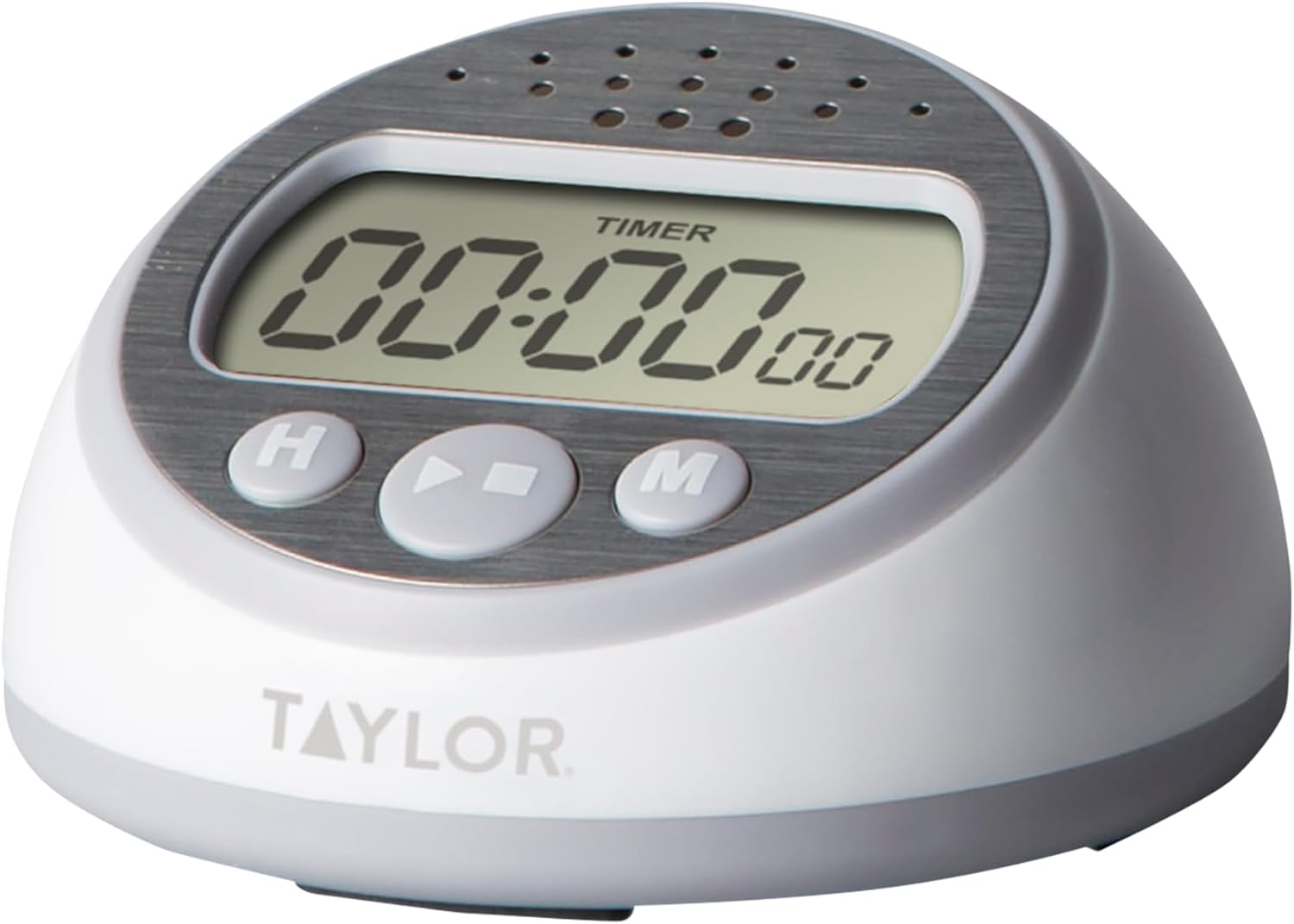
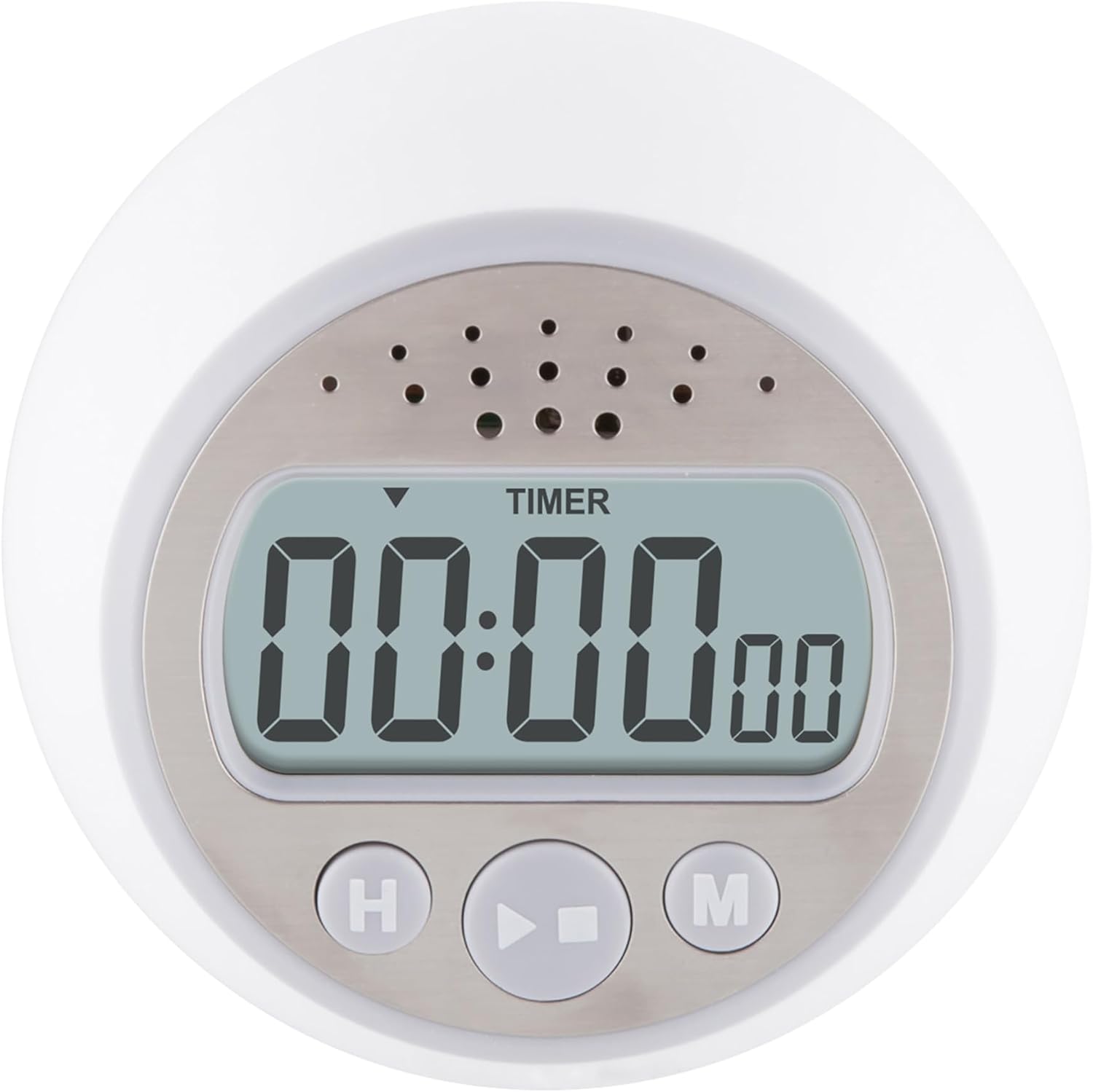
Image: Taylor Digital Timer Model 5873, showing its front view with the digital display and control buttons.
Opsætning
1. Batteriinstallation
The Taylor Digital Timer Model 5873 requires two AA batteries, which are included with the unit. To install or replace batteries:
- Find batterirummet på bagsiden af timeren.
- Åbn batterirummets dæksel.
- Insert two AA batteries, ensuring correct polarity (+ and -) as indicated inside the compartment.
- Luk batterirummets dæksel forsvarligt.
2. Placering
The timer is designed with a non-skid base for stable placement on flat surfaces such as kitchen countertops or desks. This model does not feature a magnet for attachment to metal surfaces.
Billede: Side view of the timer, highlighting its non-skid base for stable placement.
Betjeningsvejledning
1. Indstilling af nedtællingstimeren
Timeren kan indstilles til en maksimal varighed på 23 timer, 59 minutter og 59 sekunder.
- Tryk på H button to set the desired hours.
- Tryk på M button to set the desired minutes.
- Tryk på S button to set the desired seconds.
- Once the desired time is displayed, press the Start/Stop button to begin the countdown. The display will show the remaining time.
- When the countdown reaches zero, the super loud 95-decibel alarm will sound continuously until any button is pressed to silence it.
2. Using the Count-Up Timer (Stopwatch)
To use the timer as a stopwatch:
- Ensure the timer display is cleared to 00:00:00. If not, press the H og M buttons simultaneously to reset.
- Tryk på Start/Stop button to begin counting up.
- Trykke Start/Stop again to pause the count. Press it once more to resume.
- To reset the count-up timer to 00:00:00, press the H og M buttons simultaneously while the timer is paused or running.
3. Clearing the Timer
To clear any set time or reset the count-up timer to 00:00:00, press the H og M knapper samtidigt.
4. Clock Mode
The timer can function as a clock when not in active use. A slider switch located on the bottom of the unit allows you to toggle between timer and clock modes. To set the clock, switch to clock mode, then use the H og M knapperne til at justere det aktuelle klokkeslæt.

Image: Visual representation of the timer's features, including its range and alarm decibel level.
Opretholdelse
Rensning
To clean your Taylor Digital Timer, wipe the unit with a soft, damp cloth. Do not use abrasive cleaners, harsh chemicals, or immerse the timer in water, as this may damage the electronic components.
Udskiftning af batteri
Replace the two AA batteries when the display becomes dim or the timer's functions become erratic. Refer to the "Battery Installation" section under Setup for detailed instructions on how to replace the batteries.
Fejlfinding
- Alarm Not Heard: The timer features a super loud 95-decibel alarm. Ensure the timer is placed in an area where the alarm can be effectively heard. Note that some individuals with hearing impairment may find the high-pitched tone challenging to detect.
- Dim or Blank Display: This usually indicates low battery power. Replace the two AA batteries, ensuring they are inserted with the correct polarity.
- Knapper reagerer ikke: If the buttons are not responding, try replacing the batteries. If the issue persists after battery replacement, contact customer support.
Specifikationer
| Modelnummer | 5873 |
| Mærke | Taylor |
| Mål (D x B x H) | 3.3 cm x 3.3 cm x 1.94 cm |
| Varens vægt | 3.36 ounce |
| Materiale | Stainless Steel accents |
| Strømkilde | 2 AA batterier (medfølger) |
| Timer rækkevidde | Up to 23 hours, 59 minutes, 59 seconds |
| Alarmvolumen | 95 decibels (continuous until turned off) |
| UPC | 077784026861 |

Image: Dimensions of the Taylor Digital Timer Model 5873.
Garantioplysninger
The Taylor Digital Timer Model 5873 comes with a one (1) year limited warranty from the date of purchase. This warranty covers manufacturing defects but excludes batteries. Please retain your proof of purchase for any warranty claims. For full terms and conditions, refer to the warranty card included with your product or visit the manufacturer's official webwebsted.
Kundesupport
For additional assistance, product inquiries, or technical support, please visit the official Taylor webwebstedet eller kontakt deres kundeserviceafdeling. Kontaktoplysninger kan typisk findes på produktemballagen eller i producentens webwebsted.
Du kan også besøge Taylor-butikken på Amazon for flere produkter og information.


