Indledning
Tak for købetasing the SABRENT AU-DDAB USB External Stereo Sound Adapter. This device provides an easy solution to connect your headphones, speakers, or microphone to your computer via a USB port, bypassing your computer's internal sound card. It is designed for plug-and-play functionality, requiring no additional drivers for most operating systems.
Funktioner
- USB-forbindelse: Easily connects to any available USB port on your computer.
- 3D Stereo Audio: Enhances audio output for an immersive listening experience.
- Plug & Play: No drivers required for installation on most operating systems.
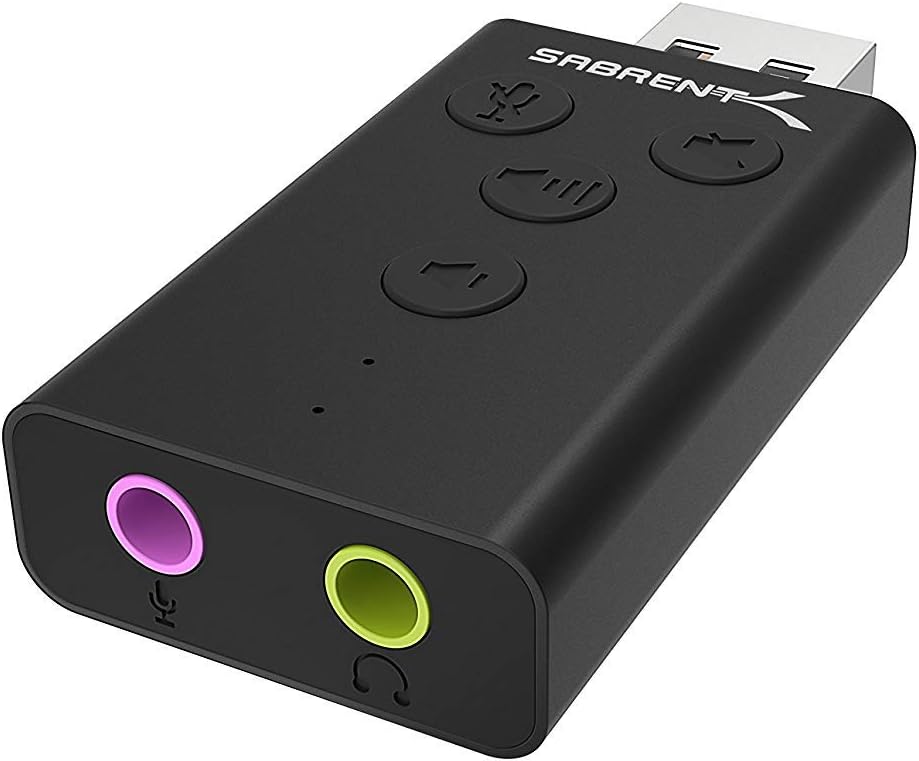
- Integreret kontrol: Features dedicated buttons for microphone mute, speaker mute, volume up, and volume down.
- LED-indikatorer: Visual feedback for microphone mute status and device activity.
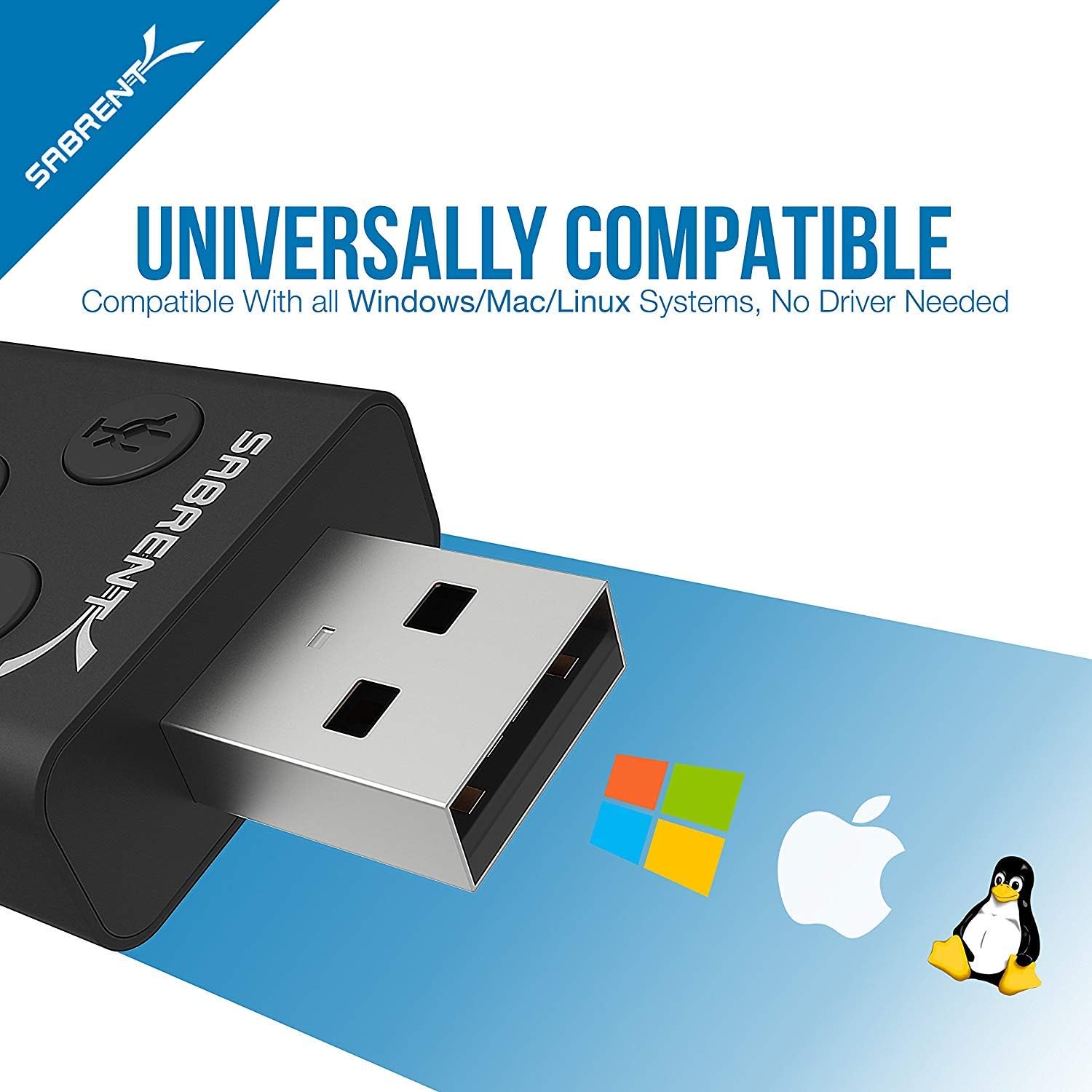
- Universal kompatibilitet: Works with Windows, Mac, and Linux systems.
- Holdbart design: Aluminium casing for enhanced protection and a sleek appearance.

Pakkens indhold
- SABRENT AU-DDAB USB External Stereo Sound Adapter
- Brugervejledning (dette dokument)
Opsætning
- Tilslut til computer: Insert the USB connector of the SABRENT AU-DDAB adapter into an available USB port on your computer. The operating system will automatically detect and install the necessary drivers.
- Tilslut lydudgang: Plug your headphones or speakers into the green 3.5mm audio output jack on the adapter.
- Tilslut mikrofon (valgfrit): If using a microphone, plug it into the pink 3.5mm microphone input jack on the adapter.
- Bekræft enhedsgenkendelse:
- Windows: Go to "Sound Settings" (right-click the speaker icon in the taskbar) and ensure "USB Audio Device" is selected as the default playback and recording device.
- Mac: Go to "System Preferences" > "Sound" and select "USB Audio Device" for both input and output.
Betjeningsvejledning
The SABRENT AU-DDAB adapter features integrated controls for convenient audio management.
- Lydstyrke op-knap: Tryk for at øge lydstyrken.
- Lydstyrke ned-knap: Tryk for at sænke lydstyrken.
- Knap til at slå højttaler fra: Press to mute or unmute the audio output. An LED indicator will show the mute status.
- Mikrofon mute knap: Press to mute or unmute the microphone input. An LED indicator will show the mute status.
Fejlfinding
| Problem | Mulig årsag | Løsning |
|---|---|---|
| Ingen lydudgang. |
|
|
| Mikrofon virker ikke. |
|
|
| Device not recognized. |
|
|
Specifikationer
- Model: AU-DDAB
- Interface: USB 2.0
- Lydudgang: Stereo, 3.5mm jack
- Mikrofonindgang: 3.5 mm jack
- Operativsystemkompatibilitet: Windows (XP, Vista, 7, 8, 10, 11), macOS, Linux
- Dimensioner (LxBxH): Cirka 2.3 x 0.5 x 1.1 tommer (5.8 x 1.3 x 2.8 cm)
- Vægt: Cirka 0.388 ounce (11 gram)
- Materiale: Aluminium casing
Garanti og support
SABRENT products are backed by a limited warranty. For detailed warranty information, technical support, or customer service, please visit the official SABRENT webwebstedet eller kontakt deres supportteam direkte. Gem din købskvittering til garantikrav.
Officiel Webwebsted: www.sabrent.com


