1. Introduktion
This manual provides detailed instructions for the safe and efficient operation of your Retevis RT1 Walkie Talkie. The RT1 is a professional-grade two-way radio designed for reliable long-range communication in various environments, including construction sites and outdoor activities. It features a robust design, a high-capacity battery, and clear audio quality.

Image: Two Retevis RT1 walkie talkies with their charging bases and two additional long-gain antennas.
2. Pakkens indhold
Kontroller venligst pakkens indhold omhyggeligt. Hvis der mangler eller er beskadigede dele, skal du kontakte din forhandler.
- 2 x RT1 Walkie Talkie units
- 4 x Antennas (2 standard, 2 high-gain)
- 2 x RT1 Headsets
- 2 x 3000 mAh Li-ion Batteries
- 2 x Charging Bases with Plugs

Billede: Alle komponenter inkluderet i Retevis RT1-pakken.
3. Produktfunktioner
- Langdistancekommunikation: High power output and two types of antennas (standard and high-gain) for extended communication range.
- Holdbar konstruktion: Robust design capable of withstanding drops from 2 meters, suitable for demanding environments.
- Batteri med høj kapacitet: Equipped with a 3000 mAh Li-ion battery, providing up to two weeks of standby time.
- Klar lyd: Powerful speakers and 1-9 level Squelch function ensure clear communication even in noisy conditions.
- 16 kanaler: Simple channel selection for ease of use.
- VOX funktion: Stemmeaktiveret transmission til håndfri betjening.
- CTCSS / DCS: Giver forbedret privatliv og reducerer interferens.
- Valg af høj/lav effekt: Adjustable power output to optimize range and battery life.
- Nødalarm: Pressing the side button activates an alarm to alert your team.

Image: The Retevis RT1 walkie talkie highlighting its 3000 mAh battery for extended working time.
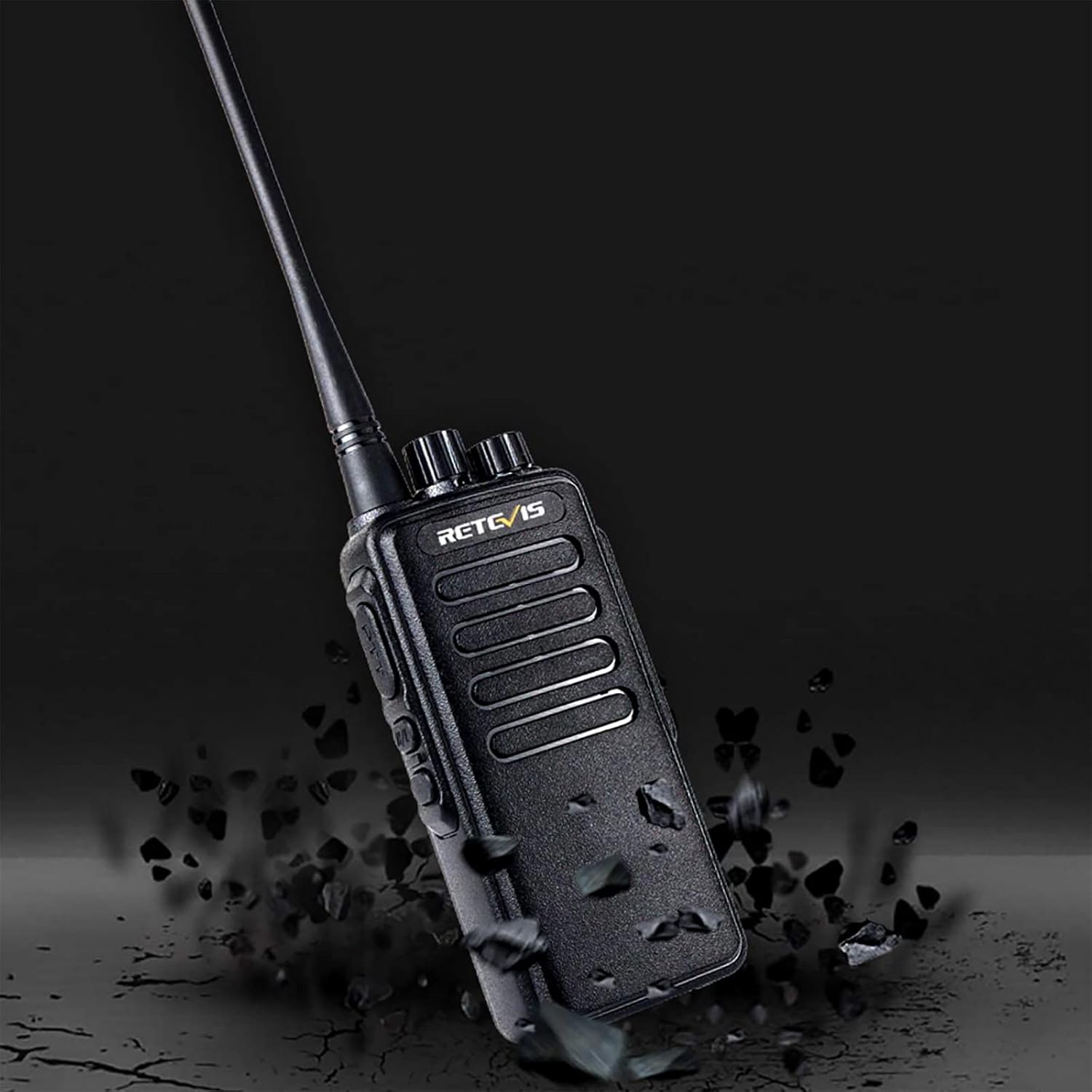
Image: The RT1 walkie talkie demonstrating its robust, anti-drop construction.

Image: Illustration of the long-range communication capability of the RT1 walkie talkie with different antenna types.

Image: The RT1 walkie talkie emphasizing its clear sound capabilities.
4. Opsætning
4.1. Batteriinstallation
- Sørg for, at walkie-talkien er slukket.
- Find batterirummet på bagsiden af enheden.
- Slide the battery into the compartment, ensuring the contacts align.
- Press firmly until the battery clicks into place.
Video: Demonstrates battery installation and other key features of the Retevis RT1 walkie talkie.
4.2. Antennetilslutning
- Select the desired antenna (standard or high-gain).
- Screw the antenna clockwise onto the connector at the top of the walkie talkie until it is finger-tight. Do not overtighten.

Billede: Detaljeret view of the RT1 walkie talkie, including the antenna connection point.
4.3. Opladning af batteriet
- Connect the charging base to a power outlet using the provided plug.
- Place the walkie talkie (with battery installed) into the charging base.
- The LED indicator on the charging base will show the charging status (typically red for charging, green for fully charged).

Image: The RT1 walkie talkie being charged in its desktop charger.
5. Betjeningsvejledning
5.1. Tænd/sluk og lydstyrkekontrol
Rotate the Power/Volume knob (top left) clockwise to turn the radio on and increase the volume. Rotate counter-clockwise to decrease volume and turn the radio off.
5.2. Kanalvalg
Rotate the Channel Selecting knob (top right) to choose one of the 16 available channels. The radio will announce the selected channel number.
5.3. Sender og modtager (PTT)
To transmit, press and hold the Push-to-Talk (PTT) button on the side of the radio. Speak clearly into the microphone. Release the PTT button to receive.
5.4. Valg af høj/lav effekt
The RT1 supports high and low power output. To switch between high and low power, press the designated side button (often labeled H/L or programmable). The radio will announce the current power setting.
Video: Demonstrates the high/low power selection feature of the Retevis RT1 walkie talkie.
5.5. VOX-funktion
The Voice Operated Exchange (VOX) function allows for hands-free transmission. When VOX is enabled, the radio will automatically transmit when it detects your voice, without needing to press the PTT button. Refer to the full user manual for programming VOX sensitivity levels.

Image: The RT1 walkie talkie illustrating the VOX hands-free communication feature.
5.6. Using the Headset
Connect the provided headset to the audio jack on the side of the walkie talkie. This allows for private listening and hands-free communication, especially useful in noisy environments.

Image: A user communicating clearly with the RT1 walkie talkie using a headset.
6. Vedligeholdelse
- Rensning: Brug en blød, damp klud til at rengøre radioens overflade. Brug ikke skrappe kemikalier eller opløsningsmidler.
- Batteripleje: Avoid overcharging or completely draining the battery. Store the battery in a cool, dry place when not in use.
- Antenne: Ensure the antenna is securely attached. Do not bend or force the antenna, as this can damage the unit.
- Opbevaring: Opbevar walkie-talkien et tørt, støvfrit miljø væk fra ekstreme temperaturer.
7. Fejlfinding
| Problem | Mulig årsag | Løsning |
|---|---|---|
| Ingen strøm | Batteriet er lavt eller ikke installeret korrekt. | Oplad batteriet, eller sæt det sikkert i igen. |
| Kan ikke sende eller modtage | Forkert kanal valgt; uden for rækkevidde; antenne løs. | Verify channel, move closer to other radios, check antenna connection. |
| Dårlig lydkvalitet | Volume too low; Squelch level too high; interference. | Adjust volume, lower Squelch level, move away from sources of interference. |
| Kort kommunikationsrækkevidde | Low power setting; environmental obstructions. | Switch to high power, use high-gain antenna, move to a more open area. |
8. Specifikationer
| Feature | Detalje |
|---|---|
| Mærke | Retevis |
| Model | RT1 (EUA9106CX2) |
| Dimensioner | 24 x 17.5 x 7 cm |
| Vægt | 788 g |
| Batteritype | 2 Litio Ion (included) |
| Batterikapacitet | 3000 mAh |
| Average Battery Life (Stand-by) | 260 Hours (approx. 2 Weeks) |
| Tuner-teknologi | VHF |
| Frekvensområde | 400-430 MHz |
| Antal kanaler | 16 |
| Maksimal talerækkevidde | 5 Kilometers (environmental dependent) |
| Voltage | 8 volt |
| Elektrisk strøm | 10 watt |
| Støjniveau | 40 decibel |
| Vandmodstandsniveau | Ikke vandafvisende |
9. Garanti og support
Retevis products are designed for reliability and performance. For warranty information, technical support, or service inquiries, please refer to the official Retevis webwebstedet eller kontakt din lokale forhandler. Gem din købskvittering som købsbevis i tilfælde af garantikrav.
For yderligere ressourcer og produktinformation, besøg Retevis Brand Store.


