Tak for købetasing the PROSCAN 37-Inch Bluetooth Sound Bar. This ultra-slim sound bar is designed to enhance your audio experience with your Smart TV, offering versatile connectivity options including Bluetooth, Optical Digital Audio Input, and Aux-In. This manual provides detailed instructions for setup, operation, maintenance, and troubleshooting to ensure optimal performance and longevity of your device.
Vigtige sikkerhedsoplysninger
ADVARSEL: Dette produkt indeholder kemikalier, som staten Californien kender til at forårsage kræft og fosterskader eller anden reproduktionsskade.
Læs alle instruktioner, før du betjener enheden.
Gem denne vejledning til fremtidig reference.
Udsæt ikke enheden for regn eller fugt.
Bloker ikke nogen ventilationsåbninger.
Sørg for korrekt strømforsyning voltage som angivet på enheden.
Tag stikket ud af enheden under tordenvejr, eller når den ikke skal bruges i længere perioder.
Overlad al service til kvalificeret servicepersonale.
Hvad er der i æsken
Image: Contents of the PROSCAN Sound Bar box, showing the sound bar, remote control, AC power adapter, stereo audio connection cable, RCA audio cable, and mount screws.
Kontroller venligst, at alle følgende varer er inkluderet i din pakke:
PROSCAN 37-Inch Bluetooth Sound Bar
Fjernbetjening
AC strømadapter
Stereo Audio Connection Cable
RCA lydkabel
Monteringsskruer (til vægmontering)
Brugervejledning (dette dokument)
Produkt overview
Image: The PROSCAN 37-Inch Bluetooth Sound Bar positioned in front of a curved television screen, with its remote control placed nearby. The sound bar is sleek and black.
The PROSCAN 37-Inch Bluetooth Sound Bar is designed for optimal audio performance and ease of use. It features a sleek, ultra-slim design that complements any home entertainment setup.
Frontpanel
Billede: En direkte front view of the PROSCAN 37-Inch Bluetooth Sound Bar, showcasing dens minimalistiske design og højttalergitter.
The front panel features the speaker grille and an LED indicator that shows the current input mode and status.
Bagpanel (tilslutninger)
The rear panel houses all the necessary input ports for connecting to your audio sources.
Optical Digital Audio Input: For high-quality digital audio connection from your TV or other devices.
AUX In (3.5mm): For connecting analog audio devices.
DC IN: Strømindgangsport.
Fjernbetjening
The included remote control allows you to manage all functions of the sound bar conveniently.
The sound bar can be placed on a table stand or wall-mounted.
Image: The PROSCAN Sound Bar wall-mounted directly above a flat-screen television, demonstrating a clean and space-saving installation.
Bordstativ: Placer soundbaren på en stabil, flad overflade foran dit tv. Sørg for, at den ikke blokerer tv'ets fjernbetjeningssensor.
Vægbeslag: Use the included mount screws to securely attach the sound bar to a wall. Refer to the wall mounting template (if provided separately) for precise drilling locations. Ensure the wall can support the weight of the sound bar.
2. Tilslutning af lydkilder
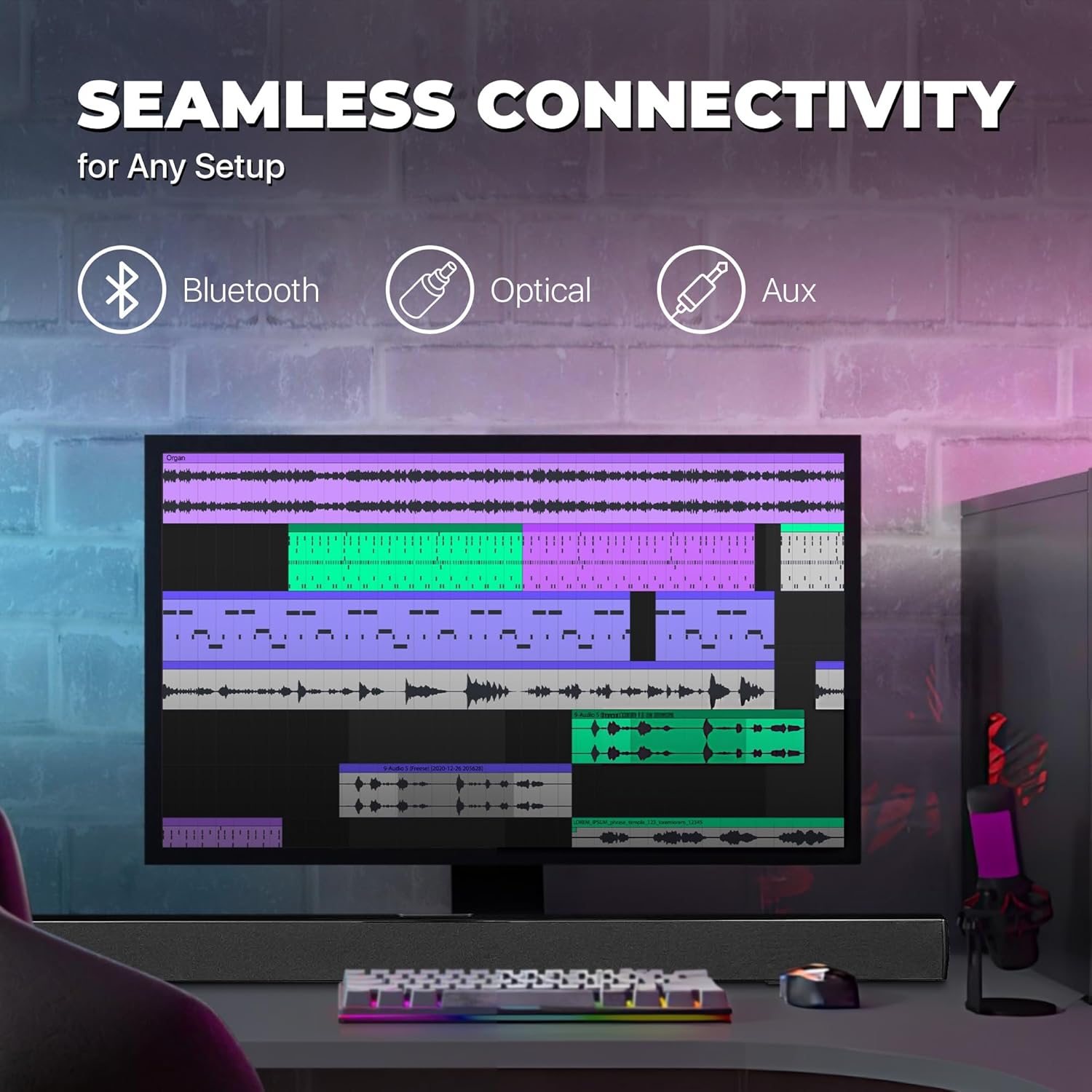
Image: A graphic illustrating the seamless connectivity options of the sound bar, including icons for Bluetooth, Optical, and Aux connections, with a sound bar placed below a computer monitor.
Vælg en af følgende metoder til at tilslutte din lydkilde:
Optisk digital lydforbindelse:
Connect an optical cable (not included) from the OPTICAL OUT port on your TV or audio device to the OPTICAL IN port on the sound bar. This provides high-quality digital audio.
AUX-tilslutning (3.5 mm):
Use the included 3.5mm audio cable to connect the AUX IN port on the sound bar to the headphone jack or audio output port on your device (e.g., TV, smartphone, MP3 player).
Bluetooth-forbindelse:
For wireless audio streaming from Bluetooth-enabled devices like smartphones, tablets, or laptops. (Detailed pairing instructions in the Operating section).
3. Strømtilslutning
Connect the included AC power adapter to the DC IN port on the sound bar, then plug the adapter into a standard wall outlet.
Betjeningsvejledning
Tænd/sluk
Tryk på MAGT button on the remote control or on the sound bar to turn the unit on or off.
Valg af inputkilde
Tryk på INPUT button on the remote control repeatedly to cycle through the available input sources: Bluetooth, Optical, AUX, FM. The LED indicator on the front panel will change to reflect the selected input.
Lydstyrkekontrol
Brug VOL+ og VOL- buttons on the remote control to adjust the volume. Press the STUM knappen for midlertidigt at slå lyden fra.
Bluetooth-parring
Tænd soundbaren, og vælg Bluetooth-tilstand ved hjælp af INPUT button. The LED indicator will flash, indicating it's in pairing mode.
Aktiver Bluetooth på din enhed (smartphone, tablet osv.), og søg efter tilgængelige enheder.
Select "PSB3713-OP" from the list of found devices.
Once paired, the LED indicator will stop flashing and remain solid. You can now play audio from your device through the sound bar.
Betjening af FM-radio
Sådan bruger du den indbyggede FM-radio:
Vælg FM-tilstand ved hjælp af INPUT knap.
Tryk på SCAN button on the remote control to automatically scan and save available FM stations.
Brug FORR og NÆSTE knapper til at navigere gennem gemte stationer.
Opretholdelse
Rensning: Use a soft, dry cloth to clean the surface of the sound bar. Do not use liquid cleaners or aerosol sprays.
Opbevaring: Hvis enheden opbevares i længere tid, skal den tages ud af stikkontakten og opbevares et køligt og tørt sted.
Ventilation: Ensure the sound bar has adequate ventilation and is not covered by cloths or other materials that could block airflow.
Fejlfinding
Problem
Mulig årsag
Løsning
Ingen strøm
Strømadapteren er ikke tilsluttet, eller stikkontakten virker ikke.
Ensure the power adapter is securely connected to the sound bar and a working power outlet.
Ingen lyd
Forkert indgangskilde valgt; lydstyrken er for lav; lydkablet er ikke tilsluttet korrekt.
Select the correct input source (Bluetooth, Optical, AUX). Increase the volume. Check all audio cable connections. Ensure TV audio output is set correctly (e.g., PCM for Optical).
Bluetooth-parring mislykkes
Soundbaren er ikke i parringstilstand; enhed for langt væk; interferens
Ensure the sound bar is in Bluetooth pairing mode (flashing LED). Move your device closer to the sound bar. Turn off other Bluetooth devices to reduce interference.
Fjernbetjening virker ikke
Batteries are dead or inserted incorrectly; obstacle between remote and sound bar.
Replace the remote control batteries. Ensure there is no obstruction between the remote and the sound bar's sensor.
Dårlig FM -modtagelse
Svagt signal.
Adjust the position of the sound bar or try rescanning for stations.
Specifikationer
Feature
Detalje
Modelnavn
PSB3713-OP
Højttaler type
Soundbar
Højttaler størrelse
37 tommer
Forbindelsesteknologi
Bluetooth, Auxiliary (3.5mm), Optical
Trådløs kommunikation
Bluetooth, FM-radio
Lydudgangstilstand
Stereo, Surroundlyd
Højttaler Maksimal udgangseffekt
40 watt
Impedans
4 Ohm
Produktmål (D x B x H)
3.25" D x 3.25" B x 41.5" H
Varens vægt
4.55 pund
Farve
Sort
Strømkilde
Elektrisk med ledning
Controller type
Fjernbetjening
Monteringstype
stangmontering
Garanti og support
This PROSCAN product comes with a Limited Warranty. For specific warranty terms and conditions, please refer to the warranty card included in your product packaging or contact PROSCAN customer support.
For technical support, troubleshooting assistance, or service inquiries, please contact the manufacturer, Curtis International LTD, or visit the PROSCAN official webwebsted for kontaktoplysninger.
PROSCAN 37" Sound Bar Speaker User Manual | Model PSB3713-B Comprehensive user manual for the PROSCAN 37" Sound Bar Speaker (Model PSB3713-B). Learn about safety instructions, mounting, product overview, remote control, power, time setting, FM radio, AUX input, Bluetooth connectivity, and specifications.
ProScan PSB3713-OP Bluetooth 37" Soundbar Brugermanual Officiel brugermanual til ProScan PSB3713-OP Bluetooth 37" Soundbar. Indeholder detaljerede instruktioner om sikkerhed, installation, betjening, tilslutning (Bluetooth, AUX, optisk), fejlfinding og specifikationer.
PROSCAN PSB377W Bluetooth Sound bar System Owner's Manual Comprehensive owner's manual for the PROSCAN PSB377W Bluetooth Sound bar System, including safety instructions, panel and remote control descriptions, installation guides, troubleshooting tips, features, and specifications.
Proscan Elite 13.3" bærbar DVD-afspiller med drejelig skærm brugermanual Denne brugermanual indeholder omfattende instruktioner til Proscan Elite 13.3" bærbar DVD-afspiller med drejelig skærm (modelnr.: PEDVD1332), der dækker opsætning, betjening, funktioner, fejlfinding og garantioplysninger.