1. Produktet er slutview
The EMOS 98YK is a replacement wireless doorbell button designed for compatibility with various EMOS wireless doorbell systems, including the P5723 series. It operates on a 433 MHz frequency and is powered by a 12V A23 battery, ensuring reliable wireless communication up to 100 meters in open areas. This button is an ideal solution for expanding your existing doorbell system or replacing a lost or damaged button.

Figur 1.1: Front view of the EMOS 98YK wireless doorbell button. The button features a clean, white design with a prominent bell icon, indicating its function.
2. Pakkens indhold
- 1x EMOS 98YK Wireless Doorbell Button (Model P5723T)
- 1x 12V A23 Battery (pre-installed or included separately)

Figur 2.1: The EMOS 98YK replacement button as it appears in its blister packaging. The packaging highlights its function as a replacement button and indicates a range of 100 meters.
3. Opsætning og installation
3.1 Batteriinstallation
The doorbell button requires one 12V A23 battery for operation. The battery may be pre-installed or included separately in the package.
- Locate the battery compartment on the back of the doorbell button.
- Åbn forsigtigt dækslet til rummet.
- Insert the 12V A23 battery, ensuring the correct polarity (+ and -) as indicated inside the compartment.
- Luk batterirummets dæksel forsvarligt.
3.2 Pairing with Your Doorbell Receiver
The EMOS 98YK button uses a self-learning pairing method for easy integration with compatible EMOS doorbell receivers. Refer to your doorbell receiver's manual for specific pairing instructions, as the process may vary slightly between models. Generally, the steps involve:
- Put your doorbell receiver into pairing mode (often indicated by a flashing LED or a specific sound). This usually involves pressing a pairing button on the receiver.
- Within a few seconds of activating pairing mode on the receiver, press the EMOS 98YK doorbell button.
- The receiver should confirm successful pairing with a chime or a steady LED light.
- Test the connection by pressing the button again. The receiver should chime.
Note: This button is designed for specific EMOS doorbell models. Ensure your receiver is compatible for proper functionality.
3.3 Mounting the Button
Choose a suitable location for your doorbell button, typically near your entrance. Consider the following:
- Højde: Mount at a convenient height for all users.
- Sigtbarhed: Ensure it is easily visible to visitors.
- Rækkevidde: While the button has a 100m range, thick walls or metal structures can reduce signal strength. Test the signal before permanent mounting.
- Overflade: Mount on a flat, stable surface.
Use screws or double-sided adhesive tape (not included) to secure the button. The button is designed to be water-resistant, making it suitable for outdoor use.
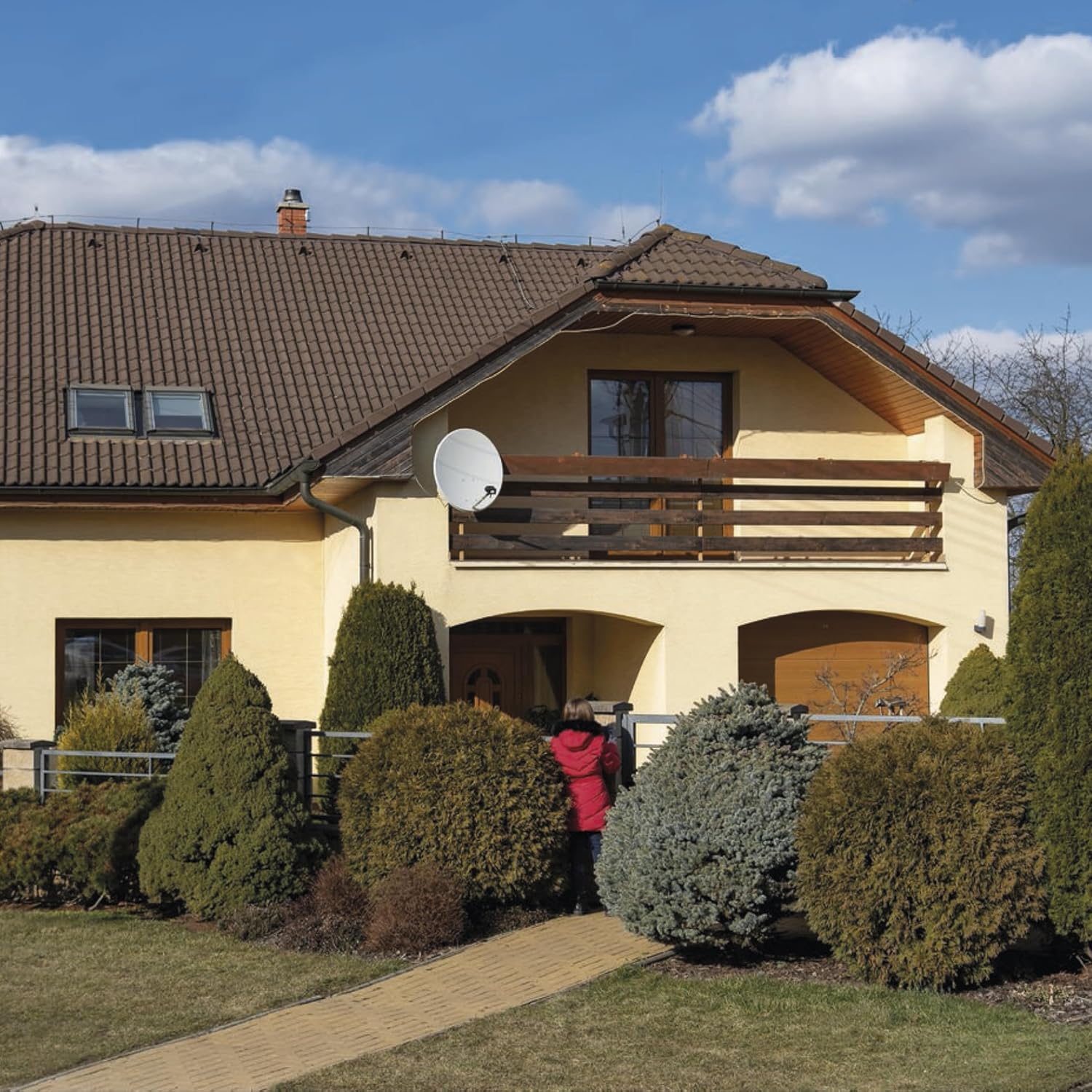
Figur 3.1: Example of a wireless doorbell button installed on the exterior of a house, demonstrating a typical mounting location.
4. Operating the Doorbell Button
Operating the EMOS 98YK button is straightforward:
- To activate the doorbell, simply press the button firmly.
- Upon pressing, the button sends a wireless signal to the paired doorbell receiver.
- The receiver will then play the selected chime or melody.

Figur 4.1: A finger pressing the EMOS 98YK doorbell button, illustrating the simple operation.
5. Vedligeholdelse
5.1 Udskiftning af batteri
When the doorbell button's signal weakens or stops working, it's likely time to replace the battery. Follow the battery installation steps in Section 3.1 to replace the 12V A23 battery.
Vigtig: Bortskaf brugte batterier ansvarligt i henhold til lokale regler.
5.2 Rengøring
To clean the doorbell button, use a soft, damp cloth. Do not use abrasive cleaners or solvents, as these can damage the surface or internal components. Ensure the button is dry before prolonged exposure to elements.
5.3 Vandtæthed
The EMOS 98YK button is designed with water resistance for outdoor use. While it can withstand splashes and light rain, it is not designed for submersion in water. Ensure the battery compartment cover is always securely closed to maintain water resistance.

Figur 5.1: The EMOS 98YK doorbell button covered in water droplets, demonstrating its water-resistant design suitable for outdoor environments.
6. Fejlfinding
| Problem | Mulig årsag | Løsning |
|---|---|---|
| Button does not activate receiver. |
|
|
| Kort rækkevidde eller intermitterende signal. |
|
|
7. Specifikationer
| Modelnummer: | P5723T |
| Mærke: | EMOS |
| Strømforsyning: | 1x 12V A23 battery (included) |
| Transmissionsfrekvens: | 433 MHz |
| Trådløs rækkevidde: | Op til 100 meter (åbent område) |
| Dimensioner (L x B x H): | 2 x 4 x 9.9 cm |
| Vægt: | 90 g |
| Vandtæthed: | Ja (egnet til udendørs brug) |
| Compatible Doorbell Receiver Types (from feature bullets): | 98103, 98098, 98105, 98080S |
| Compatible Doorbell Models (from packaging image): | P5723, P5712, P5705 |

Figur 7.1: Bag view of the product packaging, detailing compatible doorbell models (P5723, P5712, P5705) and other product information, including a QR code and order code P5723T.
8. Garanti og support
For warranty information and technical support, please refer to the official EMOS webwebstedet eller kontakt din lokale forhandler. Gem din købskvittering som købsbevis.
Officiel EMOS Webwebsted: www.emos.eu
For additional resources, you may scan the QR code found on the product packaging (refer to Figure 7.1).


