Introduktion og overview
The Logitech Bluetooth Audio Adapter allows you to wirelessly stream audio from your Bluetooth-enabled smartphone or tablet to any speaker system with RCA or 3.5mm inputs. This adapter is designed to bring modern wireless capabilities to your existing audio equipment.
Nøglefunktioner omfatter:
- Multipoint Bluetooth Connectivity: Simultaneously pair your smartphone and tablet and stream music from either one.
- Easy Pairing and Automatic Re-pairing: Pair your device to the adapter once with a single button press, and it will automatically re-connect when in range.
- Long Range Wireless: Stream music from up to 15 meters (50 feet) away from your speakers.
- Bred kompatibilitet: Plugs into most powered PC speakers, home stereo systems, and A/V receivers using RCA or 3.5 mm jacks. Note: This product is a receiver ONLY, not a transmitter.

Image: The Logitech Bluetooth Audio Adapter, a compact black device with a blue illuminated Bluetooth symbol on top, designed for wireless audio streaming.
Hvad er der i æsken
Produktpakken indeholder følgende varer:
- Logitech 980-000910 Bluetooth Audio Adapter
- RCA til 3.5 mm lydkabel
- Strømadapter

Image: All components included with the Logitech Bluetooth Audio Adapter: the adapter unit, an RCA audio cable, and a power supply.
Opsætning
Follow these steps to set up your Logitech Bluetooth Audio Adapter:
- Tilslut til højttalere: Use the provided RCA to 3.5mm audio cable or your own RCA cables to connect the Bluetooth Audio Adapter to your powered PC speakers, home stereo system, or A/V receiver.

Image: The Bluetooth Audio Adapter positioned next to a speaker, illustrating a typical connection setup.
- Tilslut strøm: Plug the power adapter into the Bluetooth Audio Adapter's power input, then plug the power adapter into a wall outlet. The adapter will power on automatically.
- Parring af din enhed:
- Press the Bluetooth pairing button located on the top of the adapter. The LED indicator around the button will begin to blink rapidly, indicating that the adapter is in pairing mode.
- På din Bluetooth-aktiverede enhed (f.eks. smartphone, tablet) skal du navigere til Bluetooth-indstillingerne.
- Select "Logitech Bluetooth Audio" from the list of available devices.
- Once successfully connected, the LED indicator on the adapter will glow a solid blue.
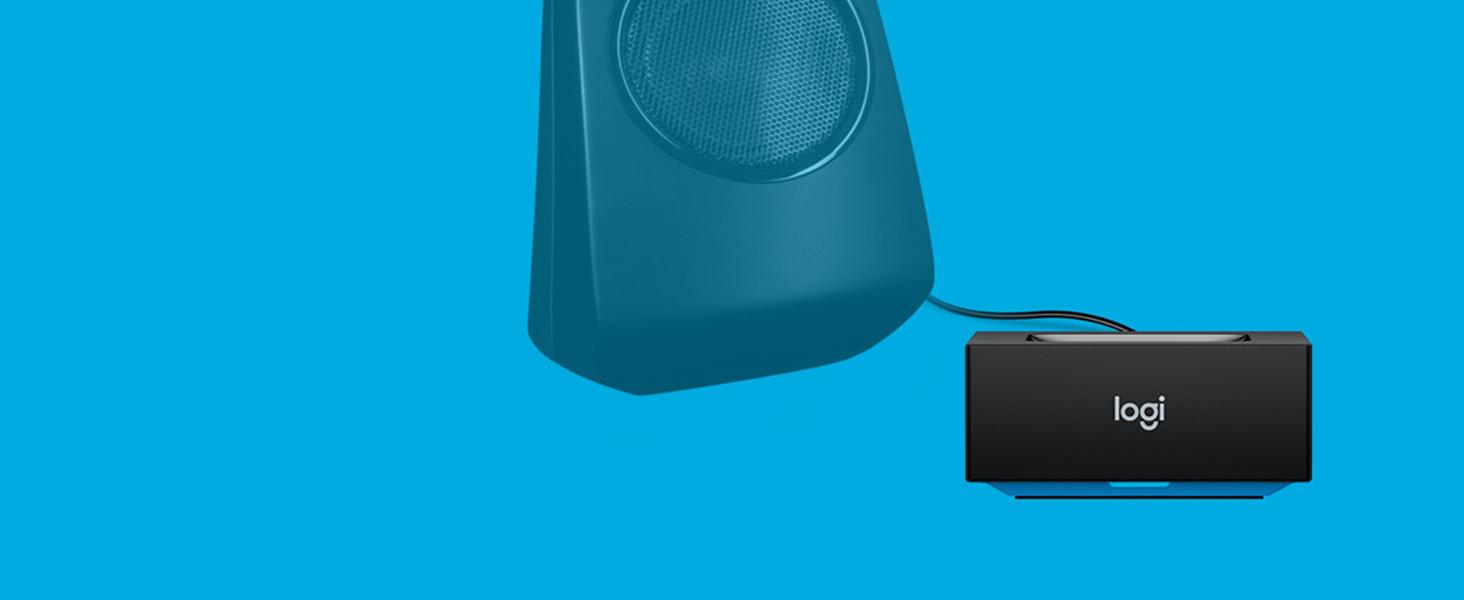
Image: A hand pressing the central Bluetooth pairing button on the adapter, initiating the pairing process.
Betjening af adapteren
Once set up, using your Logitech Bluetooth Audio Adapter is straightforward:
- Streaming af lyd: After successful pairing, any audio played on your connected Bluetooth device will stream wirelessly to your speakers. Control playback and volume directly from your device.
- Multipunktsforbindelse: The adapter supports simultaneous connection of up to two Bluetooth devices. To switch between devices, simply pause audio playback on the currently active device and begin playing audio on the second connected device. The adapter will automatically switch the audio source.
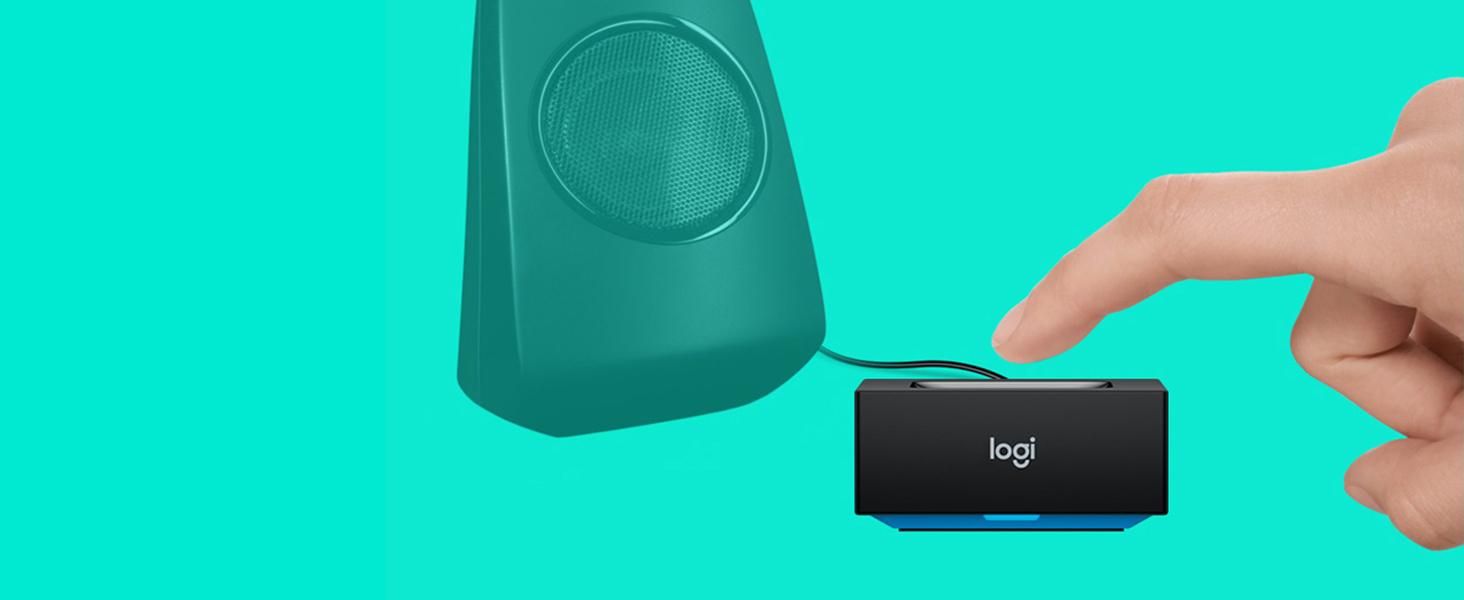
Image: The adapter facilitating audio streaming from both a laptop and a smartphone to a speaker, showcasing its multipoint connection capability.
- Automatisk genparring: Once a device has been paired with the adapter, it will automatically re-connect when it is within range and its Bluetooth function is enabled.
Opretholdelse
To ensure the longevity and optimal performance of your Logitech Bluetooth Audio Adapter, follow these simple maintenance guidelines:
- Rensning: Gently wipe the adapter with a soft, dry cloth to remove dust or smudges. Do not use liquid cleaners or abrasive materials.
- Miljø: Avoid exposing the device to excessive moisture, extreme temperatures, or direct sunlight.
- Håndtering: Do not drop the adapter or subject it to strong impacts. Do not attempt to disassemble or repair the adapter yourself, as this will void any potential warranty and may cause damage.
Fejlfinding
If you encounter issues with your Logitech Bluetooth Audio Adapter, refer to the following common problems and solutions:
Ingen lydoutput:
- Ensure the adapter is powered on and the LED indicator is solid blue, indicating a successful connection.
- Verify that all audio cables are securely connected between the adapter and your speaker system.
- Confirm that your speaker system is turned on and the correct input source (e.g., AUX, RCA) is selected.
- Check the volume levels on both your Bluetooth device and your speaker system.
- Ensure your Bluetooth device is actively playing audio.
Kan ikke parre enhed:
- Make sure the adapter is in pairing mode (LED blinking rapidly). If not, press the Bluetooth pairing button.
- Ensure Bluetooth is enabled on your device and it is within the adapter's range (up to 15 meters/50 feet).
- Try turning off and then turning on Bluetooth on your device, or restart your device.
- If you have previously paired many devices, try "forgetting" the "Logitech Bluetooth Audio" from your device's Bluetooth list and then attempt to re-pair.
Interference or Poor Audio Quality:
- Move your Bluetooth device closer to the adapter.
- Avoid placing the adapter near other wireless devices such as Wi-Fi routers, cordless phones, or microwave ovens, which can cause interference.
- Ensure there are no large metal objects or thick walls between the adapter and your device that could obstruct the Bluetooth signal.
Specifikationer
| Feature | Detalje |
|---|---|
| Produktdimensioner | 0.91 x 1.97 x 1.97 tommer |
| Varens vægt | 6.2 ounces (0.39 pund) |
| Modelnummer | 980-000910 |
| Forbindelsesteknologi | Bluetooth |
| Strømkilde | Elektrisk med ledning |
| Materiale | Acrylonitril Butadien Styren (ABS) |
| Wireless Range | Op til 15 meter (50 fod) |
Sikkerhedsoplysninger
Læs og overhold følgende sikkerhedsretningslinjer:
- Undgå at placere adapteren i nærheden af andre trådløse enheder for at minimere potentiel interferens.
- Udsæt ikke enheden for ekstreme temperaturer eller fugt.
- To prevent hearing damage, do not set the volume too high when using the adapter with speakers.
Garanti og support
Garanti: According to the provided legal disclaimer, there is no explicit warranty provided for this product when purchased new. Please refer to your retailer's return policy for details on returns or exchanges.
Støtte: For further assistance, product updates, or general inquiries, please visit the official Logitech support webwebsted eller deres Amazon-butiksside:Logitech-butik på Amazon.
Note: No official product videos with "Seller" creator type were available in the provided data to embed in this manual.


