1. Introduktion
This manual provides essential information for the safe and efficient operation of your Canon PIXMA iP8720 Wireless Inkjet Photo Printer. Please read this manual thoroughly before using the printer and retain it for future reference. The Canon PIXMA iP8720 is designed for high-quality photo and document printing, supporting various media sizes up to 13" x 19".
2. Sikkerhedsoplysninger
- Always place the printer on a stable, level surface to prevent damage or injury.
- Do not block ventilation openings. Ensure adequate space around the printer for proper airflow.
- Use only the power cord supplied with the printer. Connect it to a grounded electrical outlet.
- Hold printeren væk fra vand eller overdreven fugt.
- Forsøg ikke selv at skille printeren ad eller reparere den. Kontakt kvalificeret servicepersonale.
- Opbevar blækpatroner utilgængeligt for børn.
3. Pakkens indhold
Bekræft at alle varer er til stede i pakken:
- Canon PIXMA iP8720 Wireless Inkjet Photo Printer
- Setup CD-ROM (for Windows/Mac)
- Strømledning
- Setup Ink Tanks (PGI-250 Pigment Black, CLI-251 Cyan, CLI-251 Magenta, CLI-251 Yellow, CLI-251 Gray, CLI-251 Black)
- Printhoved
- USB-kabel (sælges muligvis separat)
- Manualer og andre dokumenter
4. Opsætning
4.1. Unboxing and Physical Placement
Carefully remove the printer from its packaging. Remove all protective tapes and packing materials. Place the printer on a flat, stable surface with adequate space for paper loading and output. Connect the power cord to the printer and a wall outlet.

Figur 1: Forside view of the Canon PIXMA iP8720 printer with a photo being printed.
4.2. Ink Tank Installation
- Åbn printerens topdæksel.
- Remove each ink tank from its packaging.
- Carefully insert each ink tank into its corresponding slot, matching the color and shape. Press down until it clicks into place.
- Close the top cover. The printer will perform an initial setup process.

Figur 2: Interiør view of the Canon PIXMA iP8720 printer showing the ink tank compartments.
4.3. Software og driver installation
Insert the Setup CD-ROM into your computer's drive and follow the on-screen instructions. Alternatively, download the latest drivers and software from the official Canon website by searching for "Canon iP8720 drivers".
4.4. Wireless (Wi-Fi) Setup
The Canon iP8720 supports wireless connectivity. For optimal performance, ensure your Wi-Fi network is stable and strong. If you encounter connectivity issues, consider connecting the printer directly to your computer via a USB cable for a more reliable and faster data transfer.
Video 1: En overview of the Canon IP8720 Wireless Printer, highlighting its features and connectivity options.
5. Betjening af printeren
5.1. Ilægning af papir
Open the paper support and extend the output tray. Adjust the paper guides to fit the width of your paper. Load paper into the rear tray with the print side facing up. The printer supports various paper types and sizes, including glossy photo paper and large formats up to 13" x 19".
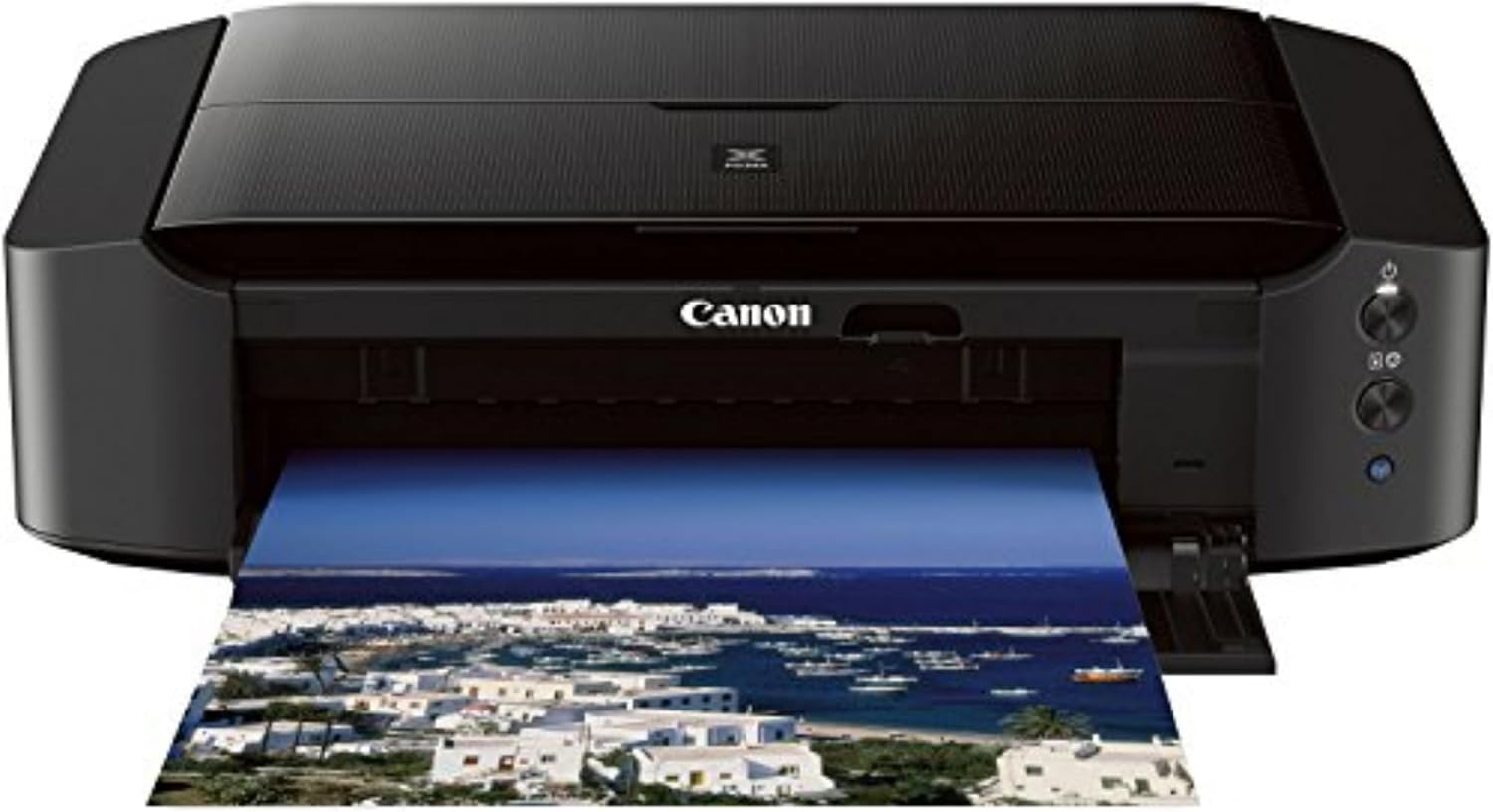
Figure 3: The Canon PIXMA iP8720 printer with paper loaded in the rear tray, ready for printing.
5.2. Printing Documents and Photos
From your computer or mobile device, select the document or photo you wish to print. Access the print settings to choose paper type, size, print quality (e.g., standard, high), and other options. Confirm your selections and initiate the print job. The printer offers fast print speeds of 14.5 images per minute (ipm) for black and 10.4 ipm for color.
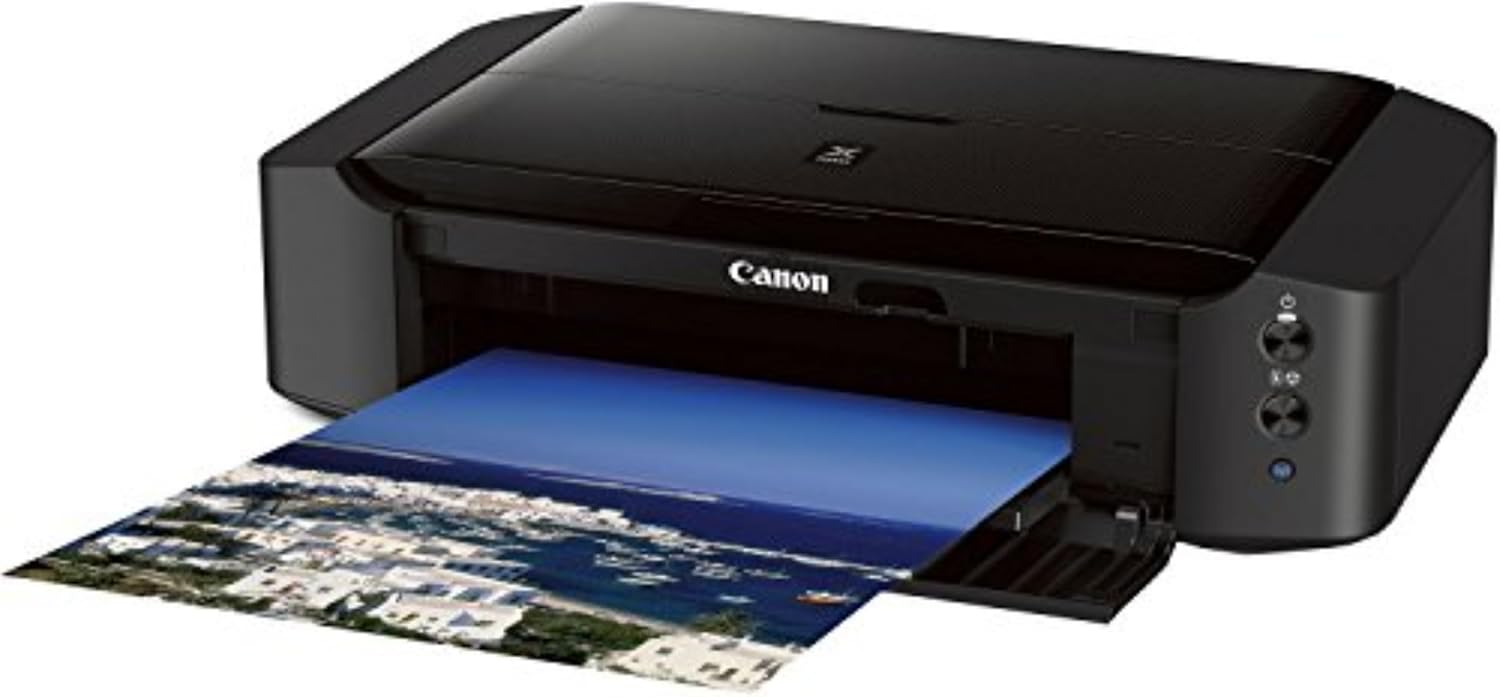
Figure 4: The Canon PIXMA iP8720 printer in operation, with a printed photo emerging from the front output tray.
5.3. Special Printing Features
- Udskrivning uden kant: Print photos without margins up to 13" x 19".
- CD/DVD Printing: Utilize the included disc tray to print directly onto compatible CDs and DVDs.
- AirPrint: Print wirelessly from compatible iPhone, iPad, or iPod touch devices without needing drivers.
- Google Cloud Print: Print from Gmail and Google Docs on mobile devices, or from Google Chrome browser on various operating systems.
- PIXMA Printing Solutions (PPS): Use the free PPS app to print photos and documents from your compatible mobile device.
- Udskrivning af film i fuld HD: Software that allows printing still images from Full HD movie clips captured with select Canon cameras.
- My Image Garden: Software for organizing and printing photos with features like facial recognition and automatic layout suggestions.
- Creative Park Premium: An exclusive service for users of genuine Canon inks, offering access to photos, templates, and more.
- Stille tilstand: Reduces operational noise for printing in quiet environments.
- Wireless PictBridge: Print photos directly from a wireless PictBridge (DPS over IP) compatible camera without a computer.
6. Vedligeholdelse
6.1. Ink Tank Replacement
When an ink tank runs low or is empty, the printer's indicator light will signal. Replace empty tanks with genuine Canon ink tanks (PGI-250 Pigment Black, CLI-251 Cyan, CLI-251 Magenta, CLI-251 Yellow, CLI-251 Gray, CLI-251 Black). Using non-genuine inks may affect print quality and printer longevity.
6.2. Print Head Cleaning and Alignment
If print quality degrades (e.g., streaks, faded colors), perform a print head cleaning or alignment through the printer's utility software on your computer. Regular maintenance helps maintain optimal print quality.
6.3. Generel rengøring
Tør printerens yderside af med en blød, tør klud.amp cloth. Avoid using abrasive cleaners or solvents. Keep the paper path clear of dust and debris.
7. Fejlfinding
- Printeren svarer ikke: Check power connections, USB cable (if wired), and Wi-Fi connection. Restart the printer and computer.
- Dårlig udskriftskvalitet: Perform print head cleaning and alignment. Ensure genuine Canon ink tanks are used and not expired. Check paper type settings.
- Papirstop: Carefully remove any jammed paper following the instructions in the printer's on-screen guide or Canon support webwebsted.
- Problemer med trådløs forbindelse: Ensure your router is functioning correctly and the printer is within range. Re-run the wireless setup process. Consider a wired USB connection if wireless remains unstable.
For further assistance, refer to the comprehensive help section on the official Canon webwebsted eller kontakt Canon kundesupport.
8. Specifikationer
| Produktdimensioner | 13.1" D x 23.3" B x 6.3" H |
| Varens vægt | 18.6 pund |
| Udskrivningsteknologi | Inkjet |
| Forbindelsesteknologi | Wi-Fi, Wired (USB) |
| Maksimal mediestørrelse | 13 x 19 tomme |
| Maksimal farveudskriftsopløsning | 9600 x 2400 dpi |
| Maksimal udskrivningshastighed (monokrom) | 14.5 ppm |
| Maksimal udskrivningshastighed (farve) | 10.4 ppm |
| Blækfarve | Black, Gray, Cyan, Magenta, Yellow |
| Særlige funktioner | Borderless Printing, Auto Power On, CD-Printing, Auto Power Off |
| Modelnummer | 8746B002 |
| UPC | 013803230840 |
9. Garanti og support
The Canon PIXMA iP8720 Wireless Inkjet Photo Printer comes with a limited warranty. For detailed warranty information, product support, and service, please visit the official Canon webwebstedet eller kontakt deres kundeserviceafdeling. Gem din købskvittering som købsbevis i tilfælde af garantikrav.


