Indledning
This manual provides comprehensive instructions for setting up, operating, maintaining, and troubleshooting your Logitech MK270 Wireless Keyboard and Mouse Combo. Please read this manual carefully before using the product to ensure optimal performance and longevity.

The Logitech MK270 Wireless Keyboard and Mouse Combo, featuring a full-size keyboard and a compact mouse, designed for reliable wireless connectivity.
Hvad er der i æsken
Upon unboxing your Logitech MK270 combo, verify that all components are present:
- Trådløst tastatur
- Trådløs mus
- Nano USB-modtager
- Two AAA Batteries (for keyboard)
- One AA Battery (for mouse)
- Brugerdokumentation

An illustration showing the keyboard, mouse, USB receiver, and batteries as included in the product packaging.
Opsætning
- Indsæt batterier:
Open the battery compartments on the underside of both the keyboard and the mouse. Insert the provided AAA batteries into the keyboard and the AA battery into the mouse, ensuring correct polarity. Close the battery compartments securely.
- Find USB-modtager:
The Nano USB receiver is typically found within the packaging or stored inside the mouse's battery compartment for convenience during transport.

The Nano USB receiver is securely placed in the top flap of the product box for easy retrieval.
- Tilslut modtager:
Plug the Nano USB receiver into an available USB port on your computer. The system should automatically detect and install the necessary drivers. This is a plug-and-play device, requiring no additional software installation for basic functionality.
- Tænd:
Ensure the power switches on both the keyboard and mouse are in the "ON" position. The devices should connect wirelessly to your computer within a few seconds.
- Systemkompatibilitet:
The Logitech MK270 combo is compatible with various Windows operating systems, including Windows XP, Windows Vista, Windows 7, Windows 8, and Windows 10. It is also fully compatible with Windows 11.
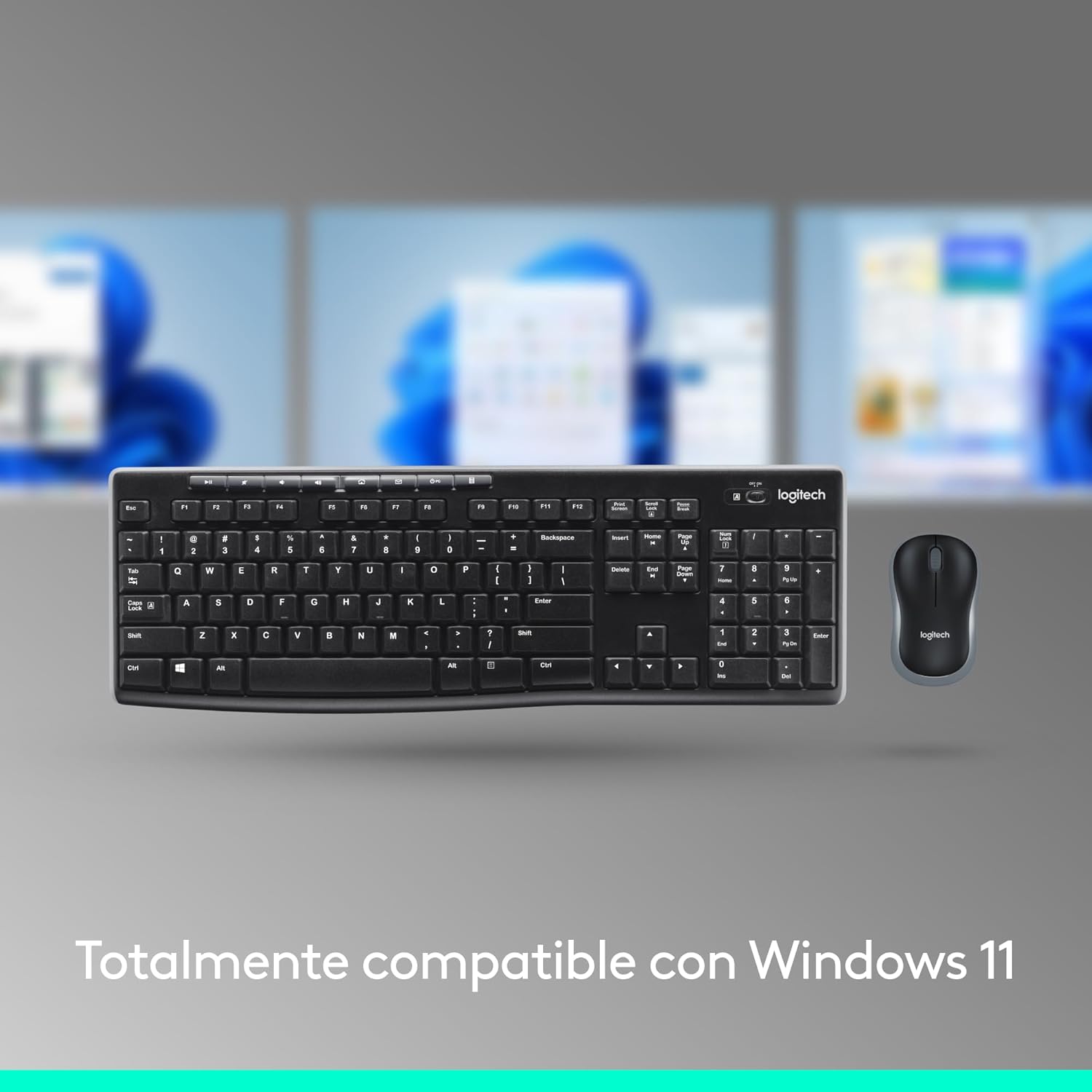
The Logitech MK270 combo is designed for full compatibility with Windows 11, ensuring seamless operation.
Betjeningsvejledning
Tastaturfunktioner:
- Layout i fuld størrelse: The keyboard features a standard full-size layout, including a numeric keypad and dedicated arrow keys for comfortable and efficient typing.
- Lav-Profile, Quiet Keys: Designet med lav-profile keys that provide a comfortable typing experience with reduced noise.
- Justerbare vippeben: Two sturdy tilt legs on the underside allow you to adjust the keyboard's angle for personalized comfort.
- Multimedie-genvejstaster: Access common functions quickly with 8 dedicated multimedia hotkeys. These include controls for internet browsing, email, play/pause, and volume adjustment.
Mus funktioner:
- Compact and Ambidextrous Design: The mouse is compact and ergonomically designed for comfortable use by both left-handed and right-handed users.
- Jævn markørkontrol: Provides precise and smooth cursor control for easy navigation across most surfaces.

Detaljeret view highlighting the 8 multimedia controls, on/off switch, full-size keyboard with numeric pad, ambidextrous mouse design, smooth cursor control, compact size, and the use of recycled plastic in both devices.
Opretholdelse
- Rensning: Brug en blød, tør klud til at rengøre overfladerne på tastaturet og musen. Ved genstridigt snavs kan du bruge en let tør klud.amp en klud med mild sæbe kan bruges, så det sikres, at der ikke kommer væske ind i enheden.
- Spildmodstand: The keyboard features a spill-resistant design, meaning it can withstand minor liquid spills (up to 60 ml). However, it is not waterproof and should not be submerged in any liquid. In case of a spill, immediately power off the keyboard and allow it to dry completely before reuse.
- Udskiftning af batteri:
The keyboard has an approximate battery life of 36 months, and the mouse has an approximate battery life of 12 months. When performance degrades or the low battery indicator (if present) illuminates, replace the batteries with new AAA (keyboard) and AA (mouse) alkaline batteries. Always dispose of used batteries responsibly.
- Strømstyring: Utilize the on/off switches on both the keyboard and mouse when not in use for extended periods to conserve battery life.

The keyboard is designed to be spill-resistant, capable of handling small liquid splashes. Note that it is not waterproof and should not be immersed.
Fejlfinding
| Problem | Mulig løsning |
|---|---|
| Tastatur eller mus reagerer ikke. |
|
| Forsinket eller intermitterende forbindelse. |
|
| Musemarkøren er uregelmæssig eller bevæger sig ikke jævnt. |
|
Specifikationer
| Feature | Detalje |
|---|---|
| Mærke | Logitech |
| Modelnummer | 920-004513 |
| Forbindelsesteknologi | 2.4 GHz trådløs (Nano USB-modtager) |
| Wireless Range | Op til 10 meter (33 fod) |
| Tastaturmål (L x B x H) | 44.1 x 14.9 x 1.8 cm (17.36 x 5.87 x 0.71 tommer) |
| Tastaturvægt (med batterier) | 498 g (17.57 oz) |
| Musens dimensioner (L x B x H) | 9.9 x 6.0 x 3.9 cm (3.90 x 2.36 x 1.54 tommer) |
| Musens vægt (med batteri) | 75.2 g (2.65 oz) |
| Tastaturbatteritype | 2 x AAA alkaline batteries (included) |
| Musens batteritype | 1 x AA alkaline battery (included) |
| Tastaturets batterilevetid | Op til 36 måneder |
| Musens batterilevetid | Op til 12 måneder |
| Operativsystemkompatibilitet | Windows XP, Windows Vista, Windows 7, Windows 8, Windows 10, Windows 11 |
| Tastaturfunktioner | Full-size layout, low-profile keys, adjustable tilt legs, 8 multimedia hotkeys, spill-resistant design (max 60ml) |
| Musfunktioner | Compact, ambidextrous design, smooth optical tracking |
| Genbrugsplastindhold | Keyboard: 54% post-consumer recycled plastic; Mouse: 49% post-consumer recycled plastic |

Detailed dimensions of the Logitech MK270 keyboard, showing length, width, and height.

Detailed dimensions of the Logitech MK270 mouse, showing length, width, and height.
Garanti og support
Logitech products typically come with a limited hardware warranty. For specific warranty details, duration, and terms applicable to your region, please refer to the warranty information included with your product documentation or visit the official Logitech support webwebsted.
For technical support, driver downloads, FAQs, and further assistance, please visit the official Logitech support page:
Miljøoplysninger
Logitech is committed to sustainability. The plastic parts of the MK270 keyboard and mouse combo include certified post-consumer recycled plastic, with 54% in the keyboard and 49% in the mouse. This initiative helps give plastics a second life and reduces the product's carbon footprint.

An image illustrating the process of giving plastics a second life, highlighting the use of recycled materials in the MK270 keyboard and mouse.


