1. Introduktion
This manual provides essential information for the safe and efficient use of your celexon Professional Plus Projection Screen. Please read these instructions carefully before installation and operation. Keep this manual for future reference.
The celexon Professional Plus series offers a high-quality projection surface with a 16:9 aspect ratio, ideal for home cinema and professional presentations. This model features a 'Slow Return' mechanism for smooth retraction and is suitable for both wall and ceiling mounting.
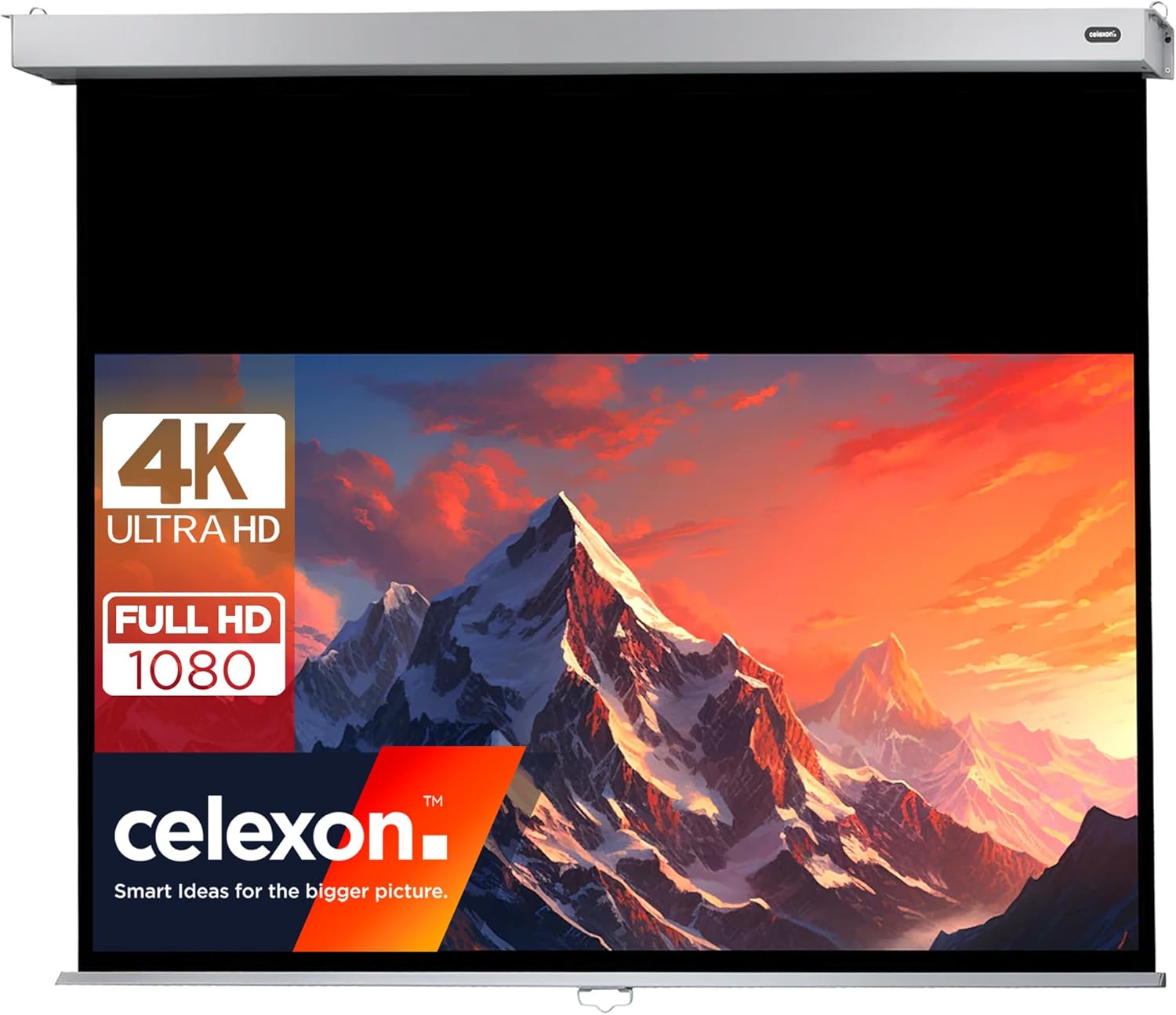
Image 1.1: The celexon Professional Plus Projection Screen in use, highlighting its compatibility with 4K Ultra HD and Full HD 1080 content.
2. Sikkerhedsoplysninger
- Always ensure the screen is securely mounted to a sturdy wall or ceiling structure. Consult a professional if unsure about mounting surfaces.
- Forsøg ikke at adskille eller ændre skærmmekanismen. Dette kan forårsage skade og ugyldiggøre garantien.
- Keep the screen away from direct heat sources, open flames, and excessive moisture.
- Ensure hands are clear of the screen housing and retraction mechanism during operation to prevent injury.
- Dette produkt er kun designet til indendørs brug.
- The screen material is fire-resistant (B1 certified).
3. Pakkens indhold
Kontroller, at alle komponenter er til stede, før installationen påbegyndes:
- celexon Professional Plus Projection Screen (200 x 113 cm)
- Monteringsudstyr (skruer, ankre)
- Brugermanual
4. Opsætning og installation
4.1 Dimensions and Measurements
The screen has a viewing area of 200 cm (width) x 113 cm (height), with an overall housing length of approximately 218 cm. The black drop at the top is 45 cm, and the black border on the sides is 4 cm.

Image 4.1: Key dimensions of the celexon Professional Plus Projection Screen.

Image 4.2: Detailed housing and screen border dimensions.
4.2 Monteringsmuligheder
The screen can be mounted on a wall or ceiling. Ensure the mounting surface is capable of supporting the screen's weight (approximately 9.7 kg).
4.3 Installationstrin
- Vælg placering: Choose a suitable location on a wall or ceiling, ensuring it is level and free from obstructions.
- Markér borepunkter: Hold the screen housing against the desired mounting surface and mark the positions for the mounting brackets. Use a level to ensure accuracy.
- Bore huller: Drill pilot holes at the marked positions. Insert appropriate wall anchors if necessary.
- Fastgør beslag: Securely fasten the mounting brackets to the wall or ceiling using the provided screws.
- Monteringsskærm: Carefully lift the screen and attach it to the installed mounting brackets. Ensure it is firmly seated and locked into place.
5. Betjeningsvejledning
5.1 Extending the Screen
To extend the screen, gently pull down on the handle located at the bottom center of the screen. Pull the screen down to the desired viewing height. The screen will lock into position automatically at various intervals.
5.2 Retracting the Screen (Slow Return Mechanism)
To retract the screen, gently pull down on the handle again, then release it slowly. The integrated 'Slow Return' mechanism will ensure the screen glides smoothly and quietly back into its housing without abrupt snapping or slamming.
5.3 Skærmfunktioner
- Aspektforhold: 16:9, optimized for widescreen content.
- Gevinstfaktor: 1.2, providing a bright and clear image suitable for various viewing miljøer.
- Viewvinkel: 150 degrees, ensuring a wide viewing area without significant loss of image quality.
- Kompatibilitet: Suitable for 4K UHD, Full HD 1080, 3D, DLP, LCD, laser, and LED projectors.
- Overflade: Matte white, providing excellent color reproduction and contrast.

Image 5.1: Visual representation of the screen's key features.
6. Vedligeholdelse
6.1 Rengøring af skærmoverfladen
To clean the matte white screen surface, use a soft, lint-free cloth lightly dampened with water. Gently wipe the screen from top to bottom. Avoid using harsh chemicals, abrasive cleaners, or excessive pressure, as these can damage the screen material.
6.2 Generel pleje
- Kontroller regelmæssigt monteringsbeslagene for at sikre, at de forbliver sikre.
- Hold skærmen trukket ind, når den ikke er i brug, for at beskytte overfladen mod støv og skader.
- Do not hang objects on the screen housing or mechanism.
7. Fejlfinding
- Screen does not retract smoothly: Ensure the screen is pulled down slightly and then released gently. Avoid forcing the mechanism. If the issue persists, check for any obstructions in the housing.
- Image appears distorted or uneven: Verify that the screen is installed perfectly level. Uneven tension can cause slight distortions.
- Screen is difficult to pull down: Ensure there are no obstructions. If the screen has been stored retracted for a long period, it might require a gentle, firm pull to initiate movement.
8. Specifikationer
| Feature | Specifikation |
|---|---|
| Mærke | celexon |
| Modelnummer | 1090787 |
| Screen Dimensions (Viewing Area) | 200 x 113 cm (Width x Height) |
| Aspektforhold | 16:9 |
| Samlede produktdimensioner | 9 x 218 x 8 cm (Højde x Bredde x Dybde) |
| Vægt | 9.7 kg |
| Gevinstfaktor | 1.2 |
| Viewi vinkel | 150 grader |
| Screen Surface Material | Canvas (Matte White) |
| Monteringstype | Væg- eller loftmontering |
| Særlige funktioner | Slow Return Mechanism, B1 Fire Protection, 4K UHD Compatible |
9. Garanti og support
9.1 Garantioplysninger
This celexon product is covered by a manufacturer's warranty. Please refer to the warranty card included with your purchase or visit the official celexon webhjemmeside for detaljerede garantivilkår.
9.2 Kundesupport
For technical assistance, troubleshooting, or spare parts, please contact celexon customer support. Contact details can typically be found on the official celexon webwebstedet eller i din købsdokumentation.


