Indledning
The Keurig K75 Platinum Single-Cup Home-Brewing System is designed to provide a convenient and versatile brewing experience. This premium model allows you to brew a perfect cup of coffee, tea, hot cocoa, or iced beverage with ease. It features five cup size options, Auto On/Off functionality, a Digital Clock, and Adjustable Temperature Control. The 72 oz. removable water reservoir minimizes refilling, and the removable drip tray accommodates travel mugs for added convenience.

Image: The Keurig K75 Platinum Single-Cup Home-Brewing System in silver/platinum finish, showcasing its sleek design and water reservoir.
Opsætningsinstruktioner
Follow these steps for initial setup of your Keurig K75 Platinum brewer:
- Pak bryggeren ud: Carefully remove all packaging materials from the brewer and its components.
- Placer bryggeren: Placer bryggeren på en stabil, plan overflade.
- Rengør vandbeholderen: Wash the removable water reservoir and its lid with warm, soapy water. Rinse thoroughly.
- Fyld vandbeholderen: Fill the reservoir with fresh, filtered water up to the 'MAX' fill line.
- Insert Water Filter Kit: If included, install the water filter kit into the reservoir according to its separate instructions.
- Tænd: Plug the brewer into a grounded outlet. The brewer will automatically power on.
- Indledende opvarmning: The brewer will begin heating the water. The red light next to 'HEATING' on the LCD Control Center will illuminate. This process takes approximately 4 minutes.
- Rensebryg: Once the water is heated, the red light will turn off, and the 'Small Mug Button' will flash. Place a large mug on the drip tray and press the 'Small Mug Button' to start a cleansing brew. Discard the hot water into a sink.
- Klar til at brygge: The one-time setup process is now complete. The brewer may take 15 seconds to reheat water between brews, during which the red light may illuminate.

Image: Close-up of the Keurig K75 Platinum showing the illuminated water reservoir, removable drip tray, and the five available cup size icons on the display.
Betjeningsvejledning
Brewing a Beverage
- Sørg for vandstand: Kontroller, at vandbeholderen er tilstrækkelig med vand. Fyld den op om nødvendigt.
- Indsæt K-Cup Pod: Løft håndtaget for at åbne K-Cup-podholderen. Placer en K-Cup-pod i holderen. Sænk håndtaget godt ned, indtil det klikker på plads.
- Placer krus: Position your mug on the drip tray. For larger travel mugs, the drip tray can be removed.
- Vælg kopstørrelse: Use the control panel to select your desired cup size (4 oz., 6 oz., 8 oz., 10 oz., or 12 oz.). The digital display will indicate the selected size.
- Begynd at brygge: Press the 'BREW' button. The brewer will begin the brewing process.
- Nyde: Your beverage will be ready in approximately one minute.
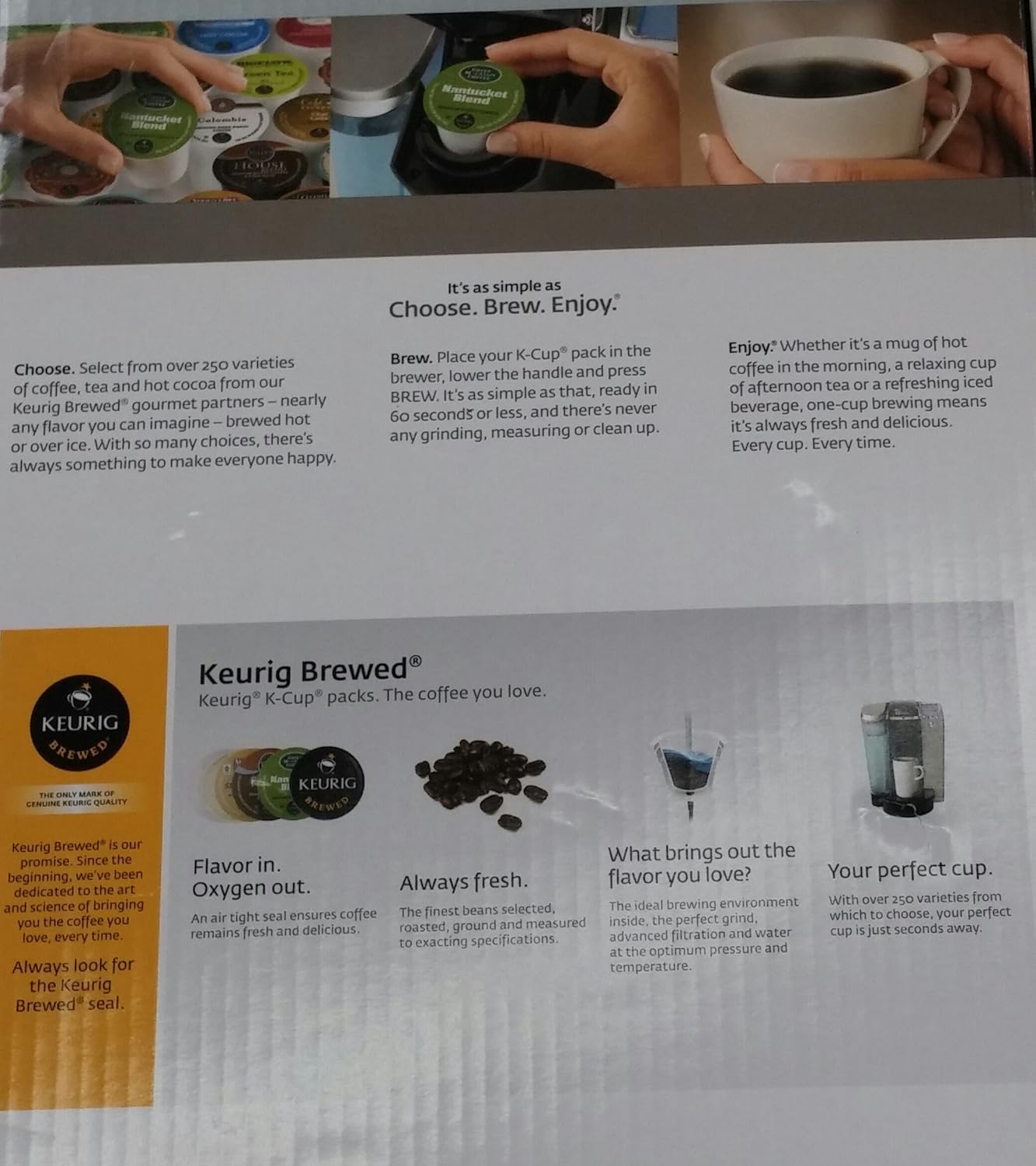
Image: A hand placing a K-Cup pod into the brewing chamber of the Keurig K75 Platinum system.
Bryg over is
To brew an iced beverage, choose a K-Cup pod designed for brewing over ice. Place a plastic cup filled with ice on the drip tray, insert the K-Cup pod, and select your desired brew size. Press the 'BREW' button.
Justerbar temperaturkontrol
The Keurig K75 allows you to adjust the brewing temperature. Refer to the digital display menu for options to customize the temperature to your preference.

Image: A visual representation of various beverages, including coffee, tea, hot cocoa, and iced tea, that can be brewed with the Keurig K75 Platinum system.
Opretholdelse
Rensning
- Drypbakke: The removable drip tray is dishwasher safe for easy cleaning.
- Ydre: Tør bryggerens yderside af med enamp klæde.
- K-Cup Pod Holder: Periodically remove and clean the K-Cup pod holder.
Afkalkning
Over time, mineral deposits can build up in your brewer, affecting performance. Regular descaling is recommended. The owner's manual provides detailed instructions for the descaling process, which typically involves using a descaling solution or white vinegar.
Fejlfinding
If you encounter issues with your Keurig K75 Platinum brewer, consult the comprehensive troubleshooting section in the full owner's manual. Common issues and their solutions are typically covered, including:
- Bryggeren tænder ikke.
- Vandet varmes ikke op.
- Brewing incomplete or slow.
- Error messages on the digital display.
For persistent problems, contact Keurig customer support.
Specifikationer
| Mærke | Keurig |
| Modelnavn | K75 |
| Farve | Sølv |
| Kaffemaskine type | Drip Coffee Machine, Single-Serve |
| Særlige funktioner | Adjustable Temperature Control, Digital Clock, Auto On/Off, Programmable, Water Filter Kit |
| Inkluderede komponenter | Keurig K75 Single-Cup Home-Brewing System, Water Filter Kit |
| Driftstilstand | Fuldautomatisk |
| Kapacitet | 72 oz. (Water Reservoir) |
| Produktdimensioner | 14.9 x 16.8 x 12.2 tommer |
| Varens vægt | 12 pund |
| Strømkilde | AC adapter |
| Kaffe input type | K-Cups and Ground Coffee (using a reusable filter) |
| Opvaskemaskine sikre dele | Yes (Drip Tray) |
Garanti og support
For detailed warranty information, please refer to the documentation included with your Keurig K75 Platinum Single-Cup Home-Brewing System at the time of purchase. This typically includes specifics on coverage duration, terms, and conditions.
For customer support, product registration, or to purchase accessories, please visit the official Keurig website or contact their customer service department using the information provided in your product packaging.


