Produkt overview
The tesa Insect Stop Standard Window Fly Screen provides an effective and uncomplicated solution to keep insects out while allowing fresh air to circulate. This mosquito net is designed to be cut to your desired size and features a self-adhesive hook-and-loop tape for easy, drill-free installation. Its transparent anthracite mesh ensures clear visibility and high UV resistance, making it a hygienic and reusable choice for your home.

The tesa Insect Stop Standard Window Fly Screen package, displaying the product name, brand, and the included anthracite mesh.
Opsætning og installation
Forberedelse
Before installation, ensure the window frame surface is clean, dry, and free of dust or grease. This will ensure optimal adhesion of the hook-and-loop tape.
Trin-for-trin installation
- Measure and Cut the Mesh: Unroll the tesa Insect Stop mesh and measure your window opening. Carefully cut the mesh to the required dimensions, ensuring it is slightly larger than the window frame to allow for trimming.
- Apply Hook-and-Loop Tape: Peel the protective film from the self-adhesive hook-and-loop tape. Apply the tape firmly around the entire perimeter of your clean window frame, pressing down to ensure good contact.
- Fastgør nettet: Starting from one corner, carefully press the tesa Insect Stop mesh onto the hook-and-loop tape, working your way around the frame. Ensure the mesh is taut and smooth, avoiding wrinkles.
- Trim overskydende: Once the mesh is fully attached, use a sharp knife or scissors to carefully trim any excess mesh that extends beyond the hook-and-loop tape for a neat and flush finish.
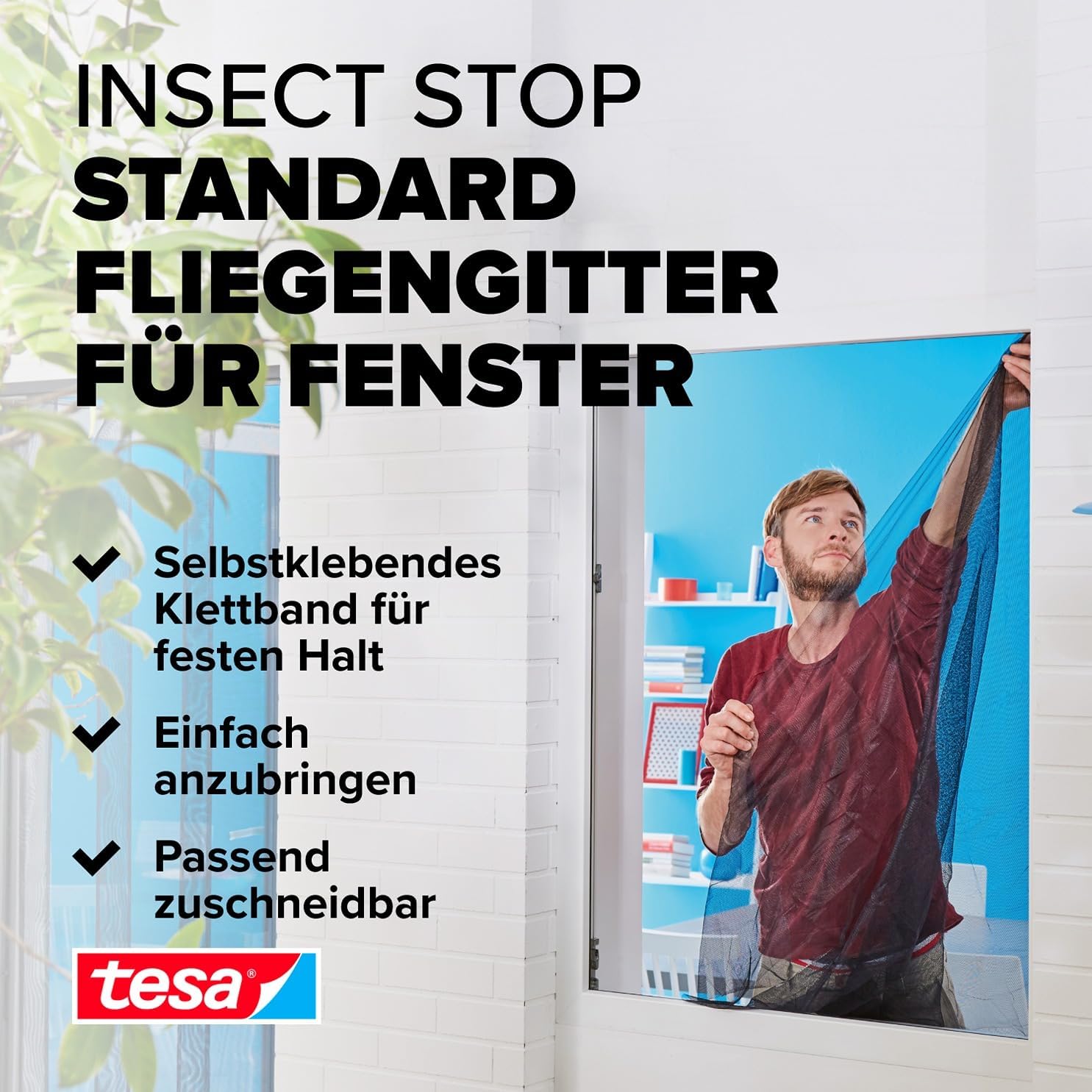
A person demonstrating the installation of the tesa Insect Stop Standard Fly Screen, showing the mesh being applied to a window frame.

A sequence of three images illustrating the installation process: first, applying the self-adhesive hook-and-loop tape to the window frame; second, pressing the mesh onto the tape; and third, trimming any excess mesh for a neat fit. A 'no drilling' icon is also shown.
Betjeningsvejledning
The tesa Insect Stop Standard Fly Screen is designed to allow full functionality of your window. Once installed, you can open and close your window as usual without any restrictions, while the mesh continuously provides protection against insects. The transparent design ensures your view forbliver uhindret.
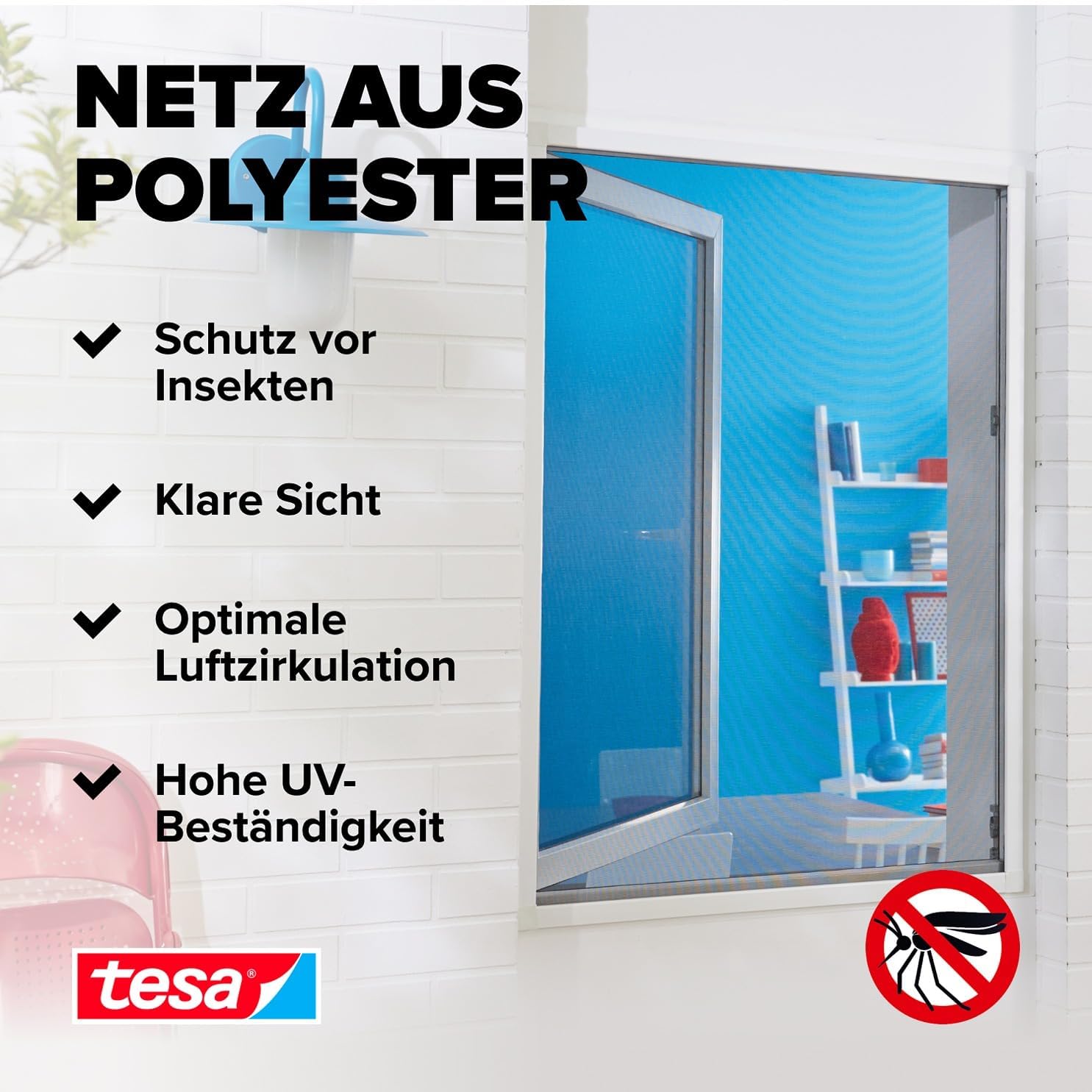
An installed tesa Insect Stop mesh on a window, with text highlighting its benefits: protection from insects, clear visibility, optimal air circulation, and high UV resistance.
Opretholdelse
Rensning
To maintain the hygiene and effectiveness of your tesa Insect Stop mesh, it can be easily cleaned. The insect net is machine washable at up to 30°C. Gently remove the mesh from the hook-and-loop tape, wash it, and allow it to air dry completely before reattaching it to the window frame.

A close-up image showing the tesa Insect Stop mesh, emphasizing its hygienic properties and indicating that it is machine washable at 30°C.
Fejlfinding
- Issue: The mesh does not adhere well to the frame.
Løsning: Ensure the window frame surface was thoroughly cleaned and dry before applying the hook-and-loop tape. Residue or moisture can reduce adhesion. Re-clean the surface and apply new tape if necessary. - Issue: Gaps appear between the mesh and the frame.
Løsning: This can happen if the mesh was not applied tautly or if the tape was not pressed firmly enough. Re-attach the affected section, ensuring the mesh is stretched smoothly and the tape is securely pressed against the frame. - Issue: Mesh appears wrinkled or uneven.
Løsning: When attaching the mesh, ensure you apply it evenly and smoothly from one end to the other, gently pulling it taut as you go. If wrinkles persist, carefully detach the section and reapply.
Produktspecifikationer
| Mærke | TESA |
| Modelnummer | 55672-00021-03 |
| Dimensioner | 130 cm x 150 cm |
| Farve | Anthracite (Transparent) |
| Materiale | Polyester |
| Varens vægt | 99.8 g |
| Inkluderede komponenter | Tape |
Garanti og support
tesa products are manufactured to high-quality standards. For any questions regarding installation, usage, or product performance, please refer to the manufacturer's official website or contact their customer support. Specific warranty details may vary by region and purchase location.


