Produkt overview
This PROSCAN SRCD243 Portable CD Player with AM/FM Radio Boombox offers versatile audio playback. It features an AM/FM radio, a CD player compatible with CD-R discs, skip and search functions, and a 20-track programmable memory. The unit can be powered by AC or batteries.
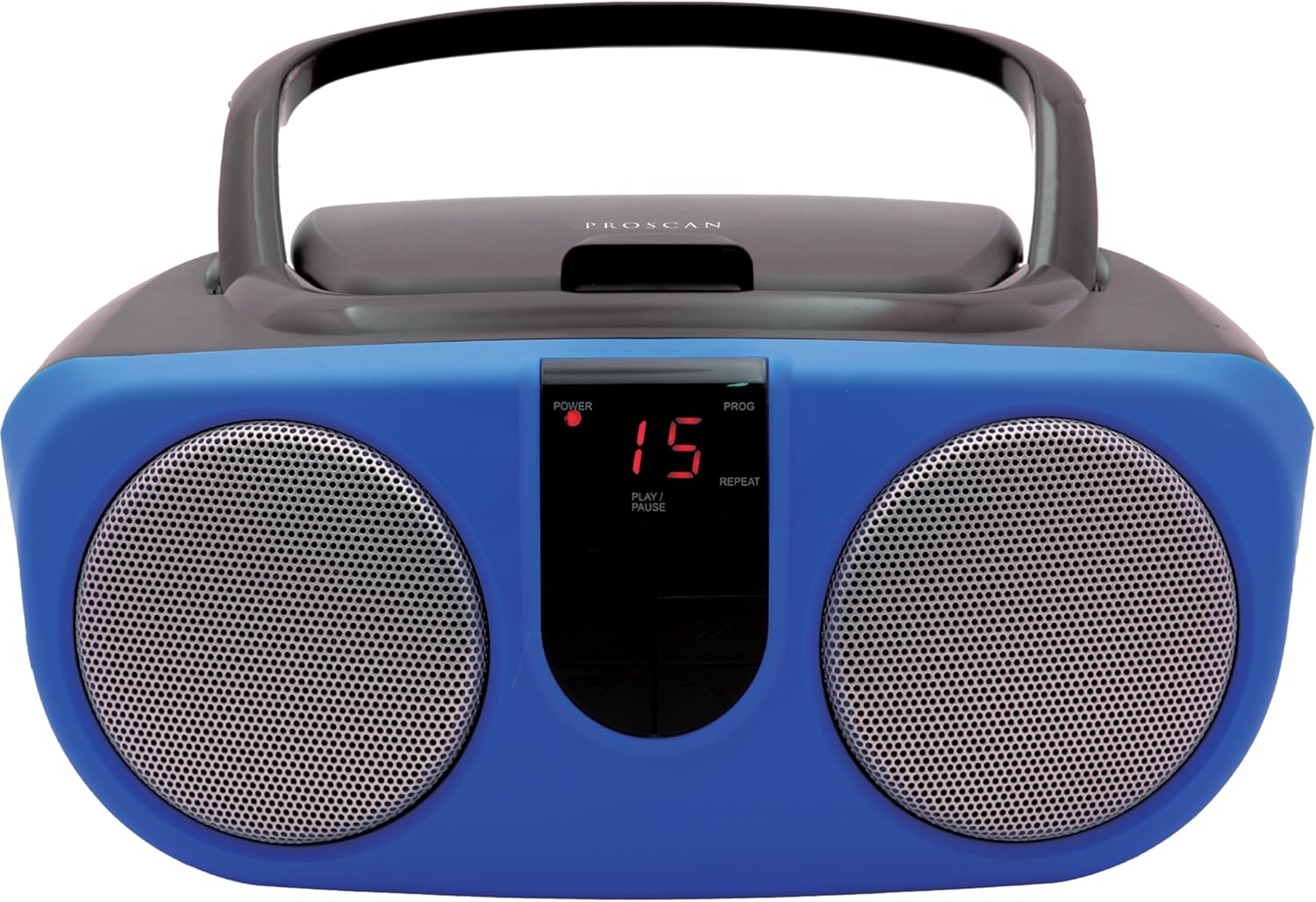
Description: Front view of the PROSCAN SRCD243 Portable CD Player with AM/FM Radio Boombox in blue, showcasing its dual speakers and central control panel.
Hvad er der i æsken
- Sylvania SRCD243 Portable CD Player with AM/FM Radio, Boombox (Blue)
Opsætning
Strømforsyning til enheden
The SRCD243 can be powered in two ways:
- AC strøm: Connect the included AC adapter to the AC IN jack on the back of the unit and plug it into a standard 120V/60Hz wall outlet.
- Batteristrøm: For portable use, insert 8 'C' (UM-2) size batteries into the battery compartment located on the bottom of the unit. Ensure correct polarity.
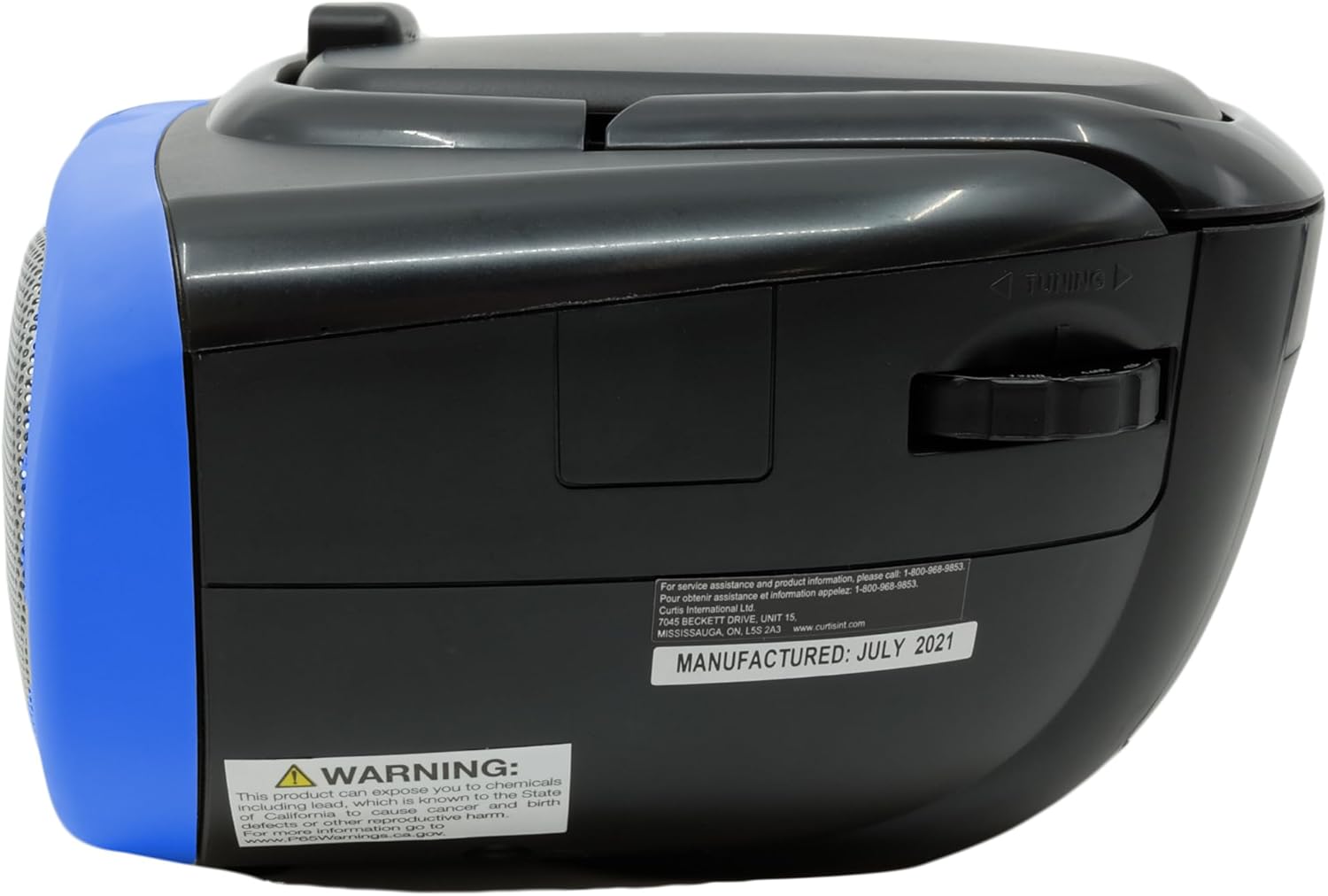
Description: This image displays the rear of the boombox, highlighting the AC power input and the battery compartment area. It also shows the product's manufacturing details and a Proposition 65 warning.
Betjeningsvejledning
CD-afspilning
Sådan afspiller du en cd:
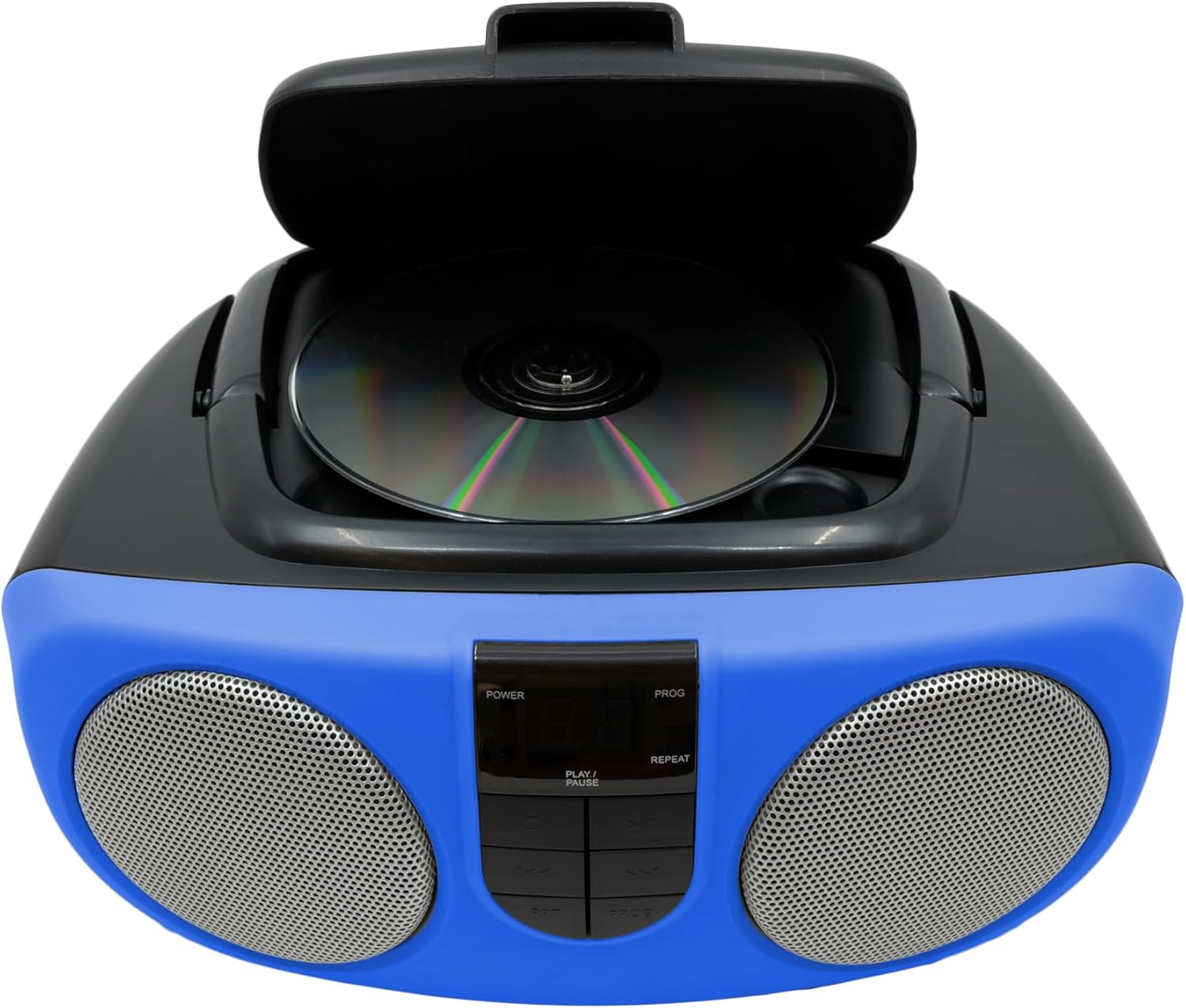
- Lift the CD compartment lid located on the top of the unit.
- Place a CD or CD-R disc onto the spindle, label side up.
- Luk låget til cd-rummet ordentligt.
- Slide the FUNCTION switch (located on the side) to the "CD" position.
- Tryk på knappen PLAY/PAUSE for at starte afspilningen.
- Brug SKIP/SEARCH-knapperne til at navigere mellem numre eller spole hurtigt frem/tilbage inden for et nummer.
- Tryk på STOP-knappen for at stoppe afspilningen.
- The unit features a 20-track programmable memory and Repeat 1/All functions.

Description: This image shows the top of the boombox with the CD lid open, illustrating how to insert a compact disc for playback. The central control panel is also visible.
AM/FM radio
Sådan lytter du til radio:
- Slide the FUNCTION switch (located on the side) to the "RADIO" position.
- Træk teleskopantennen ud for optimal FM-modtagelse.
- Use the TUNING dial (located on the side) to select your desired AM or FM station.
Description: This image provides a side view of the boombox, clearly showing the manual tuning dial used for selecting AM/FM radio frequencies.
Hjælpeindgang
The Aux In jack allows you to connect external audio devices (e.g., MP3 players, smartphones) to play music through the boombox speakers.
- Connect one end of a 3.5mm audio cable (not included) to the Aux In jack on the side of the boombox.
- Tilslut den anden ende af kablet til hovedtelefonstikket eller lydudgangen på din eksterne enhed.
- Slide the FUNCTION switch to the "AUX IN" position (if available, otherwise ensure it's not on CD or Radio).
- Adjust the volume using the VOLUME control on the boombox and your external device.

Description: This image displays the side of the boombox, featuring the auxiliary input jack and the function switch for selecting different audio sources.
Kontrol overview
The front panel features an LED display and various control buttons:
- MAGT: Tænder/slukker enheden.
- STOP: Stopper CD-afspilning.
- PROGRAM (Program): Bruges til programmering af CD-spor.
- SPIL/PAUSE: Starter eller sætter CD-afspilning på pause.
- SKIP/SEARCH (<< / >>): Skips tracks or fast-forwards/rewinds.
- REP (gentag): Gentager det aktuelle nummer eller alle numre.
- VOLUME (Side Dial): Justerer det samlede lydniveau.
- FUNCTION (Side Switch): Selects between CD, OFF, and RADIO modes.

Description: This image provides a detailed front view of the boombox, highlighting the central control panel with its buttons for playback, programming, and the LED display.
Opretholdelse
Rensning
Tør enheden af med en blød, damp cloth. Do not use abrasive cleaners or solvents. For the CD lens, use a specialized CD lens cleaner.
Opbevaring
If storing the unit for an extended period, remove batteries to prevent leakage and damage.
Fejlfinding
| Problem | Mulig årsag | Løsning |
|---|---|---|
| Ingen strøm | AC adapter not connected or batteries depleted/incorrectly inserted. | Check AC connection or replace/reinsert batteries. |
| CD'en afspiller ikke eller springer over | CD is dirty, scratched, or inserted incorrectly. Unit is on an unstable surface. | Clean CD, reinsert correctly. Place unit on a stable, flat surface. |
| Dårlig radiomodtagelse | Antenna not extended or unit is in an area with weak signal. | Extend and adjust the telescopic antenna. Try relocating the unit. |
| Ingen lyd | Volume too low or incorrect function selected. | Increase volume. Ensure FUNCTION switch is set to CD, RADIO, or AUX IN as desired. |
Specifikationer
| Feature | Detalje |
|---|---|
| Mærke | PROSKAN |
| Modelnummer | SRCD243M-BLUE |
| Produktdimensioner | 10 x 9 x 5.7 tommer |
| Varens vægt | 2.64 pund |
| Strømkilde | AC 120V/60Hz or 8 x 'C' (UM-2) batteries |
| CD-kompatibilitet | CD, CD-R |
| Radio bands | AM/FM |
| Forbindelse | Aux-indgang (3.5 mm) |
Vigtige sikkerhedsoplysninger
Dette produkt indeholder kemikalier, der af staten Californien vides at forårsage kræft og fødselsdefekter eller anden reproduktionsskade. For mere information, besøg www.P65Warnings.ca.gov.


