Indledning
This manual provides detailed instructions for the setup, operation, maintenance, and troubleshooting of your Escali Primo Digital Food Scale, Model P115. Designed for precise weight measurement in the kitchen, this scale is a versatile tool for cooking, baking, and portion control. Please read this manual thoroughly before using your scale to ensure optimal performance and longevity.
Produkt overview
The Escali Primo Digital Food Scale features a simple two-button operation, a sealed control panel for easy cleaning, and a compact design. It offers accurate measurements for various ingredients.
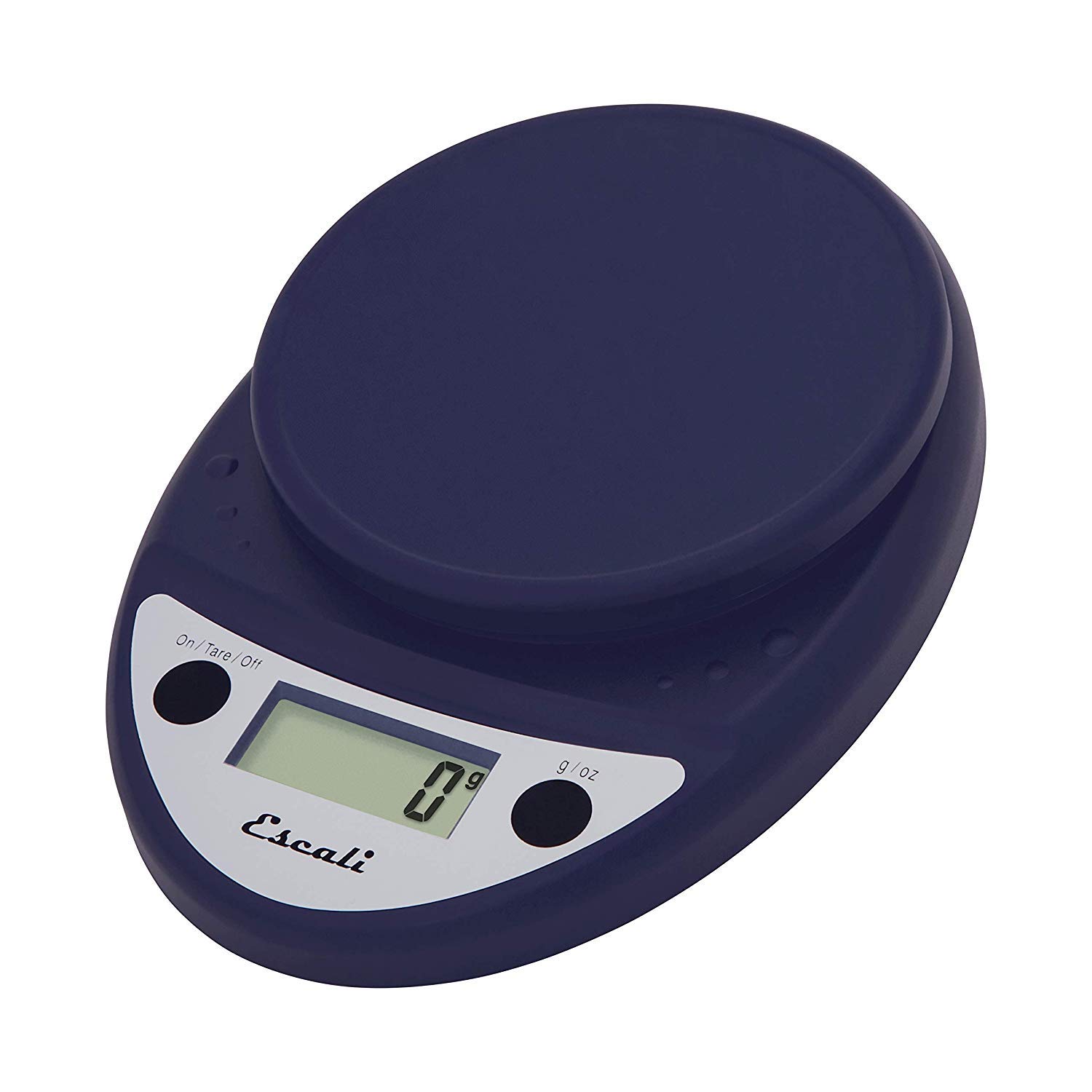
This image displays the Escali Primo Digital Food Scale in royal blue, showcasing its oval shape, weighing platform, digital display, and two control buttons.
Nøglefunktioner:
- Holdbart design: Lightweight and rounded for enhanced durability.
- Accurate & Capable: Measures up to 11 lb (5,000 g) in 0.1 oz (1 g) increments.
- Tara funktion: Allows you to reset the scale to zero weight to measure multiple items or subtract container weight.
- Let at læse: Features a crisp digital display.
- Enhedsvalg: Measures in pounds + ounces, ounces, and grams.
- Spill Guard: A clear plastic shield covers the control panel for easy cleaning.
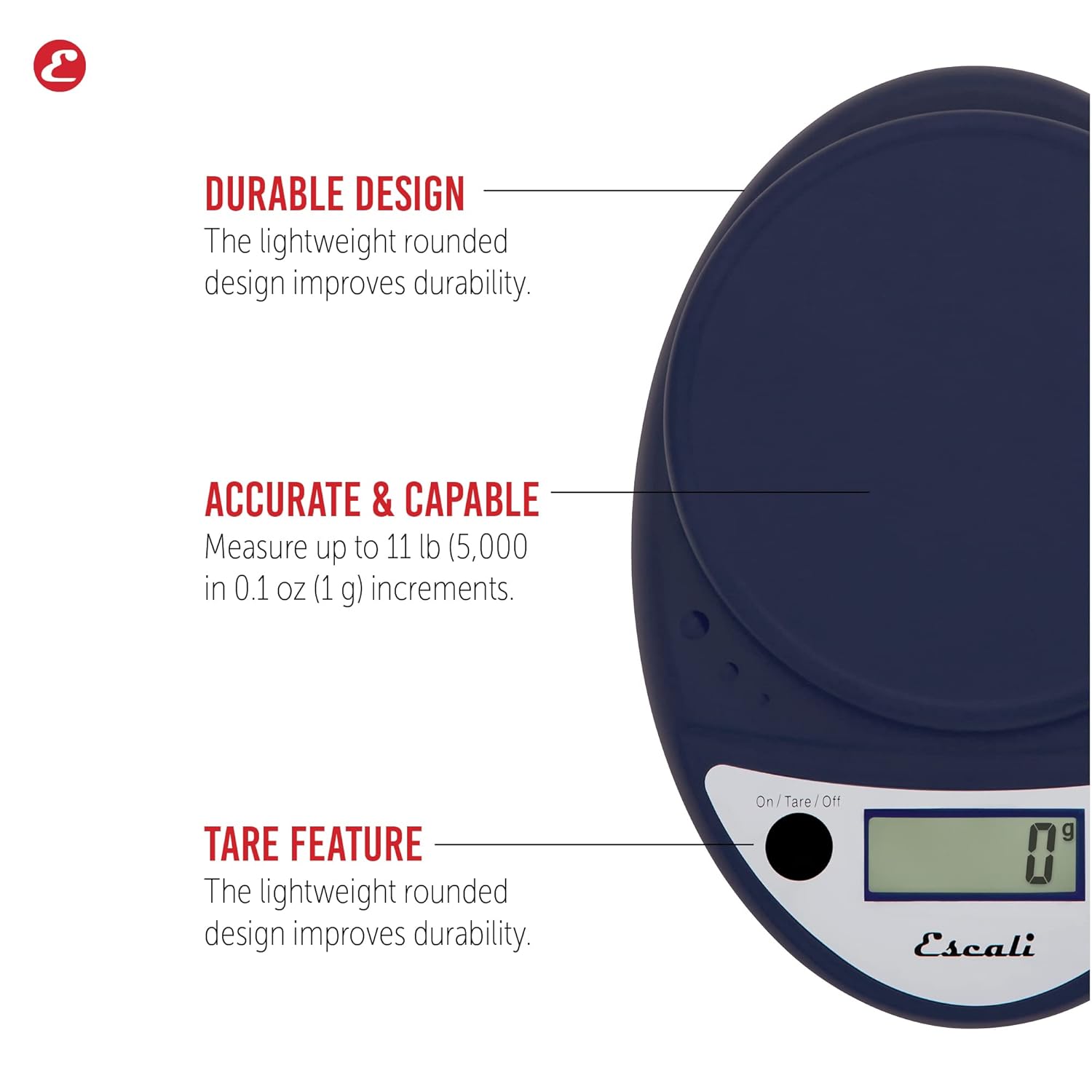
This image highlights the durable design, accurate measurement capabilities (up to 11 lbs / 5000g in 0.1 oz / 1g increments), and the tare feature of the scale.

This image illustrates the easy-to-read digital display, the unit selection function (pounds+ounces, ounces, grams), and the spill guard protecting the control panel.
Opsætning
- Batteri installation: The scale requires two (2) AA batteries, which are included. Open the battery compartment on the underside of the scale, insert the batteries according to the polarity indicators (+/-), and close the compartment securely.
- Placering: Place the scale on a hard, flat, and stable surface. Uneven surfaces can affect accuracy.
Betjeningsvejledning
Tænd/sluk
- For at dreje skalaen ON, tryk på On/Tare/Off button. The display will show "0".
- For at dreje skalaen SLUKKET, tryk på og hold nede On/Tare/Off button for approximately 3 seconds. The scale also features an automatic shut-off after four minutes of inactivity to conserve battery life.
Valg af enhed
- Tryk på g/oz button to cycle through the available measurement units: grams (g), ounces (oz), and pounds:ounces (lb:oz). Select your desired unit before weighing.
Vejer emner
- Turn on the scale. Ensure the display shows "0" in your desired unit.
- Carefully place the item(s) to be weighed onto the center of the weighing platform.
- Aflæs vægten vist på skærmen.
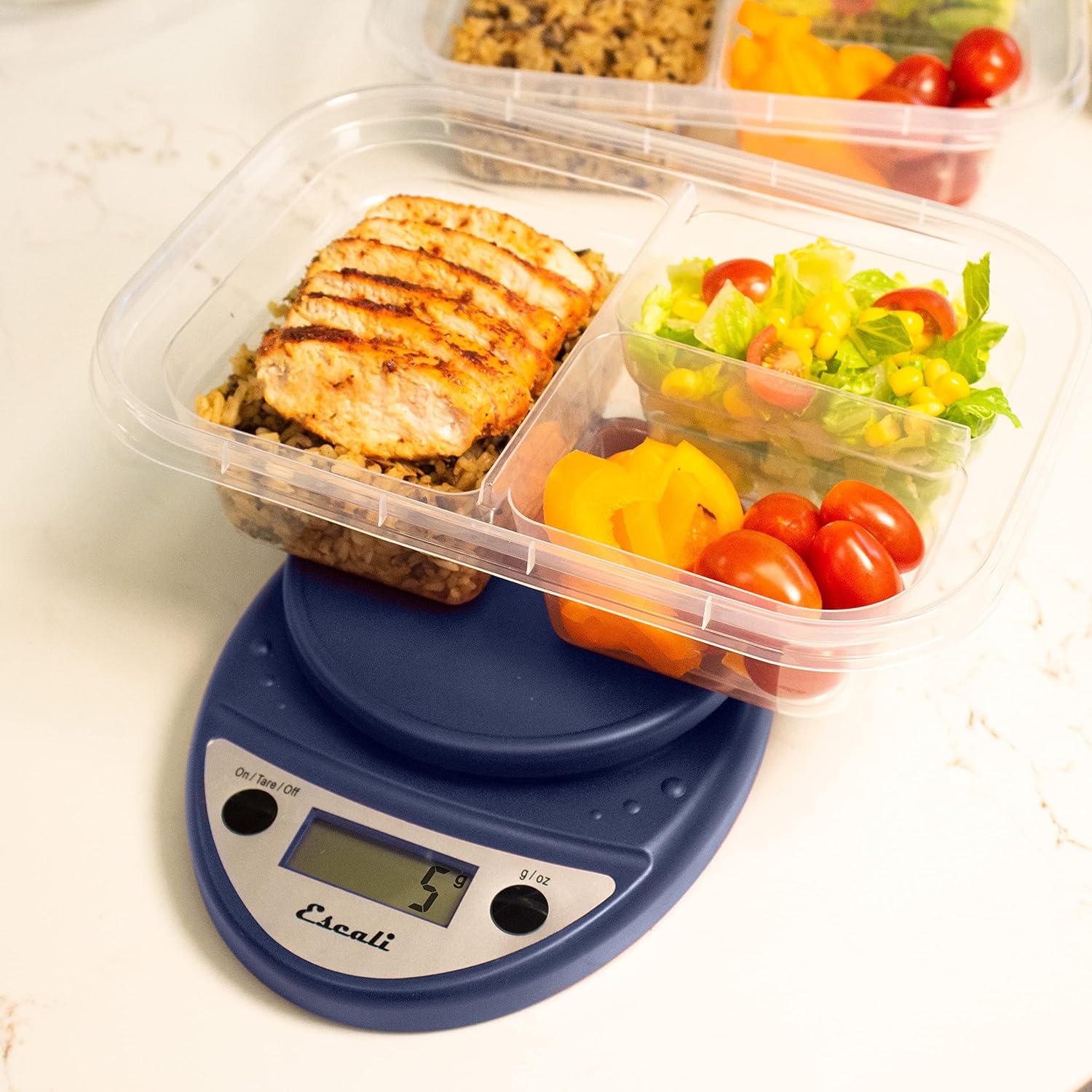
This image shows the Escali Primo Digital Food Scale being used to weigh meal prep containers filled with food, demonstrating its practical application for portion control.
Tare Funktion
The tare function allows you to subtract the weight of a container or to weigh multiple ingredients consecutively in the same bowl.
- Placer en tom beholder på vejeplatformen. Displayet viser dens vægt.
- Tryk på On/Tare/Off knappen. Displayet nulstilles til "0".
- Add the ingredient(s) to the container. The display will show only the weight of the added ingredient(s).
- Gentag trin 2 og 3 for yderligere ingredienser.

This image illustrates the scale being used to weigh flour in a glass bowl, demonstrating the tare function's utility in baking by zeroing out the bowl's weight.
Vedligeholdelse og pleje
- Rensning: The sealed control panel and rounded design make the scale easy to clean. Wipe the scale with a damp klæde. Nedsænk ikke vægten i vand, og brug ikke slibende rengøringsmidler.
- Opbevaring: Opbevar vægten et tørt sted ved stuetemperatur.
- Udskiftning af batteri: When the battery indicator appears on the display, replace the two AA batteries.
Fejlfinding
| Problem | Mulig årsag | Løsning |
|---|---|---|
| Skalaen tænder ikke | Døde eller forkert installerede batterier | Udskift batterierne, eller sørg for korrekt polaritet. |
| Unøjagtige aflæsninger | Uneven surface, overloaded scale, or interference | Place on a flat, stable surface. Do not exceed maximum capacity. Remove any electronic devices nearby. |
| Displayet viser "Err" | Vægt overbelastet | Remove items immediately. Do not exceed 11 lb (5,000 g). |
If you encounter issues not listed here, please refer to the support section for assistance.
Specifikationer
- Model: P115
- Kapacitet: 11 g
- intervaller: 0.05 oz (1 g)
- Enheder: oz, lb:oz, g
- Dimensioner: 8.5 x 6 x 1.5 tommer
- Strømkilde: 2 AA batterier (medfølger)
- Skærmtype: LED
- Særlige funktioner: Auto Shut Off, Sealed Control Panel, Tare Function
Garanti og support
Garantioplysninger
The Escali Primo Digital Food Scale is backed by a LivstidsgarantiDenne garanti dækker materiale- og fabrikationsfejl ved normal brug. Gem venligst din købsbevis i tilfælde af garantikrav.
Kundesupport
For further assistance, technical support, or warranty inquiries, please visit the official Escali webwebstedet eller kontakt deres kundeserviceafdeling. Kontaktoplysninger kan typisk findes på produktemballagen eller mærkets officielle webwebsted: www.escali.com


