1. Introduktion
This manual provides essential information for the setup, operation, maintenance, and troubleshooting of your Microsoft Wheel Optical Mouse, Model D66-00069. Please read this manual thoroughly to ensure optimal performance and longevity of your device.
2. Opsætning
Follow these steps to connect your Microsoft Wheel Optical Mouse to your computer.
2.1 Systemkrav
- PC: Windows XP (Pentium 233-MHz or faster), Windows 2000 (Pentium 133 MHz or higher processor), Windows ME/98 (Pentium 133 MHz or higher processor), Windows NT 4.0 SP Pack 6 or later (Pentium 133 MHz or higher processor).
- 25 MB of available hard-disk space.
- CD-ROM drive (for software installation, if applicable).
- Microsoft Internet Explorer version 5.0 or later (to view Hjælp files).
- An available PS/2 or Universal Serial Bus (USB) port.
- Mac: 15MB free Hard Drive space, Mac OS X version 10.1 to 10.1.3 (excluding 10.0), Mac OS 8.6 to 9.x, CD-ROM drive, An available Universal Serial Bus (USB) port.
2.2 Tilslutning af musen
- Locate an available USB or PS/2 port on your computer.
- Insert the mouse connector into the appropriate port. The mouse is plug-and-play, meaning it should be recognized automatically by your operating system.
- If prompted, follow any on-screen instructions for driver installation. For advanced customization, install the provided software from the CD-ROM drive.
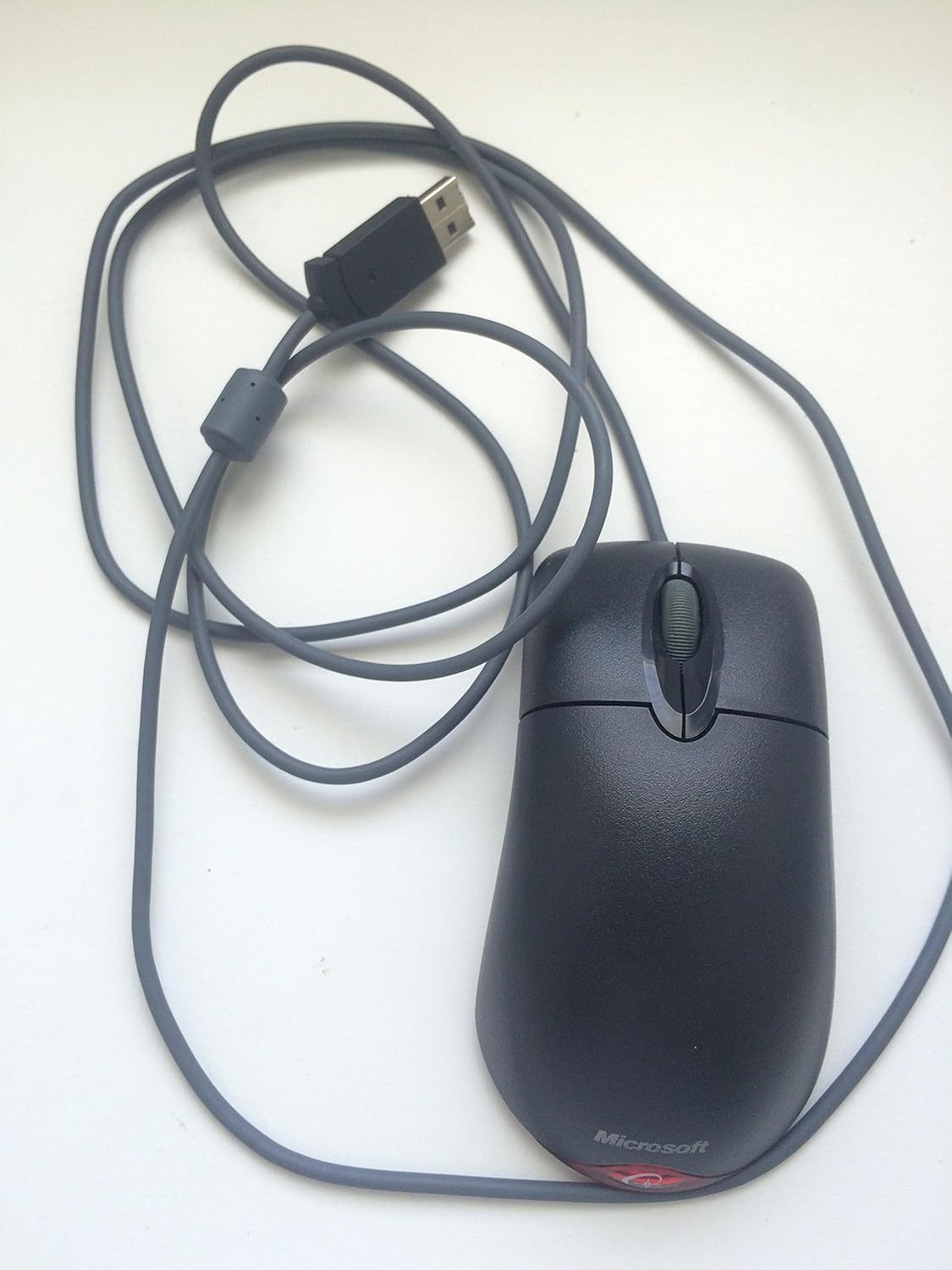
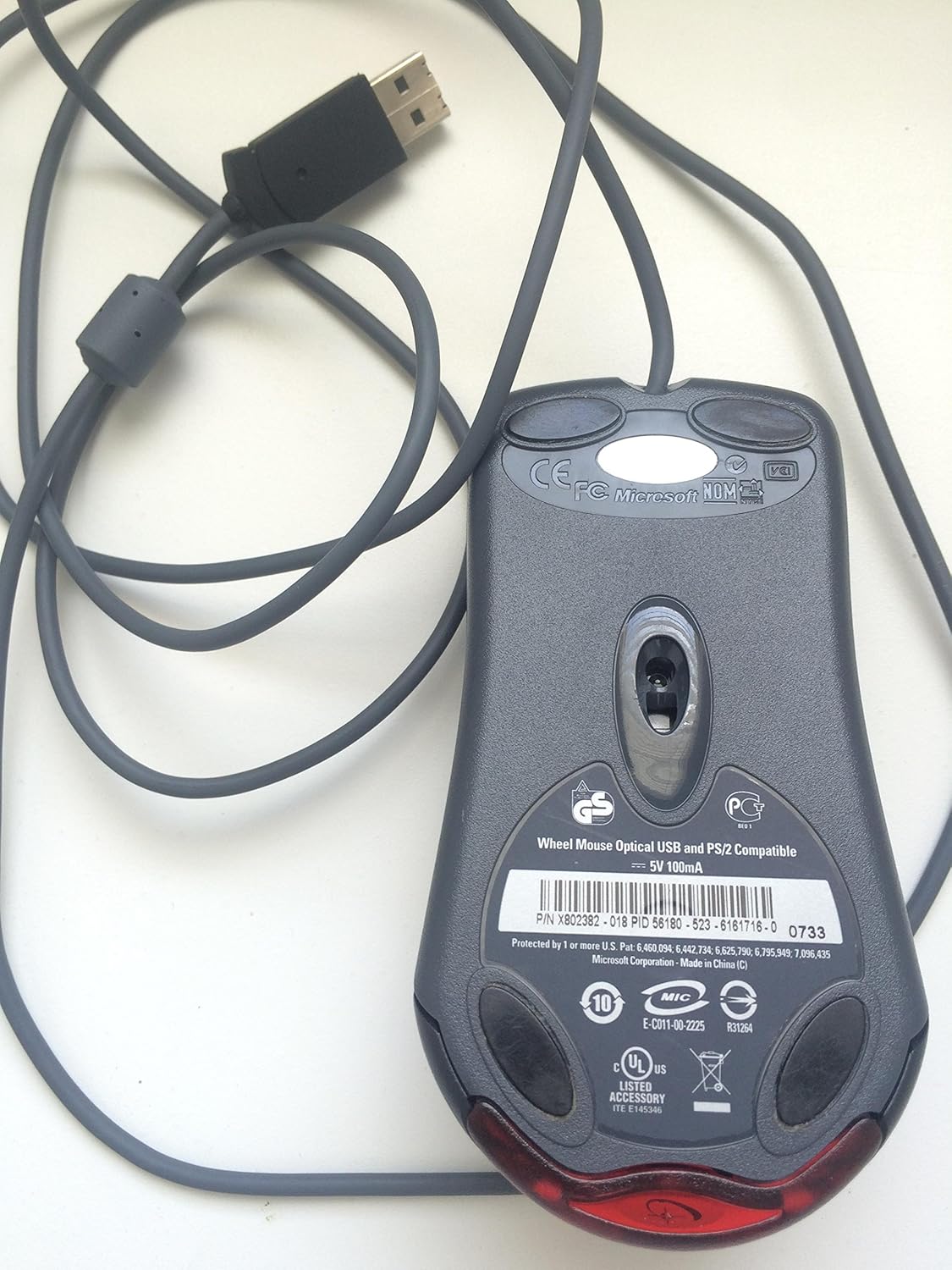
Denne video giver et generelt overblikview of the Microsoft Wheel Optical Mouse, demonstrating its physical features and basic functionality.
3. Betjening af musen
The Microsoft Wheel Optical Mouse is designed for intuitive and precise control.
3.1 Grundlæggende funktioner
- Venstreklik-knap: Bruges til at vælge elementer, åbne files, og aktivering af funktioner.
- Højreklik-knap: Used to open context menus for additional options.
- Scrollhjul: Rul hjulet op eller ned for at rulle gennem dokumenter og web pages. Press the wheel down to activate the customizable middle-click function, often used for auto-scrolling or opening links in new tabs.
3.2 IntelliEye Optical Technology
The mouse utilizes IntelliEye optical technology, which tracks mouse movement 6000 times per second. This provides smooth, precise motion on almost any surface, eliminating the need for a mouse pad in most cases.
3.3 Brugerdefinerbare knapper
The buttons and scroll wheel can be customized using the Microsoft mouse software. This allows you to assign new commands or repetitive tasks to suit your workflow, such as opening a file or web page with a single click.
4. Vedligeholdelse
To ensure the longevity and optimal performance of your mouse, follow these simple maintenance guidelines:
- Rensning: Brug let en blød, fnugfri klud dampSkyl musens overflade med vand eller en mild rengøringsopløsning. Undgå skrappe kemikalier eller slibende materialer.
- Optisk sensor: Keep the optical sensor on the underside of the mouse clean and free from dust or debris. Do not attempt to open the mouse casing.
- Kabelpleje: Avoid sharply bending or twisting the mouse cable to prevent internal damage.
5. Fejlfinding
If you encounter issues with your Microsoft Wheel Optical Mouse, try the following solutions:
- Musen reagerer ikke:
- Ensure the USB or PS/2 connector is securely plugged into the correct port on your computer.
- Try plugging the mouse into a different USB or PS/2 port.
- Genstart din computer.
- Uregelmæssig markørbevægelse:
- Rengør den optiske sensor på undersiden af musen.
- Ensure you are using the mouse on a suitable surface. Highly reflective or transparent surfaces may cause issues.
- Check for any software conflicts or outdated drivers. Reinstalling the mouse software may resolve the issue.
- Knapper eller scrollhjul virker ikke:
- Verify that the mouse software is correctly installed and configured.
- Test musen på en anden computer for at afgøre, om problemet ligger i musen eller i dit system.
6. Specifikationer
| Feature | Detalje |
|---|---|
| Mærke | Microsoft |
| Serie | Wheel Mouse Optical |
| Modelnummer | D66-00069 |
| Hardware platform | PC, tablet |
| Operativsystemkompatibilitet | Mac OS X v10.1x–10.4x, Windows Vista/XP/Pro/Home/Media Center Edition/Tablet PC Edition/Windows 2000 SP4 + |
| Varens vægt | 14.2 ounce |
| Produktmål (LxBxH) | 9.5 x 9 x 2.25 tommer |
| Farve | Sort |
| Strømkilde | Elektrisk med ledning |
| Forbindelsesteknologi | USB |
| Bevægelsesdetekteringsteknologi | Optisk |
7. Garantioplysninger
Dette produkt leveres med en 3 års producentgaranti. For specific terms and conditions, please refer to the warranty documentation included with your purchase or visit the official Microsoft support webwebsted.
Juridisk ansvarsfraskrivelse: This product is sold as is.
8. Support
For further assistance, technical support, or to download the latest drivers and software, please visit the official Microsoft support website or contact their customer service. Ensure you have your product model number (D66-00069) available when seeking support.


