1. Introduktion
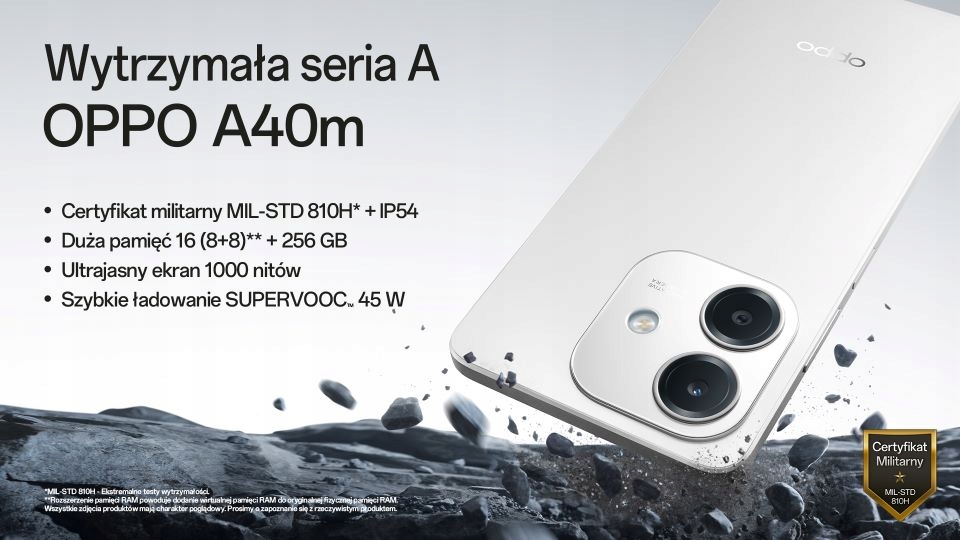
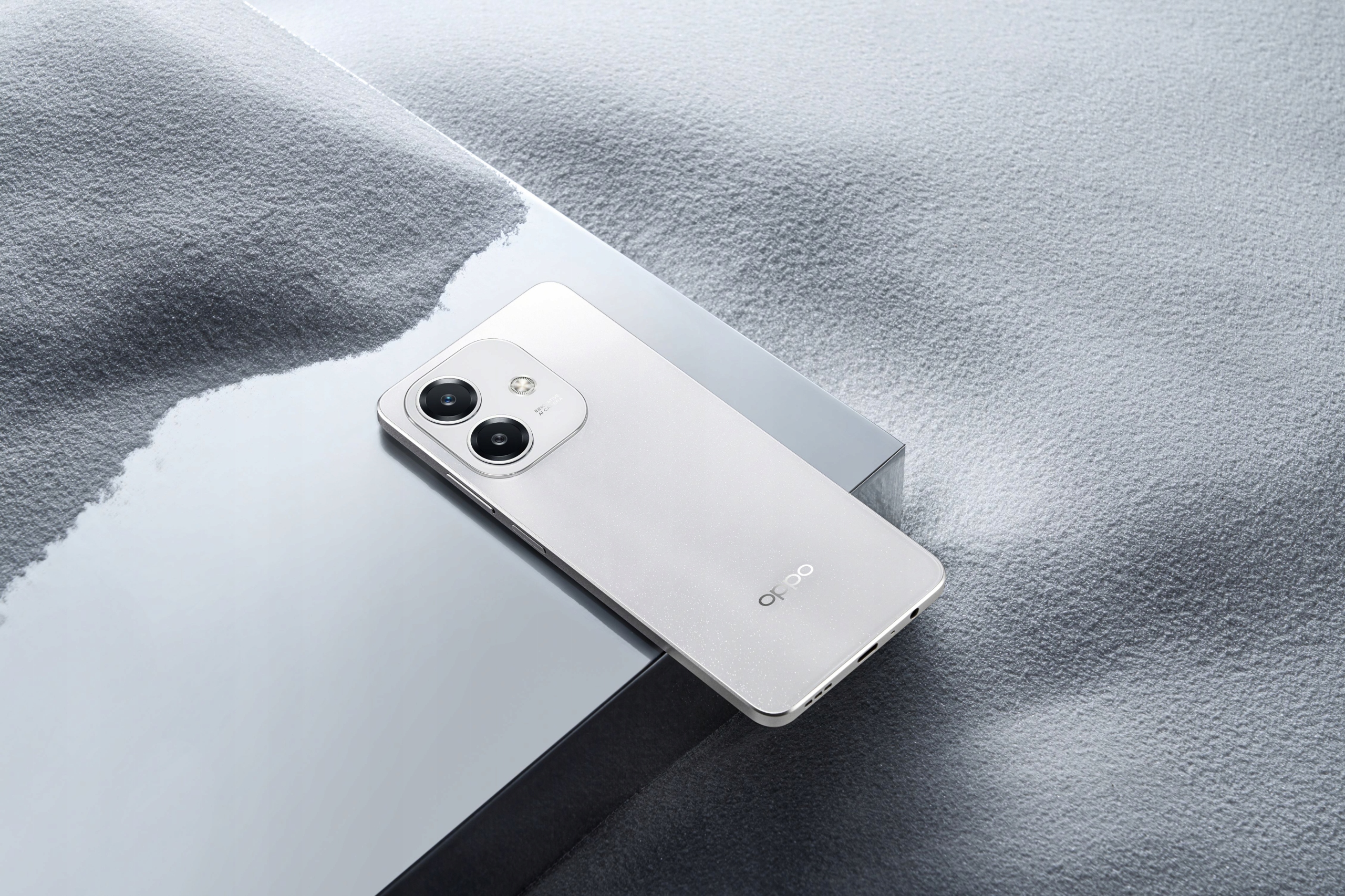
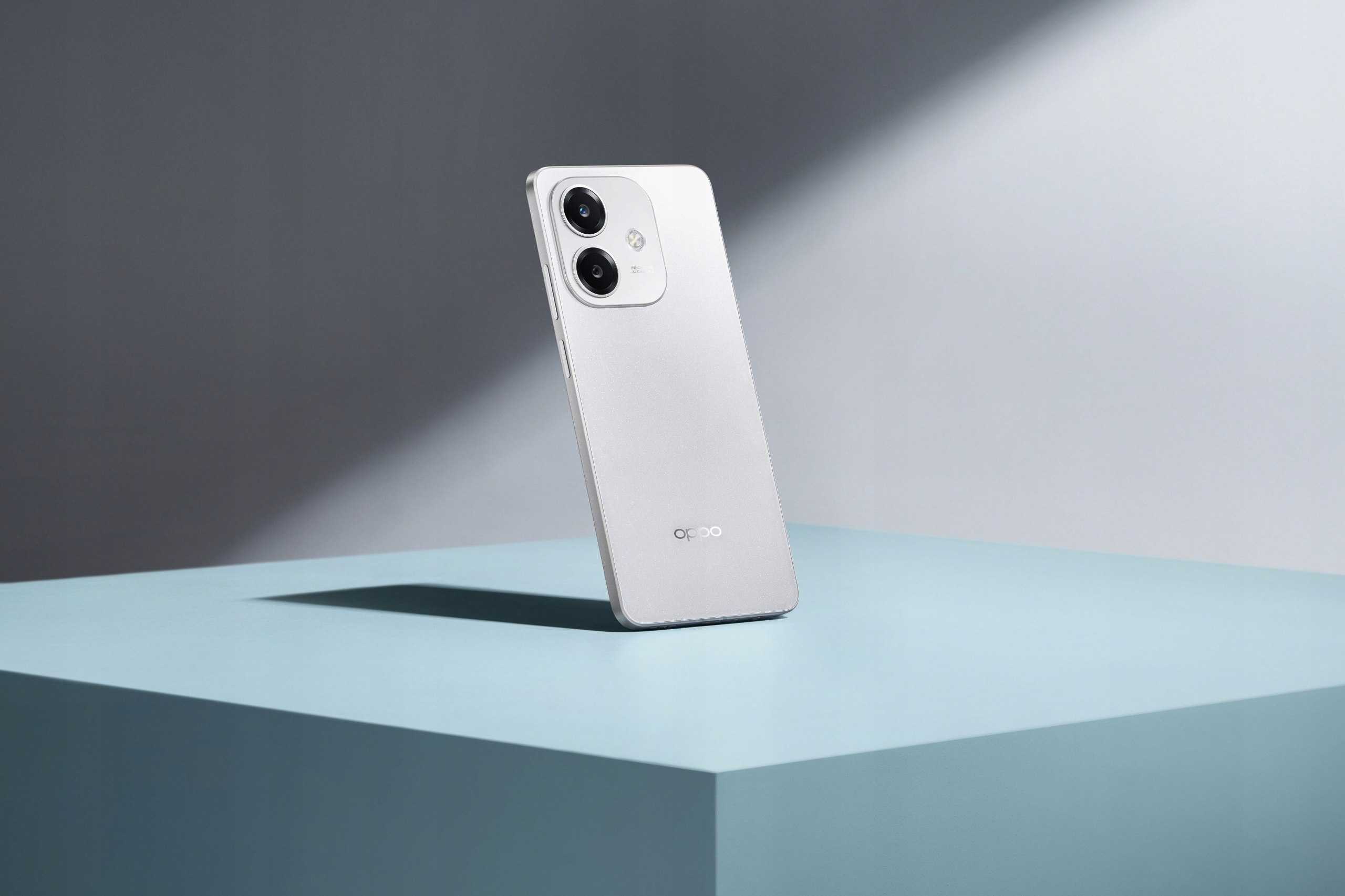
The OPPO A40m is a robust and feature-rich smartphone designed for reliable performance and durability. It boasts a MIL-STD 810H military standard certification and IP54 water resistance, making it resilient against drops, shocks, and fluid exposure. Powered by a Snapdragon® 6s 4G Gen1 processor, it offers smooth operation and ample storage with 8GB RAM (expandable with +8GB virtual RAM) and 256GB ROM, further expandable up to 1TB via microSD. The device features a vibrant 6.67-inch 1000-nit ultra-bright display with a 90Hz refresh rate and Splash Touch technology for responsive interaction even with wet hands. Capture stunning photos with its 50MP main camera and 5MP front camera, and enjoy fast charging with the 5100mAh battery and 45W SUPERVOOC™ technology.

2. Pakkens indhold
Markér venligst feltet for følgende elementer:
- OPPO A40m Smartphone
- USB-kabel (Type-C)
- SIM Ejector Tool (SIM needle)
- Reduced Instruction Manual
Hvis der mangler eller er beskadigede varer, bedes du kontakte din forhandler.
3. Specifikationer
| Feature | Specifikation |
|---|---|
| Mærke | OPPO |
| Model | A40m |
| VÆDDER | 8 GB (expandable with +8 GB virtual RAM) |
| ROM | 256 GB (kan udvides op til 1 TB via microSD) |
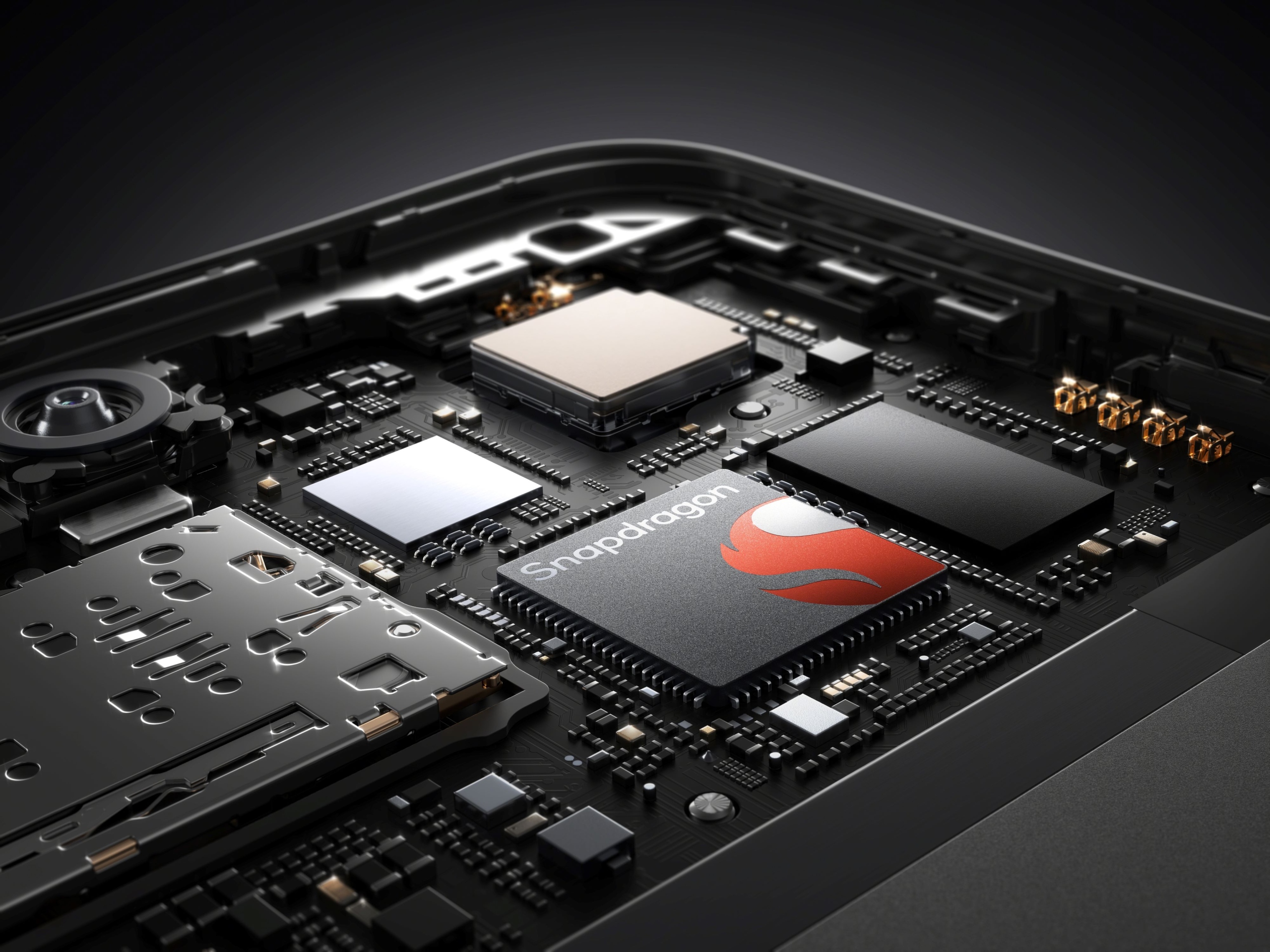
| Processor | Snapdragon® 6s 4G Gen1 |
| Skærmstørrelse | 6.67 tommer |
| Skærmopløsning | 720x1604 |
| Skærmtype | Full Screen, 1000 NIT ultra-bright, 90Hz refresh rate, Touch Screen, Splash Touch |
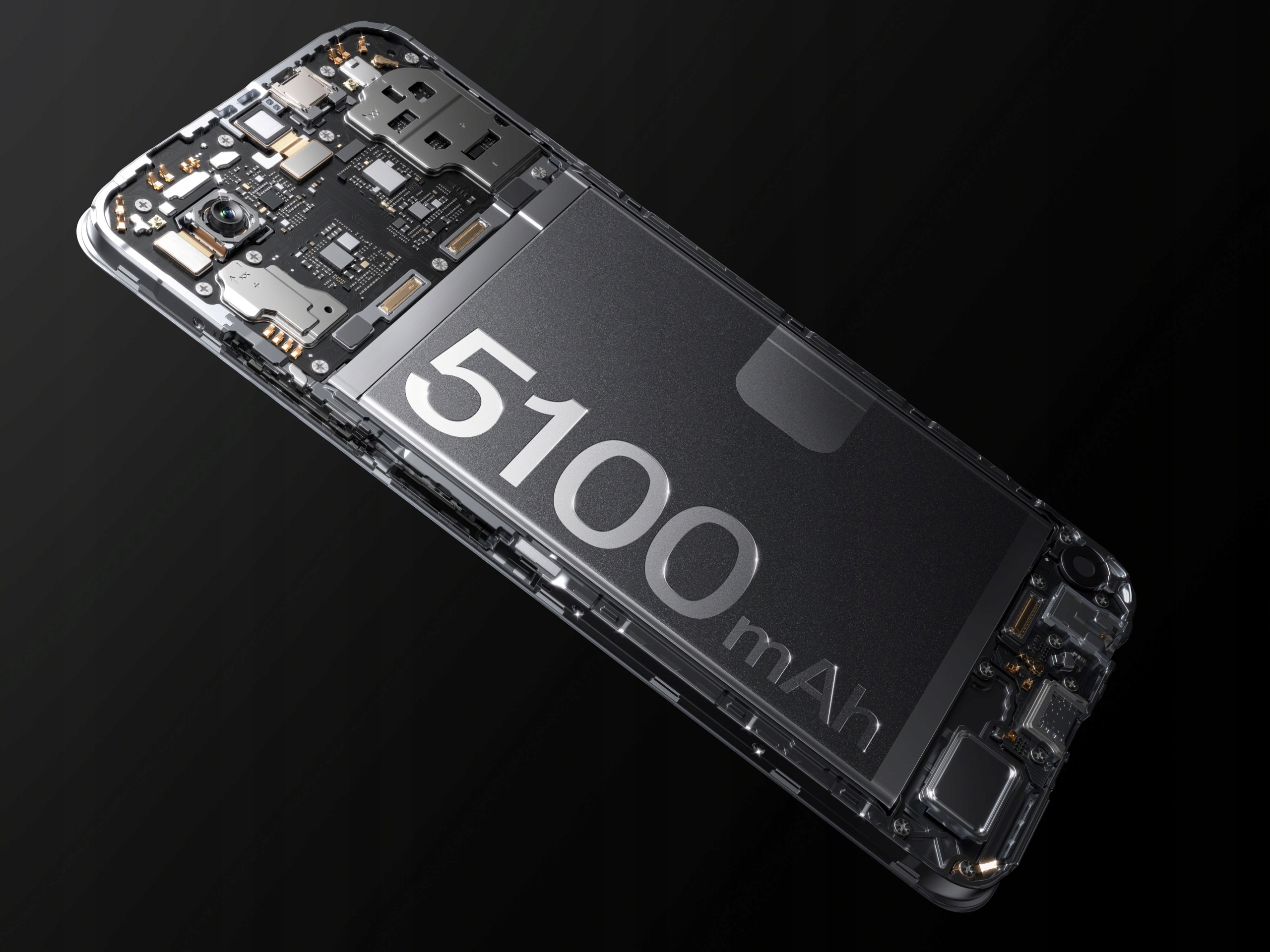
| Batterikapacitet | 5100 mAh (Not Detachable) |
| Opladning | SUPERVOOC™ 45W Fast Charging (Type-C Interface) |
| Bagkamera | 50 MP (Single lens) |
| Forreste kamera | 5 MP (Single lens) |
| Biometrisk teknologi | Sidemonteret fingeraftrykssensor |
| Hovedtelefonport | 3.5 mm jack |
| SIM-kort antal | 2 SIM-kortpladser |
| Driftssystem | Android |
| Holdbarhed | MIL-STD 810H Military Standard, IP54 Water Resistance |
| NFC | 360° NFC |
| Trådløs opladning | Ingen |
| Oprindelse | Fastlandet Kina |
4. Opsætningsvejledning
4.1. Isætning af SIM-kort og MicroSD-kort
- Locate the SIM card tray on the side of your OPPO A40m.
- Sæt SIM-kortudkastningsværktøjet i det lille hul ved siden af bakken, og skub forsigtigt, indtil bakken springer ud.
- Placer dit/dine Nano-SIM-kort og/eller microSD-kort i de dertil beregnede stik på bakken. Sørg for, at de gyldne kontakter vender nedad.
- Sæt forsigtigt bakken tilbage i telefonen, indtil den klikker på plads.
4.2. Første opstart og opsætning
- Tryk og hold tænd/sluk-knappen (placeret på siden) nede, indtil OPPO-logoet vises.
- Følg instruktionerne på skærmen for at vælge dit sprog, oprette forbindelse til et Wi-Fi-netværk og konfigurere din Google-konto.
- You will be guided through setting up security features like the side-mounted fingerprint sensor and screen lock.
5. Betjeningsvejledning
5.1. Tænd/sluk og genstart
- Tænd: Press and hold the Power button until the device vibrates and the OPPO logo appears.
- Sluk: Tryk og hold tænd/sluk-knappen nede, og tryk derefter på "Sluk" på skærmen.
- Genstart: Tryk og hold tænd/sluk-knappen nede, og tryk derefter på "Genstart" på skærmen.
5.2. Opladning af din enhed
The OPPO A40m supports SUPERVOOC™ 45W fast charging. Use the provided USB Type-C cable and a compatible 45W SUPERVOOC™ charger for optimal charging speeds. The device can charge from 0% to 50% in approximately 30 minutes.
- Connect the USB cable to the phone's Type-C port.
- Connect the other end of the cable to the power adapter, then plug the adapter into a power outlet.
- The phone will display a charging indicator.
5.3. Skærmfunktioner
The 6.67-inch display offers a 1000-nit ultra-bright experience and a 90Hz refresh rate for smooth visuals. The Splash Touch feature ensures the screen remains responsive even when wet.
5.4. Kamerabrug
The OPPO A40m is equipped with a 50MP main lens and a 5MP front lens.
- Tager billeder: Open the Camera app. By default, the 50MP main lens operates in a 12.5MP mode for enhanced light sensitivity. To capture more detailed photos, switch to the dedicated 50MP mode within the camera settings.
- Forreste kamera: The 5MP front camera features AI Smart portrait retouching, allowing you to customize your natural look.
- Dobbelt-View Video: This feature allows you to record video simultaneously from both the front and rear cameras, automatically combining the footage into a single video.
5.5. NFC-funktionalitet
The 360° NFC feature provides a convenient digital wallet experience for contactless payments and other NFC-enabled interactions.
5.6. Turbo Flashlight
Access the Turbo Flashlight from your quick settings panel. It is 70% brighter than previous generations, providing enhanced illumination when needed.
6. Vedligeholdelse
- Softwareopdateringer: Søg regelmæssigt efter og installer systemopdateringer for at sikre optimal ydeevne, sikkerhed og adgang til nye funktioner.
- Rensning: Use a soft, lint-free cloth to clean the screen and body of the phone. Avoid harsh chemicals. For ports, use a soft brush to gently remove dust.
- Miljøbeskyttelse: While the OPPO A40m is MIL-STD 810H certified and IP54 water resistant, avoid exposing it to extreme temperatures, direct sunlight for prolonged periods, or corrosive liquids.
- Batteripleje: To prolong battery life, avoid fully discharging the battery frequently. Use the original charger and cable.
7. Fejlfinding
- Enheden reagerer ikke: Hvis din telefon fryser, skal du trykke på tænd/sluk-knappen og holde den nede i cirka 10-15 sekunder for at gennemtvinge en genstart.
- Opladningsproblemer: Ensure the charging cable and adapter are securely connected. Try a different outlet or charger if available.
- Netværksforbindelse: Check if Airplane Mode is off. Restart your phone. If issues persist, contact your network provider.
- Langsom ydeevne: Close unused apps, clear cache, or restart your device. Consider uninstalling rarely used applications.
- Is this phone 5G LTE? The OPPO A40m is equipped with a Snapdragon® 6s 4G Gen1 processor, indicating it supports 4G LTE networks. It does not support 5G connectivity.
8. Brugertips
- Leverage Durability: Don't be afraid to use your OPPO A40m in challenging environments. Its MIL-STD 810H and IP54 ratings mean it's built to withstand more than typical smartphones.
- Fast Charging Advantage: Utilize the 45W SUPERVOOC™ charging for quick power boosts, especially when you're short on time.
- Detailed Photography: For photos requiring maximum detail, remember to switch to the 50MP mode in the camera app.
- Udvid lagerplads: If you find yourself running out of space, take advantage of the microSD card slot to expand storage up to 1TB.
9. Garanti og support
For garantioplysninger og teknisk support henvises til garantikortet, der følger med dit produkt, eller besøg den officielle OPPO webwebsted. Du kan også kontakte dit købssted for at få hjælp.


