
1. Introduktion
Thank you for choosing the FEELWORLD 4K10X 4K PTZ Camera. This AI-powered camera is designed for professional streaming, broadcasting, business, and various other applications, offering exceptional 4K resolution, 10X optical zoom, and intelligent AI tracking capabilities. This manual provides essential information for setting up, operating, maintaining, and troubleshooting your camera to ensure optimal performance and longevity.
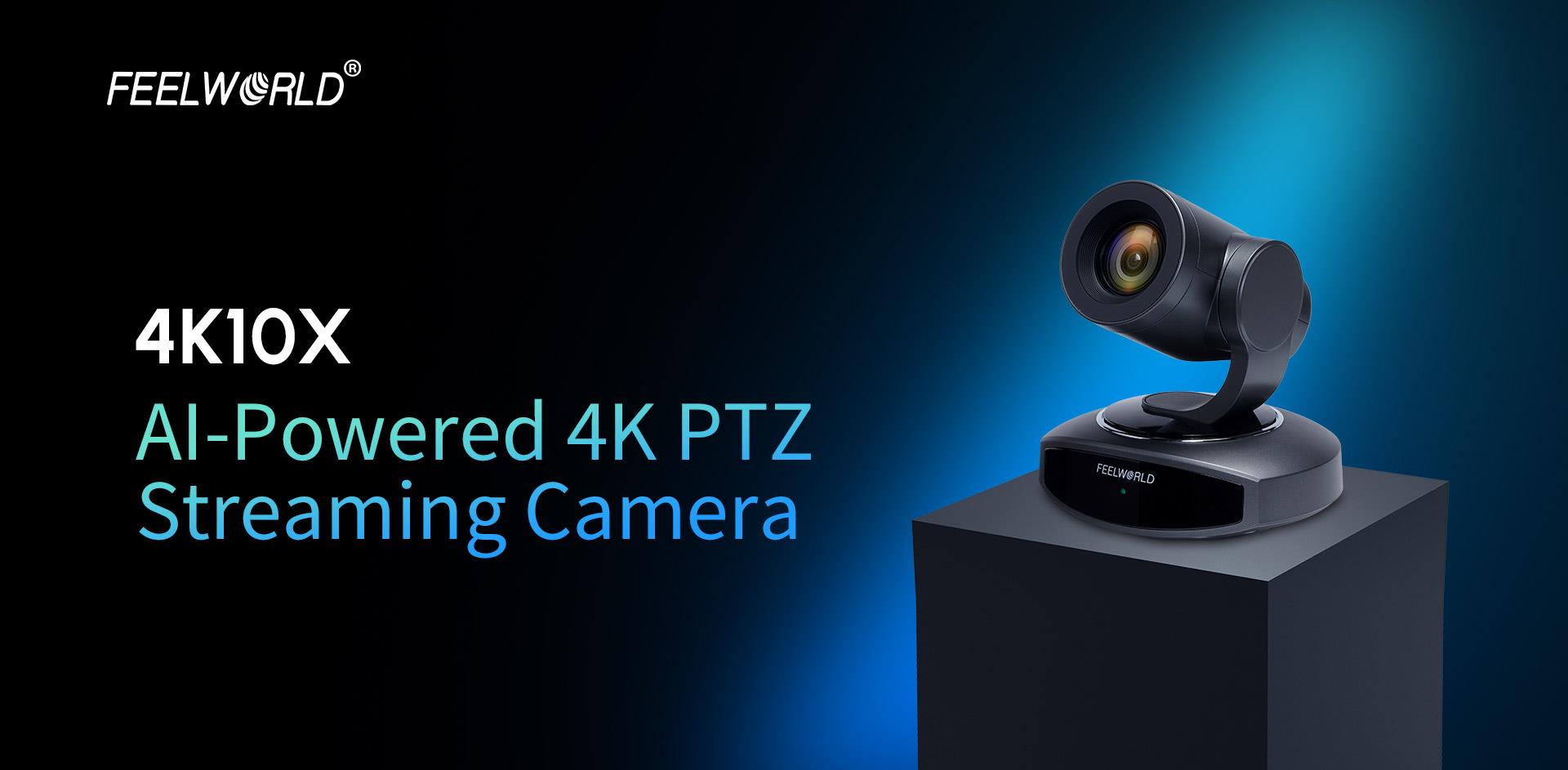
Image: FEELWORLD 4K10X AI-Powered 4K PTZ Streaming Camera.
2. Sikkerhedsoplysninger
Læs og følg alle sikkerhedsinstruktioner omhyggeligt for at forhindre skader på produktet eller personskade.
- Udsæt ikke kameraet for regn, fugt eller ekstreme temperaturer.
- Undgå at placere kameraet i nærheden af varmekilder eller i direkte sollys.
- Brug kun den medfølgende strømadapter.
- Forsøg ikke at skille kameraet ad eller ændre det. Overlad al service til kvalificeret personale.
- Hold kameraet væk fra stærke elektromagnetiske felter.
- Ensure stable mounting to prevent the camera from falling.
3. Produktet er slutview
3.1 Nøglefunktioner
- 4K Ultra HD opløsning: Delivers crisp and clear video output.
- 10X optisk zoom: Allows for detailed close-ups from a distance.
- AI-sporing: Intelligent subject tracking for dynamic presentations.
- Multiple Output Interfaces: HDMI, USB, and IP for versatile connectivity.
- Strøm via Ethernet (POE): Simplifies installation with single-cable power and data.
- Autofokus: Ensures sharp images without manual adjustment.
- Fjernbetjening: Full control via IR remote, IP, or RS232.
3.2 Kamerakomponenter
Familiarize yourself with the camera's physical components and connection ports.

Billede: Forside view of the FEELWORLD 4K10X PTZ Camera.

Billede: Bagside view showing RS232, USB3.0, USB IN, HDMI, LAN (POE), and DC12V ports.
4. Opsætning
4.1 Fysisk installation
The camera supports multiple installation methods:
- Desktopplacering: Placer kameraet på en flad, stabil overflade.
- Vægbeslag: Use a compatible wall mount bracket (not included) to secure the camera to a wall.
- Loftmontering: Use a compatible ceiling mount bracket (not included) for inverted installation. Ensure the image flip setting is adjusted in the camera's menu if mounted upside down.

Image: Various installation methods including desktop, wall, and ceiling mounts.
4.2 Tilslutning af kameraet
Connect the camera to your devices using the appropriate ports:
- Strømtilslutning:
- DC12V: Connect the included power adapter to the DC12V port and a power outlet.
- POE (Power over Ethernet): If your network switch supports POE, connect an Ethernet cable to the LAN port. This will provide both power and network connectivity.
- Video output:
- HDMI: Tilslut et HDMI-kabel fra kameraets HDMI-port til en skærm- eller videoomskifter.
- USB3.0: Connect a USB 3.0 cable to a computer for video conferencing or streaming applications.
- IP (LAN): Connect an Ethernet cable to the LAN port for network streaming and control.
- Kontrolforbindelser:
- RS232: Connect an RS232 cable for serial control from a dedicated controller.
- IP (LAN): Control the camera via a web browser or IP-based control software over the network.

Image: Multiple connection options for video output and control.
5. Betjeningsvejledning
5.1 Grundlæggende kamerastyring
The camera can be controlled using the included IR remote, an IP controller, or a web browsergrænseflade.
Image: IR Remote Control layout and functions.
- Panorering/vip: Use the directional buttons on the remote or joystick on an IP controller to move the camera horizontally (pan) and vertically (tilt).
- Zoom: Use the 'ZOOM IN' and 'ZOOM OUT' buttons to adjust the optical zoom.
- Fokus: The camera supports automatic (AF) and manual (MF) focus modes. Use the 'AF/MF' button to switch modes. In MF mode, use the 'FOCUS +' and 'FOCUS -' buttons to adjust focus.
- Forudindstillede positioner: Save and recall specific camera positions (pan, tilt, zoom, focus) using the preset buttons on the remote or control software.
5.2 AI-sporing
The AI tracking feature allows the camera to automatically follow a designated subject. To activate and configure AI tracking, refer to the camera's on-screen display (OSD) menu or web interface settings. Ensure the subject is clearly visible within the camera's field of view for optimal tracking performance.

Image: AI Tracking in action, showing the camera following a speaker.
5.3 Web Browser kontrol
To control the camera via a web browser:
- Connect the camera to your network via the LAN port.
- Find the camera's IP address (usually displayed on the OSD or discoverable via network tools).
- Åbn a web browser på en computer, der er tilsluttet det samme netværk.
- Enter the camera's IP address into the browser's address bar.
- Log in using the default credentials (refer to the PDF manual for details).
- You can now control pan, tilt, zoom, focus, and access advanced settings through the web interface.
6. Vedligeholdelse
- Rensning: Brug en blød, tør klud til at rengøre kamerahuset. Brug en specialklud og -opløsning til objektivet. Undgå skrappe kemikalier.
- Opbevaring: When not in use for extended periods, store the camera in a cool, dry place, protected from dust and direct sunlight.
- Firmwareopdateringer: Periodically check the FEELWORLD webwebsted for firmwareopdateringer for at sikre, at dit kamera har de nyeste funktioner og fejlrettelser.
7. Fejlfinding
| Problem | Mulig årsag | Løsning |
|---|---|---|
| Ingen strøm | Power cable loose; POE not active; faulty adapter. | Check power connections; ensure POE switch is active; try a different power outlet/adapter. |
| Ingen videoudgang | Incorrect cable connection; wrong input selected on display; resolution mismatch. | Verify HDMI/USB/LAN connections; select correct input on display; adjust camera output resolution. |
| Fjernbetjening virker ikke | Batteries dead; IR sensor blocked; remote out of range. | Replace batteries; ensure clear line of sight to camera's IR sensor; operate within range. |
| AI Tracking not functioning | Poor lighting; subject too far/small; tracking feature not enabled. | Ensure adequate lighting; position subject appropriately; enable AI tracking in settings. |
If the problem persists, please contact FEELWORLD customer support.
8. Specifikationer
| Feature | Detalje |
|---|---|
| Mærkenavn | FEELWORLD |
| Model | 4K10X |
| Opløsning | 4K |
| Optisk zoom | 10X |
| Fokustilstand | Af, Mf (Auto Focus, Manual Focus) |
| Linsetype | Automatic, Fixed Focus Lens |
| Antal membranblade | 7 knive |
| Full Frame Support | Ingen |
| Applicable Camera Specifications | APS-C Mirrorless Camera, APS-C DSLR Camera (Note: This refers to lens compatibility, not the camera type itself) |
| Brændvidde | 85 mm |
| Forbindelse | HDMI, USB, IP, RS232, POE |
| Lanceringsdato | 2025 |
| Pakkedimensioner (L x B x H) | 11 cm x 11 cm x 11 cm |
| Pakkevægt | 2.0 kg |
9. Brugertips
Der var ingen specifikke brugertips tilgængelige fra de angivne kundeservicer.vieweller spørgsmål og svar. For generelle bedste praksisser:
- Always ensure your network connection is stable for reliable IP control and streaming.
- Experiment with different preset positions to quickly switch between common camera angles.
- For critical applications, test the AI tracking feature in your specific environment to understand its limitations and optimal performance conditions.
10. Garanti og support
For warranty information, technical support, or service inquiries, please refer to the official FEELWORLD website or contact your authorized dealer. You can also find a detailed user manual in PDF format for further reference:
Download PDF Manual: FEELWORLD 4K10X User Manual (PDF)
If you have any product questions, please feel free to contact us at any time!