Indledning
Thank you for choosing the Xiaomi Redmi Computer Speakers. This manual provides essential information for setting up, operating, and maintaining your new speakers. Designed for an immersive audio experience, these speakers feature four-unit stereo sound, dynamic RGB ambient lighting, and versatile connectivity options including Bluetooth 5.0, USB-A, USB-C, and AUX IN. Please read this manual thoroughly before use to ensure optimal performance and longevity of your device.

Pakkens indhold
Tjek venligst pakken for følgende varer:
- Xiaomi Redmi Computer Speaker × 1
- Brugsanvisning × 1
Produkt overview
Familiarize yourself with the various components and controls of your Redmi Computer Speakers.
Dimensioner

Kontroller og indikatorer


Indre struktur
Opsætning og forbindelser
The Redmi Computer Speakers offer multiple ways to connect to your devices.
Strømtilslutning
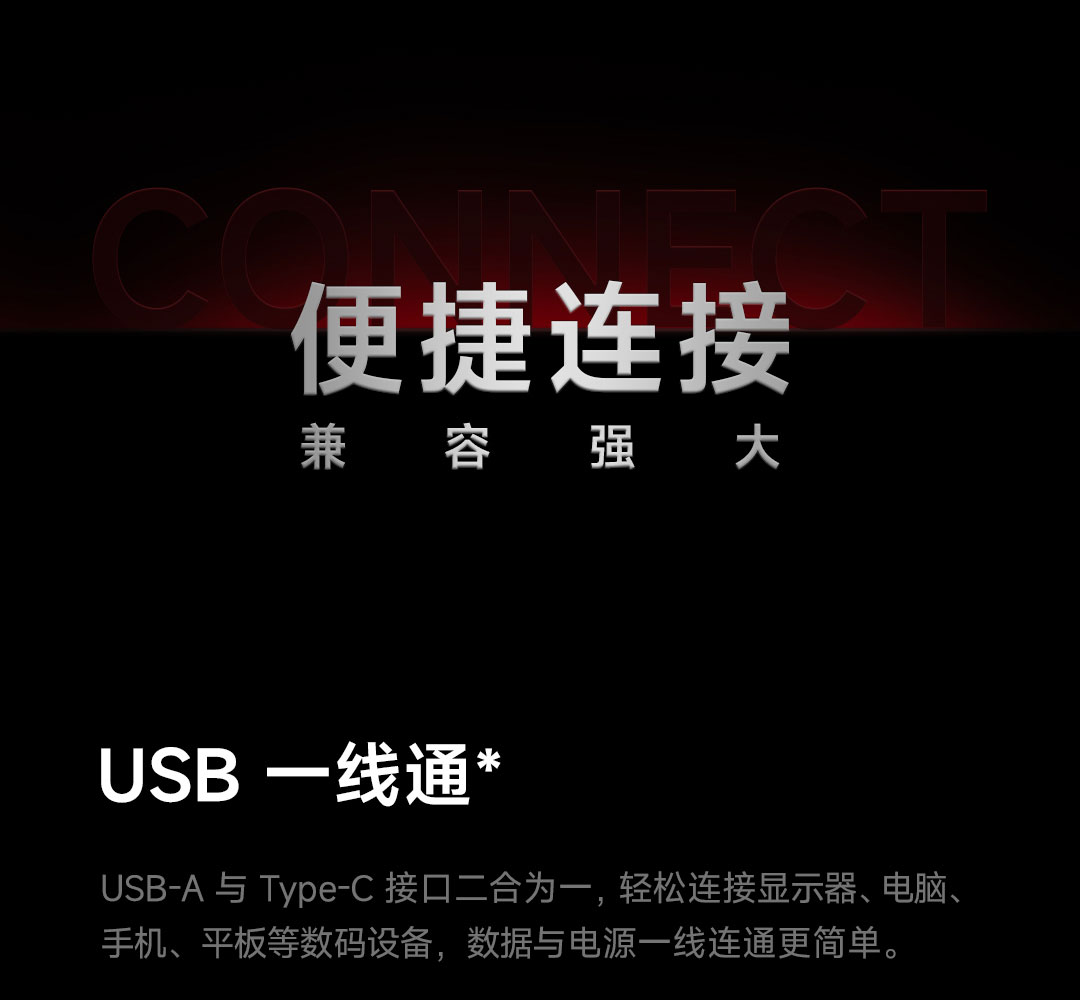
Connect the speaker to a power source using a USB-A or USB-C cable (5V, 2A rated input).
Wired Connections (USB-A, USB-C, AUX IN)
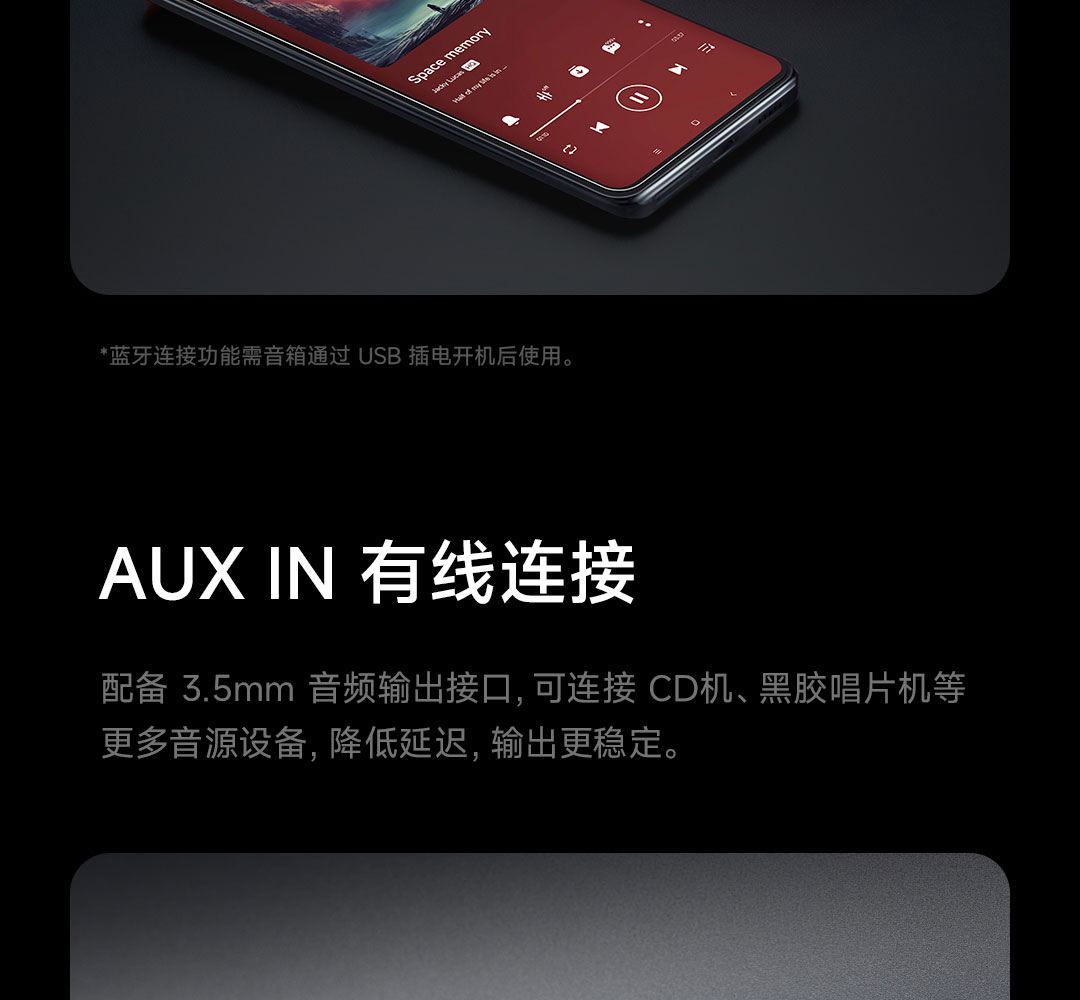
The speaker supports USB-A, USB-C, and AUX IN for wired audio input. The USB connection also provides power. For AUX IN, ensure the speaker is powered on via USB.
Bluetooth 5.0 forbindelse
For at oprette forbindelse via Bluetooth:
- Tryk længe på Skift nøgle for 2 seconds to enter Bluetooth pairing mode. The indicator light will flash white.
- On your device (phone, tablet, computer), search for Bluetooth devices and select "Redmi Computer Speakers".
- Når den er tilsluttet, lyser indikatorlampen konstant hvidt.
Betjeningsvejledning
Nøglefunktioner
| Nøgle | Handling | Fungere |
|---|---|---|
| Skift nøgle | Klik | Skift lydeffekter |
| Dobbeltklik | Switch audio channels | |
| Langt tryk i 2 sekunder | Turn on Bluetooth pairing mode | |
| Lysnøgle | Klik | Switch lighting effects |
| Tryk og hold i 2 sekunder | Turn on/off the lighting effect | |
| Multifunktionstast | Klik | Power on, Play/Pause music, Answer/Hang up calls |
| Dobbeltklik | Next song, Switch to incoming calls | |
| Tre klik | Forrige sang | |
| Tryk og hold i 2 sekunder | Turn off the phone, Reject the call | |
| Tryk og hold i 8 sekunder | Gendan fabriksindstillingerne | |
| Drej med uret | Øg volumen | |
| Drej mod uret | Sænk volumen |
Status for indikatorlys
- Hvid: Bluetooth connected, Incoming call in progress, Bluetooth pairing in progress, Phone call coming in.
- Orange: Standby hibernation, Charging.
Sound Effects (EQ Modes)
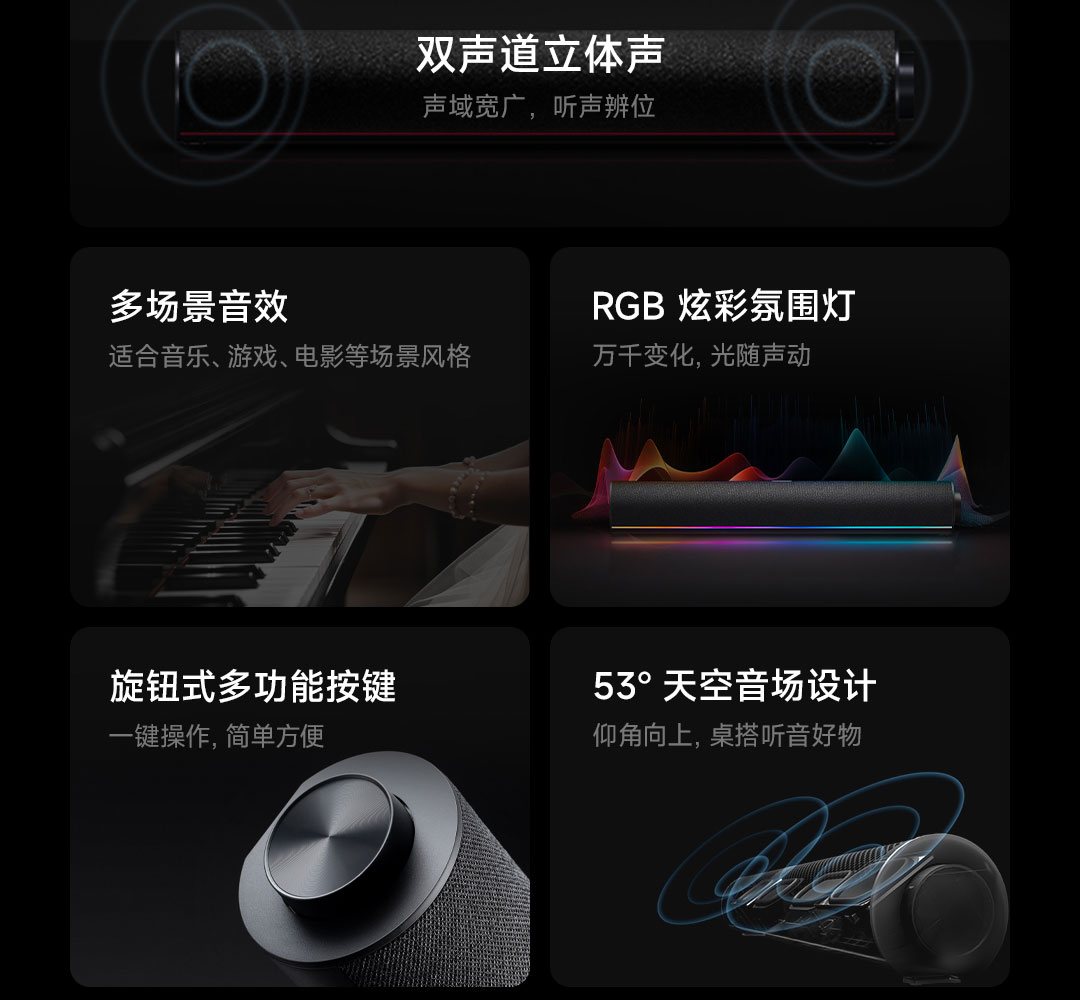
The speakers feature five finely tuned EQ scene sound effects. Use the Skift nøgle to cycle through them:
- Balance Full Frequency: For a rich, warm, and balanced sound.
- Stærk bas: Enhances low frequencies for powerful, immersive sound.
- Pure Vocals: Optimizes vocal clarity for podcasts and dialogue.
- Shocking Game: Designed for dynamic gaming audio, aiding in sound positioning.
- Immersive Cinema: Provides a wide soundstage for a cinematic experience.
RGB-omgivelsesbelysning
The speaker features a bottom RGB light strip with 16 lamp beads, offering 5 styles of lighting effects. Use the Lystast to switch between effects or turn the lighting on/off.
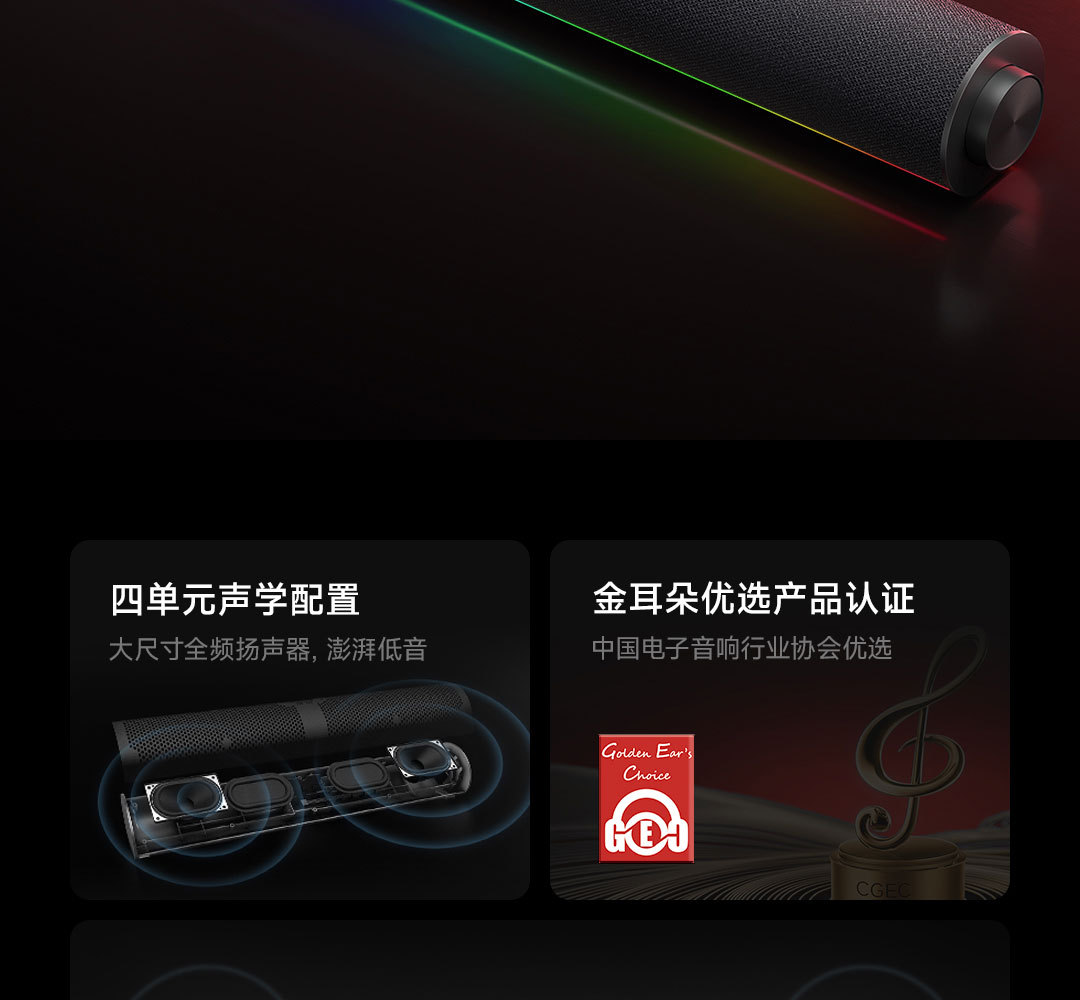
One of the lighting modes is the "Rhythm mode," which uses DSP intelligent analysis to capture music rhythm in real-time, making the light strip undulate with the music and creating a personalized visual and auditory feast.
Specifikationer
| Feature | Detalje |
|---|---|
| Tilslutningsmetoder | USB-A, USB-C, AUX IN, Bluetooth 5.0 (A2DP music playback, Bluetooth calls) |
| Nominel input | 5V, 2A |
| Batterikapacitet | 1500mAh (Typical value) |
| Dimensioner (L×B×H) | 435 mm × 67 mm × 67 mm |
| Vægt | 670 g |
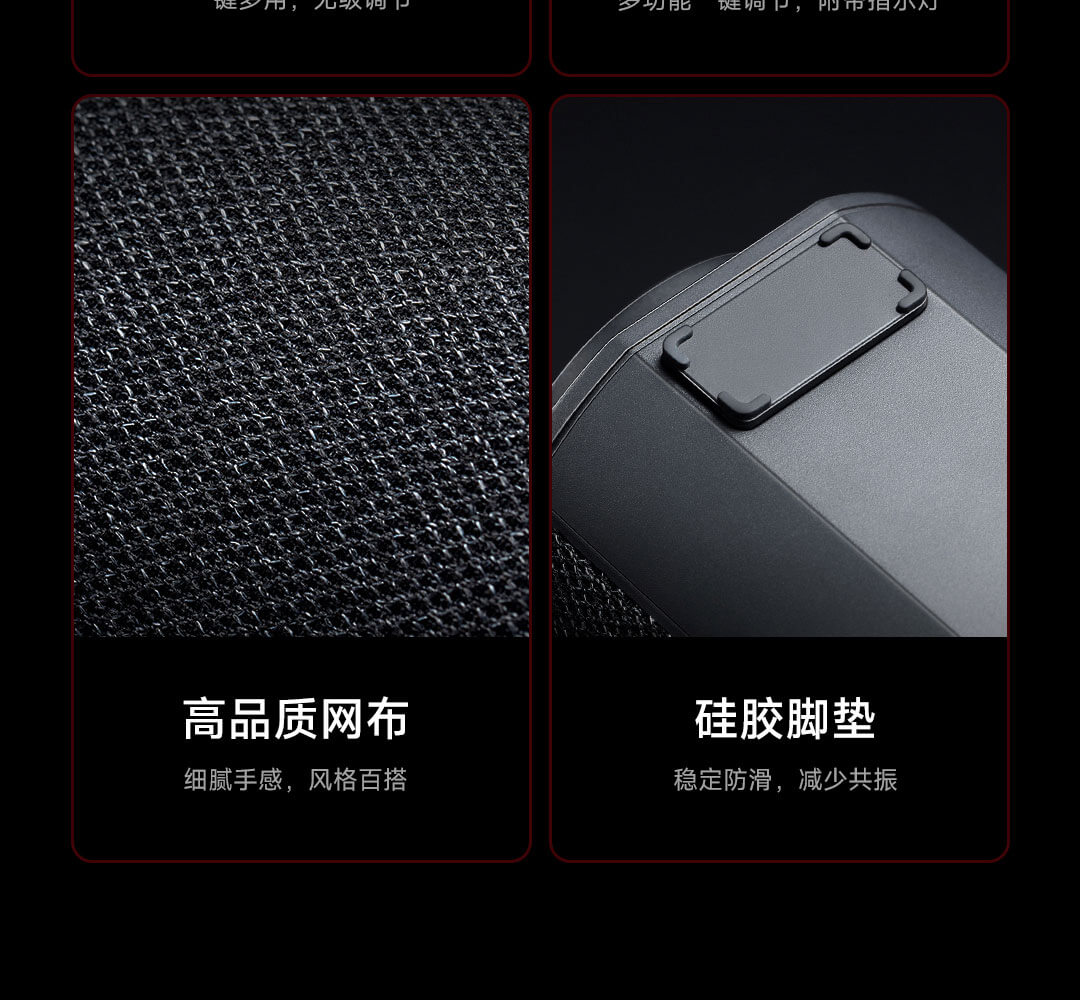
| Acoustic Configuration | Four-unit stereo, Dual titanium-iron full-range speakers, Dual passive radiators |
| Sound Field Design | 53° Sky Sound Field Architecture |
| Mikrofon | Indbygget |
| Belysning | RGB Ambient Light Strip (16 lamp beads, 5 styles, Rhythm mode) |
Fejlfinding
If you encounter any issues with your speakers, please refer to the following common solutions:
- Ingen lyd:
- Ensure the speaker is powered on and connected correctly (USB or AUX IN).
- Kontroller lydstyrkeniveauet på både højttaleren og din tilsluttede enhed.
- If using Bluetooth, ensure it's properly paired and selected as the audio output on your device.
- Try switching audio channels using the Skift nøgle.
- Problemer med Bluetooth-forbindelse:
- Ensure the speaker is in Bluetooth pairing mode (indicator light flashing white).
- Slå Bluetooth fra og til på din enhed, og prøv derefter at søge igen.
- Flyt din enhed tættere på højttaleren.
- Hvis den tidligere har været parret, så prøv at glemme enheden på din telefon og parre den igen.
- RGB-lys virker ikke:
- Tryk på Lystast to cycle through effects or turn them on.
- Ensure the speaker has sufficient power.
- Højttaler reagerer ikke:
- Prøv at trykke og holde nede Multifunktionstast for 8 seconds to restore factory settings. Note that this will clear all settings.
Brugertips
- Optimer lyd: Experiment with the five different EQ sound effects (Balance Full Frequency, Strong Bass, Pure Vocals, Shocking Game, Immersive Cinema) to find the best audio profile for your content, whether it's music, movies, or games.
- Forbedr stemningen: Utilize the RGB ambient lighting to match your mood or desktop setup. The "Rhythm mode" is particularly engaging for music playback.
- Klar kommunikation: The built-in microphone is great for voice calls and online meetings. Ensure the speaker is selected as your input device in your computer's sound settings.
- Placering: For the best sound experience, position the speakers directly in front of you. The 53° sky sound field architecture is designed to project sound upwards and forwards, optimizing desktop listening.
Opretholdelse
- Rensning: Use a soft, dry cloth to wipe the surface of the speakers. Do not use liquid cleaners or abrasive materials.
- Opbevaring: Når højttalerne ikke er i brug i længere perioder, skal de opbevares køligt og tørt, væk fra direkte sollys og ekstreme temperaturer.
- Undgå vand: Keep the speakers away from water and other liquids to prevent damage.
Garanti og support
For garantioplysninger og teknisk support henvises til den officielle Xiaomi-side. webwebstedet eller kontakt din lokale autoriserede forhandler. Gem din købskvittering som købsbevis i tilfælde af garantikrav.


