
1. Produktet er slutview
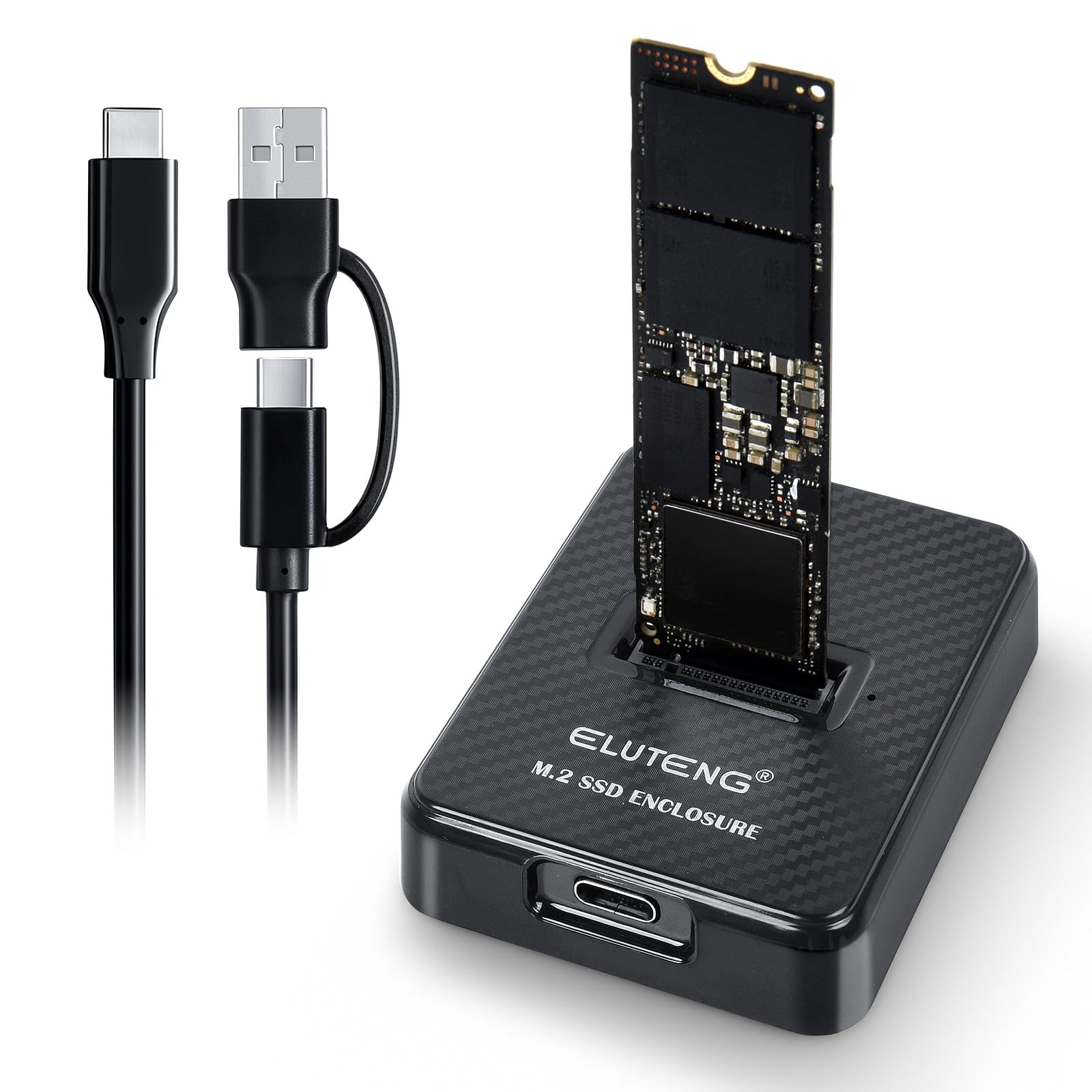
The ELUTENG M.2 NVMe SSD Adapter is an external enclosure designed for M.2 NVMe SSDs (M-Key/B+M-Key) of sizes 2230, 2242, 2260, and 2280. It provides high-speed data transmission up to 10 Gbps via USB 3.2 Gen2, making it ideal for fast backups and large data transfers. This adapter is compatible with Windows 11/10/8/7, Mac OS, and Linux operating systems.
Nøglefunktioner:
- Universal 2-in-1 Cable: Includes a USB-C to USB-C/A cable for broad compatibility with laptops, PCs, tablets, and OTG-enabled smartphones.
- Værktøjsfri installation: Allows for effortless SSD changes without screws or tools.
- Højhastighedstransmission: Equipped with the JMS583 controller and USB 3.2 Gen2, achieving theoretical speeds of 10 Gbps. Note: Full speed requires a USB 3.1 Gen2 (10G) port or higher.
- NVMe Only: Exclusively supports NVMe M-Key or B+M Key SSDs. Not compatible with M.2 SATA or mSATA SSDs.
- Datasikkerhed: Emphasizes secure data handling and connection, recommending safe hardware removal.
2. Pakkens indhold
- 1 x ELUTENG M.2 NVMe SSD Adapter
- 1 x USB-C to USB-A/C 2-in-1 Cable
3. Opsætningsvejledning
3.1. Installation af M.2 NVMe SSD'en
- Ensure the ELUTENG M.2 NVMe SSD Adapter is disconnected from any power source.
- Gently insert your M.2 NVMe SSD (M-Key or B+M Key) into the slot on the adapter. The adapter supports SSD sizes 2230, 2242, 2260, and 2280. Ensure the SSD is fully seated.
- No tools or screws are required for installation.

Figur 3.1: Tool-free SSD installation into the adapter. The image illustrates the vertical insertion of an M.2 NVMe SSD into the enclosure (step 1), followed by connecting the USB cable to the enclosure (step 2) and then to a laptop (step 3).
3.2. Tilslutning til din enhed
- Connect one end of the included 2-in-1 USB-C cable to the USB-C port on the ELUTENG SSD Adapter.
- Connect the other end of the cable to an available USB-C or USB-A port on your computer, laptop, tablet, or OTG-enabled smartphone.
- The device is plug-and-play and should be automatically recognized by your operating system (Windows, Mac OS, Linux).

Figur 3.2: Connecting the adapter to various devices. The left panel shows the adapter connected to a smartphone via USB-C, and the right panel shows it connected to a laptop via USB-A.
4. Betjeningsvejledning
4.1. Dataoverførsel
Once connected, your operating system will detect the M.2 NVMe SSD as an external storage device. You can then drag and drop files, copy, or move data to and from the SSD as you would with any other external drive. For optimal performance, ensure you are connected to a USB 3.1 Gen2 (10G) port or higher to achieve the maximum 10 Gbps transfer speed.
Figur 4.1: High-speed data transfer. The image shows the adapter connected to a laptop, with an arrow indicating 10 Gbps transmission speed, highlighting its efficiency for large file overførsler.
4.2. Sikker fjernelse
To prevent data loss or damage to your SSD, always use the "Safely Remove Hardware" function (or equivalent) in your operating system before disconnecting the adapter. This ensures all write operations are completed and the drive is unmounted properly.
5. Vedligeholdelse
5.1. Varmeafledning
NVMe SSDs can generate heat during operation, especially during prolonged high-speed transfers. The ELUTENG adapter features a vertical plug-in design to aid in heat dissipation. Ensure adequate ventilation around the adapter during use to maintain optimal performance and longevity of your SSD.

Figur 5.1: Heat dissipation design. The image shows the vertical orientation of the SSD in the adapter, with arrows indicating airflow for effective cooling.
5.2. Almen pleje
- Hold adapteren ren og fri for støv.
- Undgå at udsætte adapteren for ekstreme temperaturer eller fugtighed.
- Handle the adapter and SSD with care to prevent physical damage.
6. Fejlfinding
- Adapteren genkendes ikke:
- Ensure the USB cable is firmly connected to both the adapter and your device.
- Prøv at tilslutte til en anden USB-port på din computer.
- Verify that your M.2 SSD is correctly inserted into the adapter.
- Confirm that your SSD is an NVMe (M-Key or B+M Key) type and not M.2 SATA or mSATA.
- Test the adapter with a different computer or SSD if possible.
- Langsom overførselshastighed:
- Ensure you are connected to a USB 3.1 Gen2 (10G) port or higher on your host device to achieve maximum speeds. Older USB 2.0 or 3.0 ports will result in lower speeds.
- Check the health and performance of your NVMe SSD.
- Ensure no other high-bandwidth operations are running in the background.
- SSD Gets Hot:
- It is normal for NVMe SSDs to generate heat during operation, especially during heavy use.
- Sørg for, at adapteren har tilstrækkelig ventilation og ikke er tildækket.
- If temperatures are excessively high and causing performance issues, consider reducing continuous heavy workloads.
- Datatab:
- Always use the "Safely Remove Hardware" function before disconnecting the adapter to prevent data corruption.
- Ensure the cable connection is stable during data transfer.
7. Specifikationer
| Produktnavn | ELUTENG M.2 NVMe SSD Adapter |
| Modelnummer | YJS-DOCKING-STATION-NVME-TYPEC-JMS583-BK |
| Kompatibilitet | NVMe M-Key / B+M Key SSDs only (Not compatible with M.2 SATA or mSATA) |
| Understøttede SSD-størrelser | 2230, 2242, 2260, 2280 |
| Transmissionshastighed | Op til 10 Gbps (USB 3.2 Gen2) |
| Chipsæt | JMS583 |
| Systemkompatibilitet | Windows 11/10/8/7, Mac OS, Linux |
| Dimensioner (pakke) | 12 x 7 x 1.83 cm |
| Vægt (pakke) | 72 g |
| Farve | Sort |
| Fabrikant | ELUTENG |

Figur 7.1: SSD compatibility overview. This image clearly distinguishes between compatible NVMe M-Key and B+M Key SSDs and incompatible SATA and mSATA SSDs, also showing supported NVMe sizes (2230, 2242, 2260, 2280).
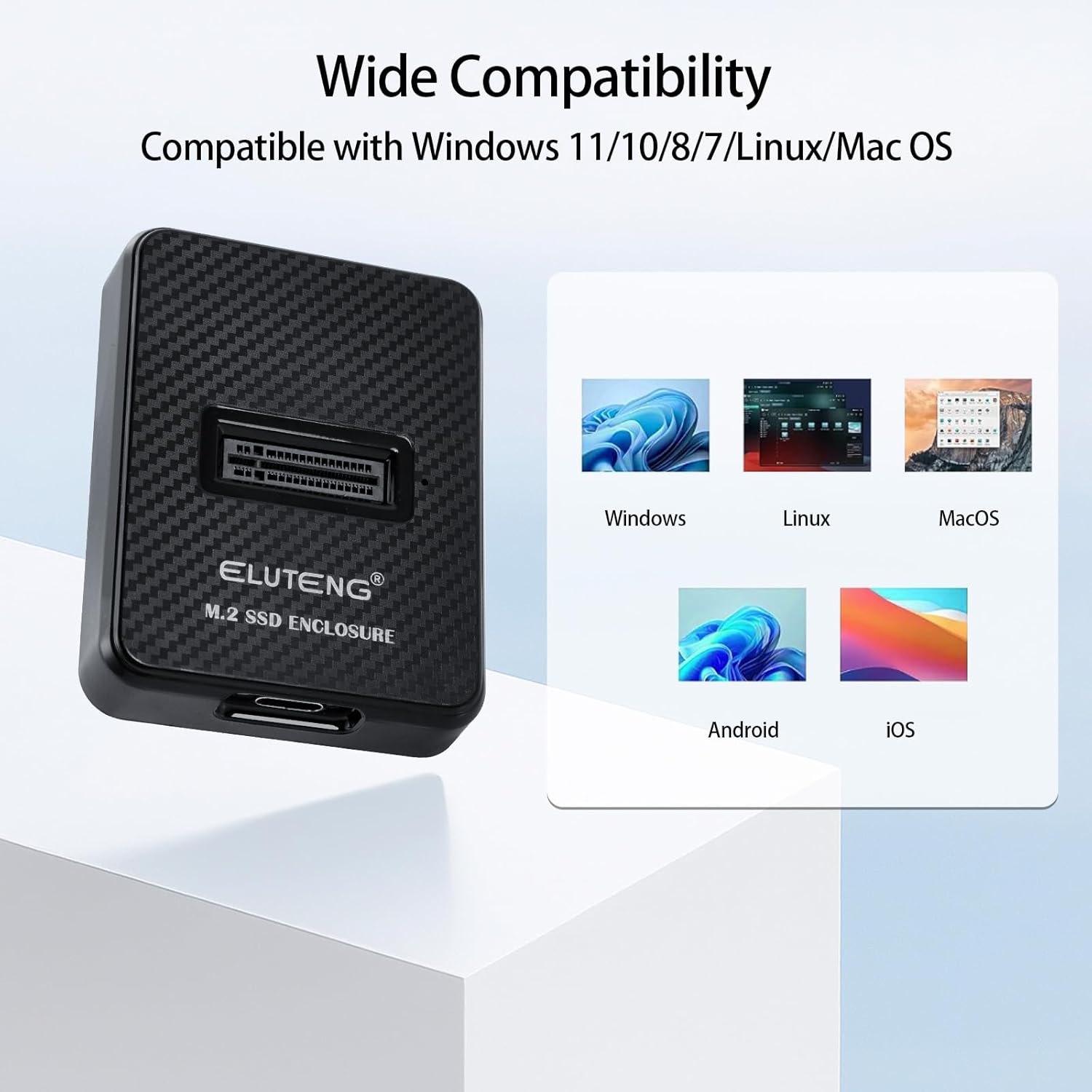
Figur 7.2: Wide operating system compatibility. The image displays icons for Windows, Linux, MacOS, Android, and iOS, indicating the adapter's broad system support.
8. Garantioplysninger
Specific warranty details are not provided in the product information. Please refer to the retailer's return policy or contact ELUTENG customer support for warranty inquiries.
9. Kundesupport
For further assistance or technical support, please visit the official ELUTENG brand store on Amazon or contact their customer service channels. The brand store link is: ELUTENG Brand Store.