
1. Introduktion
Tak for købetasing the TOPPING E50II Compact Desktop DAC. This device is designed to provide high-fidelity audio decoding for various digital sources. It features an AK4497S DAC chip, supports high-resolution audio formats up to PCM768kHz and DSD512, and offers versatile connectivity options including USB, optical, coaxial, RCA, and TRS balanced outputs. This manual provides essential information for proper setup, operation, and maintenance of your E50II.
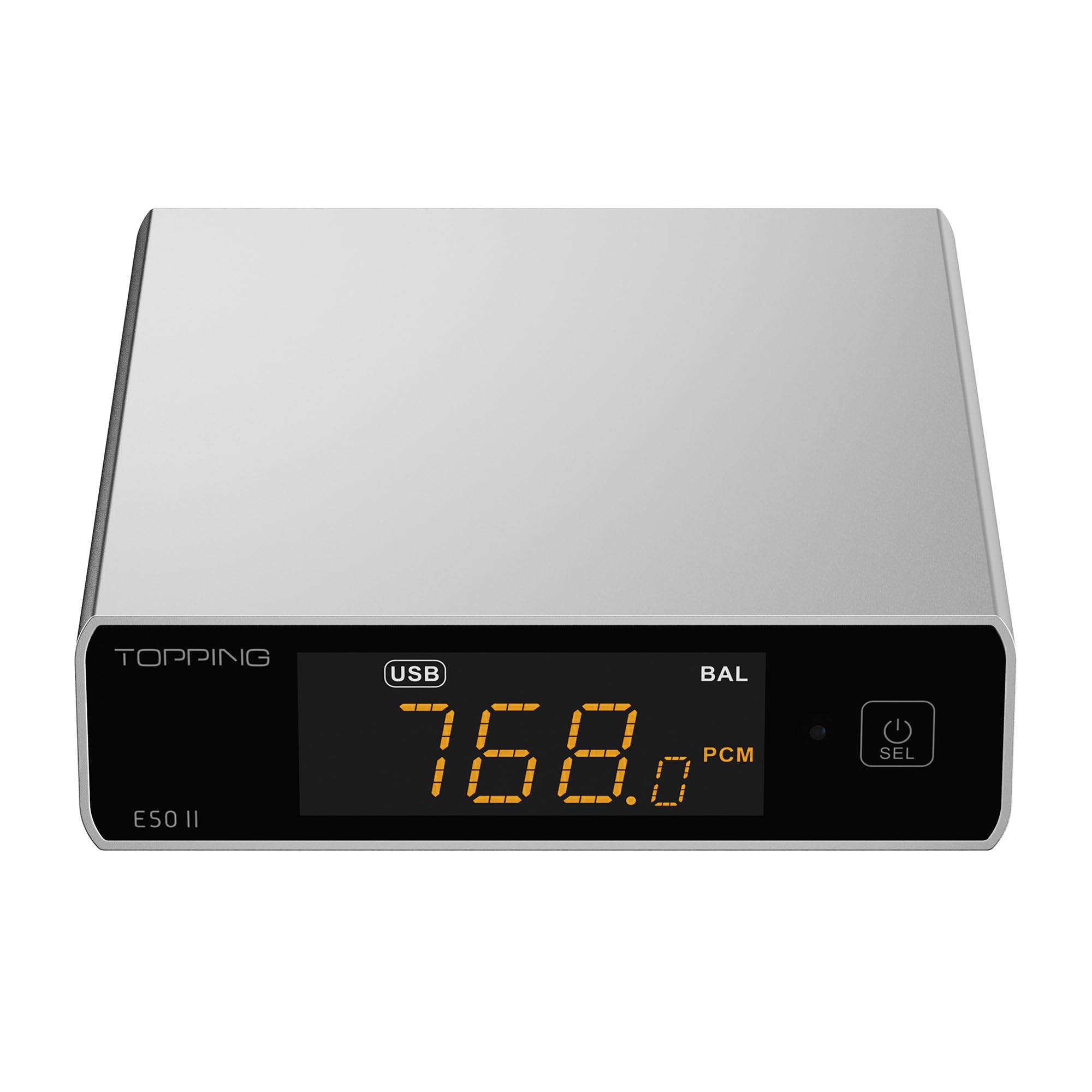
Image 1.1: The TOPPING E50II Compact Desktop DAC in silver finish.
2. Sikkerhedsoplysninger
- Enheden må ikke skilles ad eller ændres. Uautoriserede ændringer kan ugyldiggøre garantien og udgøre en sikkerhedsrisiko.
- Hold enheden væk fra vand, fugt og høje temperaturer.
- Brug kun den medfølgende strømadapter eller en kompatibel 5V strømforsyning.
- Sørg for korrekt ventilation omkring enheden for at forhindre overophedning.
- Undgå at placere tunge genstande på enheden.
- Disconnect the power cable during lightning storms or when unused for extended periods.
3. Pakkens indhold
Kontroller venligst, at alle varer er til stede i pakken:
- TOPPING E50II Unit
- Fjernbetjening
- USB-kabel (Type-A til Type-C)
- USB Power Cable (Type-A to Type-C)
- Bluetooth antenne
- Brugervejledning (dette dokument)
- Garantikort

Image 3.1: Included accessories: remote control, USB cables, and Bluetooth antenna.
4. Produktet er slutview
4.1 Frontpanel

Image 4.1: Front panel of the E50II, showing the display and control button.
- Skærm: Viser aktuel indgang, sample rate, volume, and other status information.
- Multifunktionsknap: Press to power on/off, select input, or adjust settings.
4.2 Bagpanel

Image 4.2: Rear panel of the E50II, illustrating various input and output ports.
- RCA Outputs (L/R): Ubalanceret analog lydudgang.
- TRS Balanced Outputs (L/R): Balanceret analog lydudgang.
- Koaksial indgang: Digital lydindgang.
- Optisk indgang: Digital lydindgang.
- USB-C-indgang: For connecting to a computer or other digital source.
- USB-C strømindgang: Til tilslutning til en 5V strømforsyning.
- Bluetooth-antennestik: Til fastgørelse af Bluetooth-antennen.
5. Opsætning
5.1 Strømtilslutning
Connect the provided USB power cable to the E50II's "POWER" USB-C port and then to a 5V power adapter (not included) or a USB port on your computer. The E50II requires a stable 5V power supply for optimal performance.
5.2 Lydforbindelser
Choose the appropriate input and output connections based on your audio system:
- USB-indgang: Connect the E50II's "USB" port to your computer or other USB audio source using the provided USB data cable.
- Optisk/koaksial indgang: Connect your digital audio source (e.g., CD player, TV) to the E50II's "OPTICAL" or "COAXIAL" input.
- RCA-udgang: Connect the E50II's "SE" RCA outputs to your ampeller aktive højttalere ved hjælp af RCA-kabler.
- TRS Balanced Output: Connect the E50II's "BAL" TRS outputs to your balanced amplifier or active speakers using 6.35mm TRS cables. The E50II supports simultaneous output from both RCA and TRS ports.

Image 5.1: Close-up of the balanced TRS and unbalanced RCA output connections.
5.3 Bluetooth Antenna Installation
Screw the provided Bluetooth antenna onto the antenna connector on the rear panel of the E50II.
5.4 Driver Installation (for Windows)
For Windows operating systems, a dedicated driver is required for USB audio playback up to PCM768kHz and DSD512. The driver can be downloaded from the official TOPPING website. Follow the on-screen instructions for installation. macOS and Linux typically do not require a separate driver.
6. Betjeningsvejledning
6.1 Grundlæggende betjening

Image 6.1: A hand interacting with the multi-function button on the E50II's front panel.
- Tænd/sluk: Press and hold the multi-function button for 3 seconds to power on or off.
- Valg af input: Briefly press the multi-function button to cycle through available inputs (USB, Optical, Coaxial, Bluetooth).
- Lydstyrkekontrol: Rotate the multi-function button to adjust the volume.
6.2 Brug af fjernbetjeningen
Den medfølgende fjernbetjening giver nem adgang til forskellige funktioner:
- Power knap: Tænder/slukker enheden.
- Knapper til valg af indgang: Dedicated buttons for USB, Optical, Coaxial, and Bluetooth inputs.
- Lydstyrke op/ned: Justerer udgangslydstyrken.
- Stum: Mutes/unmutes the audio output.
- EQ knap: Cycles through PEQ presets.
- Filterknap: Cycles through digital filter modes.
- Gain Button: Switches between Low and High gain modes.
6.3 TOPPING Home App Control
The E50II is compatible with the "TOPPING Home" app, allowing control from your smartphone or tablet via Bluetooth. This app enables input switching, EQ settings, and volume adjustment remotely.

Image 6.2: Smartphone displaying the TOPPING Home app interface for controlling the E50II.
6.4 Bluetooth-betjening
For at oprette forbindelse via Bluetooth:
- Switch the E50II input to Bluetooth mode. The display will show "BT".
- On your mobile device, search for "TOPPING E50II" in the Bluetooth settings and pair.
- Once connected, audio from your device will be streamed to the E50II. The E50II supports LDAC, aptX-Adaptive, aptX HD, aptX, AAC, and SBC codecs.
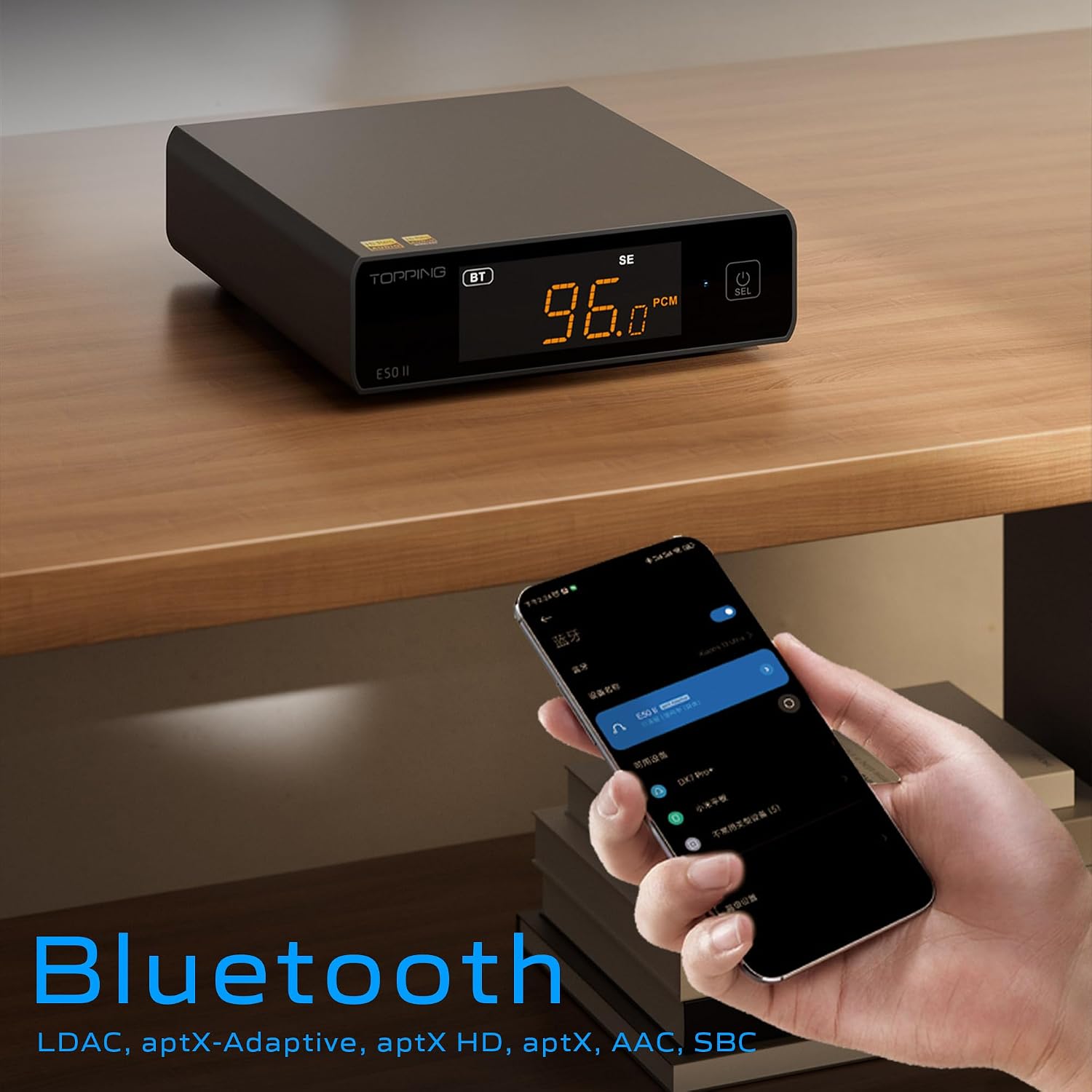
Image 6.3: A black E50II unit with a smartphone showing Bluetooth connection status.
6.5 PEQ (Parametric Equalizer) Function
The E50II features a 10-band Parametric Equalizer (PEQ) for precise sound customization. You can adjust frequency, gain, and bandwidth for each band. This function is accessible via the TOPPING Home app or dedicated PC software.

Image 6.4: Screenshot of the TOPPING TUNE FOR PC software interface, showing the 10-band PEQ settings.
6.6 Præamp Fungere
The E50II can function as a preamplifier, allowing direct connection to a power amplifier or active speakers. In this mode, the volume can be controlled via the remote or the TOPPING Home app, providing precise output level control to prevent overload or under-driving of connected equipment.
7. Vedligeholdelse
- Rengør enheden med en blød, tør klud. Brug ikke flydende rengøringsmidler eller aerosoler.
- Hold ventilationsåbningerne fri for støv og snavs.
- Opbevar enheden på et køligt, tørt sted, når det ikke er i brug.
8. Fejlfinding
| Problem | Mulig årsag | Løsning |
|---|---|---|
| Ingen lydudgang | Incorrect input/output selection, loose cables, muted volume. | Check input source, ensure cables are securely connected, unmute or increase volume. |
| Enheden tænder ikke | Power cable not connected, faulty power adapter. | Ensure power cable is connected to a working 5V source. Try a different power adapter. |
| Problemer med Bluetooth-forbindelse | E50II not in Bluetooth mode, device not paired, interference. | Switch E50II to Bluetooth input. Re-pair the device. Ensure no strong interference sources nearby. |
| Forvrænget lyd | Input signal too high, incorrect gain setting, faulty cables. | Reduce source volume. Adjust E50II gain setting. Try different audio cables. |
| Windows USB driver not working | Incorrect driver installation, driver conflict. | Reinstall the latest driver from the TOPPING website. Check for other conflicting audio drivers. |
9. Specifikationer
- Mærke: TOPPNING
- Model: E50II
- DAC-chip: AK4497S
- USB-grænseflade: XMOS XU316
- Max USB Decoding: PCM 768kHz / DSD512
- Optical/Coaxial Decoding: Op til 192 kHz
- Bluetooth codecs: LDAC, aptX-Adaptive, aptX HD, aptX, AAC, SBC
- Lydudgangstilstand: Stereoanlæg
- Udgangsgrænseflader: RCA (unbalanced), 6.35mm TRS (balanced)
- Indgangsgrænseflader: USB, Optical, Coaxial, Bluetooth
- Funktioner: 10-band PEQ, Preamp function, TOPPING Home App control, Top Sync circuit for low jitter.
10. Garanti og support
The TOPPING E50II is covered by the manufacturer's or authorized agent's warranty regulations. Please refer to the warranty card included in your package for specific terms and conditions. For technical support, driver downloads, or service inquiries, please visit the official TOPPING webwebstedet eller kontakt din lokale autoriserede forhandler.
Official TOPPING Webwebsted: www.toppingaudio.com