
1. Introduktion
This manual provides comprehensive instructions for the safe and effective use of your ATN Thor 6 Mini Compact Thermal Scope, Model TIWST6M215-ATN. Please read this manual thoroughly before operating the device to ensure proper setup, operation, and maintenance. This thermal scope is designed for detecting heat signatures in various environments, offering advanced imaging capabilities for outdoor activities.
2. Sikkerhedsoplysninger
- Do not look directly at intense light sources (e.g., the sun) through the scope, as this may damage the sensor and your eyes.
- Hold enheden væk fra ekstreme temperaturer, direkte sollys og høj luftfugtighed.
- Håndter enheden med forsigtighed for at forhindre fysisk skade.
- Ensure the device is securely mounted before use to prevent injury or damage.
- Brug kun godkendte batterier og opladningstilbehør.
- Forsøg ikke at skille enheden ad eller ændre den, da dette vil ugyldiggøre garantien og kan forårsage skade.
3. Pakkens indhold
Bekræft at alle varer er til stede i din pakke:
- ATN Thor 6 Mini Compact Thermal Scope
- 1x 18650 batteri
- USB Type-C-kabel
- Batterioplader
- Heated Target for Zeroing
4. Produktet er slutview
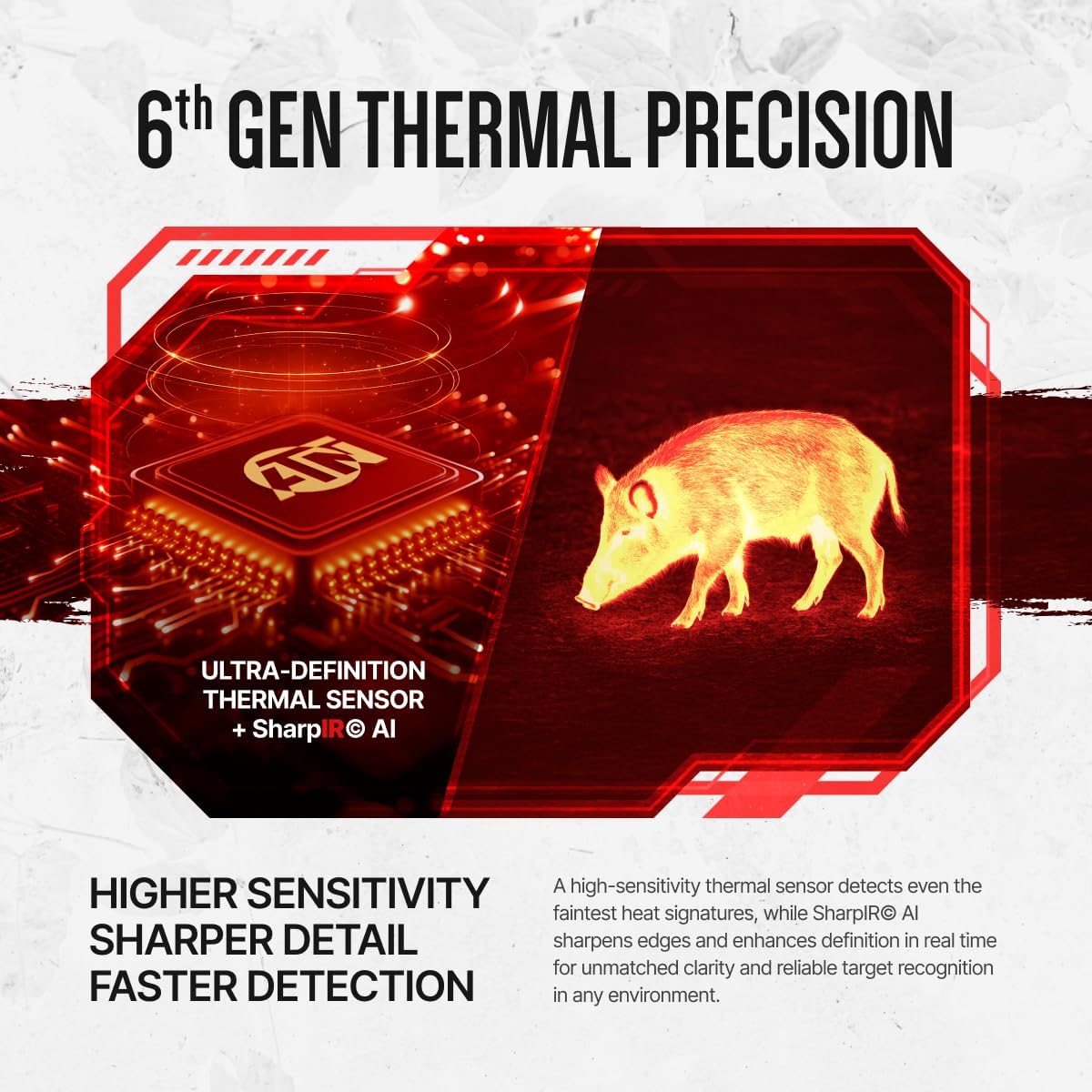
The ATN Thor 6 Mini is a compact thermal scope designed for enhanced detection and clarity. It features a 256x192 sensor with a 2-16x magnification range, utilizing a 12µm core and ≤20mK NETD for detailed thermal imaging.


Produkt overview Video
Denne video giver et visuelt overblikview of the ATN Thor 6 Mini Thermal Scope, demonstrating its physical features and basic functionality.
5. Opsætning
5.1 Batteriinstallation
- Find batterirummet på enheden.
- Insert the provided 18650 battery, ensuring correct polarity.
- Luk batterirummet forsvarligt.
- Charge the battery using the provided USB Type-C cable and battery charger before first use.
5.2 Montering af kikkerten
The ATN Thor 6 Mini is designed for Picatinny rail mounting. Ensure your rifle has a compatible rail system.
- Align the scope's mounting mechanism with the Picatinny rail.
- Secure the scope firmly using the appropriate fasteners. Refer to your rifle's manual for specific mounting instructions if needed.
- Verify that the scope is stable and does not wobble.
5.3 Initial Power-On and Zeroing
- Tryk og hold tænd/sluk-knappen nede for at tænde enheden.
- Follow the on-screen prompts for initial setup, including language and time settings.
- To zero the scope, use the provided heated target. Place the target at a known distance.
- Access the zeroing menu in the scope's settings.
- Adjust the reticle to align with the point of impact on the heated target. The Zeroing Freeze feature can assist in precise adjustments.
- Save your zeroing profile. The scope supports storing up to five weapon profiles.

6. Betjeningsvejledning
6.1 Grundlæggende kontroller
The scope features an intuitive 3-button control layout for quick adjustments.

- Power knap: Press and hold to turn on/off. Short press for menu access.
- Zoom/Navigation Dial: Rotate to adjust magnification or navigate menus. Press to select.
- Optag knap: Kort tryk for at starte/stoppe videooptagelse.
6.2 Visningstilstande og farvepaletter
The OLED display offers crisp visuals. Multiple color palettes are available to adapt to different environments and preferences. Navigate to the display settings to select your preferred palette (e.g., White Hot, Black Hot, Color modes).

6.3 Billede-i-billede (PIP)
The PIP feature displays a magnified reticle area in a small window at the top of the screen, allowing for precision aiming without losing overall field awareness.

6.4 Hot Point Tracking
This function automatically highlights the warmest object in view, aiding in rapid target identification and acquisition.

6.5 Reticle Transparency Control
Adjust the transparency of the reticle to ensure an unobstructed view of your target, enhancing precision.

6.6 Video and Audio Recording (RAV)
The scope can record video and audio. Recoil Activated Video (RAV) automatically captures the moments before and after a shot, ensuring important events are recorded without manual intervention.

6.7 Wi-Fi and ATN Connect 6 App
Connect your scope to the ATN Connect 6 app via Wi-Fi to stream live video, review recorded content, and manage settings from your mobile device. The scope has 64GB of onboard memory for storage.

7. Vedligeholdelse
7.1 Rengøring
- Brug en blød, fnugfri klud til at rengøre ydersiden af kikkerten.
- Brug en specialiseret linserengøringsopløsning og klud til linser for at undgå ridser.
- Brug ikke slibende rengøringsmidler eller opløsningsmidler.
7.2 Pleje af batterier
- Recharge the 18650 battery regularly, especially after extended periods of non-use.
- Opbevar batteriet på et køligt, tørt sted.
- If storing the device for a long time, remove the battery.
7.3 Opbevaring
- Store the thermal scope in its original packaging or a protective case when not in use.
- Keep it in a dry environment, away from direct sunlight and extreme temperatures.
8. Fejlfinding
| Problem | Mulig årsag | Løsning |
|---|---|---|
| Enheden tænder ikke. | Batteriet er afladet eller forkert installeret. | Charge the battery. Ensure battery is inserted with correct polarity. |
| Dårlig billedkvalitet. | Lens is dirty; environmental conditions (fog, heavy rain); incorrect display settings. | Clean the lens. Adjust color palette or brightness settings. Wait for improved environmental conditions. |
| Problemer med Wi-Fi-forbindelse. | Scope's Wi-Fi is off; incorrect password; device too far from scope. | Ensure Wi-Fi is enabled on the scope. Re-enter password. Move closer to the scope. |
| Zeroing not holding. | Scope not securely mounted; incorrect zeroing procedure. | Check mounting screws. Re-perform zeroing procedure carefully. |
9. Specifikationer
| Feature | Detalje |
|---|---|
| Mærke | ATN |
| Modelnavn | ThOR 6 Mini Compact |
| Modelnummer | TIWST6M215-ATN |
| Sensoropløsning | 256x192 |
| Pixel Pitch | 12 µm |
| NETD udvidelse | ≤20 mK |
| Forstørrelse | 2-16x |
| Vise | 0.32 inch 800x600 OLED |
| Materiale | Magnesium legering |
| Varens vægt | 1.1 pund (ca. 500 g) |
| Produktdimensioner | 7.09 cm L x 2.56 cm B x 2.56 cm H |
| Batteritype | 18650 (up to 8 hours runtime) |
| Monteringstype | Picatinny Mount |
| Intern opbevaring | 64 GB |
| UPC | 658175987659 |
10. Garanti og support
The ATN Thor 6 Mini Compact Thermal Scope comes with a 5 års producentgaranti. For warranty claims, technical assistance, or product support, please contact ATN customer service directly. Refer to the official ATN webwebsted for de mest opdaterede kontaktoplysninger og supportressourcer.
Online ressourcer: For additional information, firmware updates, and FAQs, visit the official ATN webwebsted.